How to evaluate your first site
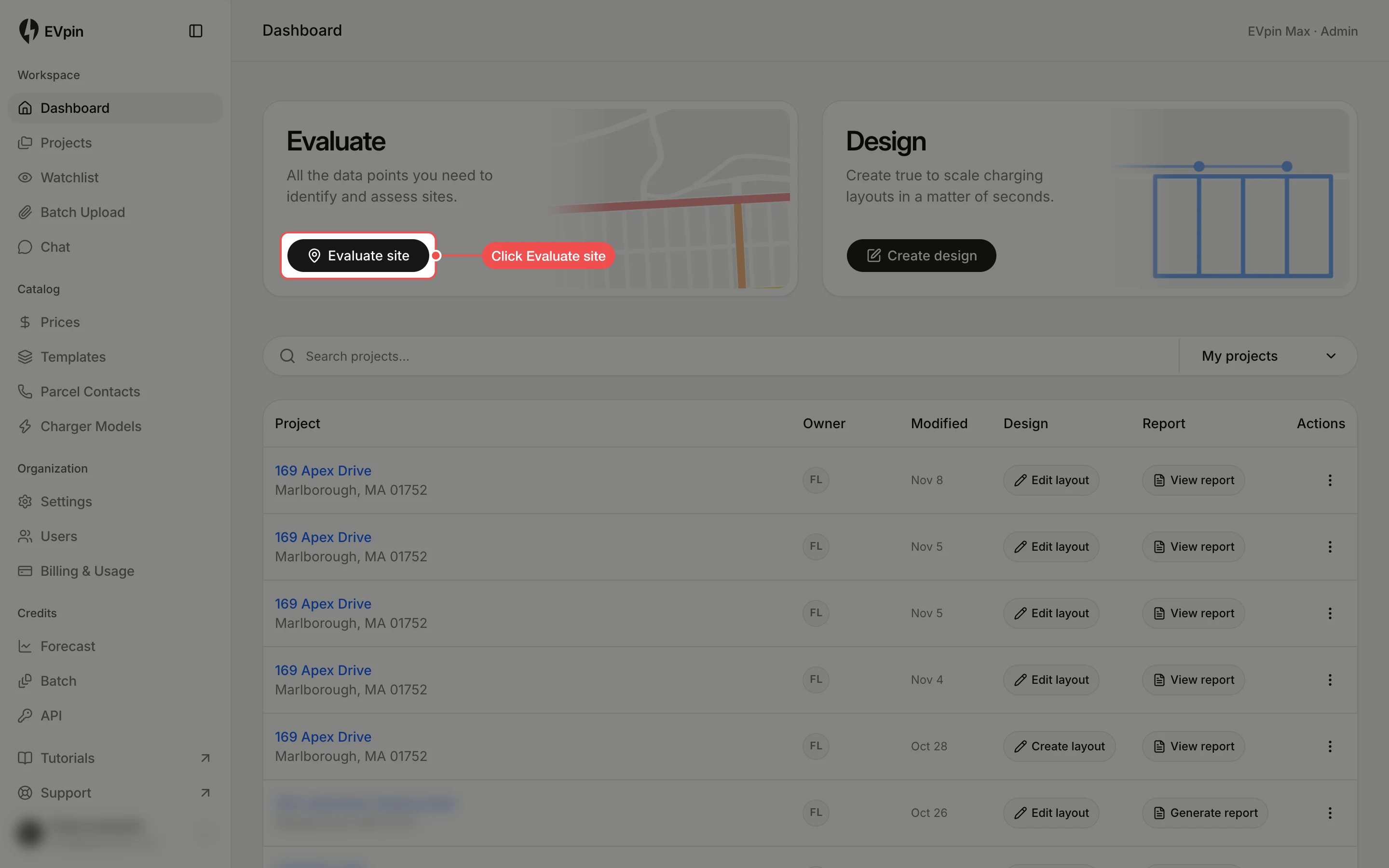
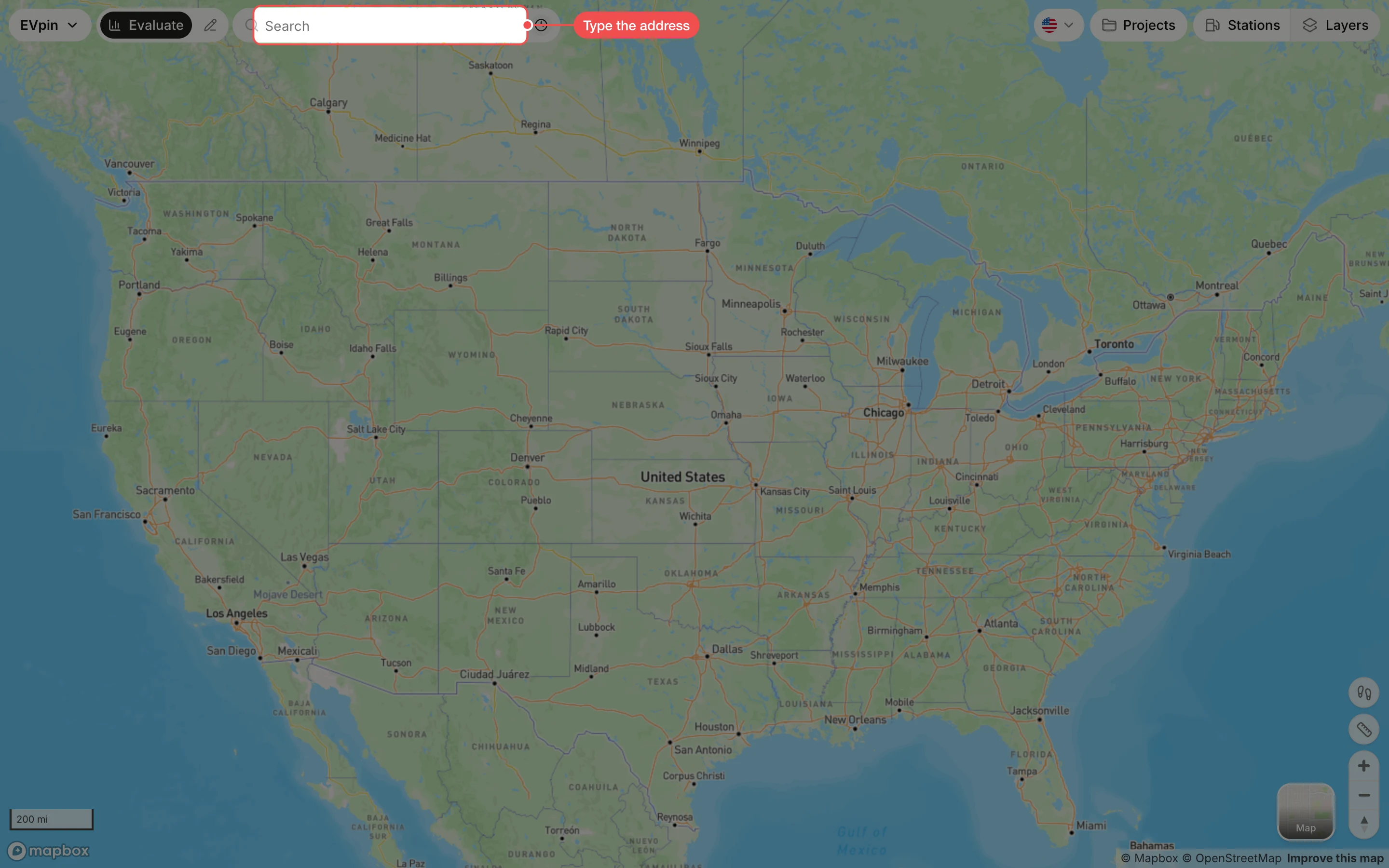
Look up an address on the Evaluate map, read its stats and get a utilization score.
By the end you will have a site open on the Evaluate map with its stats and a utilization score. You need an EVpin account and the address of the site.
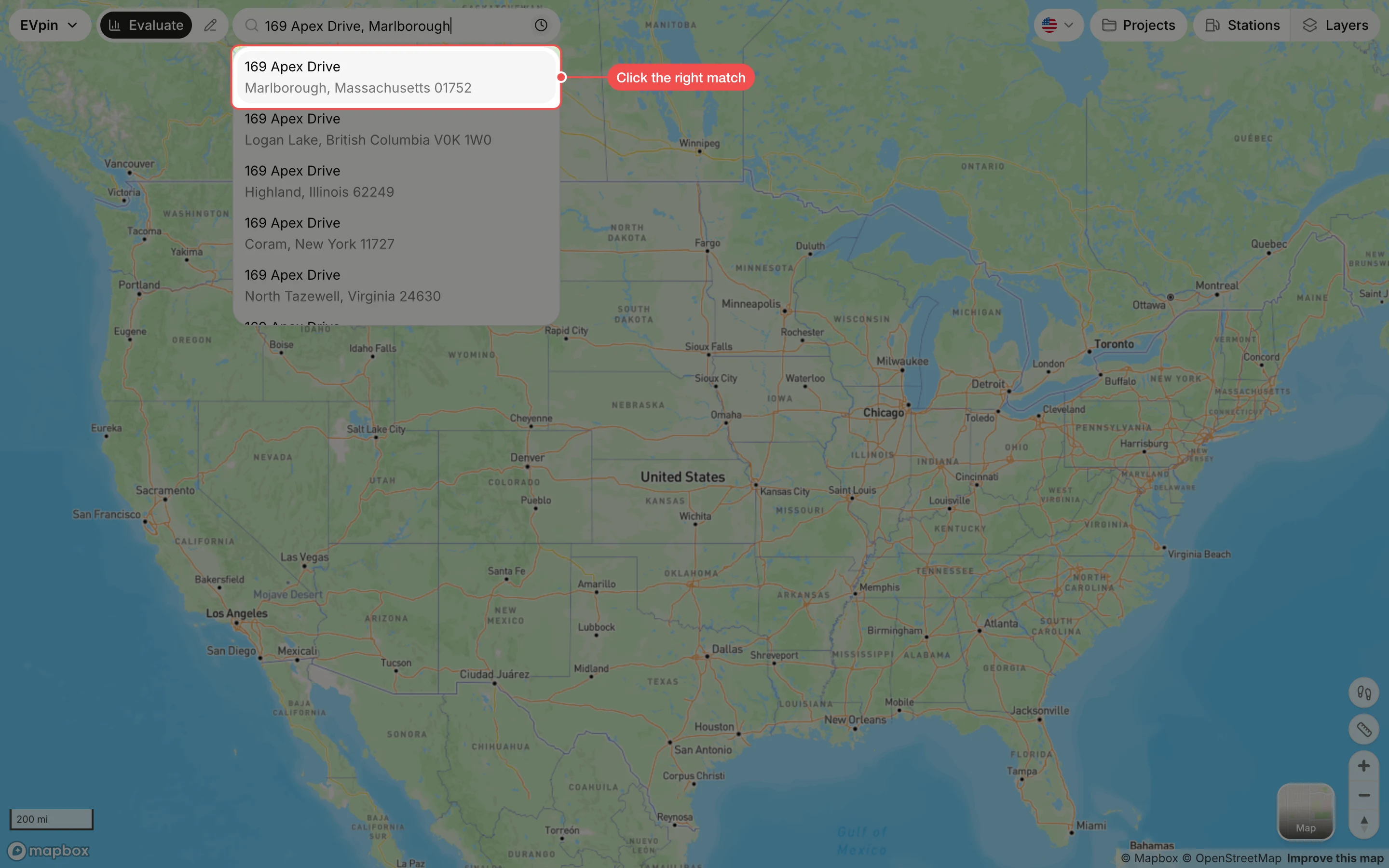
Click the right match
Click the suggestion with the correct city and ZIP code. The map zooms to the site and the site panel opens on the left.
Get to know the site panel
The panel has five tabs: Info, Stats, Rebates, Score and Forecast. Info shows the utility, permitting jurisdiction and driving directions.
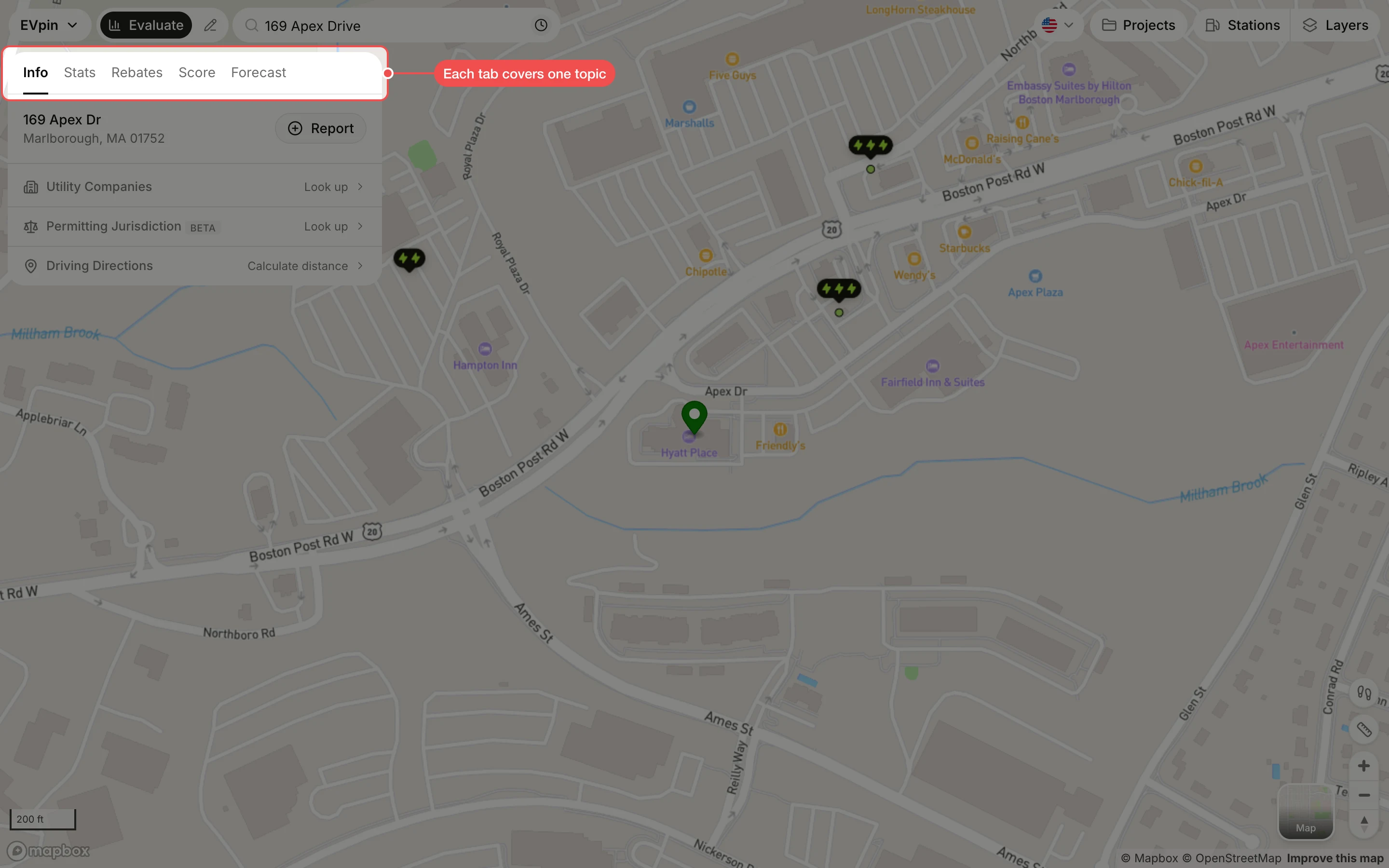
Read the stats
Click Stats to see EV registrations around the site, broken down by fuel type and make, and crime rates compared with the national average.
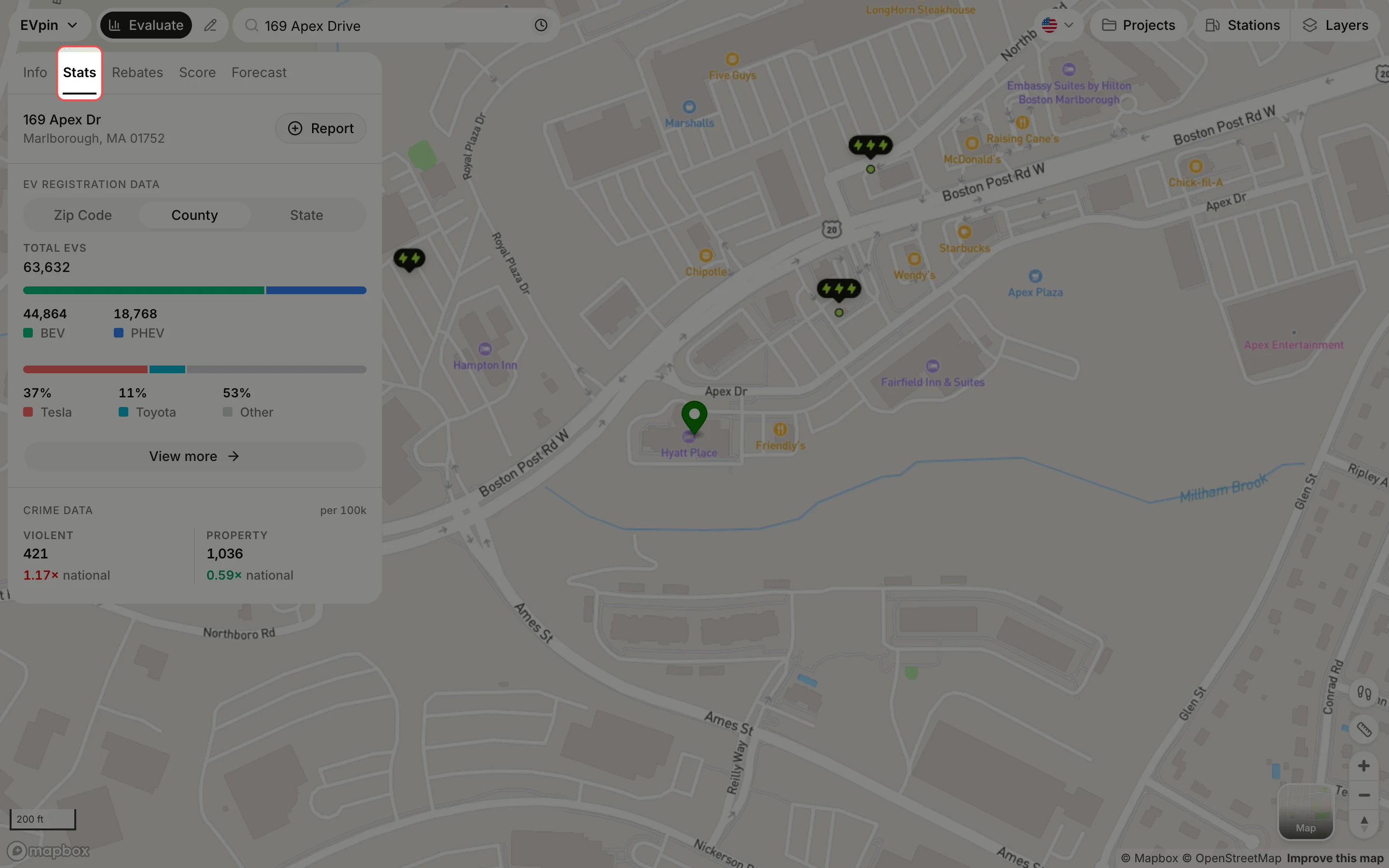
Score the site
Click Score, then click the charging level you plan to install: Level 2 or Level 3. The score takes a few seconds.
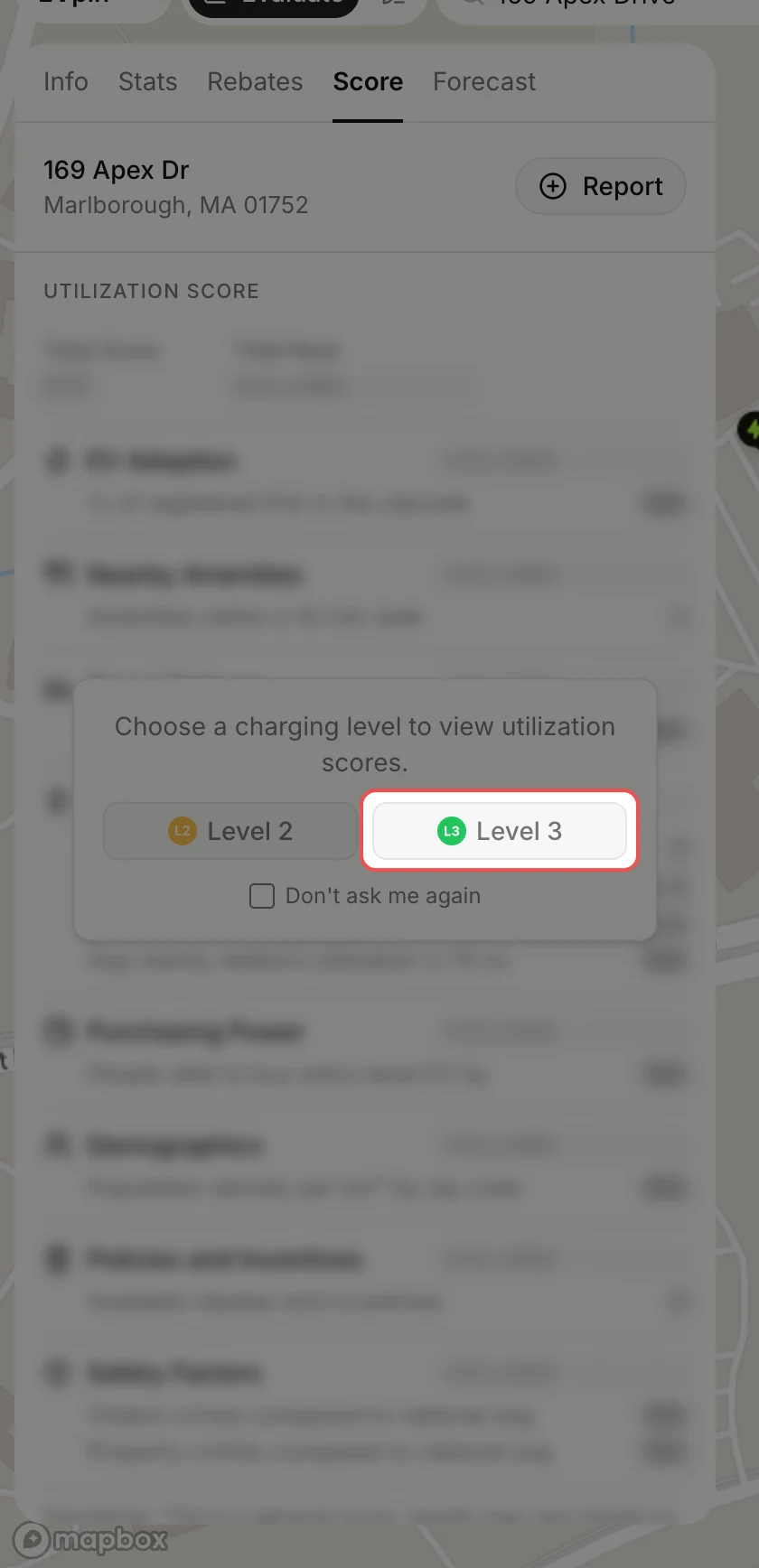
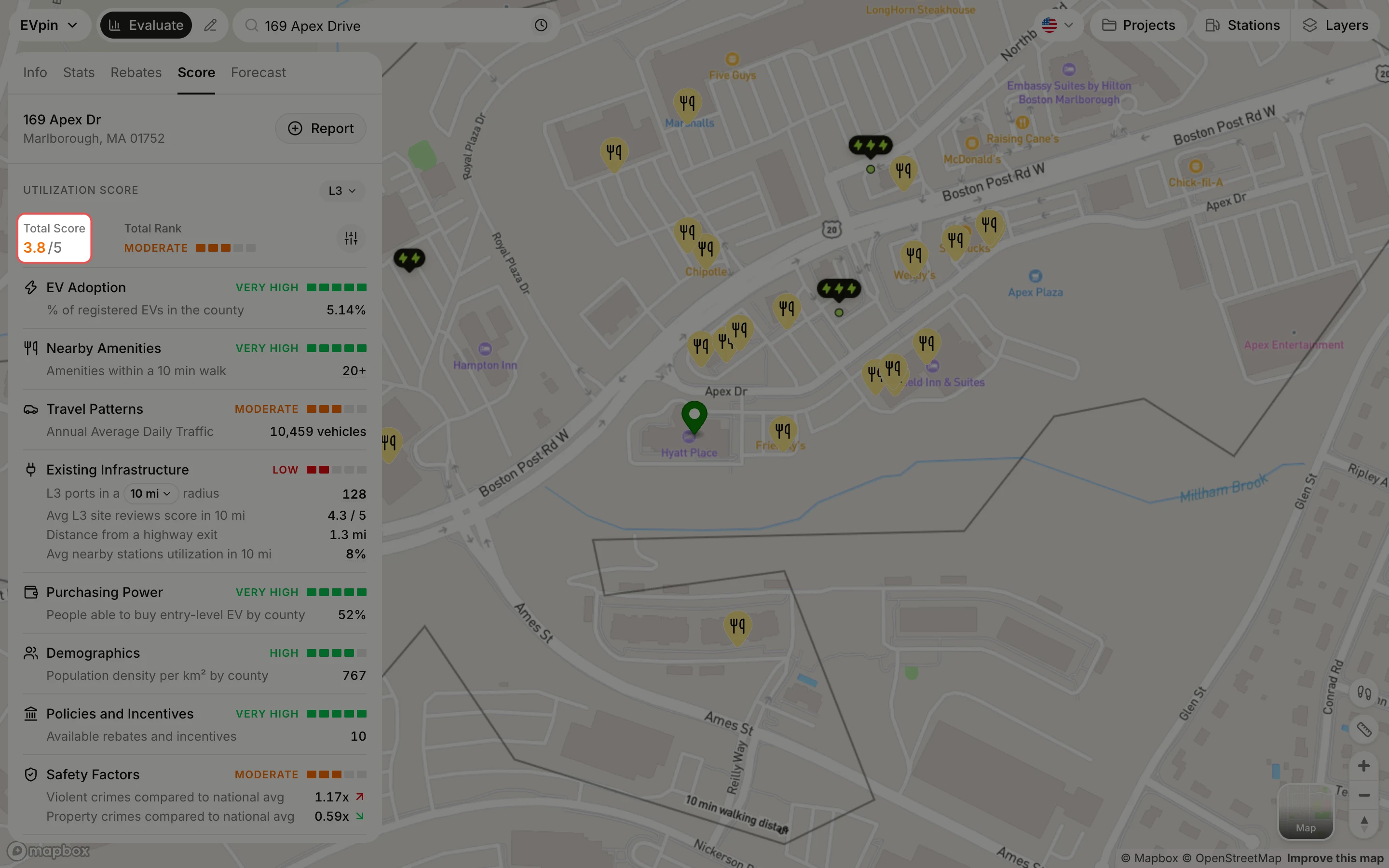
Read the score
The Total Score out of 5 sums up the site. Below it, each factor (EV adoption, nearby amenities, traffic, existing chargers and more) has its own rating.