How to generate a report from the Evaluate map
Build a site report with location data and a utilization score for any address, without drawing a design.
By the end you will have a report for an address open in a new tab, with its location stats and utilization score. Generating the report also saves the address as a project.
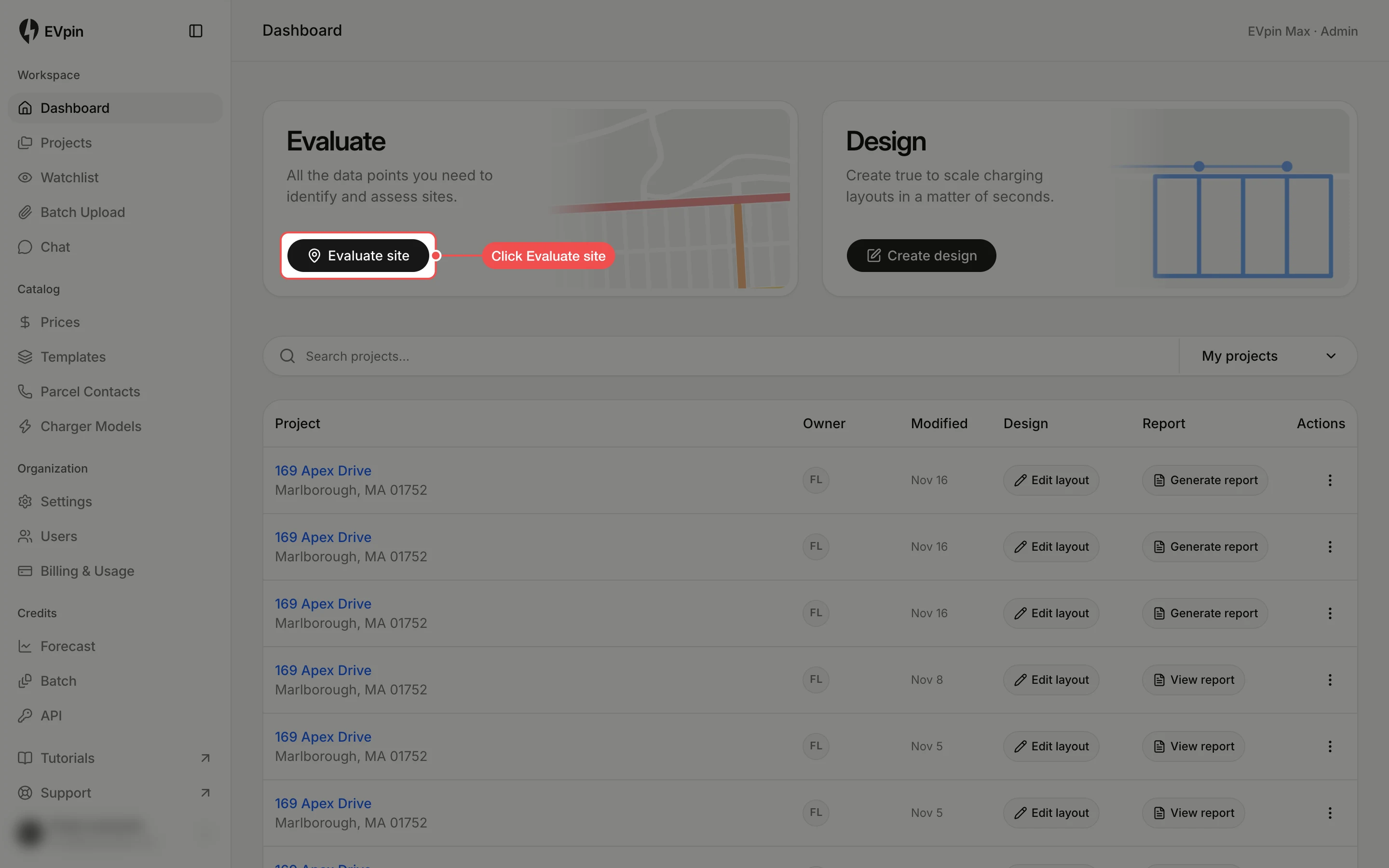
Search for the address
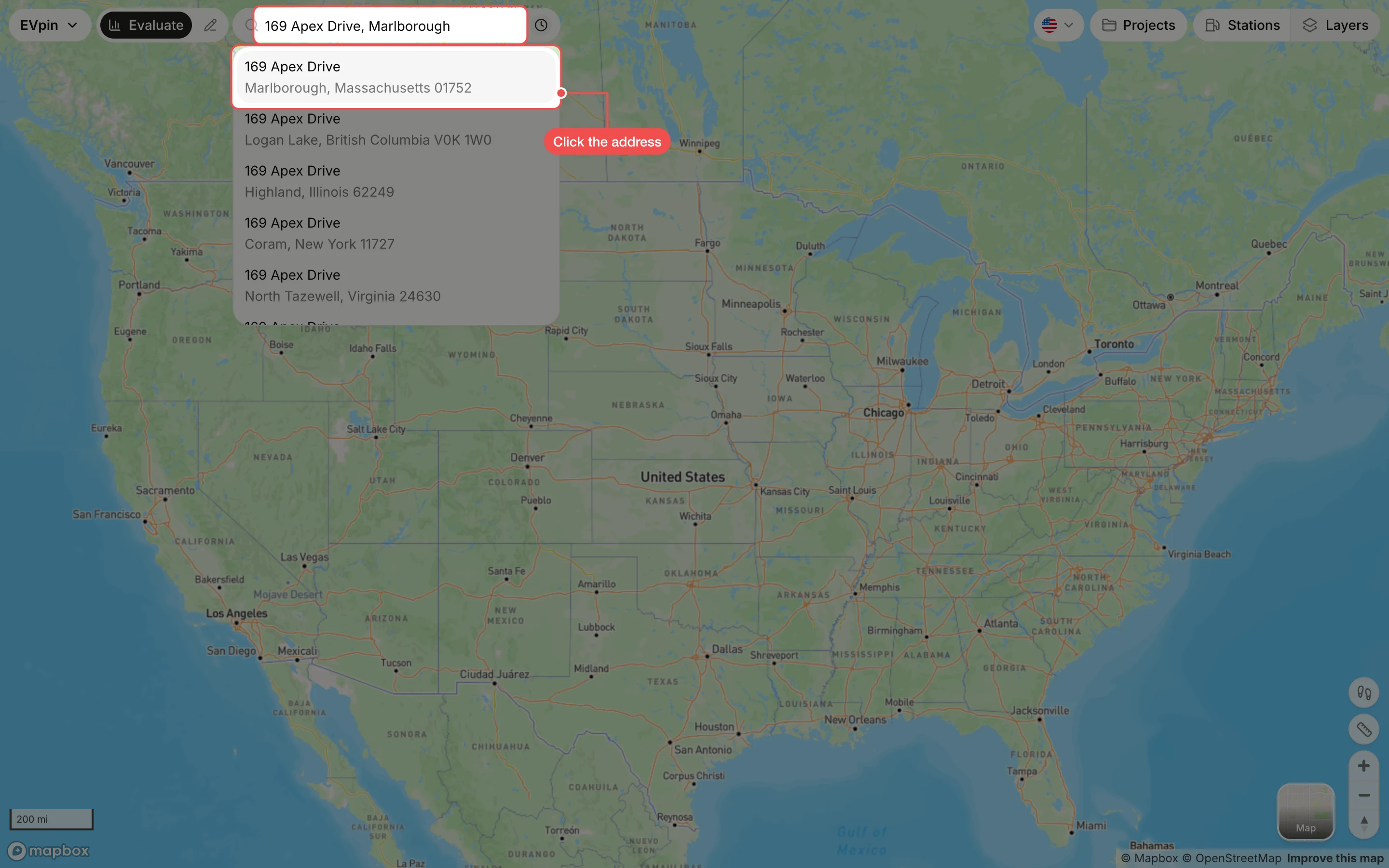
Type the address in the search box at the top and click it in the suggestions. The site panel opens on the left.
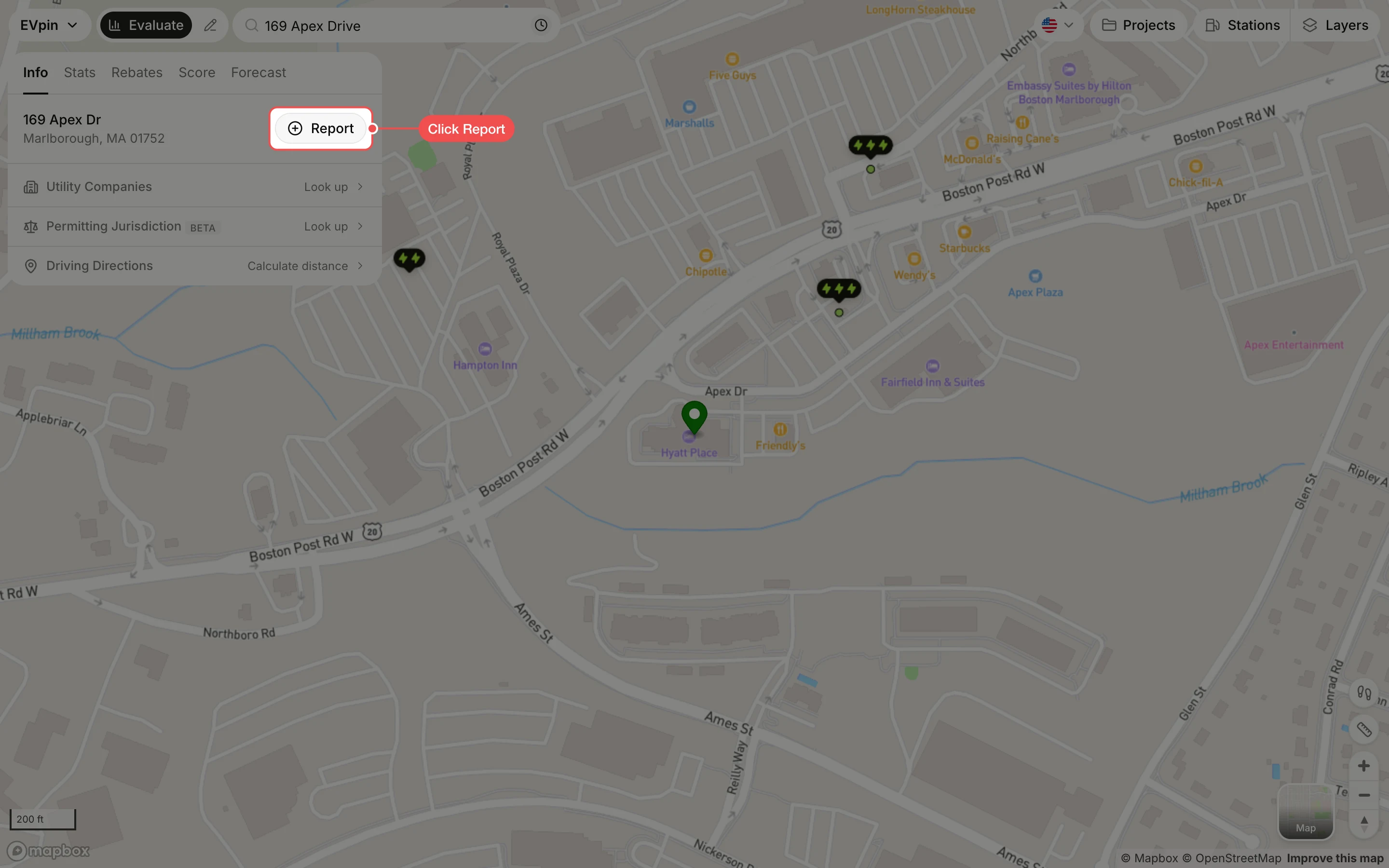
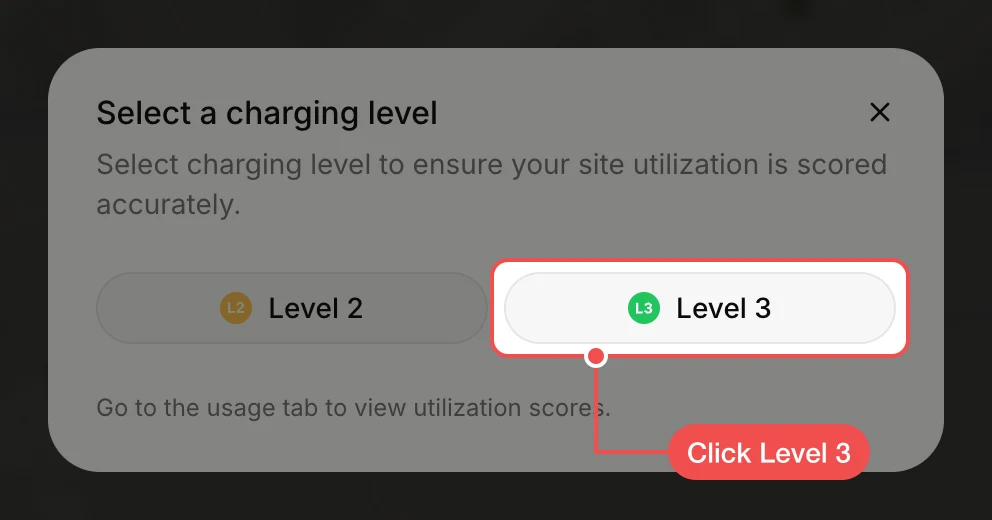
Click the charging level
Click Level 2 or Level 3 so the site is scored for the chargers you plan to install. The report opens in a new tab.
Read the report
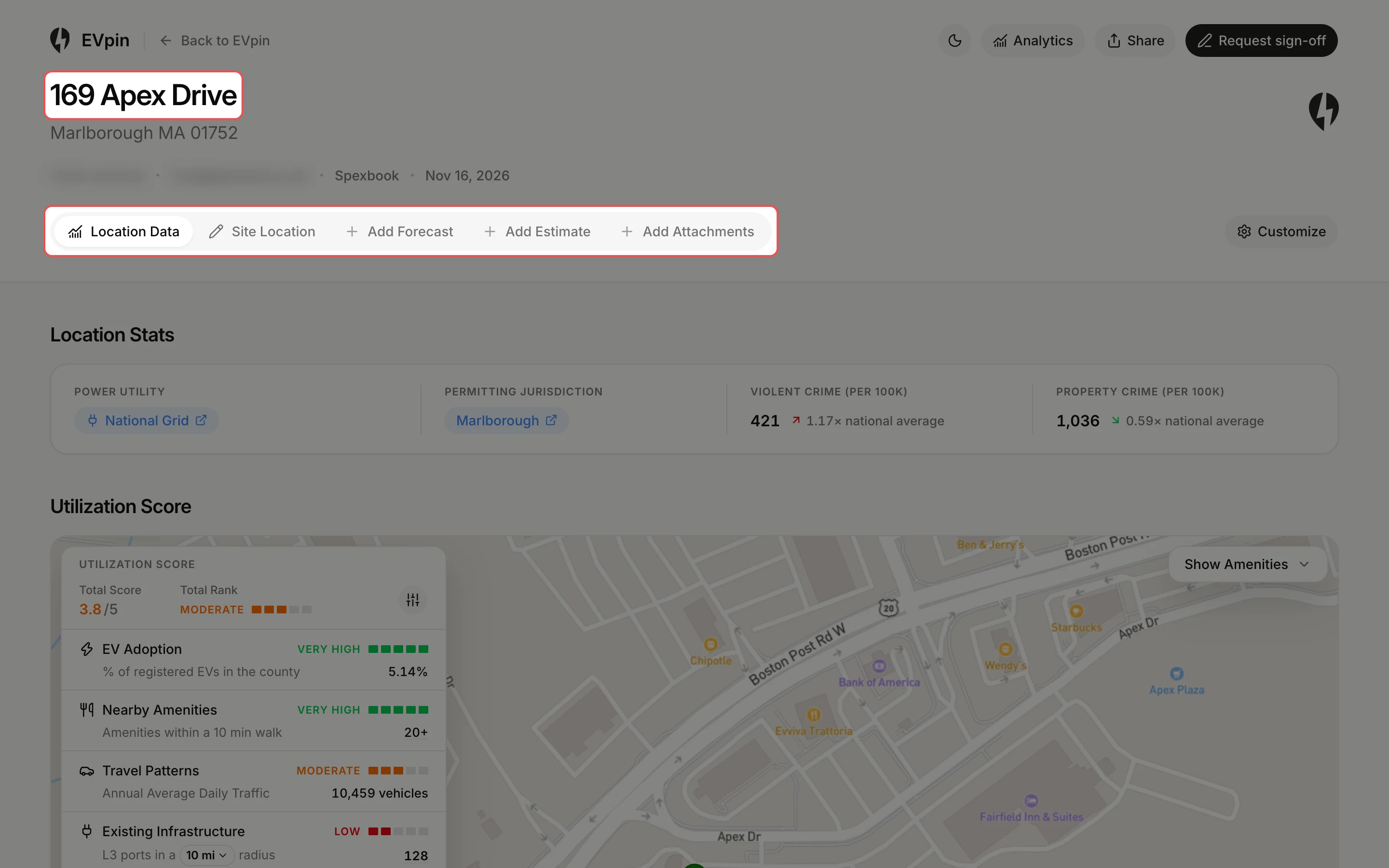
The report starts on Location Data, with the site's utility, permitting jurisdiction, crime rates and utilization score. Use the tabs next to it to add a forecast, an estimate or attachments.
What's next
- How to share a report with a client to send it as a link or by email.
- How to generate a report from the Design page to include a site layout.