How to generate a report from the Design page
Turn a design into a shareable site report with its layout, location data and estimate.
By the end you will have a report for your project open in a new tab, starting with the site layout. You need a design with equipment on it, as in How to add charging stalls to a design.
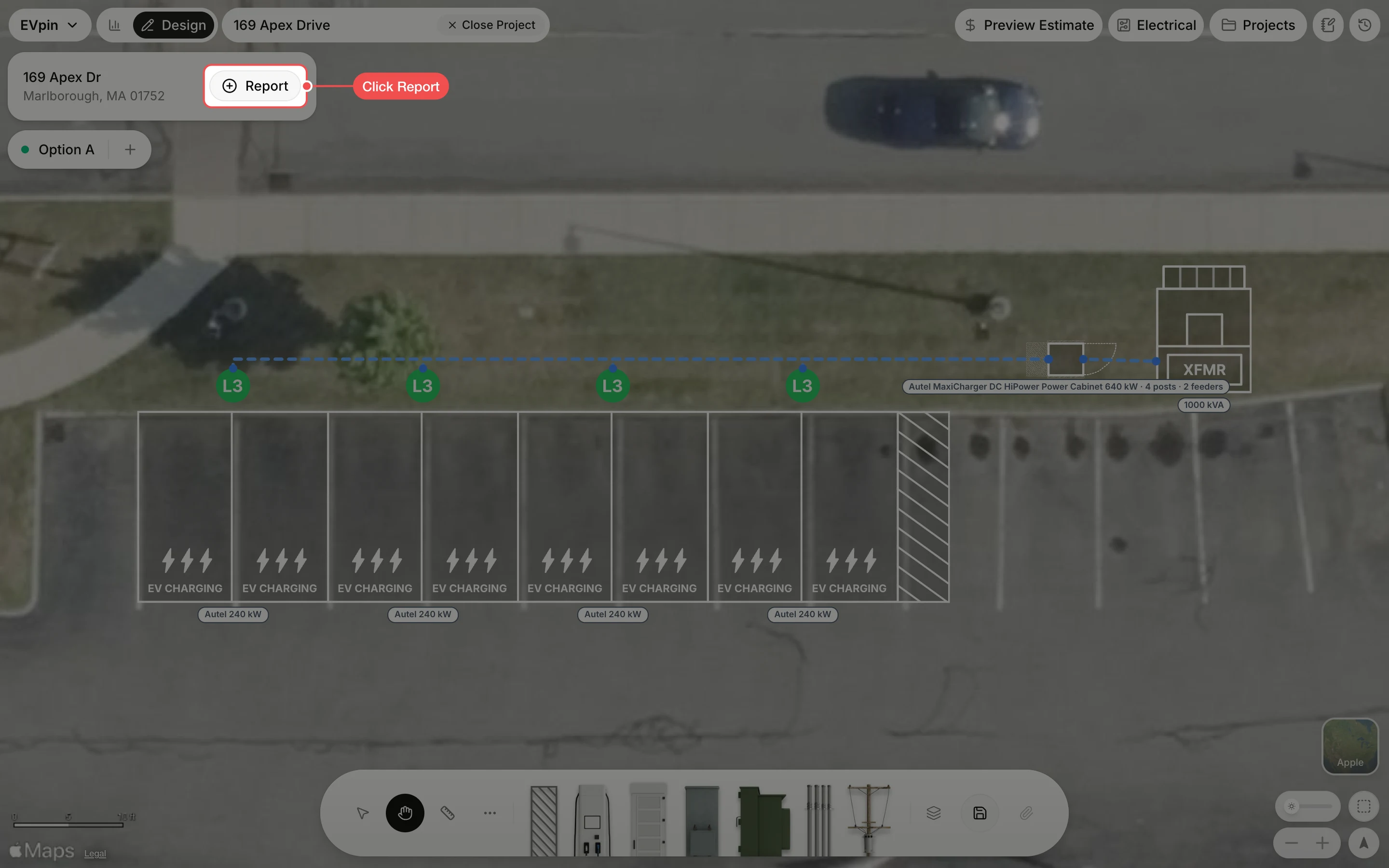
Save the design
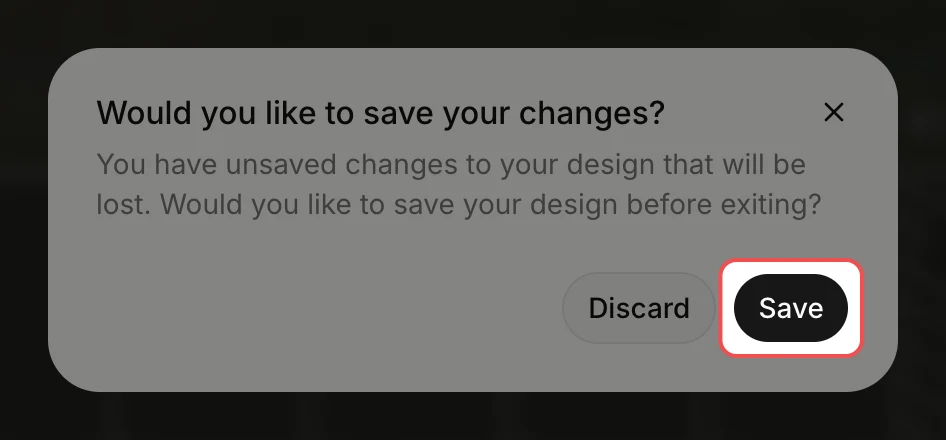
EVpin asks whether to save the design before it builds the report. Click Save. The report opens in a new tab.
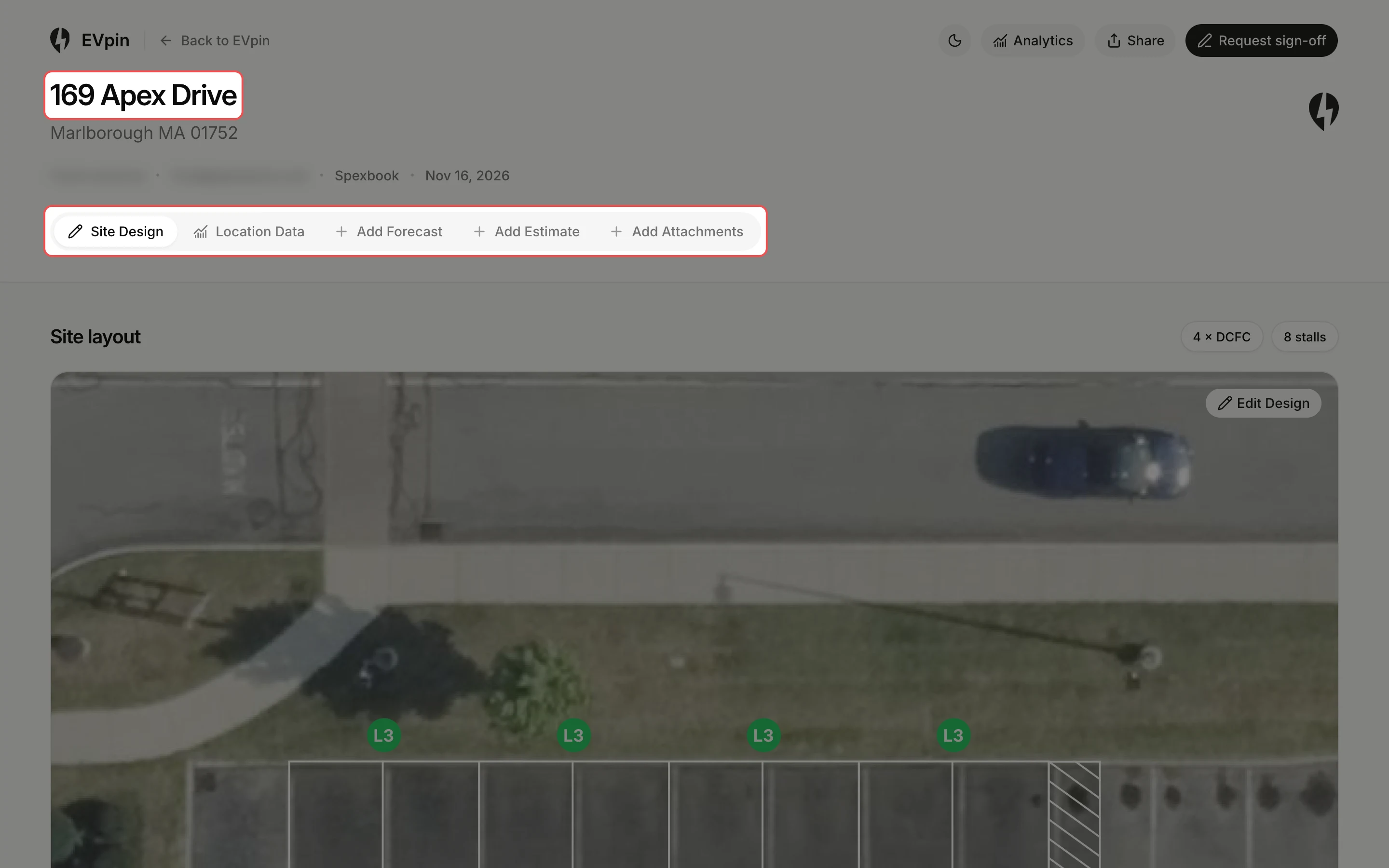
Read the report
The report starts on Site Design, with the layout and a count of chargers and stalls. The tabs next to it hold Location Data and the forecast, estimate and attachments you add.
What's next
- How to share a report with a client to send it as a link or by email.
- How to export a report as a PDF to attach it to an email.