How to export a report as a PDF
Download a project's report as a PDF with the sections you chose to include.
By the end you will have the report as a PDF, ready to attach or print. You need a report open, as in How to generate a report from the Design page.
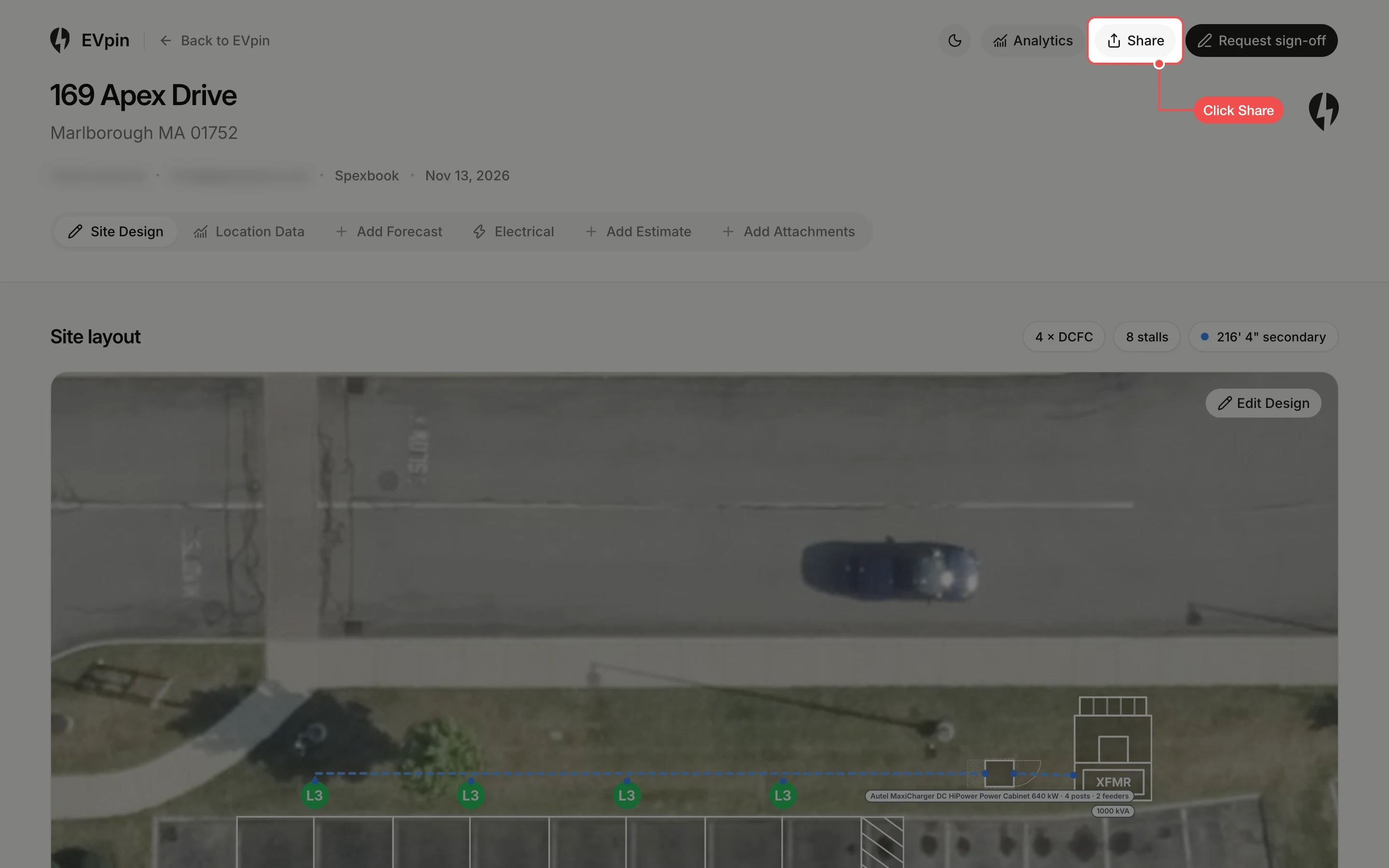
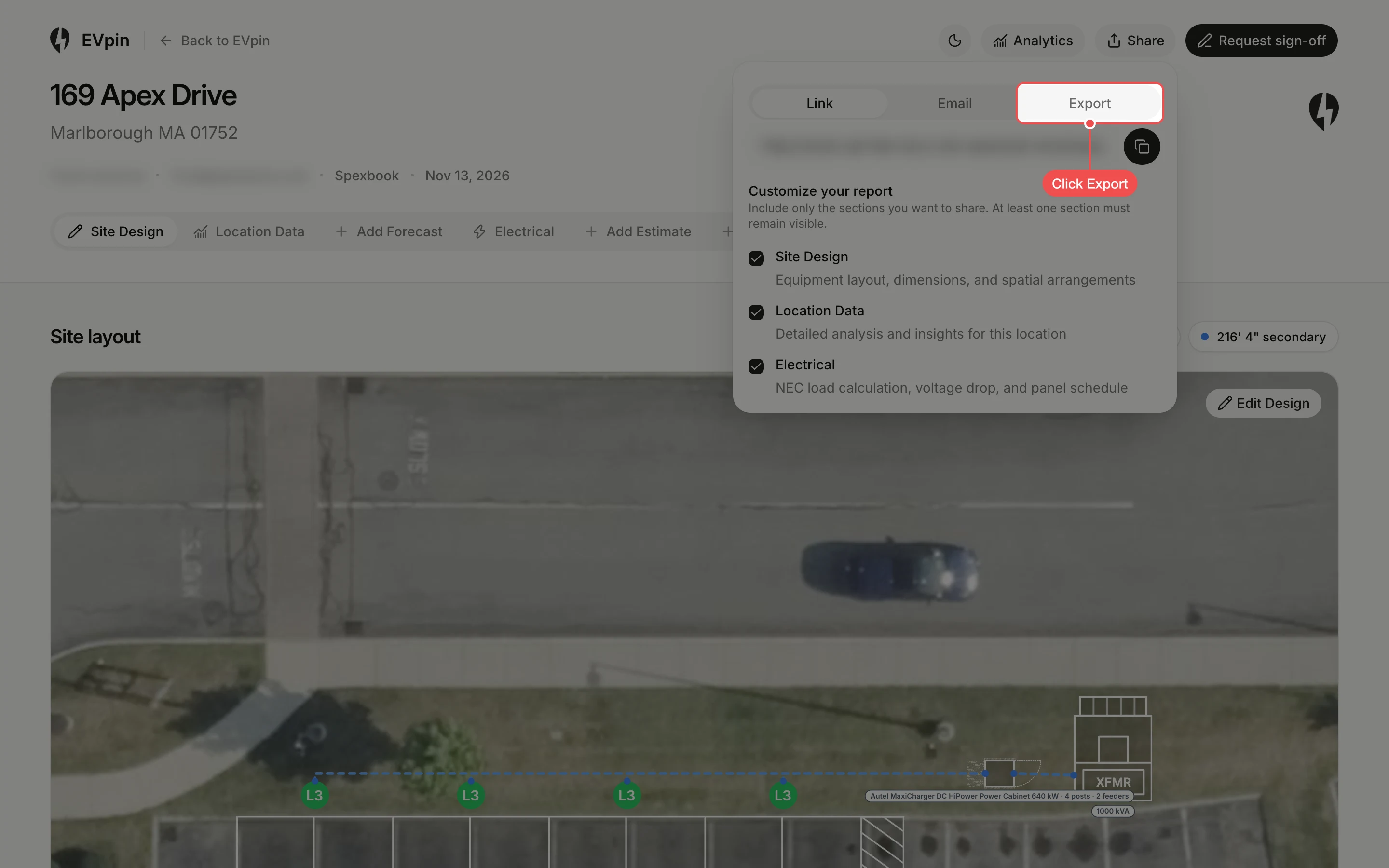
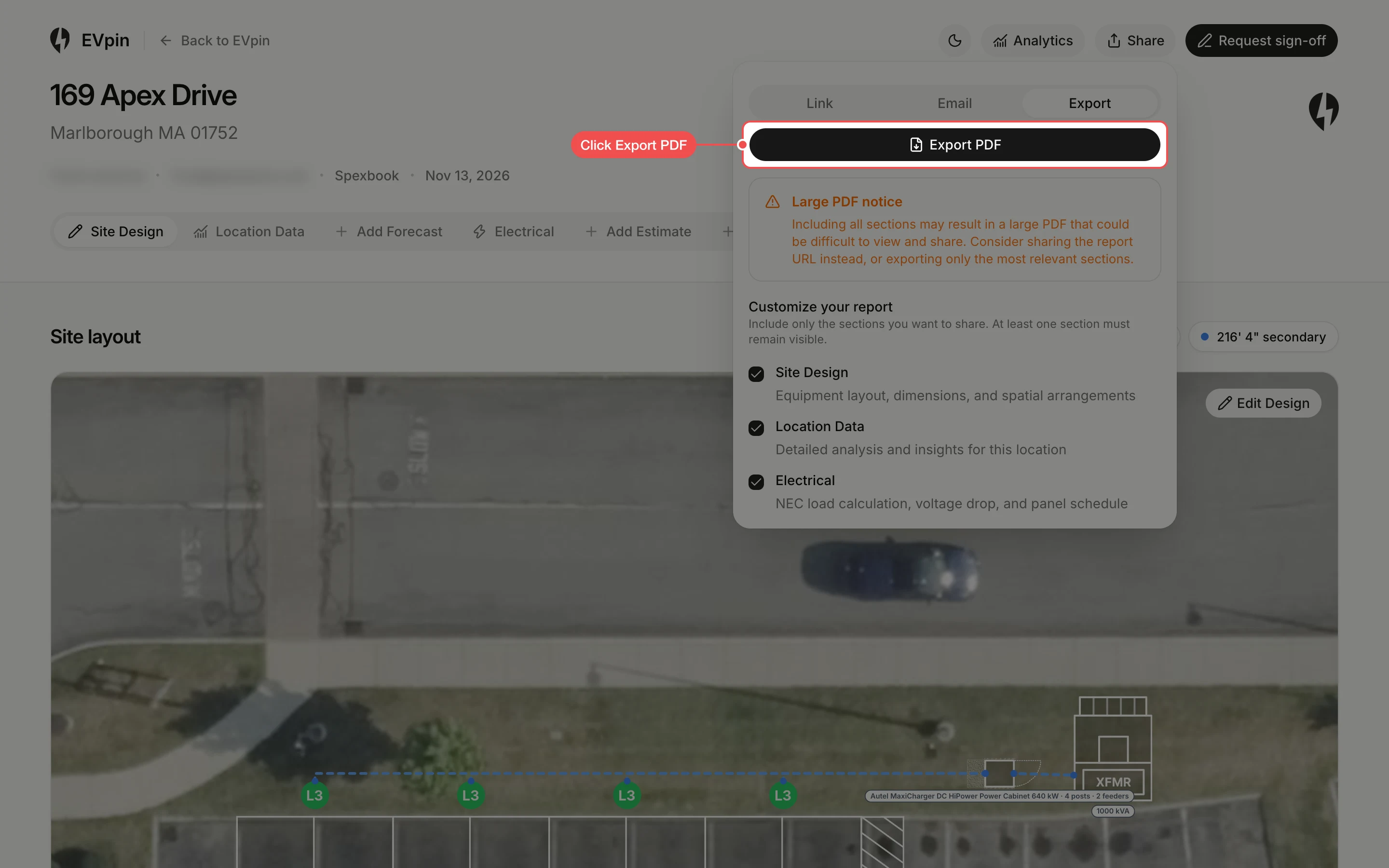
Click Export PDF
Click Export PDF. The PDF opens in a new tab with the sections that are ticked under Customize your report.
What's next
- How to share a report with a client to choose which sections they see.