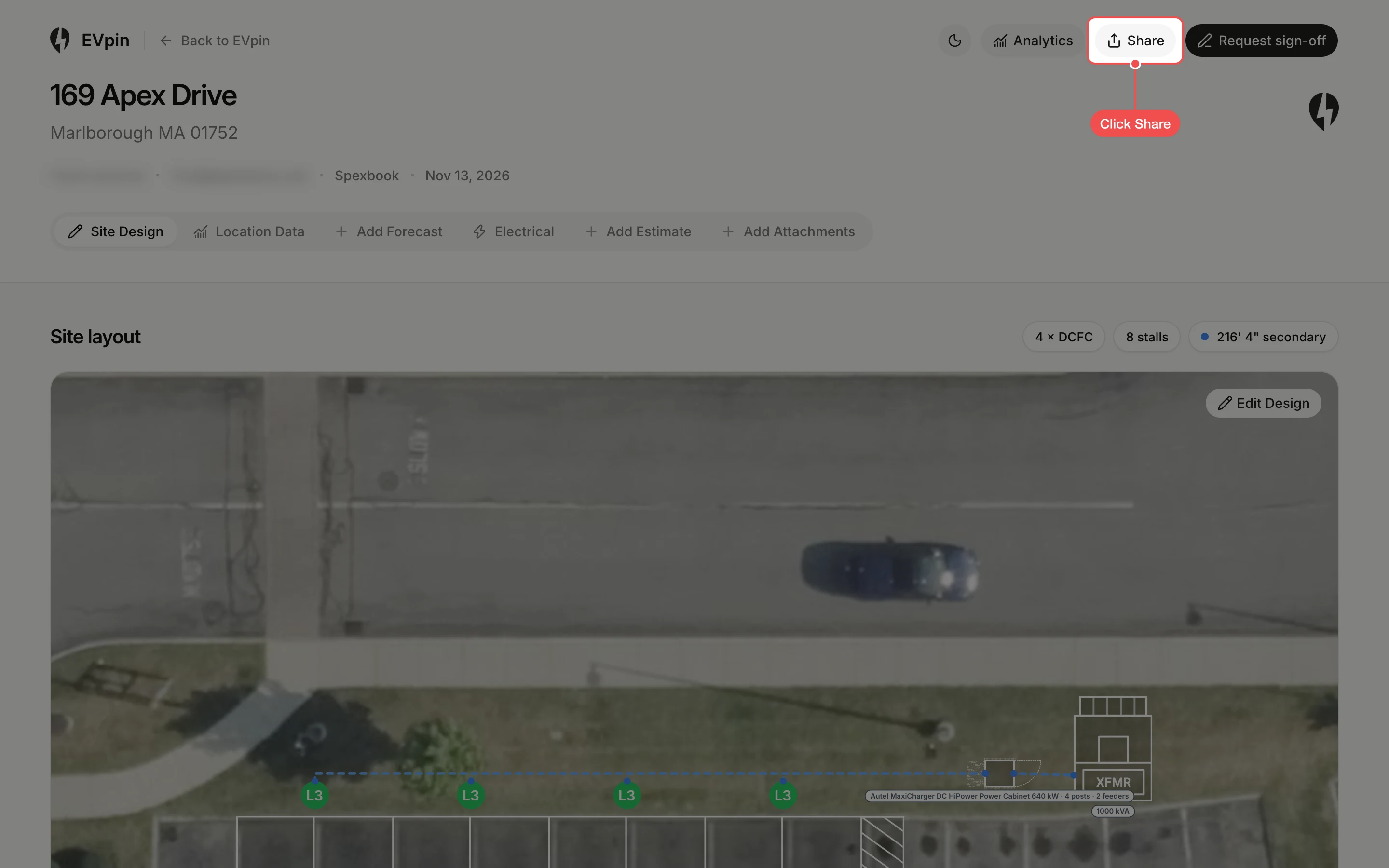
How to share a report with a client
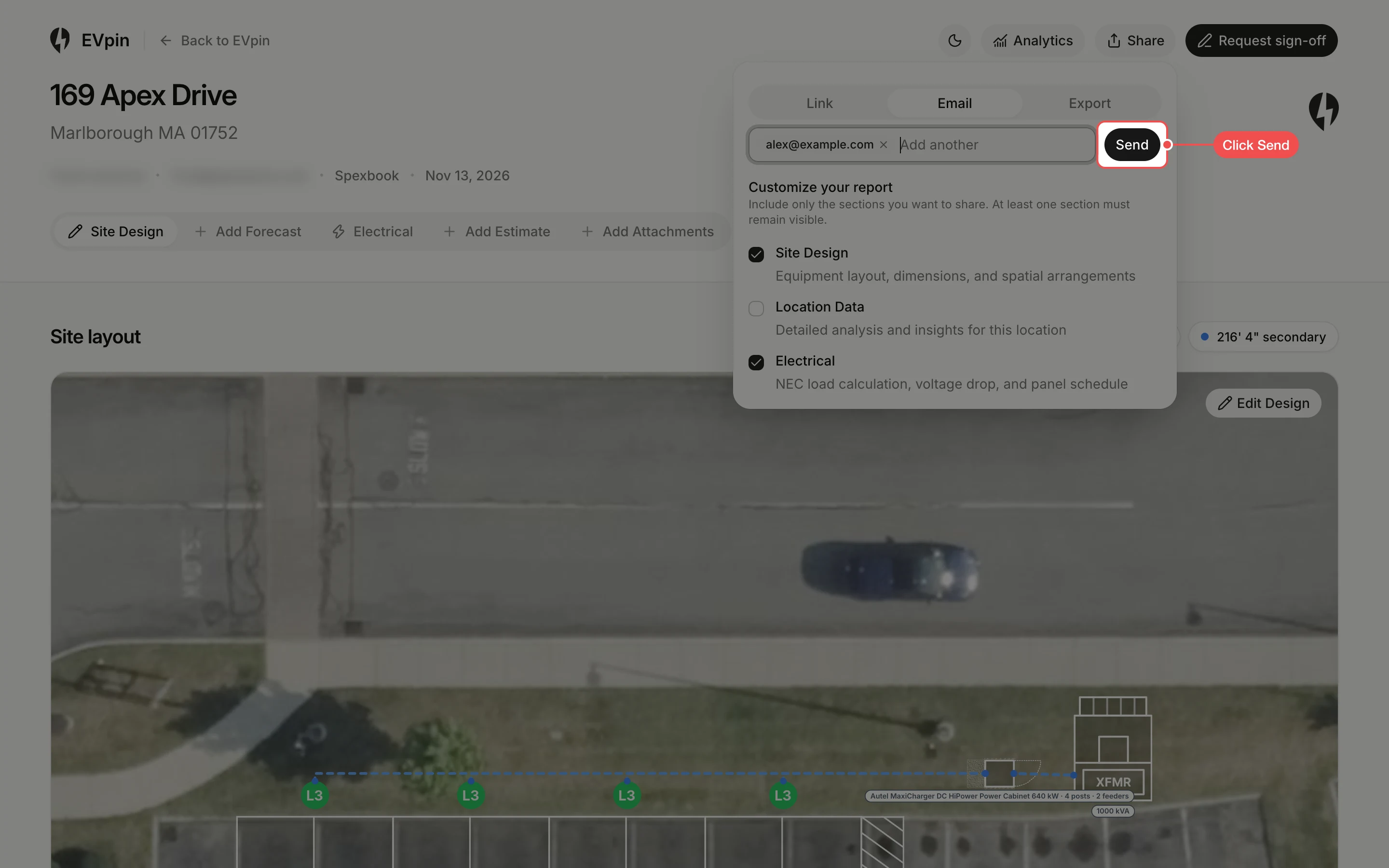
Pick the sections a client sees, then send them the report link or email it from the Share popover.
By the end your client will have a link to the report, with only the sections you chose. You need a report for the project, as in How to generate a report from the Design page.
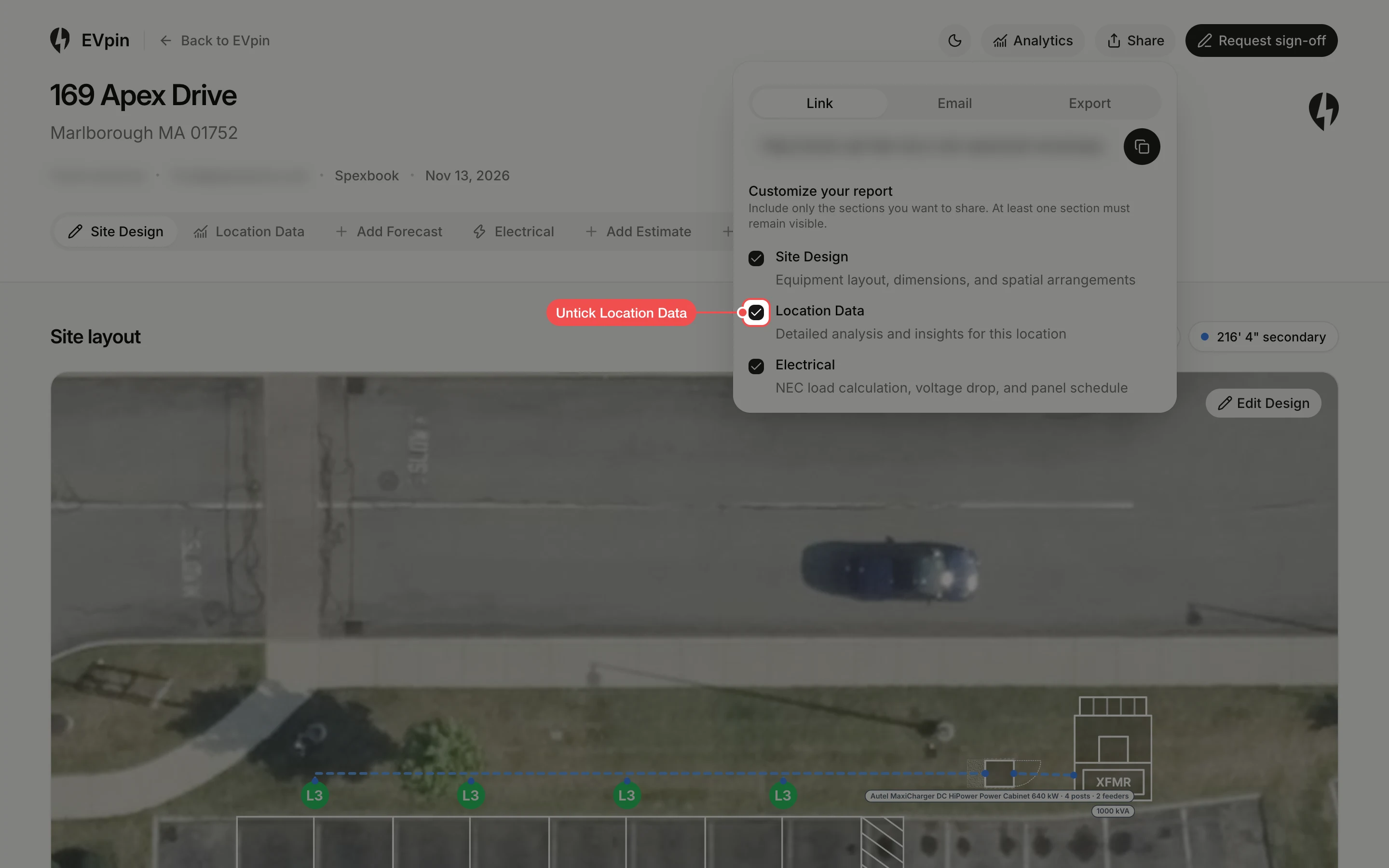
Untick the sections to leave out
Under Customize your report, untick each section the client does not need. At least one section stays ticked.
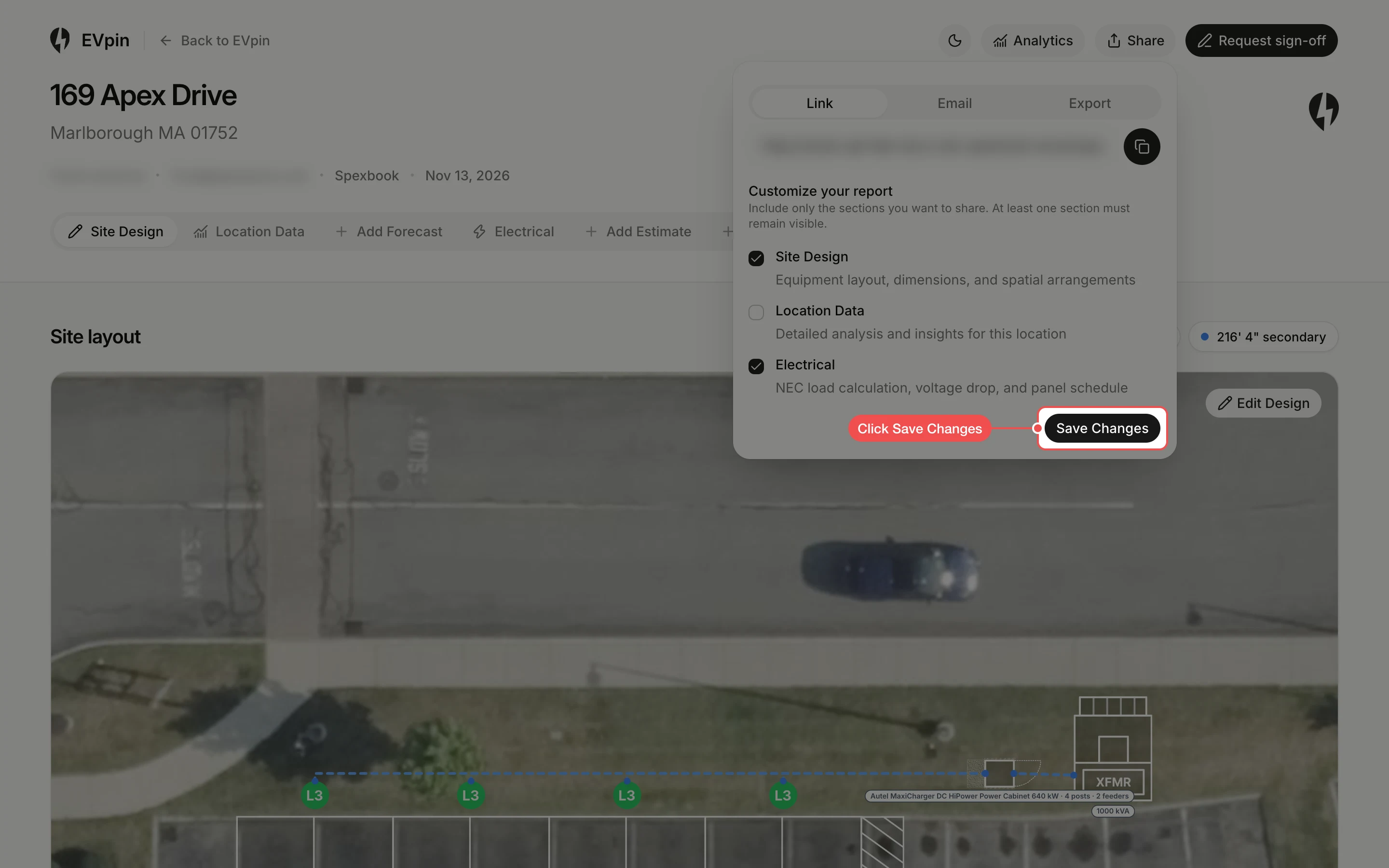
Save the sections
Click Save Changes. The unticked sections disappear from the report's tabs, for you and for anyone you share it with.
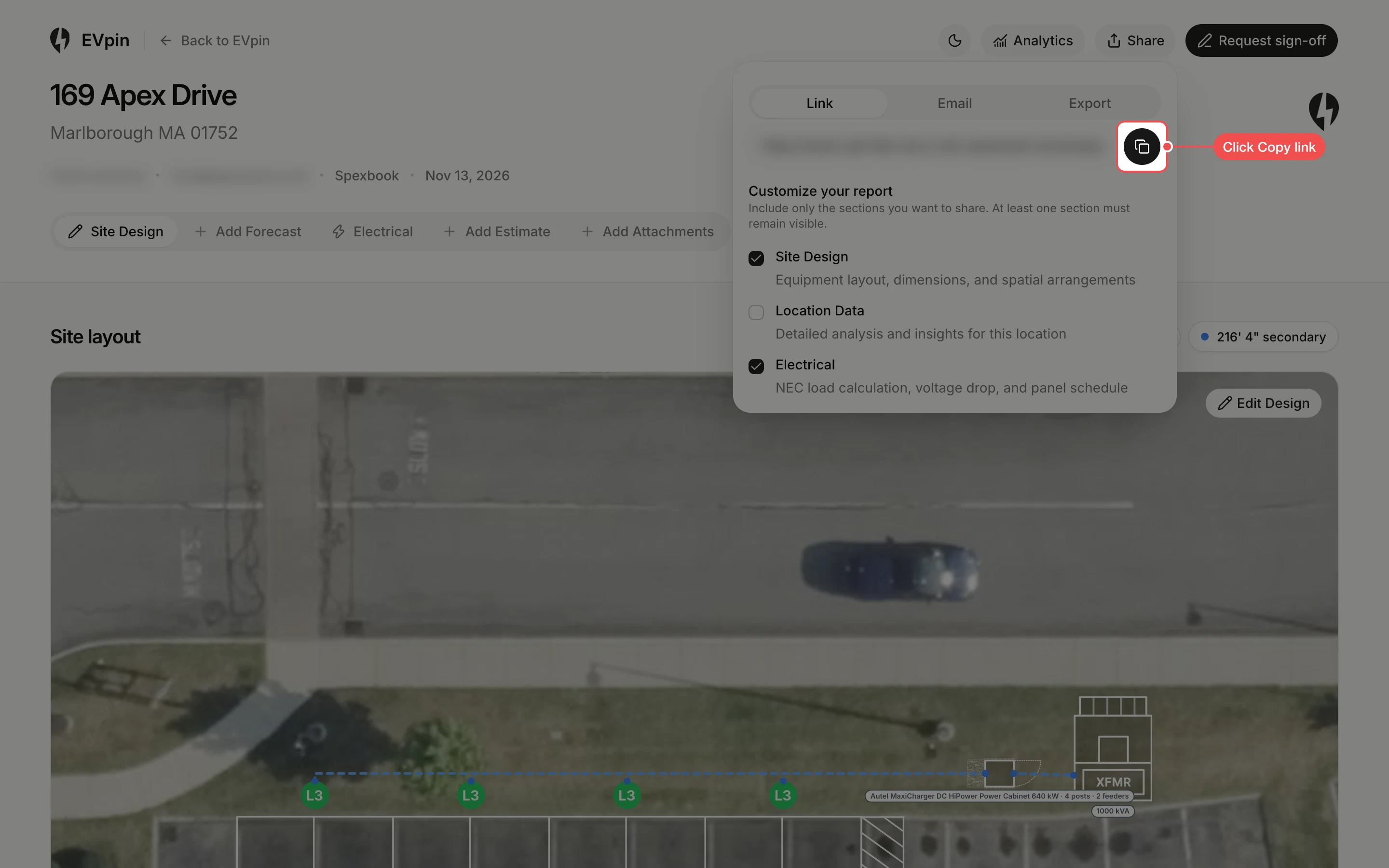
Copy the link
On the Link tab, click the copy button next to the report's address. Paste the link into your own email or message to the client.
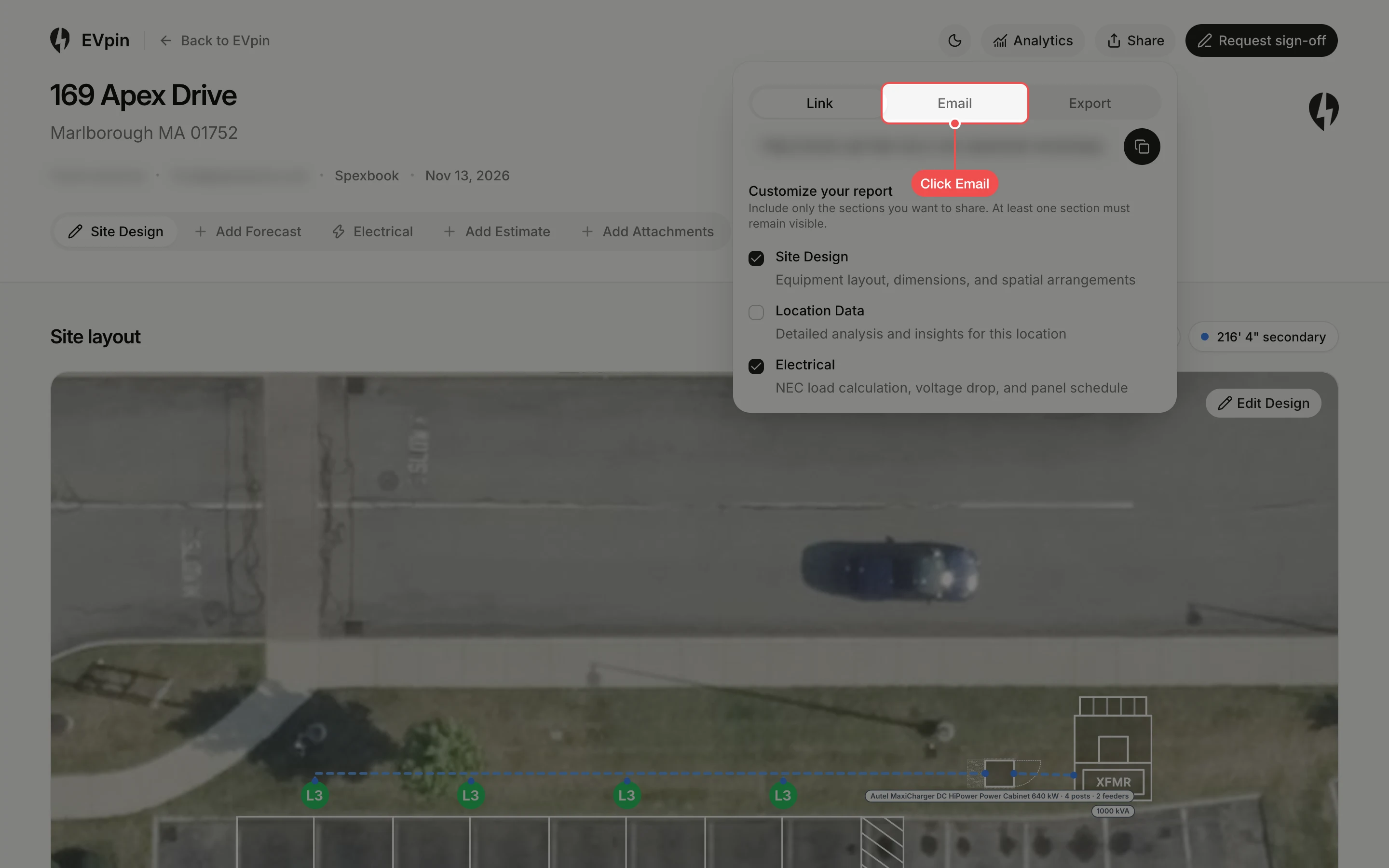
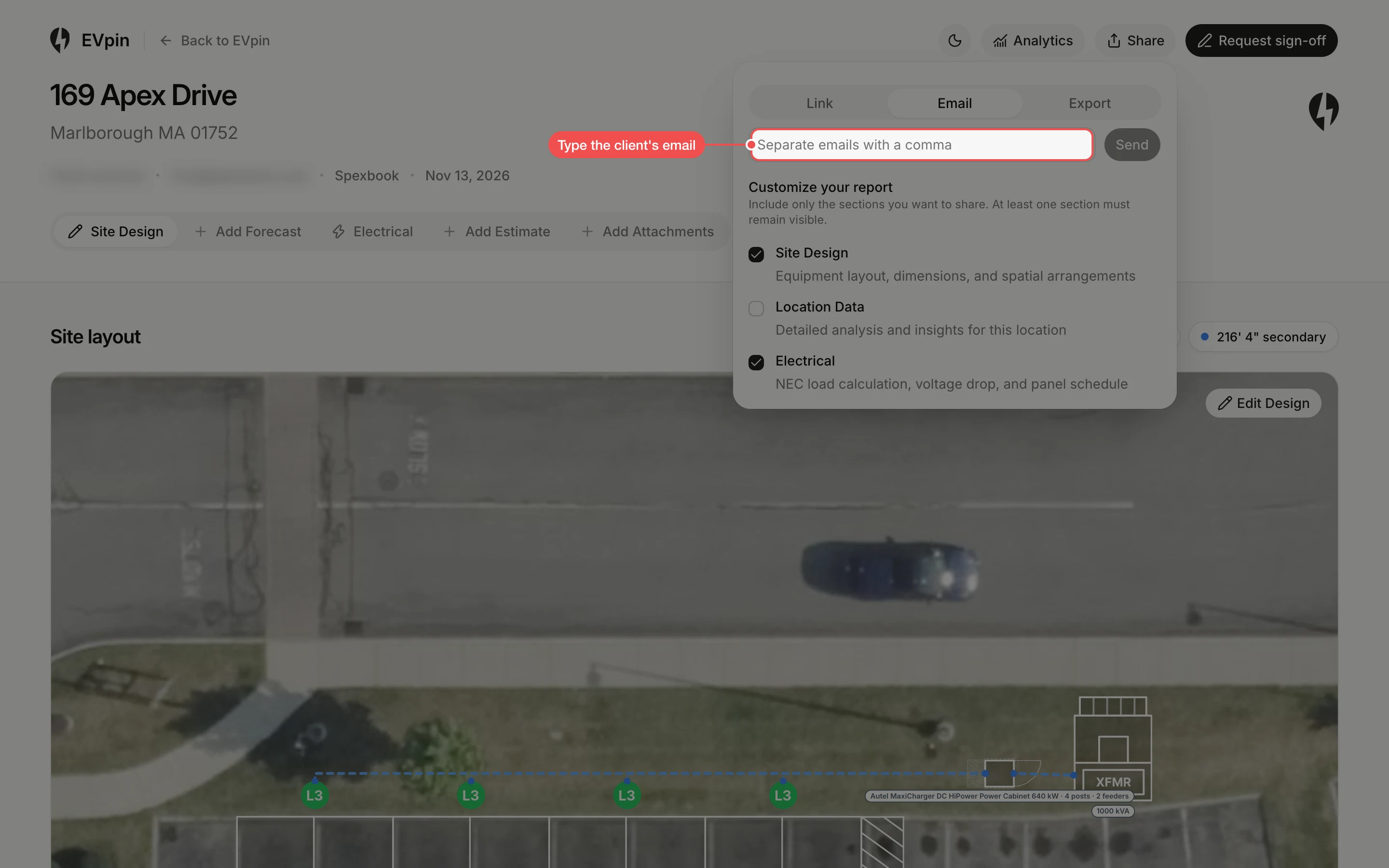
Type the client's email
Type the client's email address and press Enter. Add more addresses the same way.
What's next
- How to see a project's review log to see when the report was generated.