How to see a project's review log
Open a project's review log from the Projects page to see who changed it and when, and preview past designs.
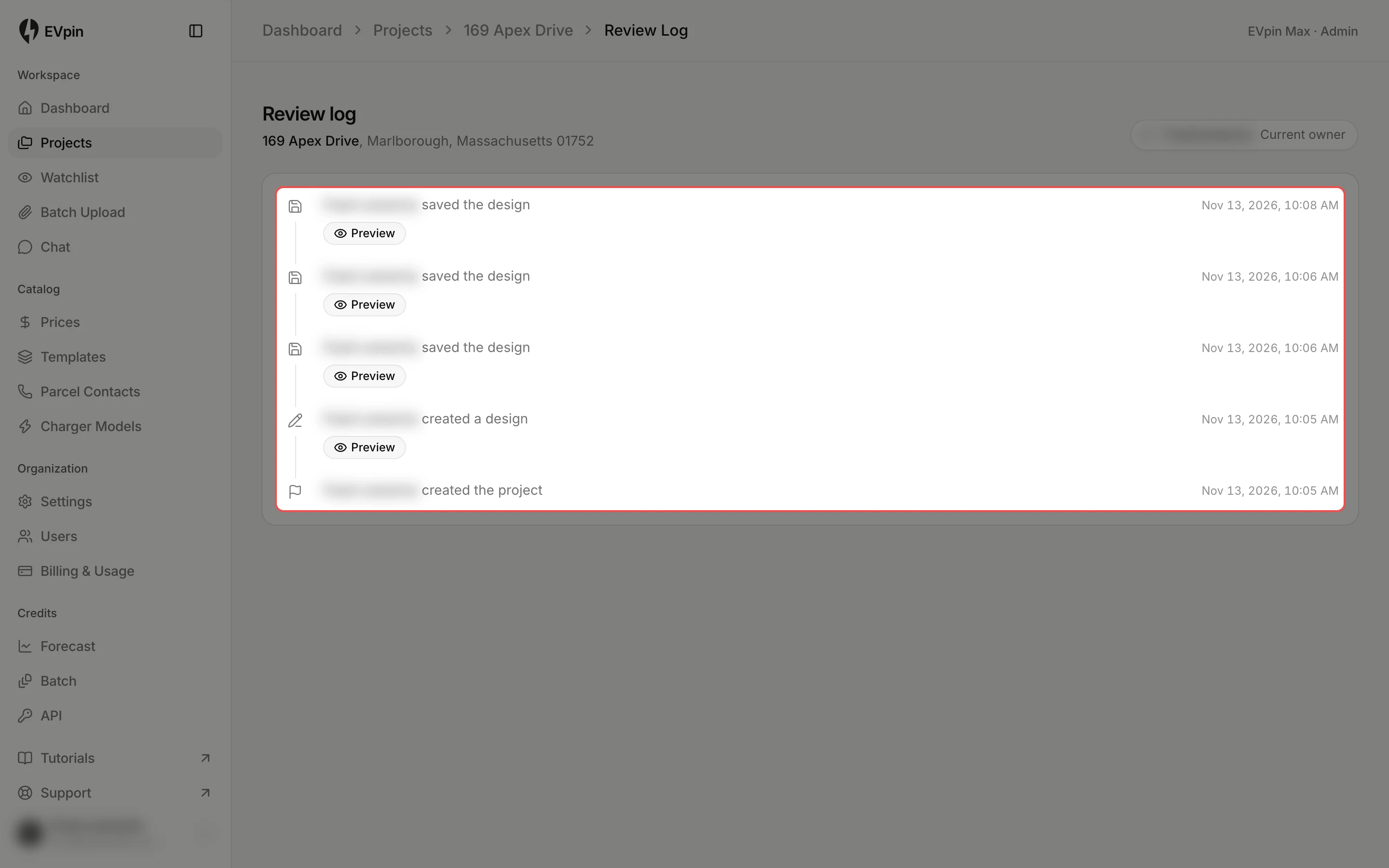
The review log lists everything that has happened on a project, newest first: who created it, saved its design, generated a report or estimate, changed its tag, was assigned to it, and every sign-off request and answer. You need a project, such as one saved from the Design page.
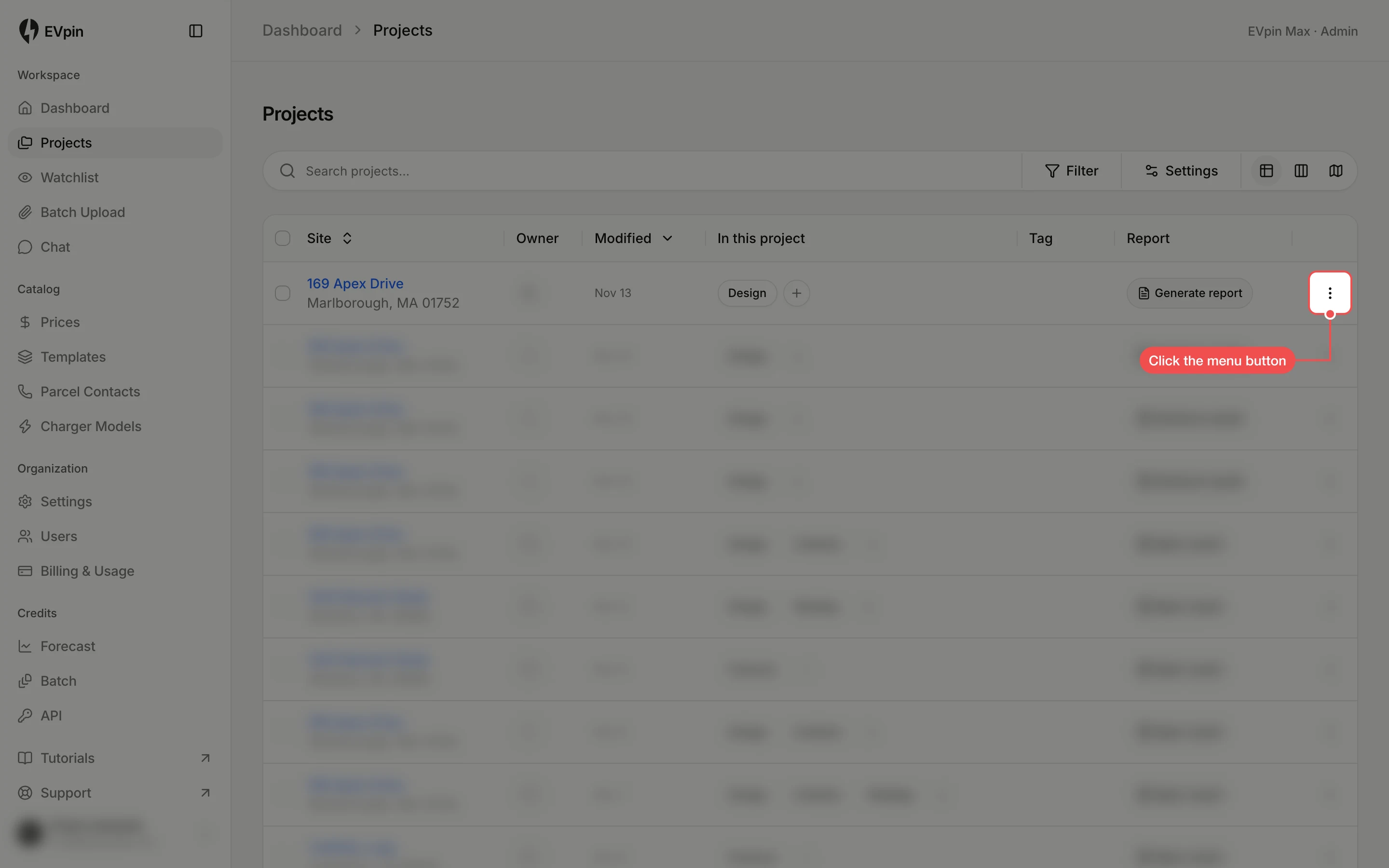
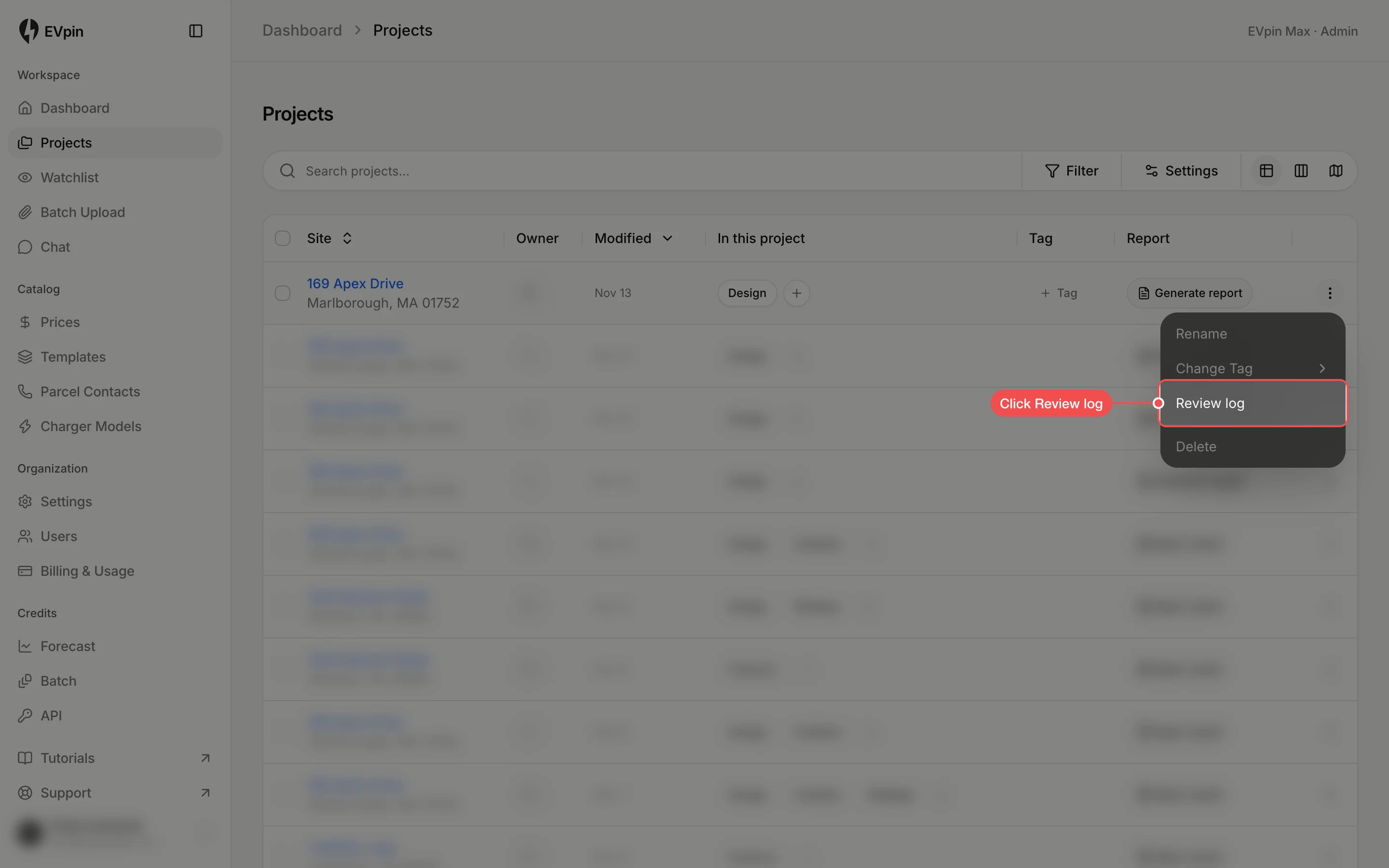
Read the log
Each entry says who did what, with the date and time on the right. The project's current owner is shown in the top right.
Preview a design
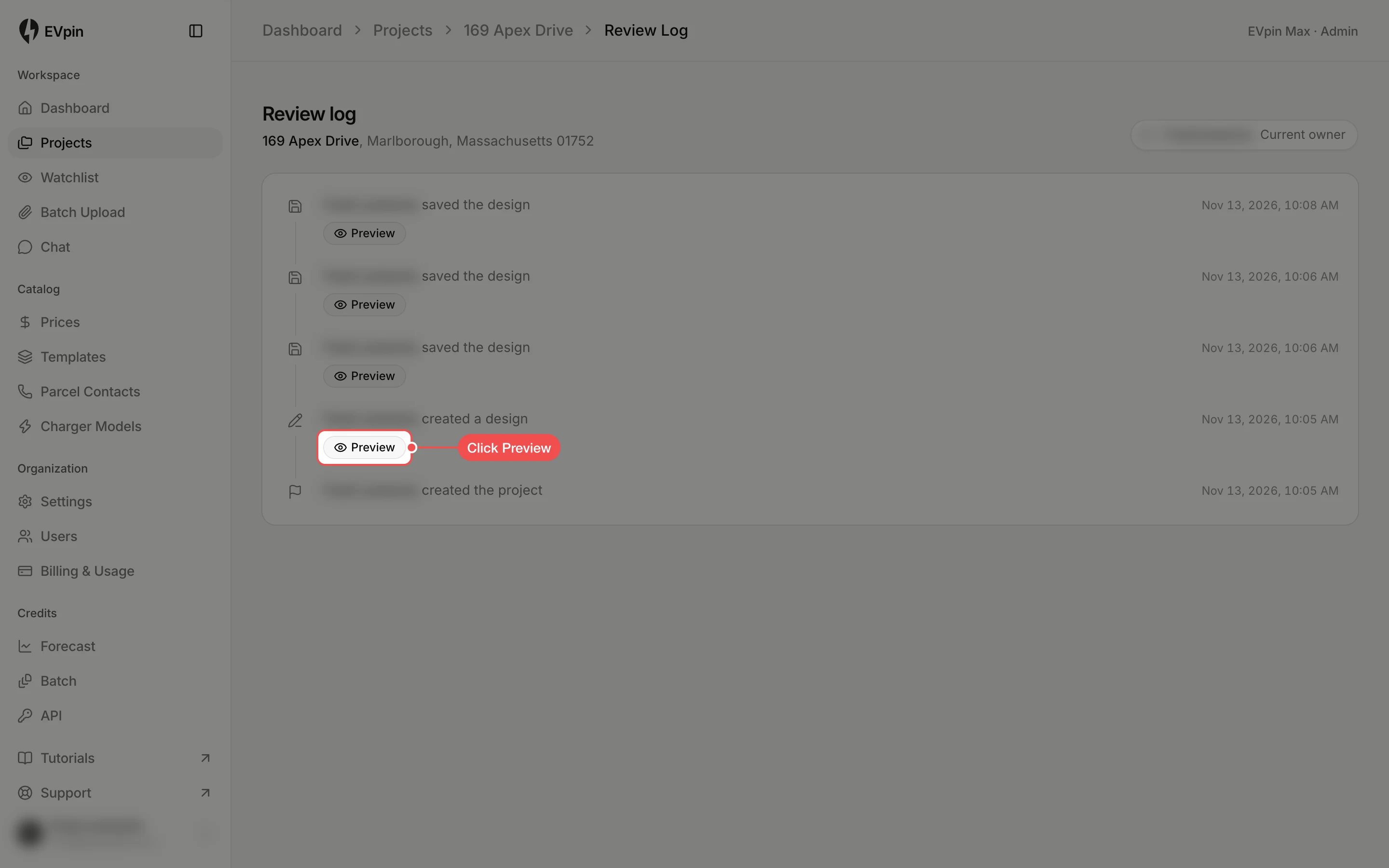
Entries for a created or saved design have a Preview button. Click it to see the design as it was at that point.
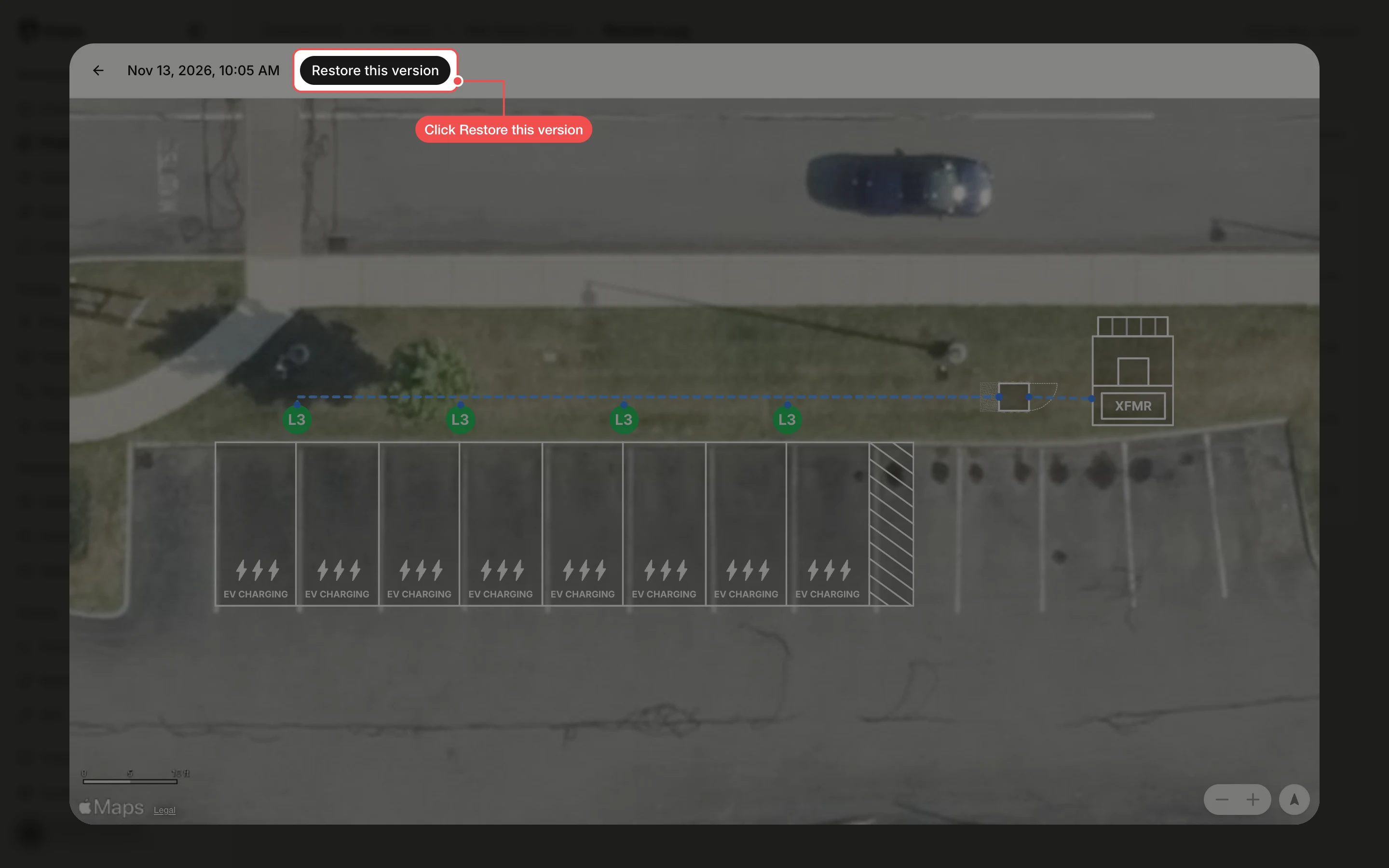
Click Restore this version
The preview shows the layout on the map. To make it the project's current design, click Restore this version, then click Restore to confirm. To go back to the log without changing anything, click the back arrow instead.
What's next
- How to go back to an earlier version of a design from the Design page.
- How to share a report with a client.