How to find the rebates a site qualifies for
List the incentive programs that could pay for chargers at a site and read what each one funds.
By the end you will have a list of the incentive programs that could fund chargers at a site. You need the address open on the Evaluate map, as in How to look up an address on the Evaluate map.
Open the Rebates tab
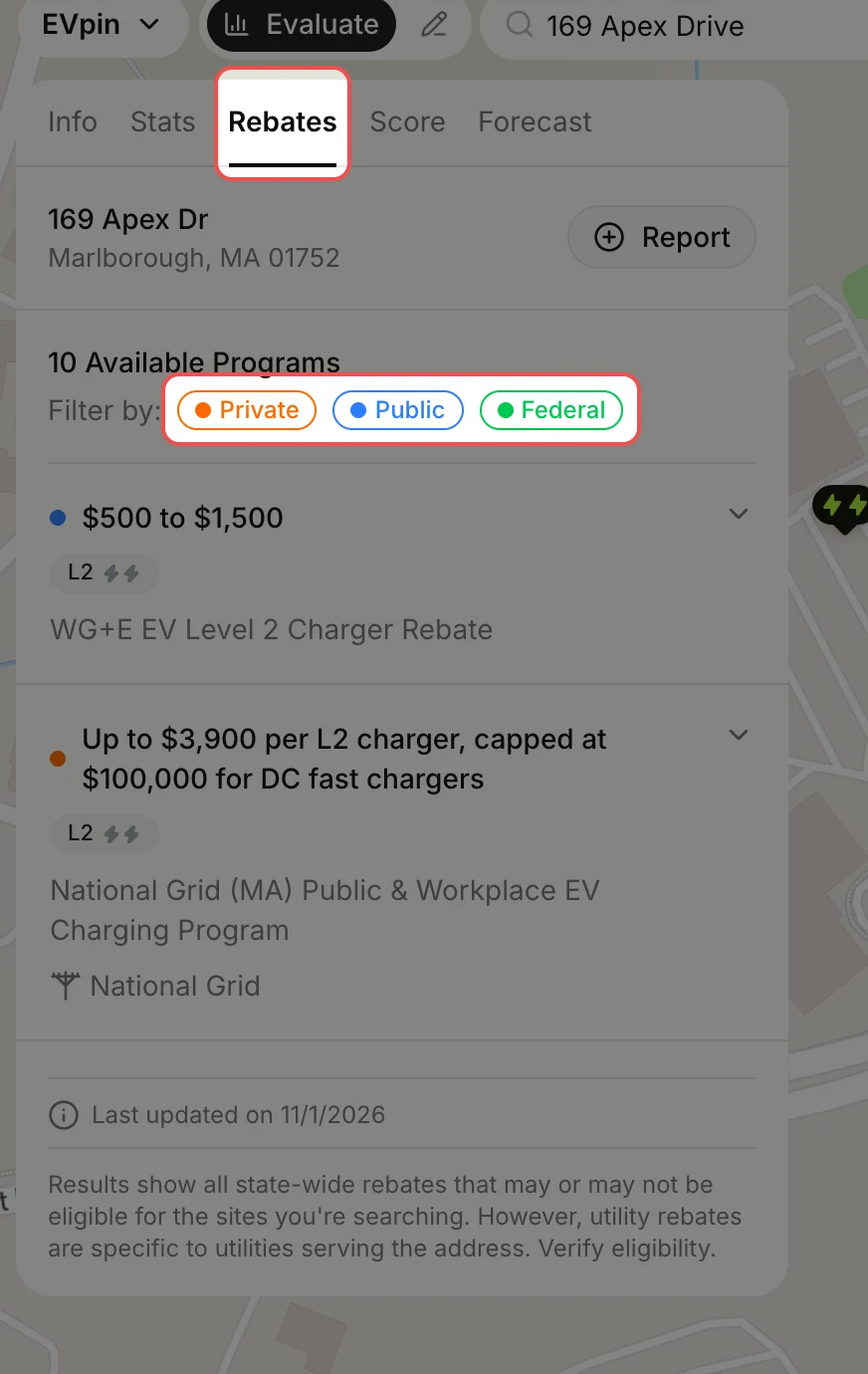
In the site panel, click the Rebates tab. Every program available for the site's state is listed with its amount and charger level. Click Private, Public or Federal to filter by who funds it.
Expand a program
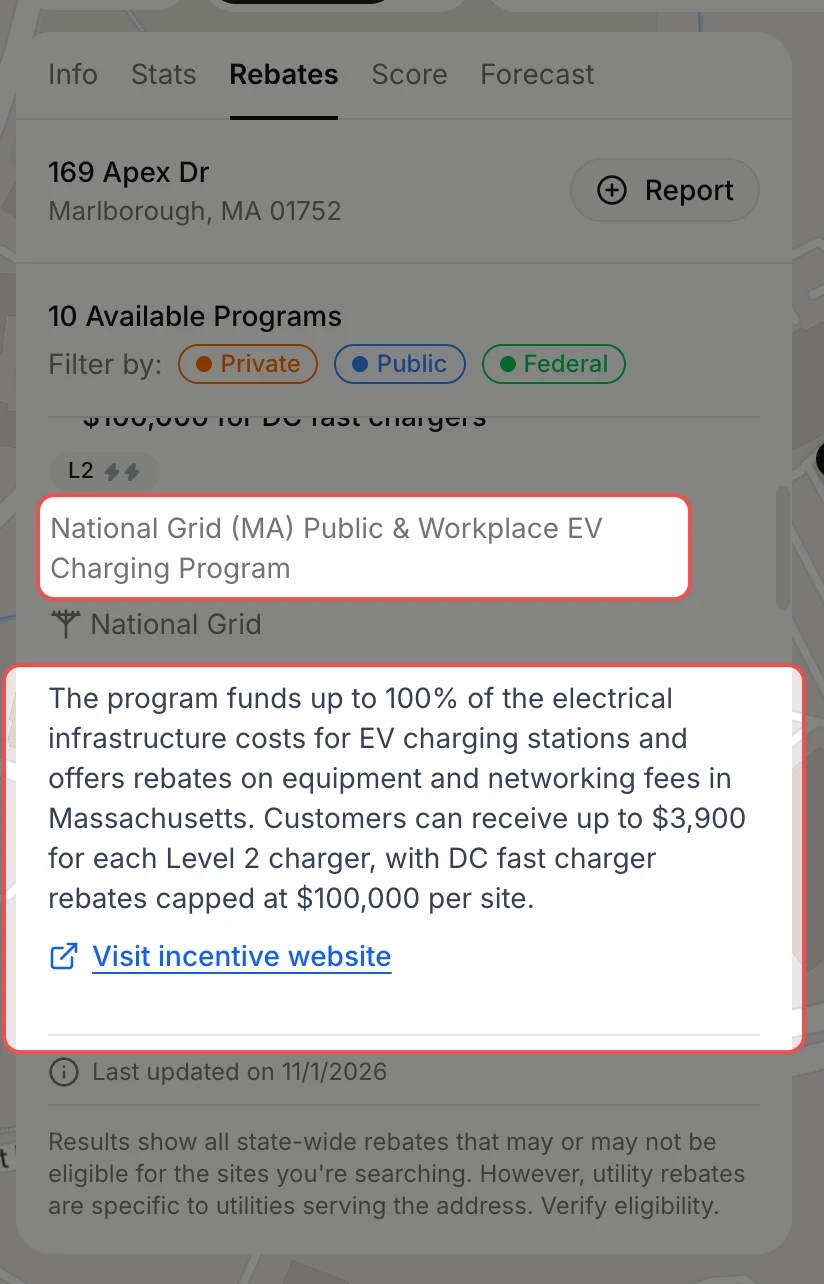
Click a program to read what it funds. The expanded card has a description and a Visit incentive website link to the program's own page.
What's next
- How to generate a report from the Evaluate map to share the programs with your team.