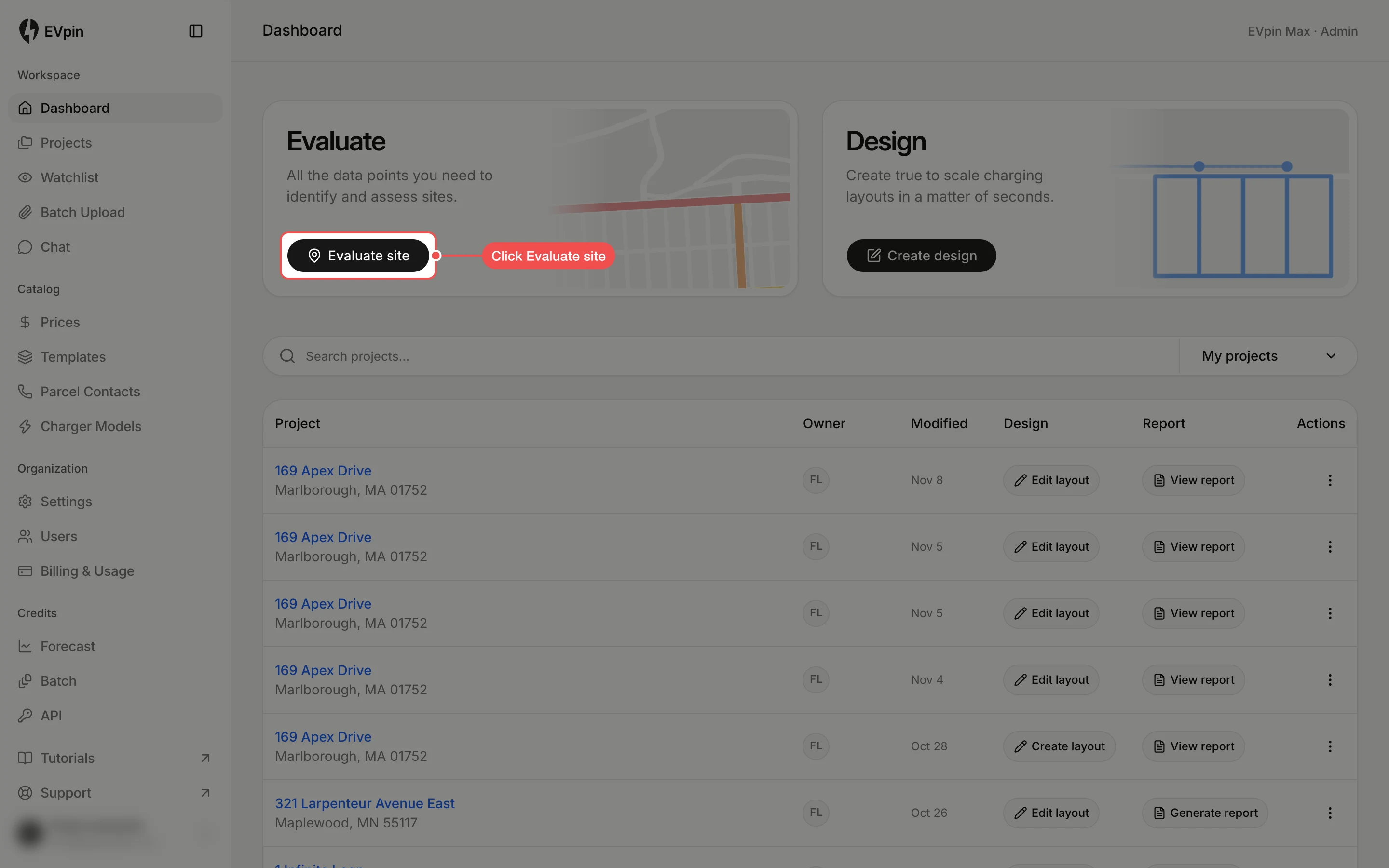
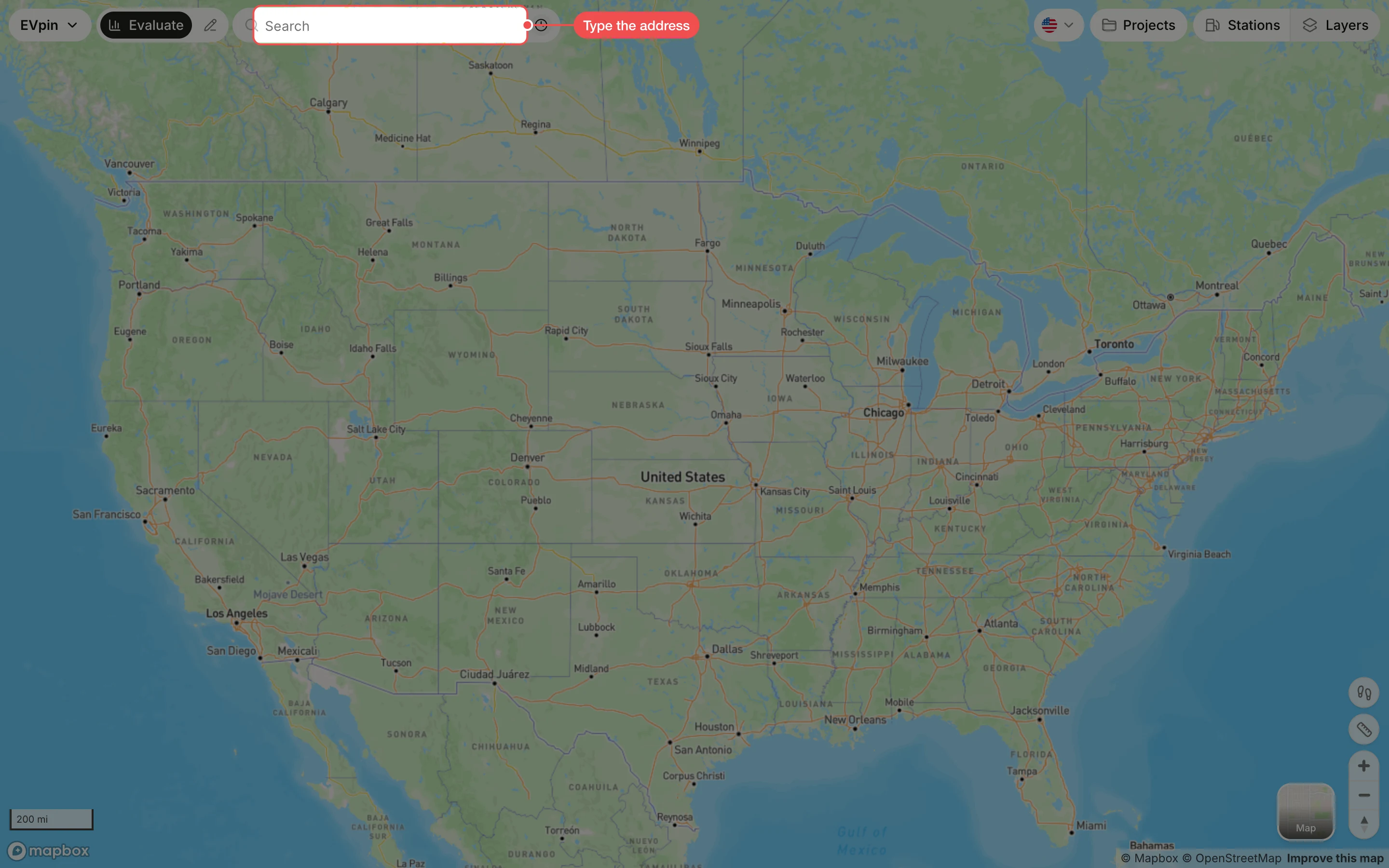
How to look up an address on the Evaluate map
Search for a site on the Evaluate map and open its panel of stats, rebates, score and forecast.
By the end the site's panel will be open on the Evaluate map, which is where every other Evaluate guide starts. You need an EVpin account and the address.
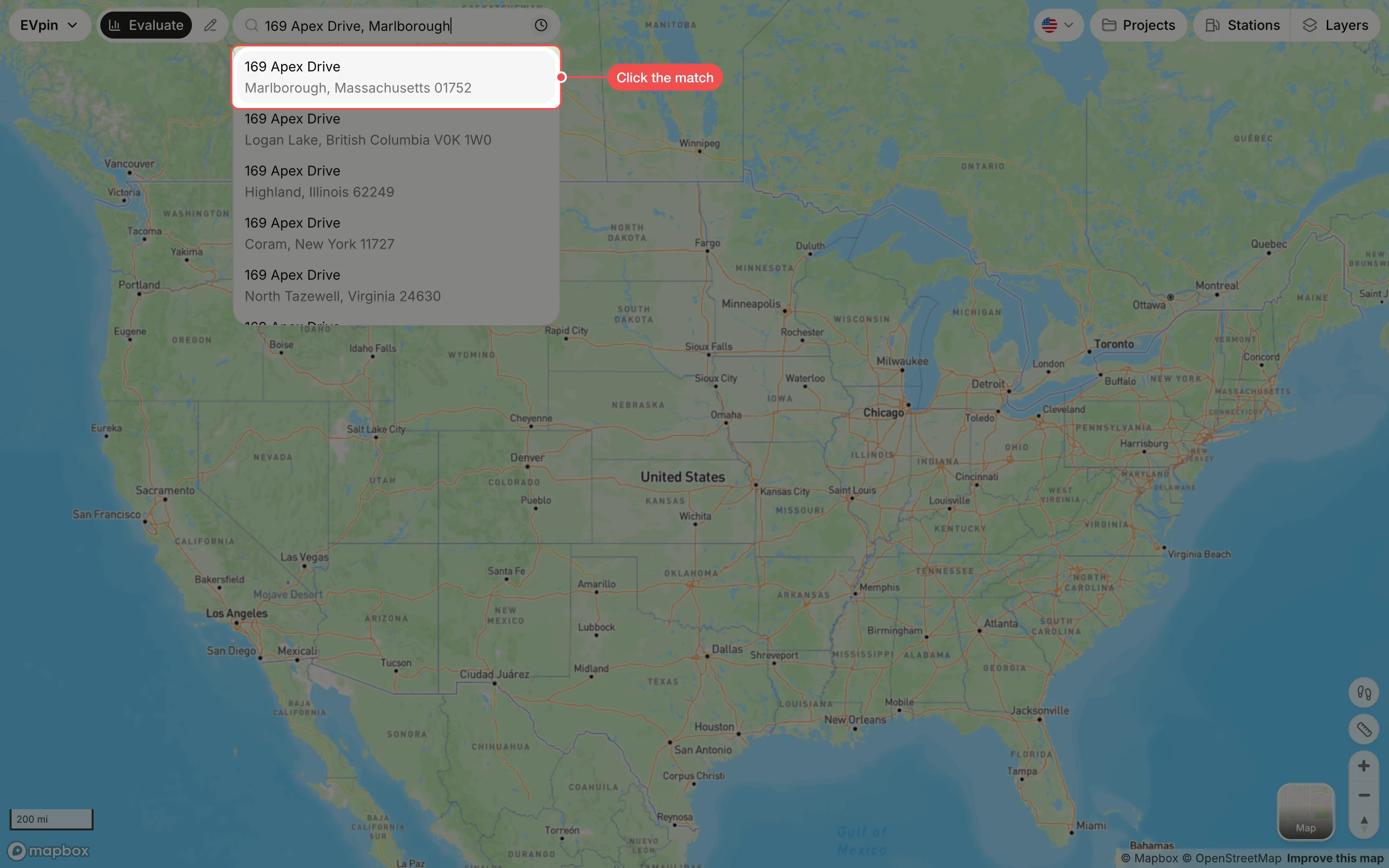
Click the right match
Suggestions appear as you type. Click the one with the correct city and ZIP code. The map zooms to the site, drops a pin on it and opens the site panel.