How to get a utilization score for an address
Get the utilization score EVpin gives a site for a charging level, out of 5.
By the end you will have a utilization score for one address, broken down by the factors behind it. You need the address open on the Evaluate map, as in How to look up an address on the Evaluate map.
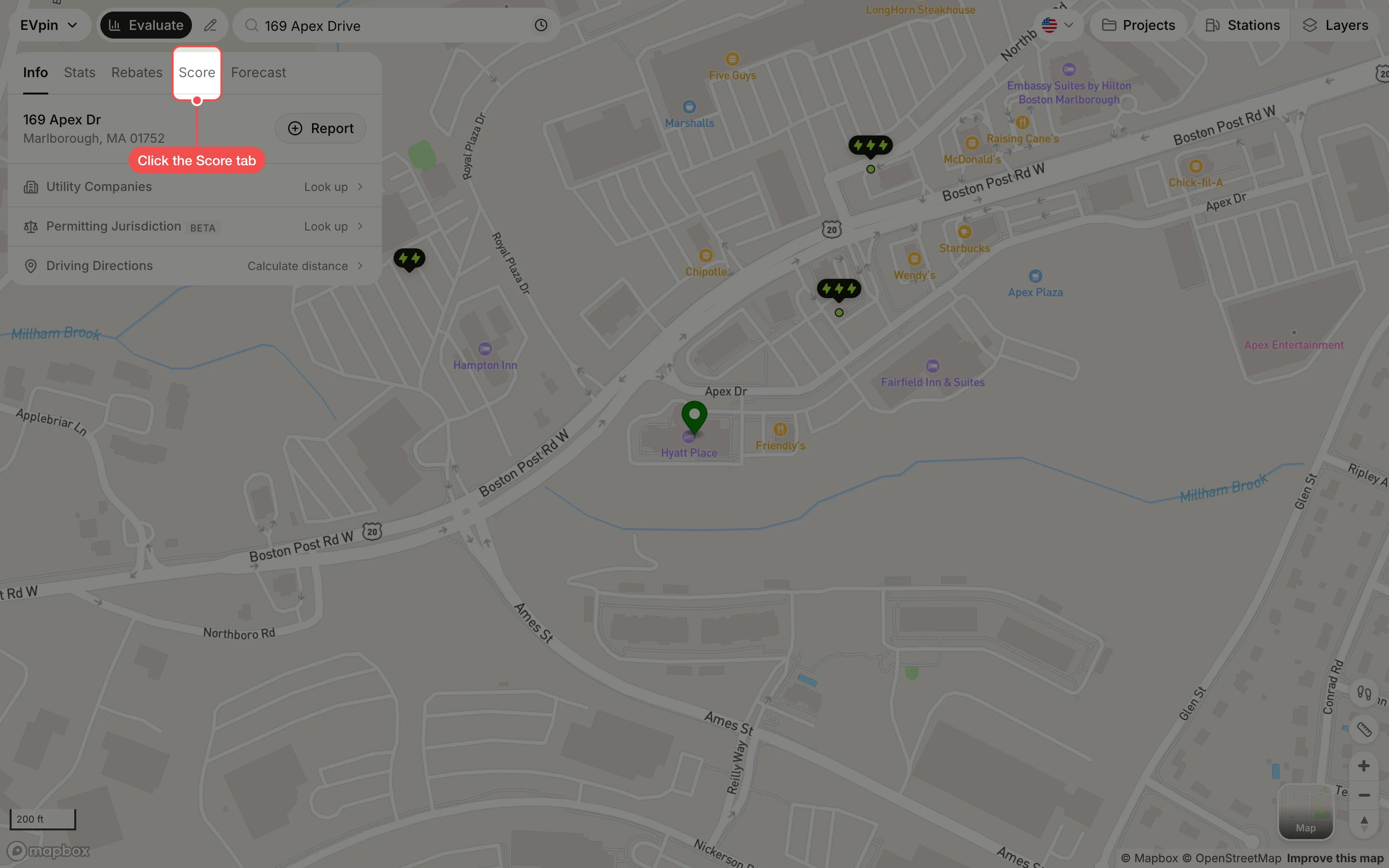
Click a charging level
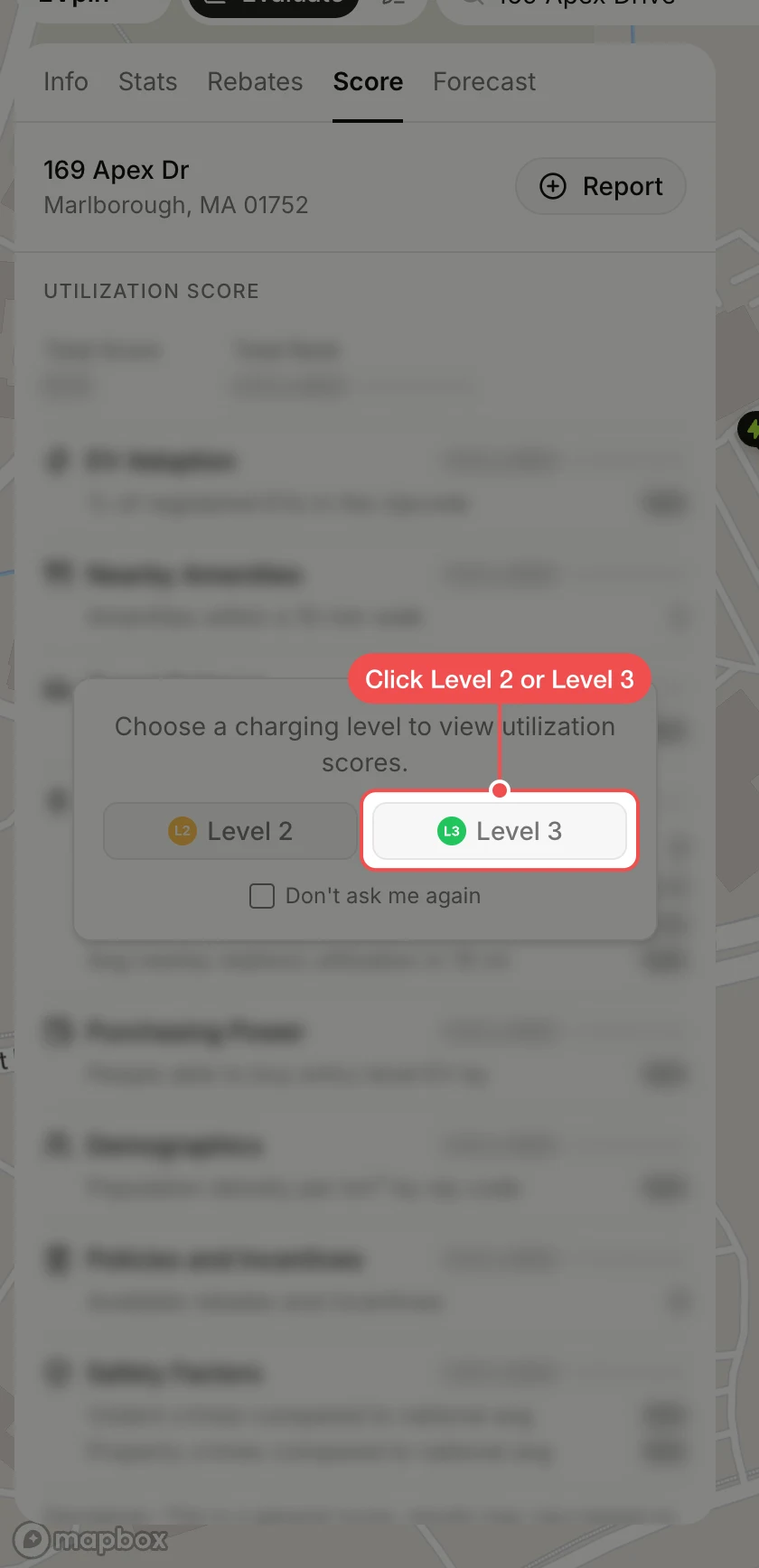
Click Level 2 or Level 3. The score is computed for that level, so click the kind of chargers you plan to install.
Read the score
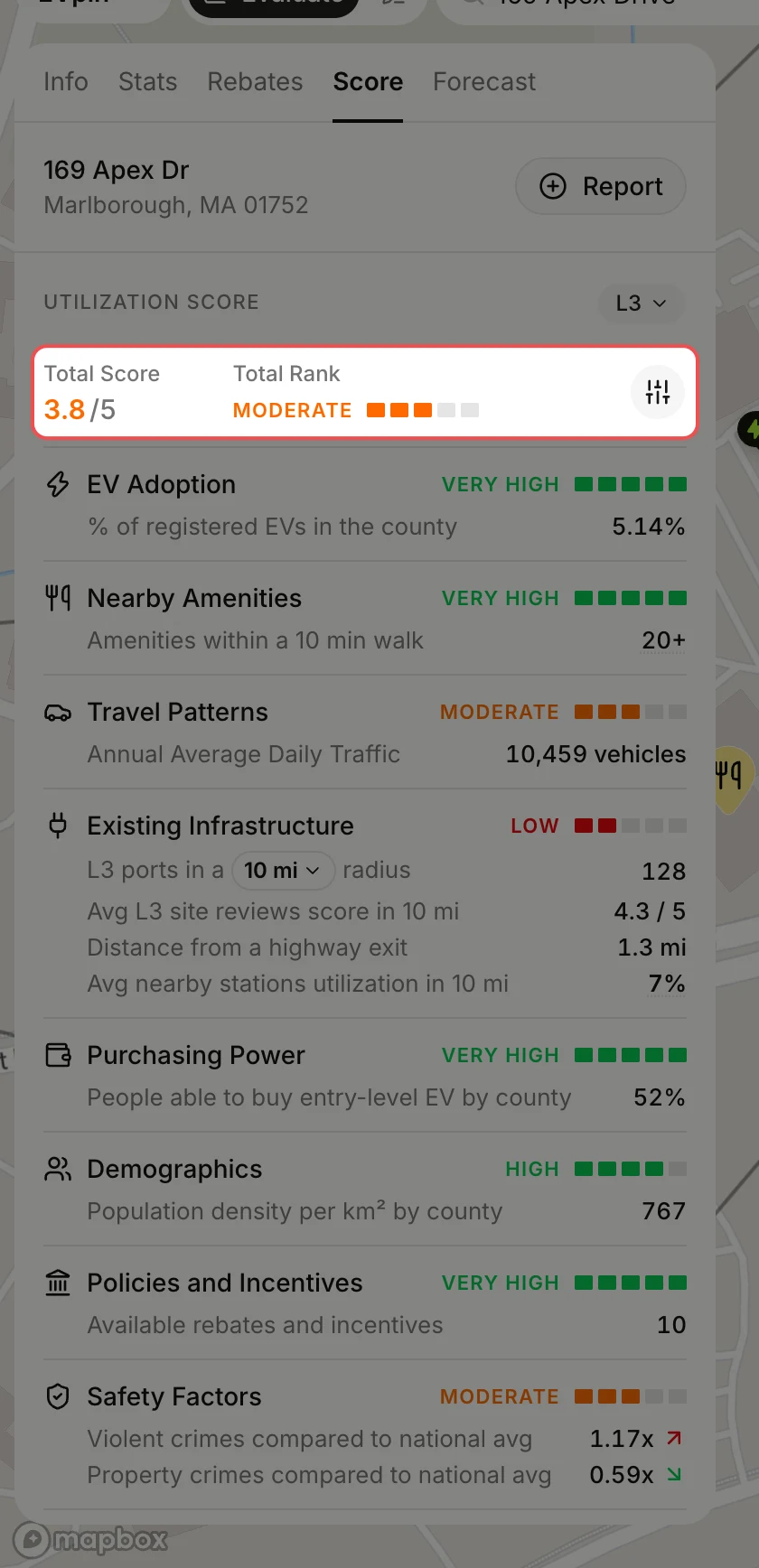
The score takes a few seconds. Total Score is out of 5 and Total Rank sums it up in a word. Below them, each factor shows its rank and the data point behind it, from EV adoption in the county to crime compared with the national average.
What's next
- How to leave factors out of a score when some of them don't matter for this site.
- How to generate a report from the Evaluate map to share the score with your team.