How to forecast a station's utilization
Describe a planned charging station and run a five-year forecast of how much it will be used.
By the end you will have a five-year utilization forecast for a station at the site. You need the address open on the Evaluate map, as in How to look up an address on the Evaluate map, and a forecast credit in your organization.
Describe the station
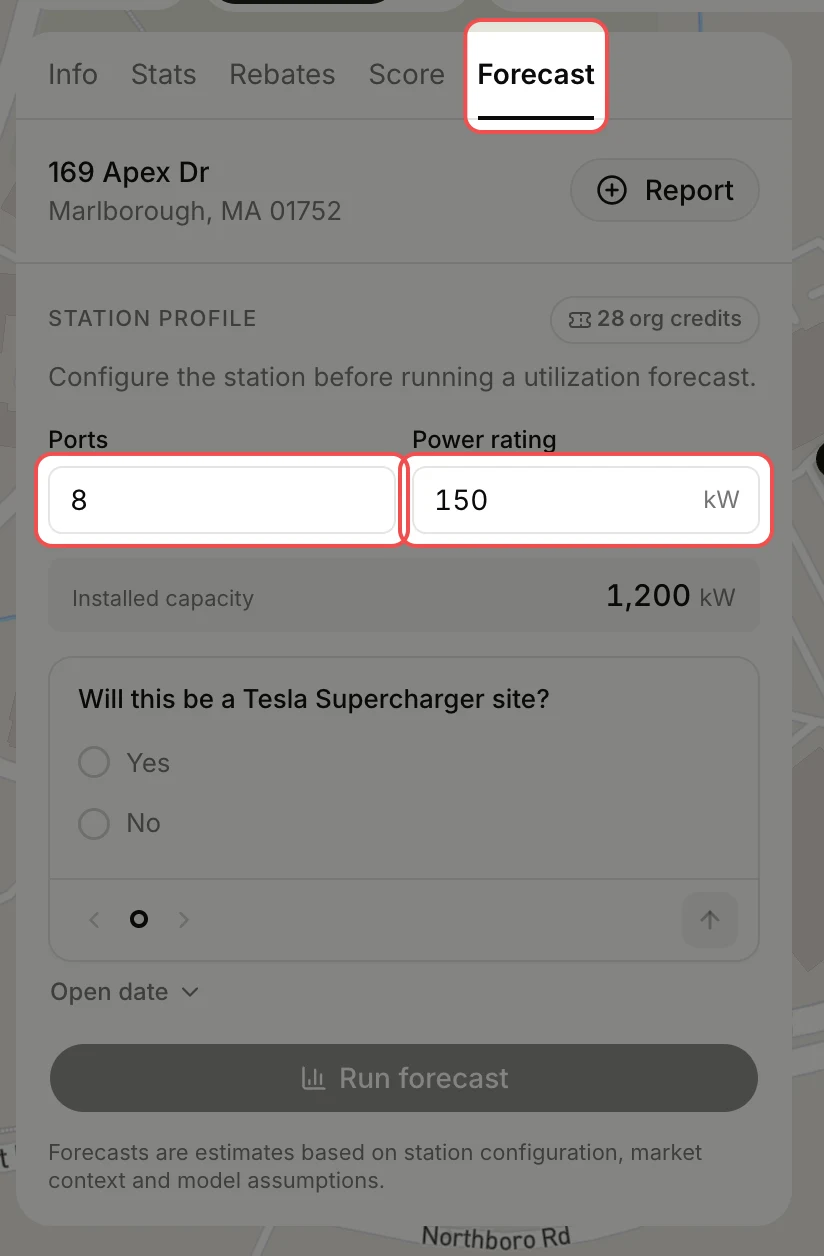
Click the Forecast tab. Type the number of Ports and the Power rating per port. EVpin shows the installed capacity it will forecast against, and the credits your organization has left at the top right.
Answer the questions
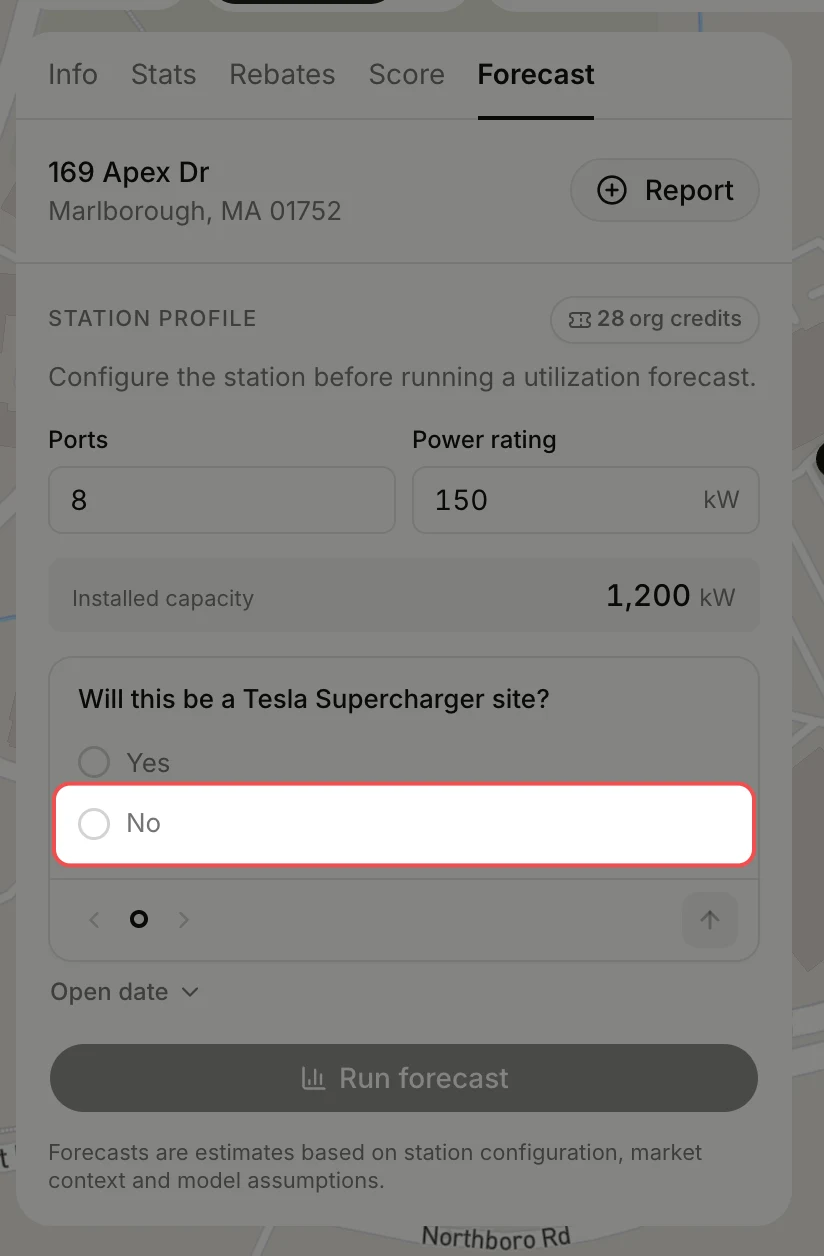
Click an answer to each question: whether the site is a Tesla Supercharger site, and how well-known your charging network is. The card moves to the next question on its own.
Run the forecast
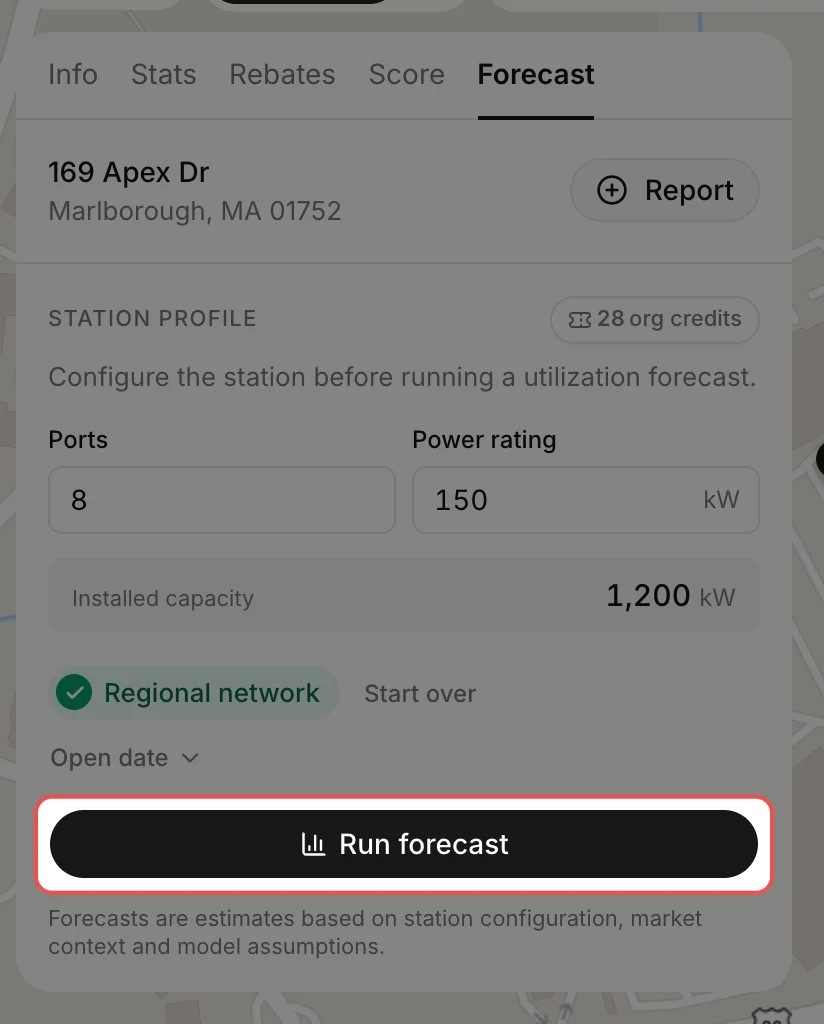
Click Run forecast. Each run uses one forecast credit. When none are left, the button reads Buy forecast credits and takes you to buy more.
Read the forecast
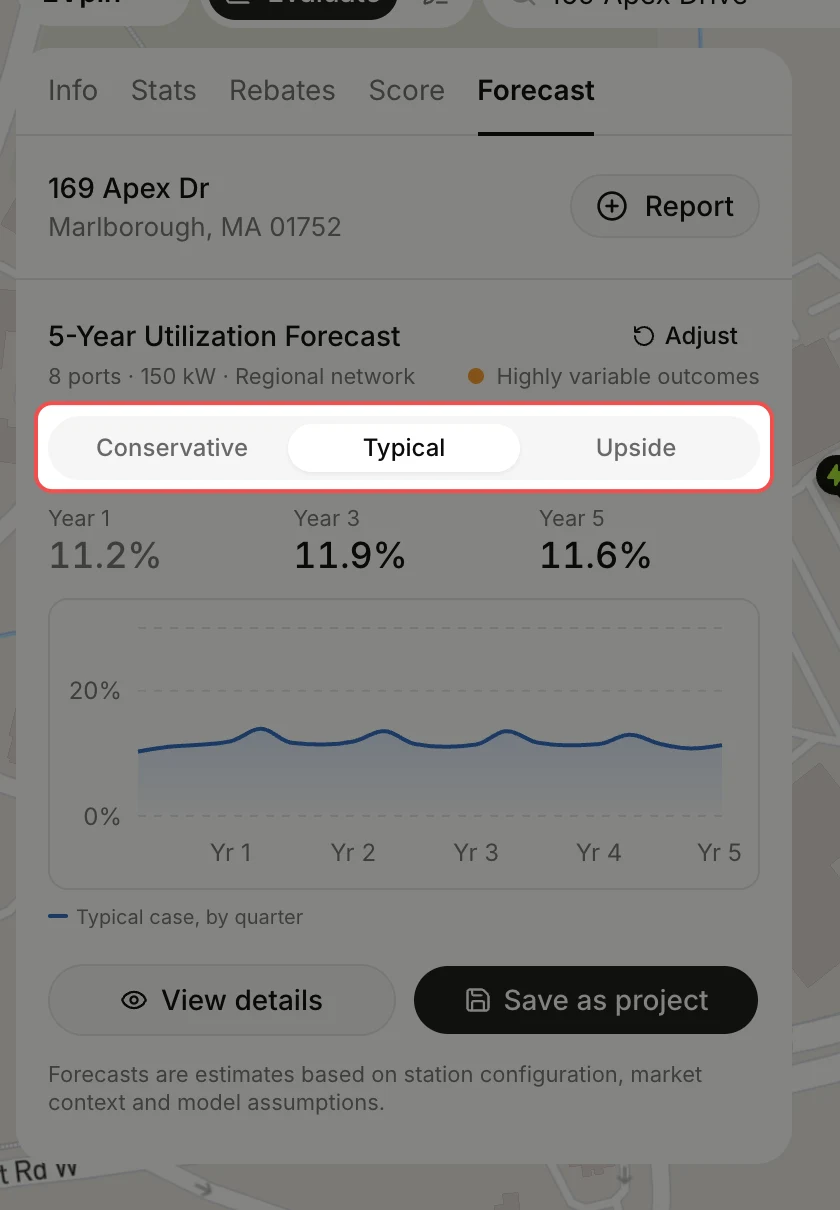
The forecast shows the station's expected utilization in years 1, 3 and 5, with a quarter-by-quarter chart below. Click Conservative, Typical or Upside to switch between cases. Click View details for the full breakdown, or Adjust to change the inputs and run it again.
What's next
- Click Save as project to keep the forecast with the site.
- How to get a utilization score for an address for a quick read on a site before spending a credit.