How to find your way around the dashboard
Learn what the dashboard's cards, project list and sidebar sections are for.
The dashboard is where EVpin opens after you sign in. This guide walks through each part of it so you know where to go next.
Start new work from the cards
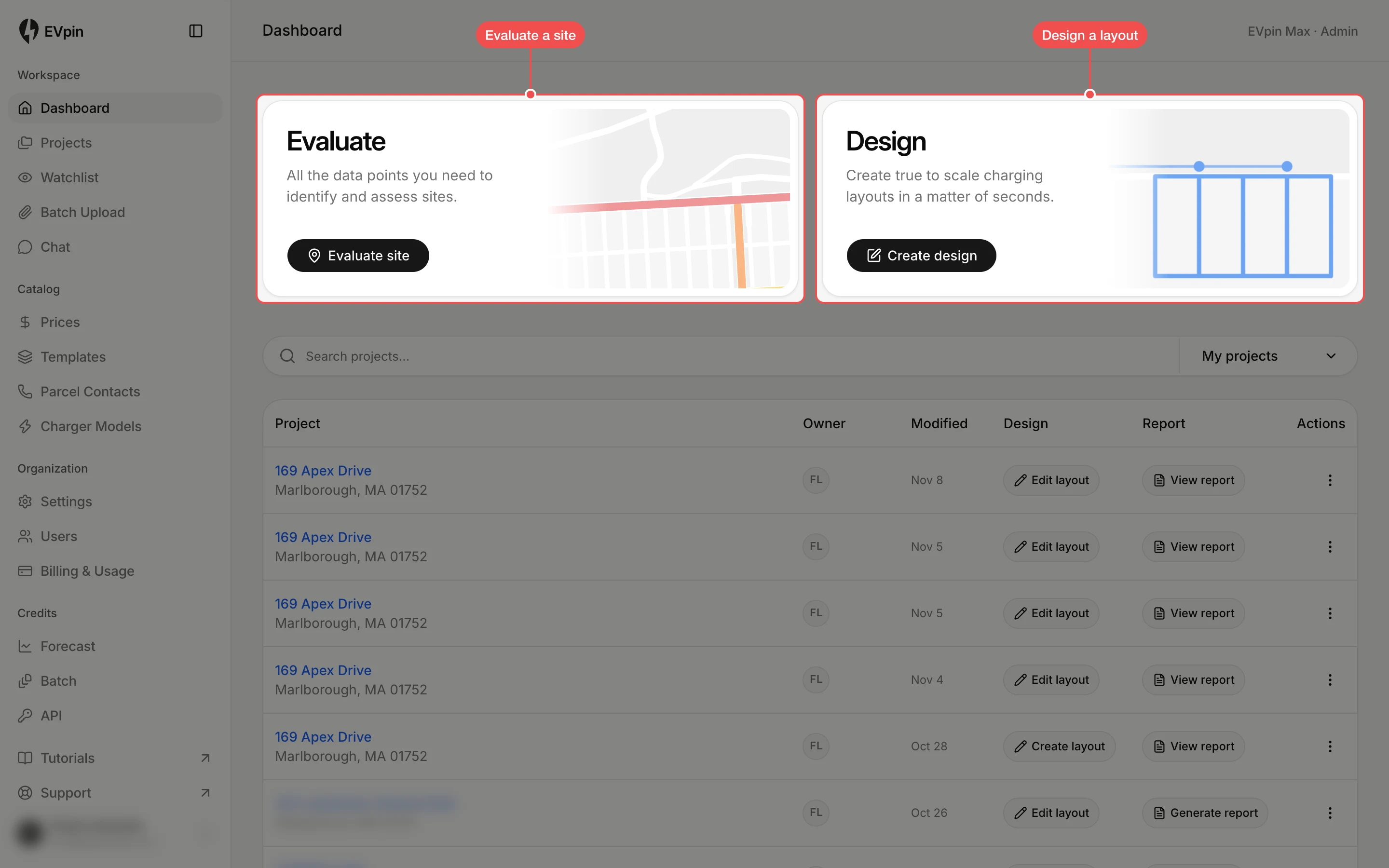
The two cards at the top start new work. Click Evaluate site to look up an address and see its data, or Create design to lay out chargers on a site.
Pick up recent projects
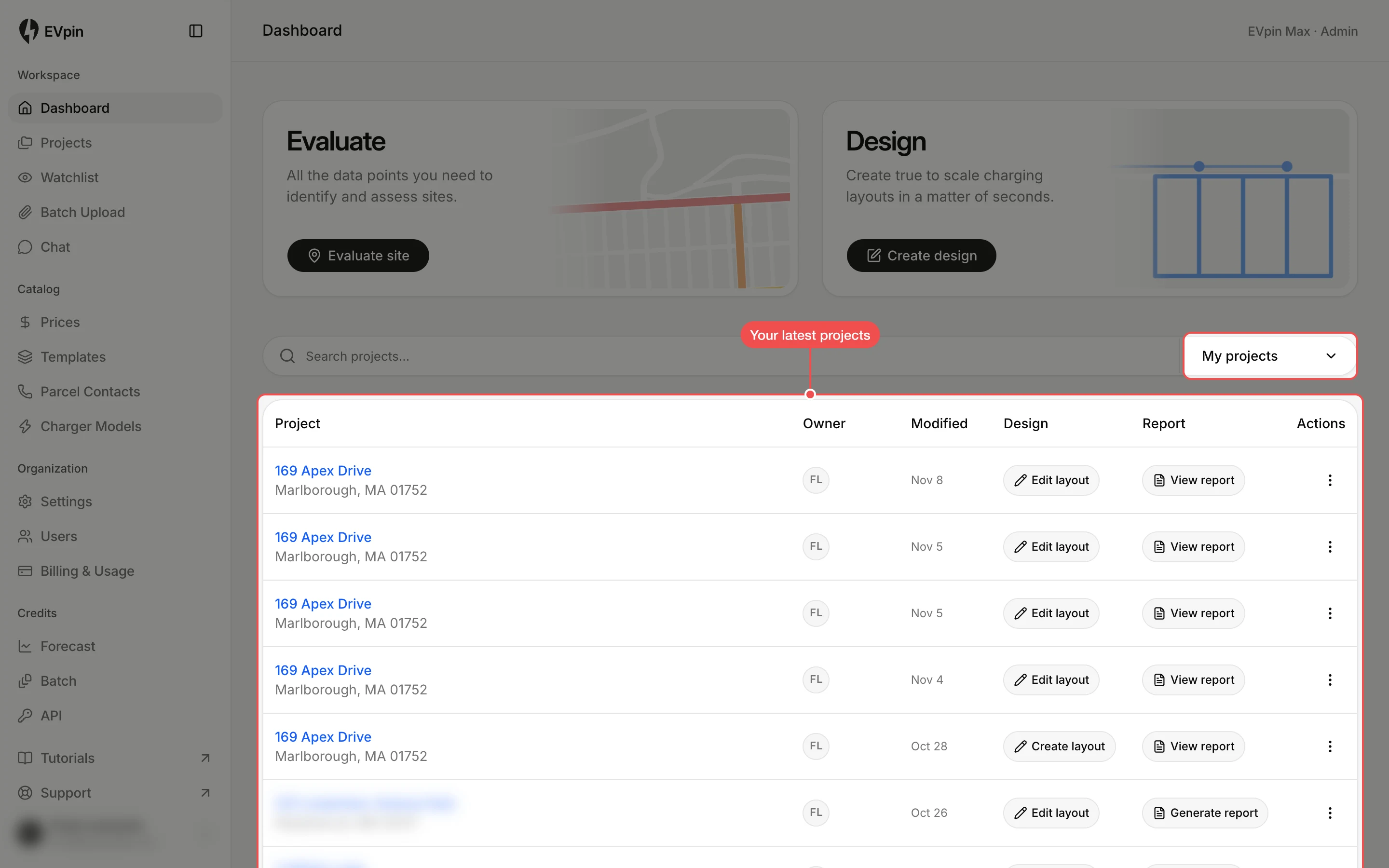
Below the cards are your latest projects. Click a project's name to open it, Edit layout to open its design, or View report to open its report. Click My projects to switch to everyone's projects.
Use Workspace for your work
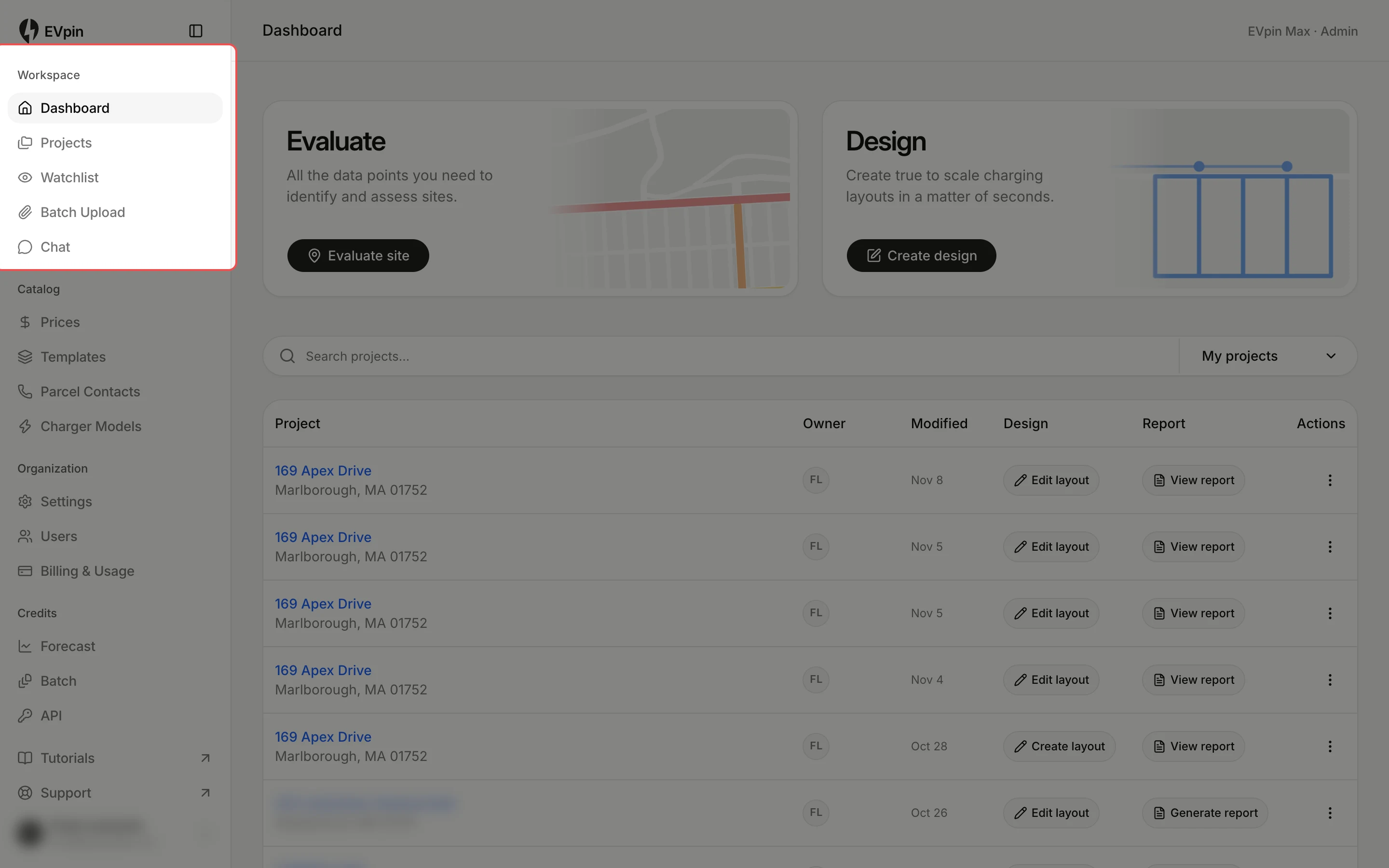
The Workspace section of the sidebar holds Projects (every project), Watchlist, Batch Upload for scoring many addresses at once, and Chat.
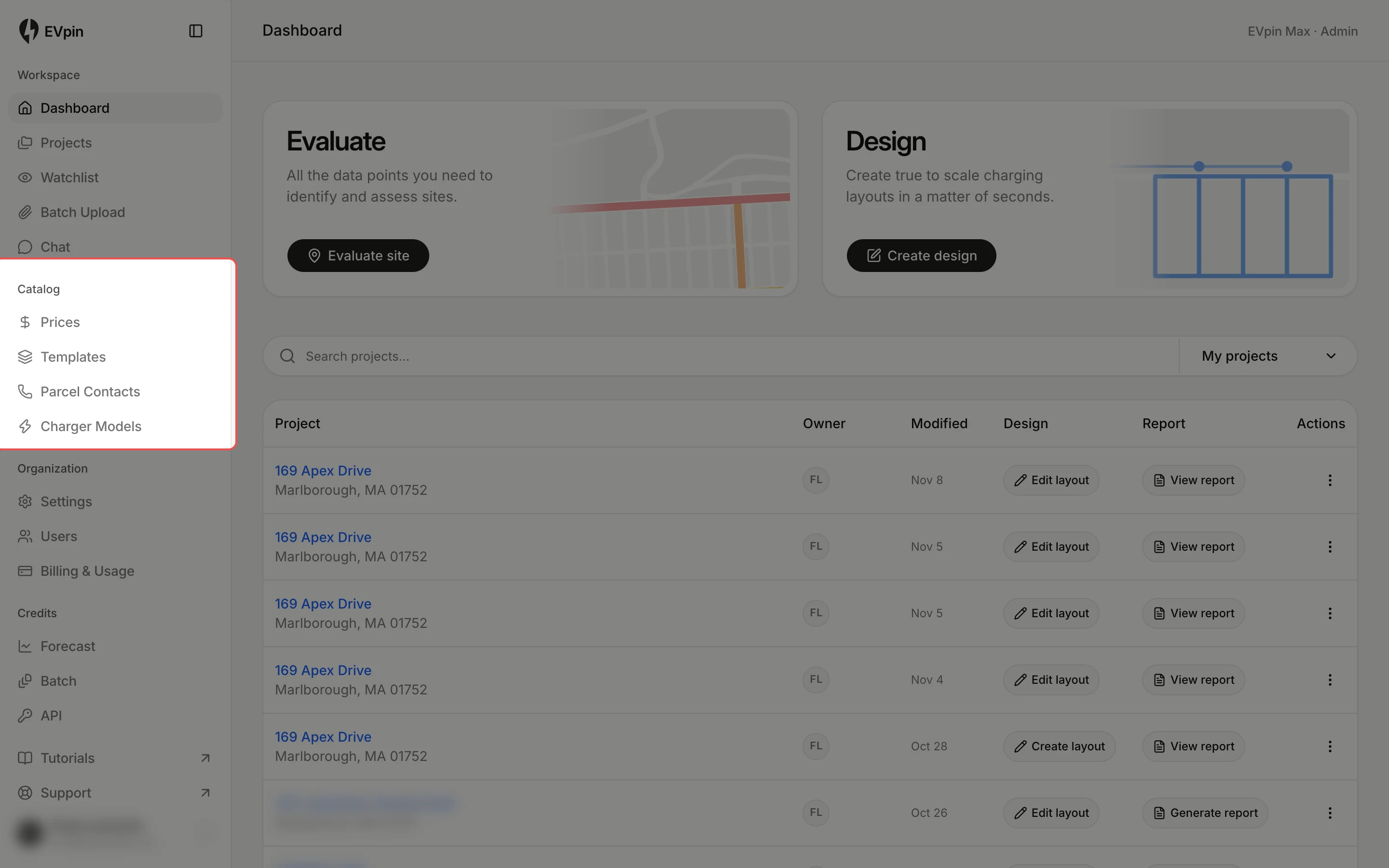
Use Catalog for reusable items
Catalog holds what you reuse across projects: Prices for estimates, design Templates, Parcel Contacts and Charger Models.
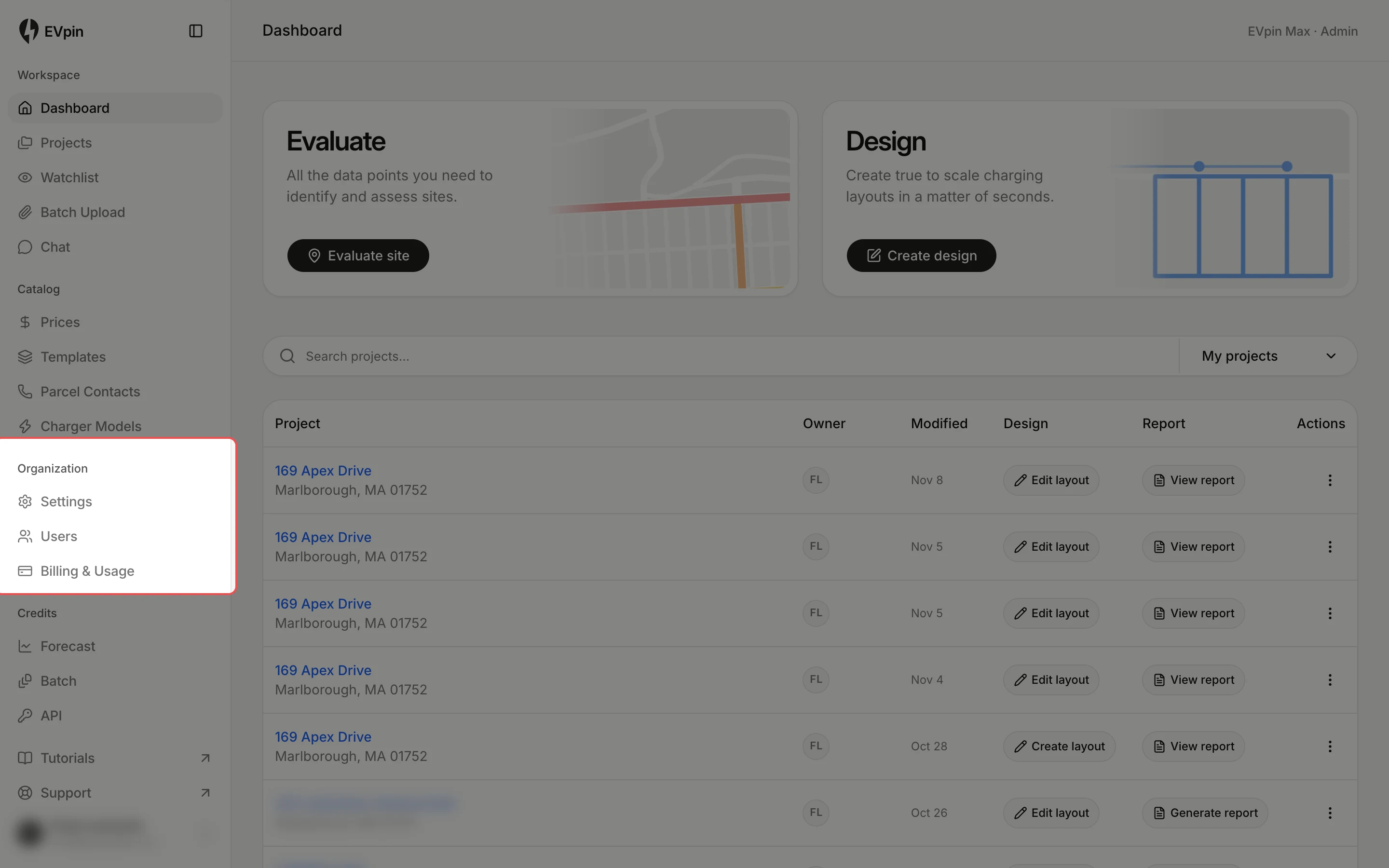
Use Organization for your team
Organization has your company Settings, the Users on your team and Billing & Usage.
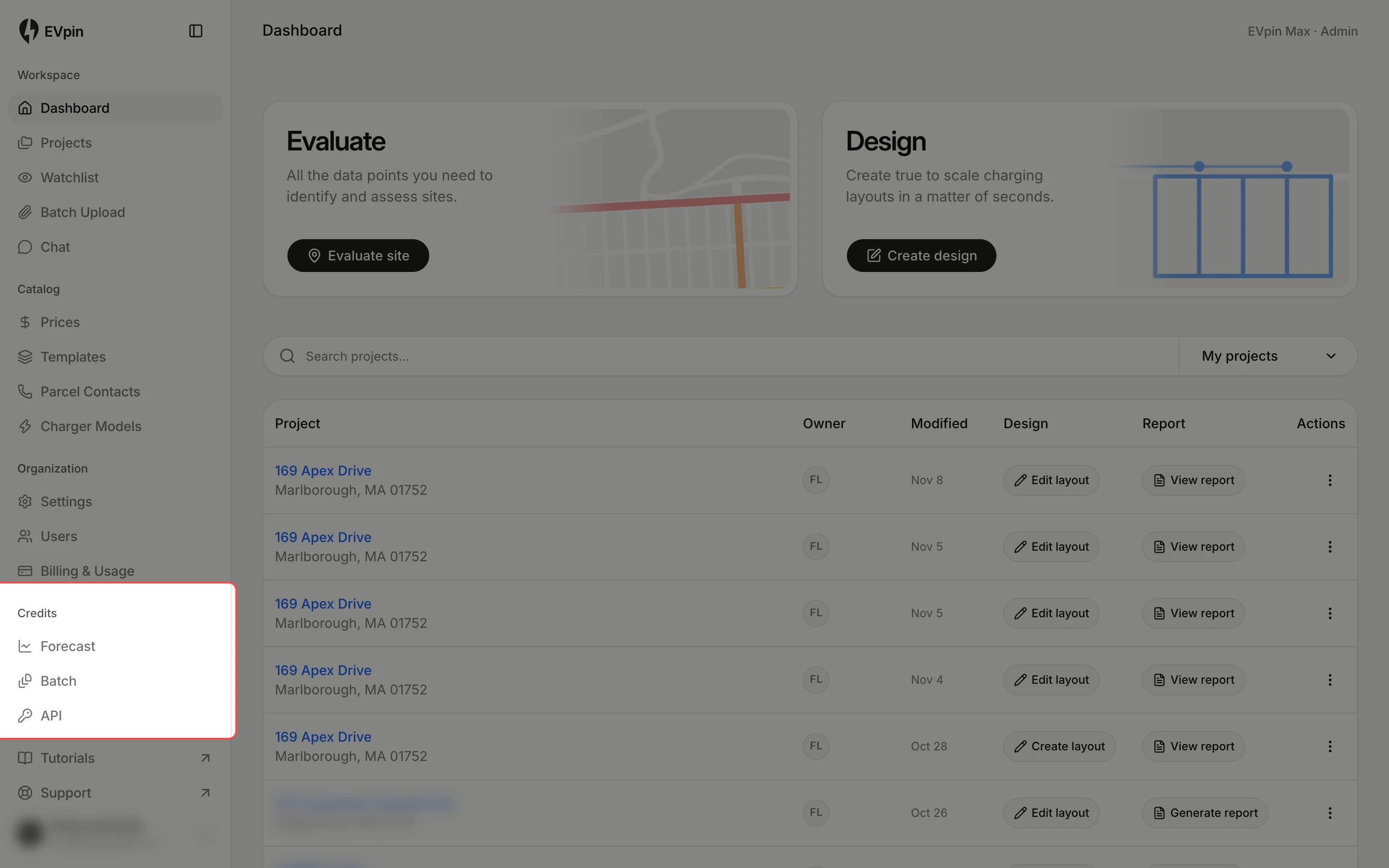
Use Credits for forecasts and the API
Credits shows who can use Forecast and Batch credits, and API is where you create API keys.
Get help
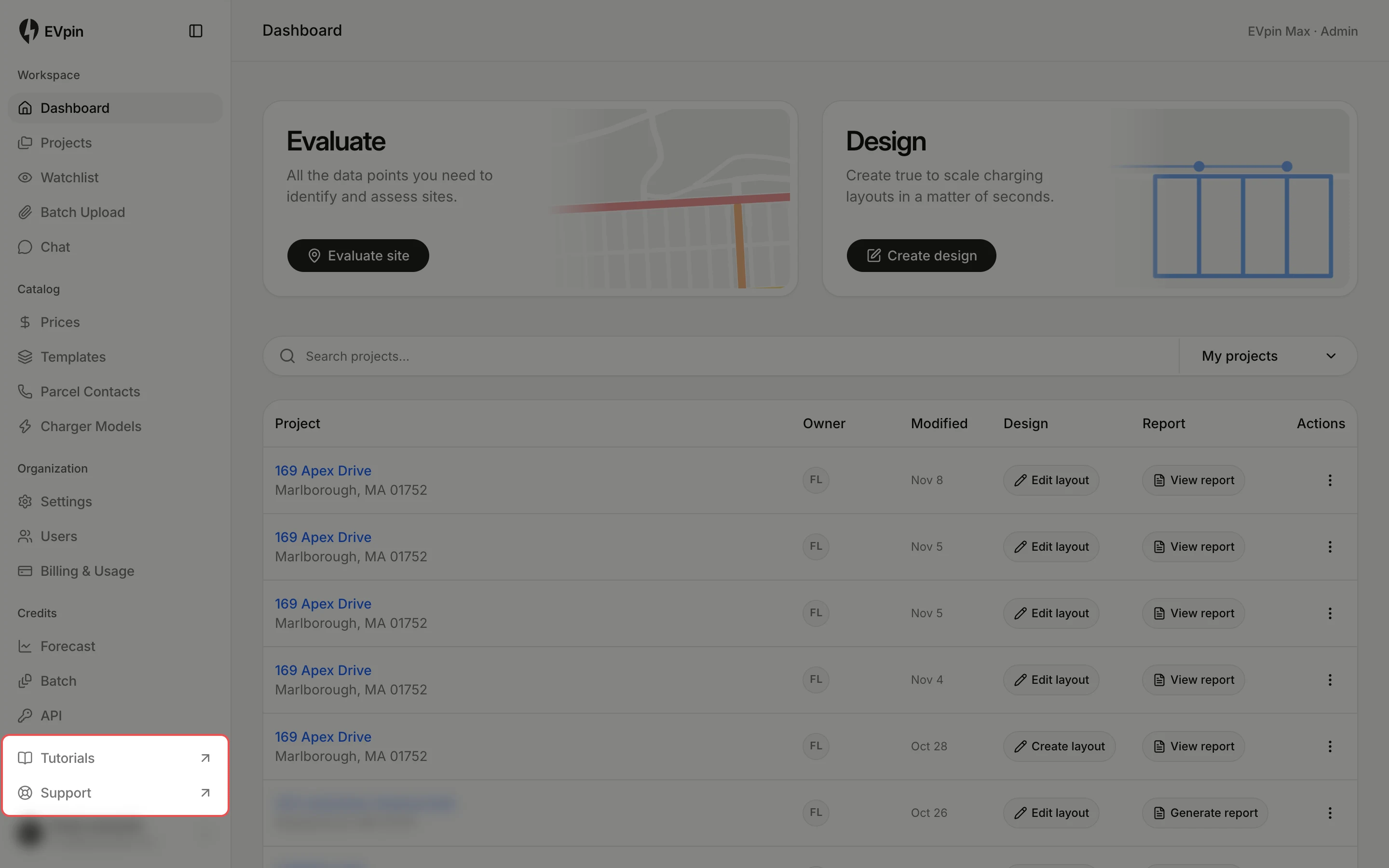
At the bottom of the sidebar, click Tutorials to open these guides or Support to send the EVpin team a message.