How to contact support
Report a bug, request a feature or leave a review for the EVpin team from the dashboard sidebar.
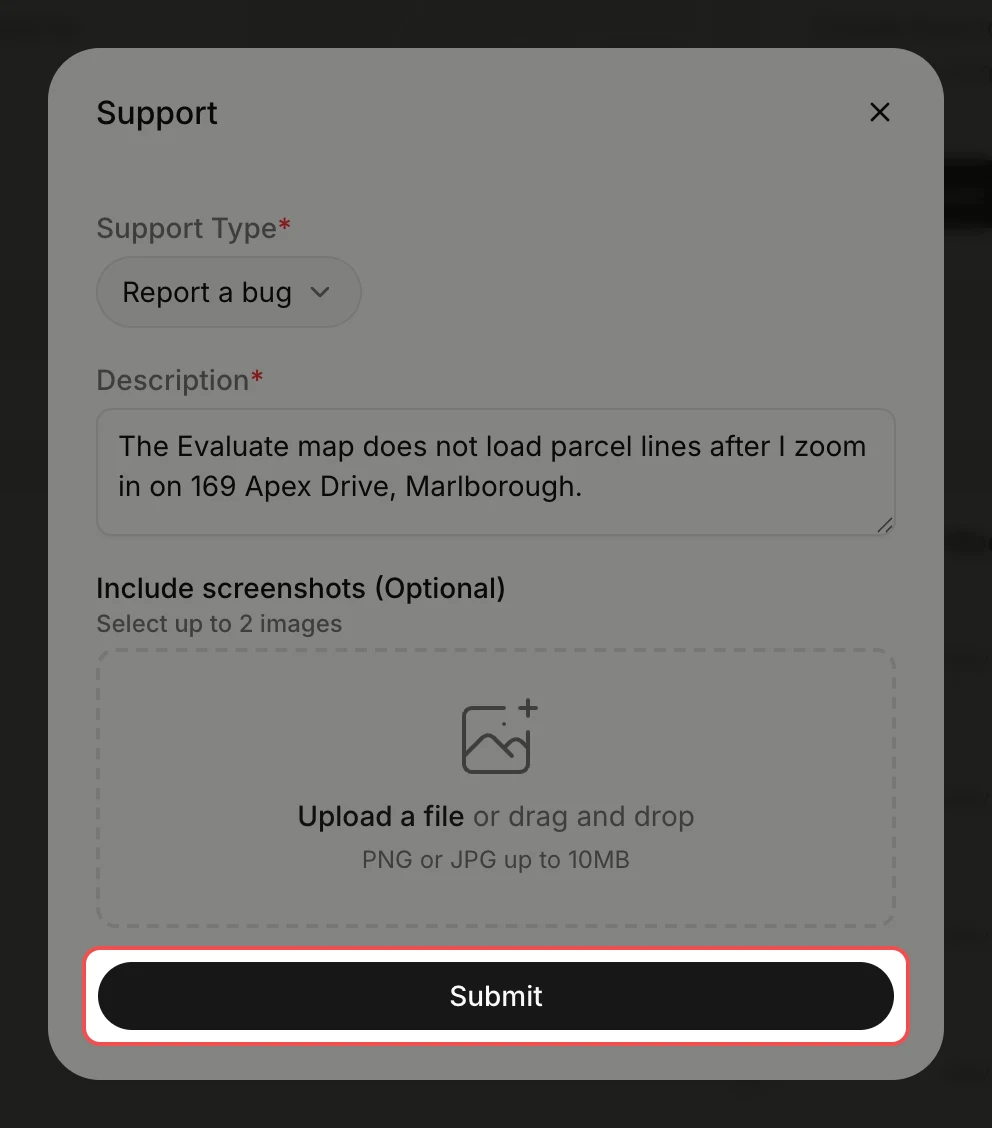
By the end your message is with the EVpin team. The form sends the page you were on along with it, so open the page where the problem happens before you start.
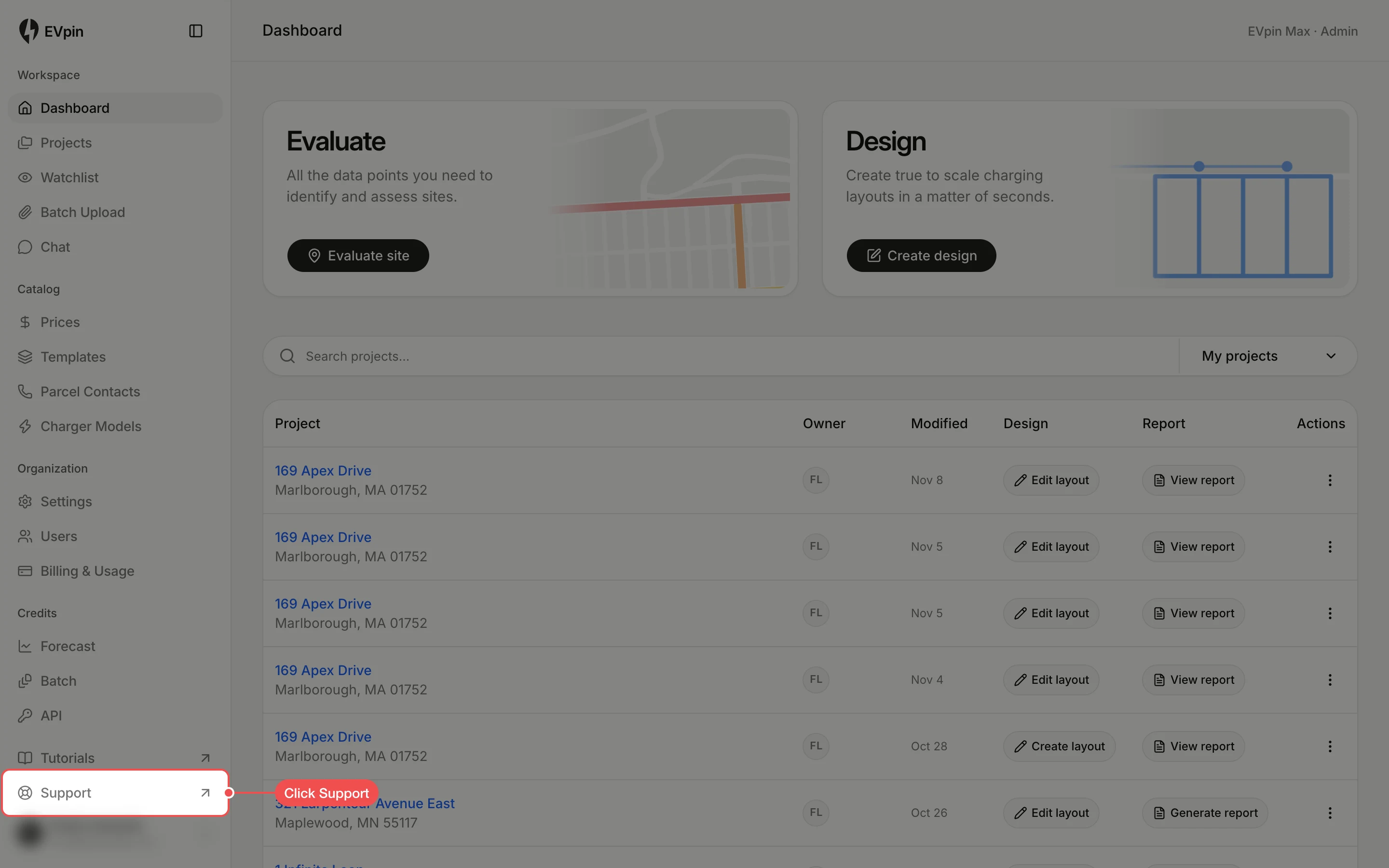
Pick the type of message
Click the Support Type list and click Report a bug, Request a feature or Leave a review.
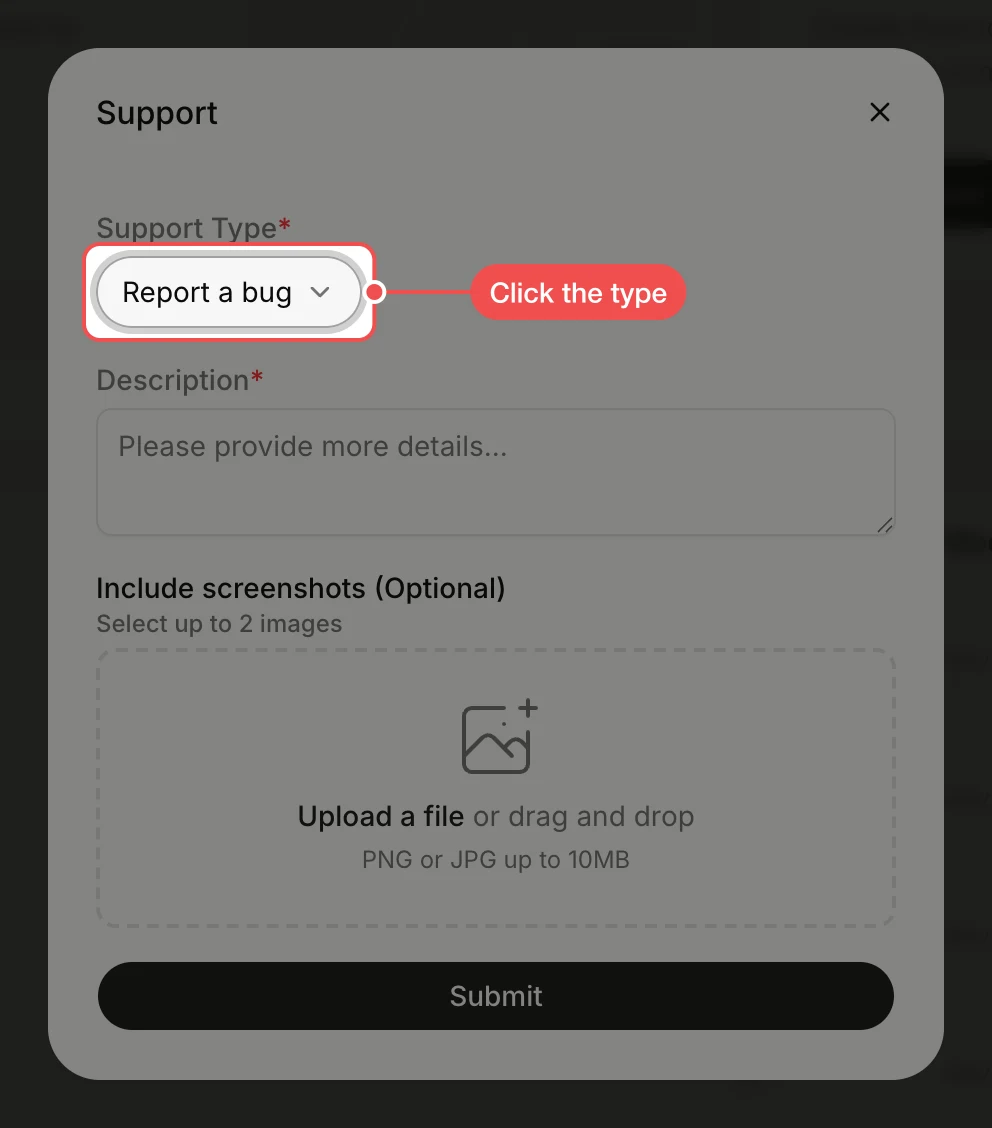
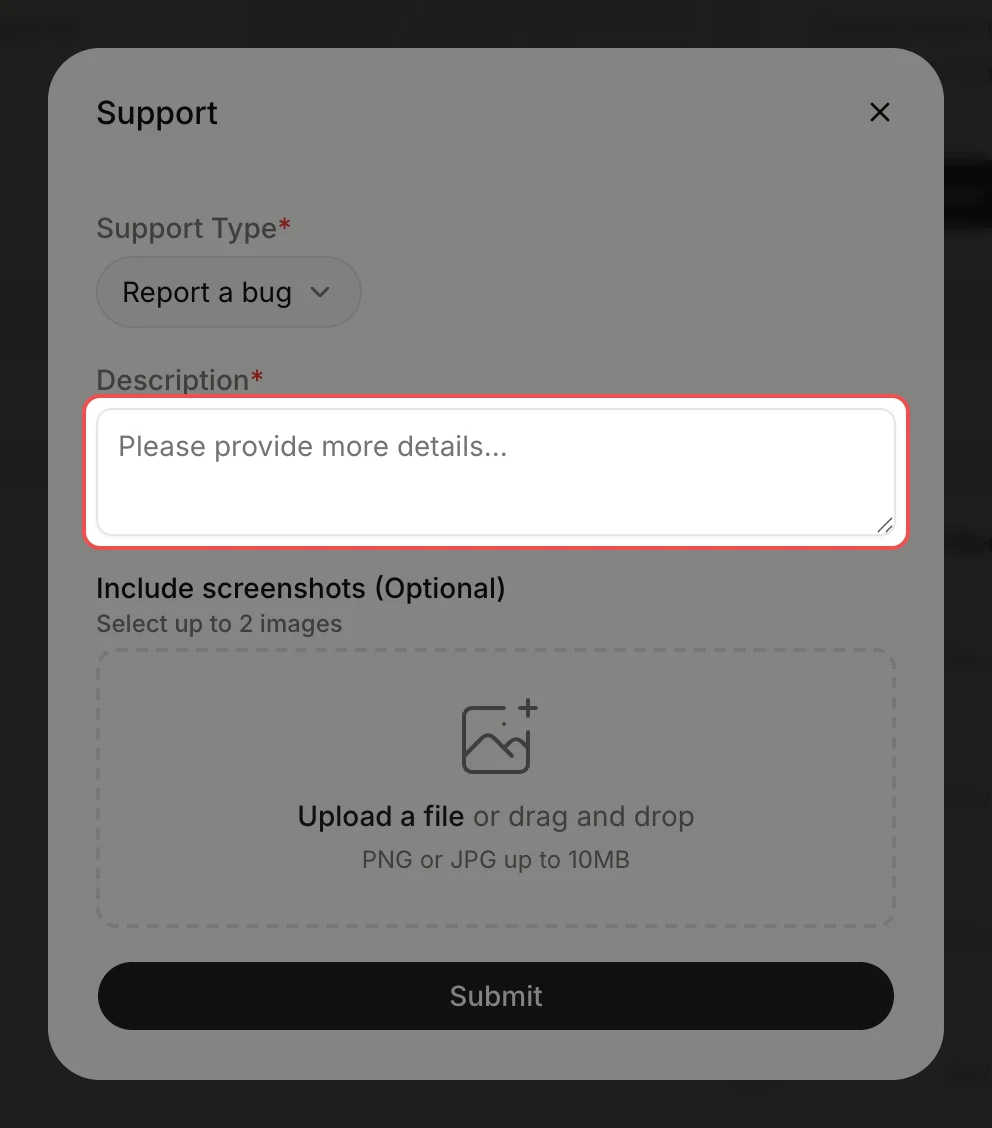
Describe the issue
Type what happened in Description: what you clicked, what you expected and what you saw. Up to 1,000 characters.
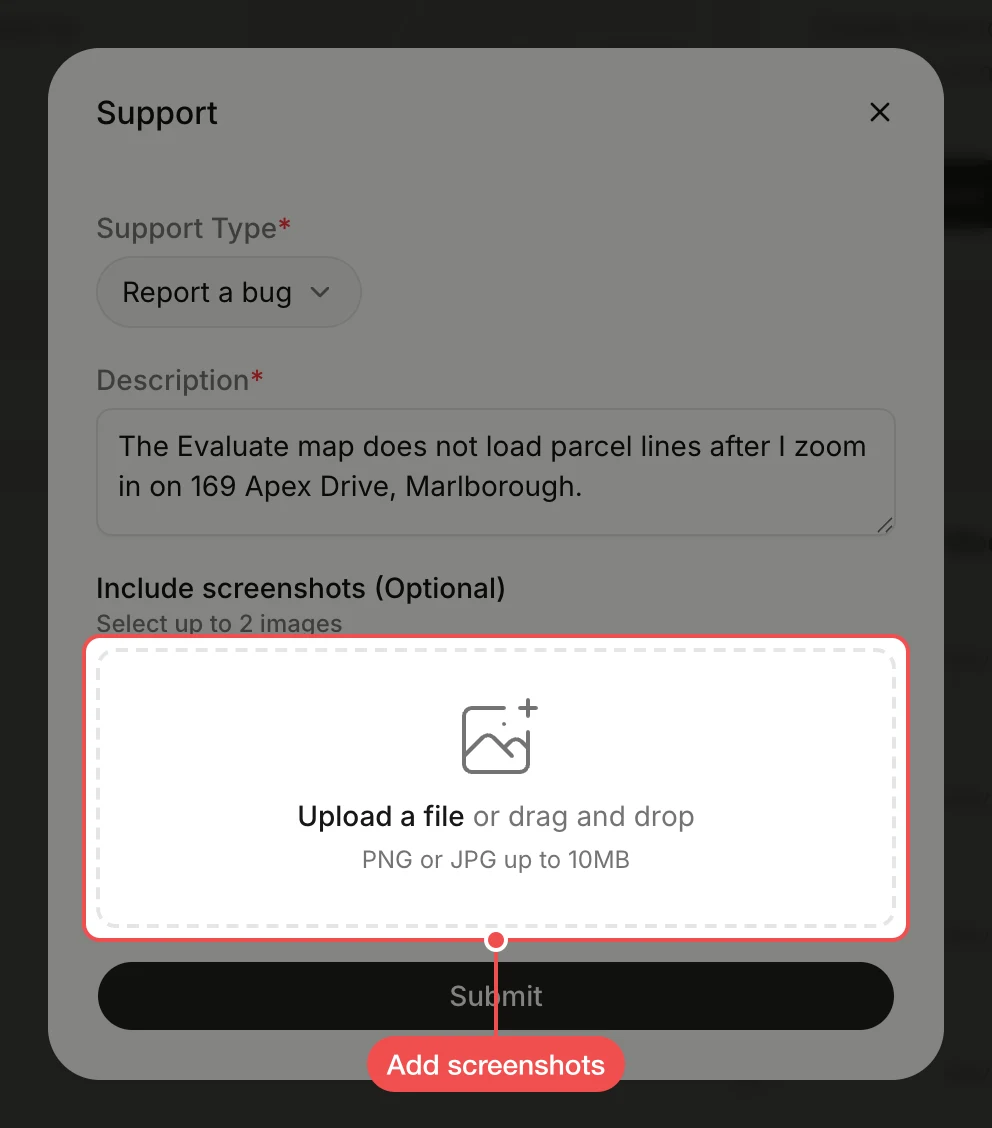
Add screenshots
Under Include screenshots (Optional), click Upload a file or drag images onto the box. You can add up to two PNG or JPG images of 10 MB each.
Send the message
Click Submit. A confirmation shows in the dialog, and it closes after a few seconds.
What's next
- How to update your profile so the team knows who wrote in.