How to update your profile
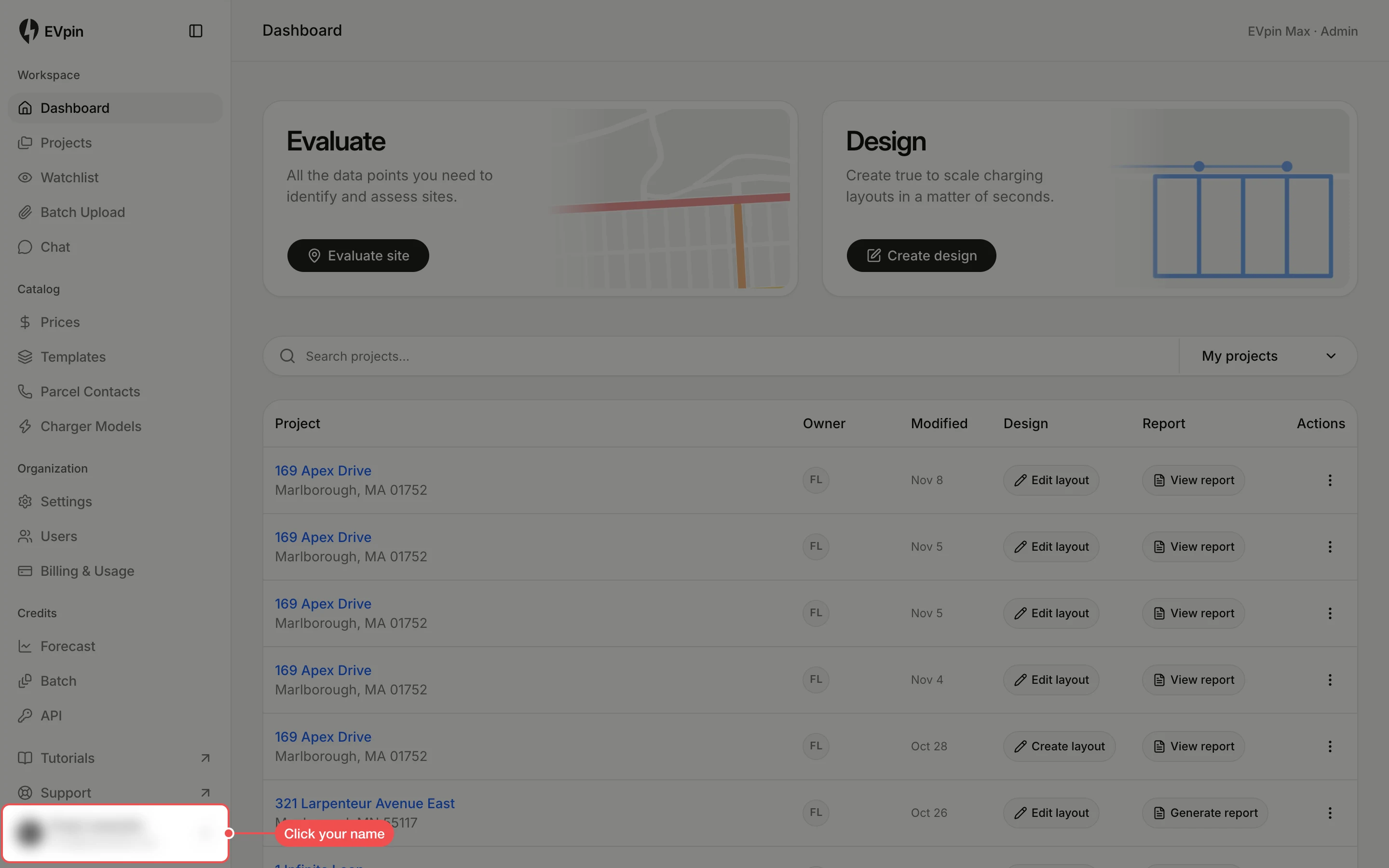
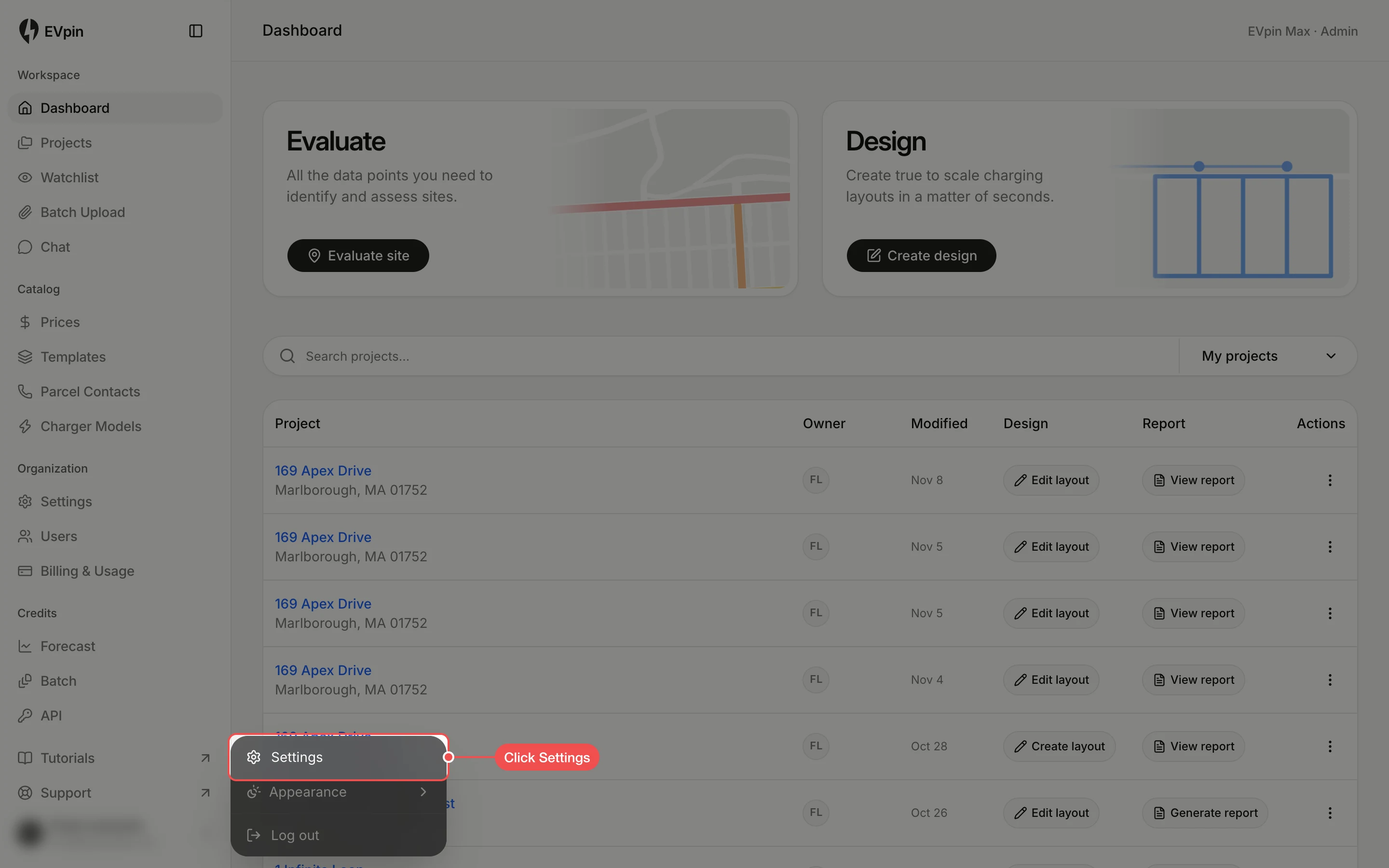
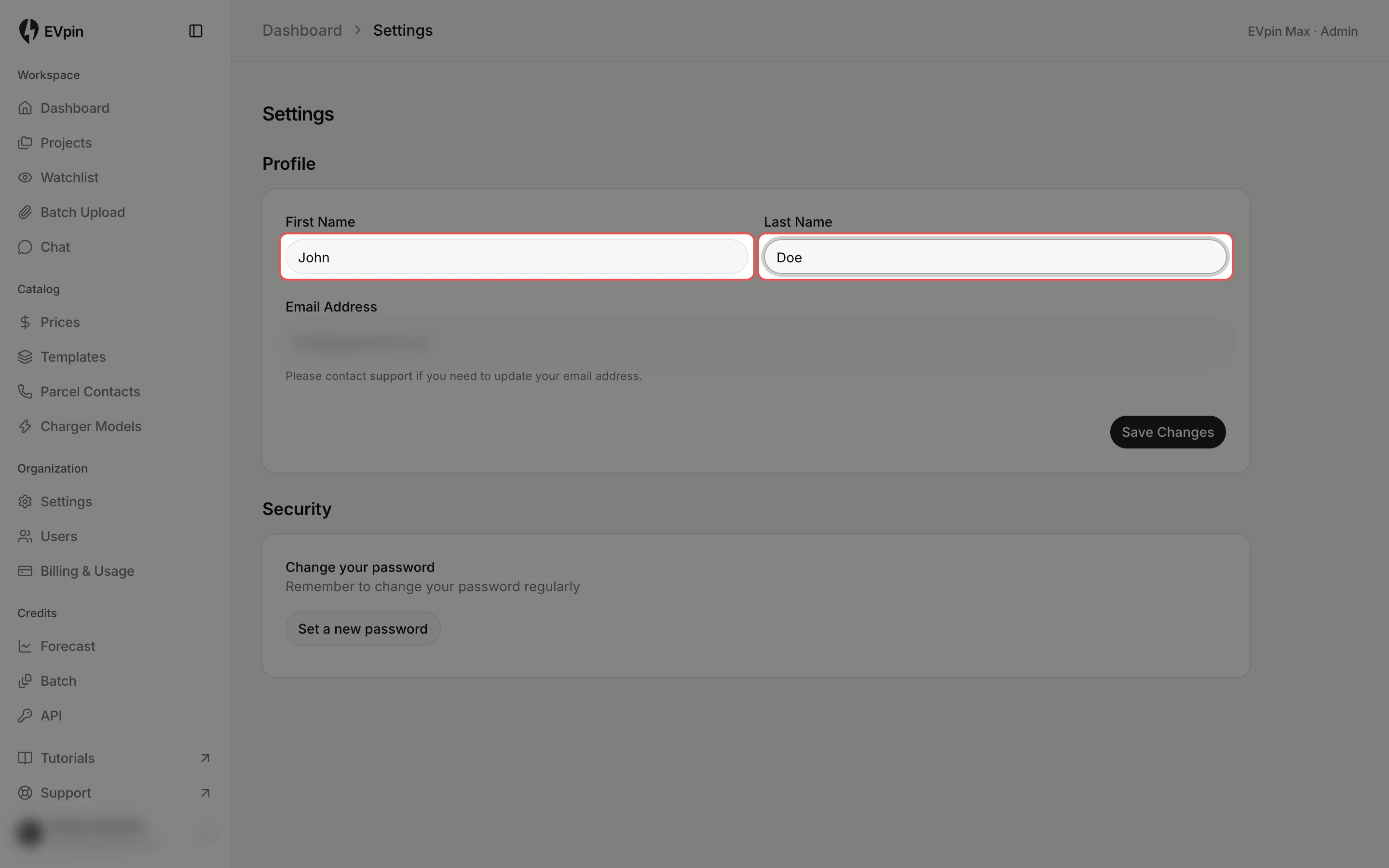
Change the first and last name shown on your EVpin account and on the projects you own.
By the end your account will show your new name in the sidebar and on your projects. Your email address can't be changed here; contact support if it needs to change.
Save your changes
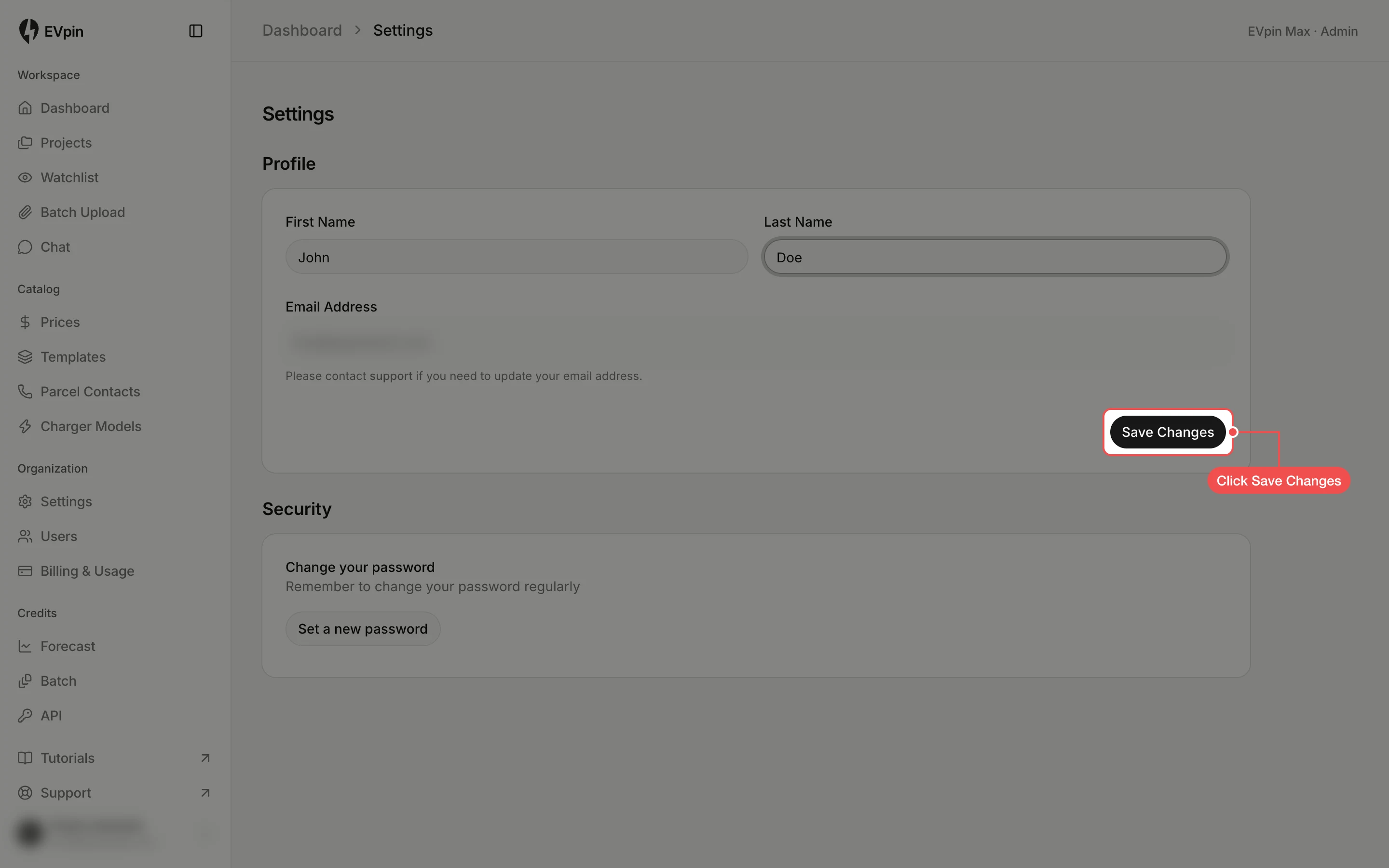
Click Save Changes. A message confirms the profile was updated and the sidebar shows the new name.
What's next
- How to invite a teammate to work on projects with you.