How to invite a teammate
Send an invitation from the Users page, then find it under Pending invitations and resend or cancel it.
By the end your teammate will have an email invitation to join your organization. Teammates must use an email address on your organization's domain. Members can invite at the Free plan; admins can also set the role and a paid plan.
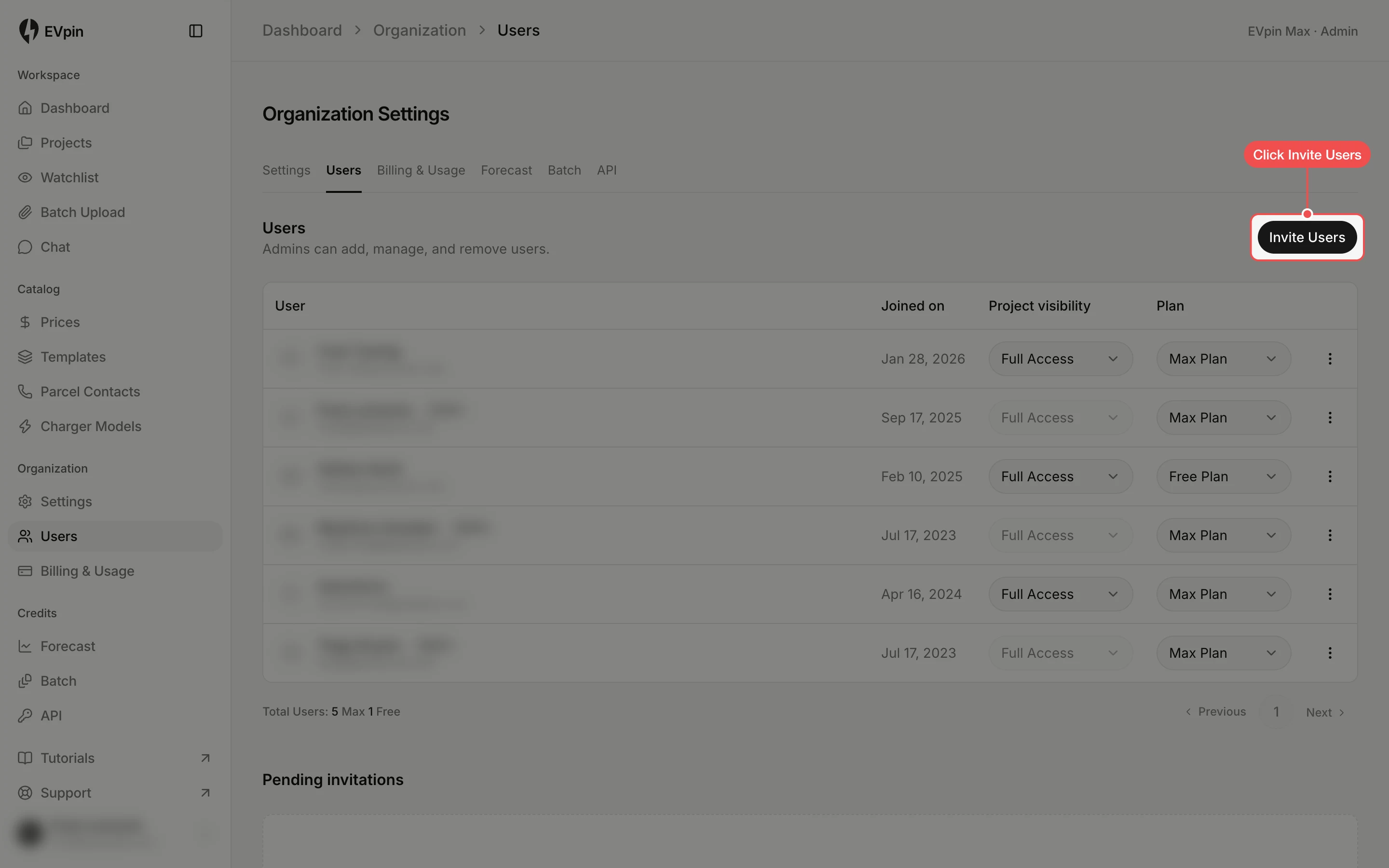
Open the Invite Users dialog
On the Users page, under Organization in the sidebar, click Invite Users at the top right.
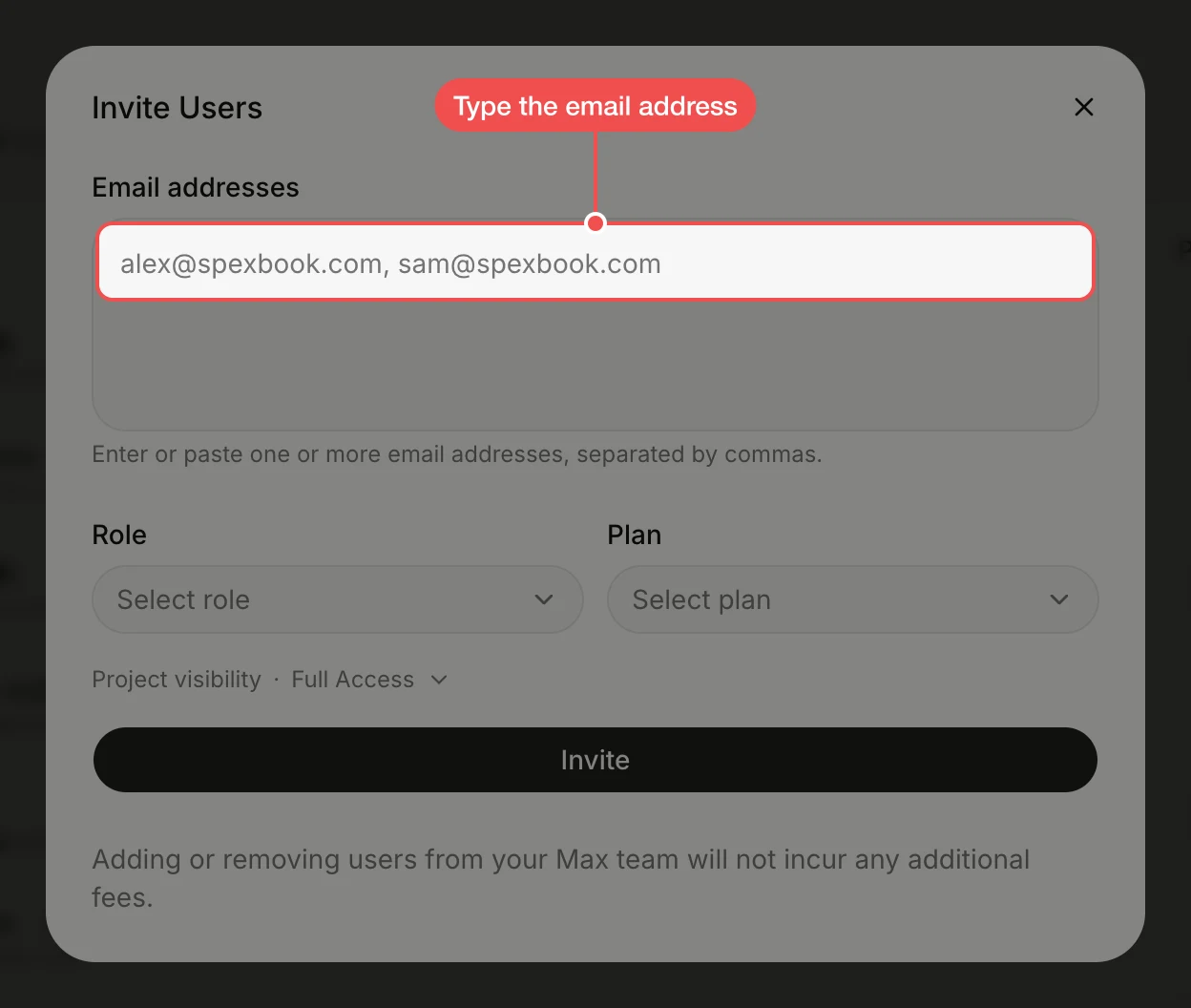
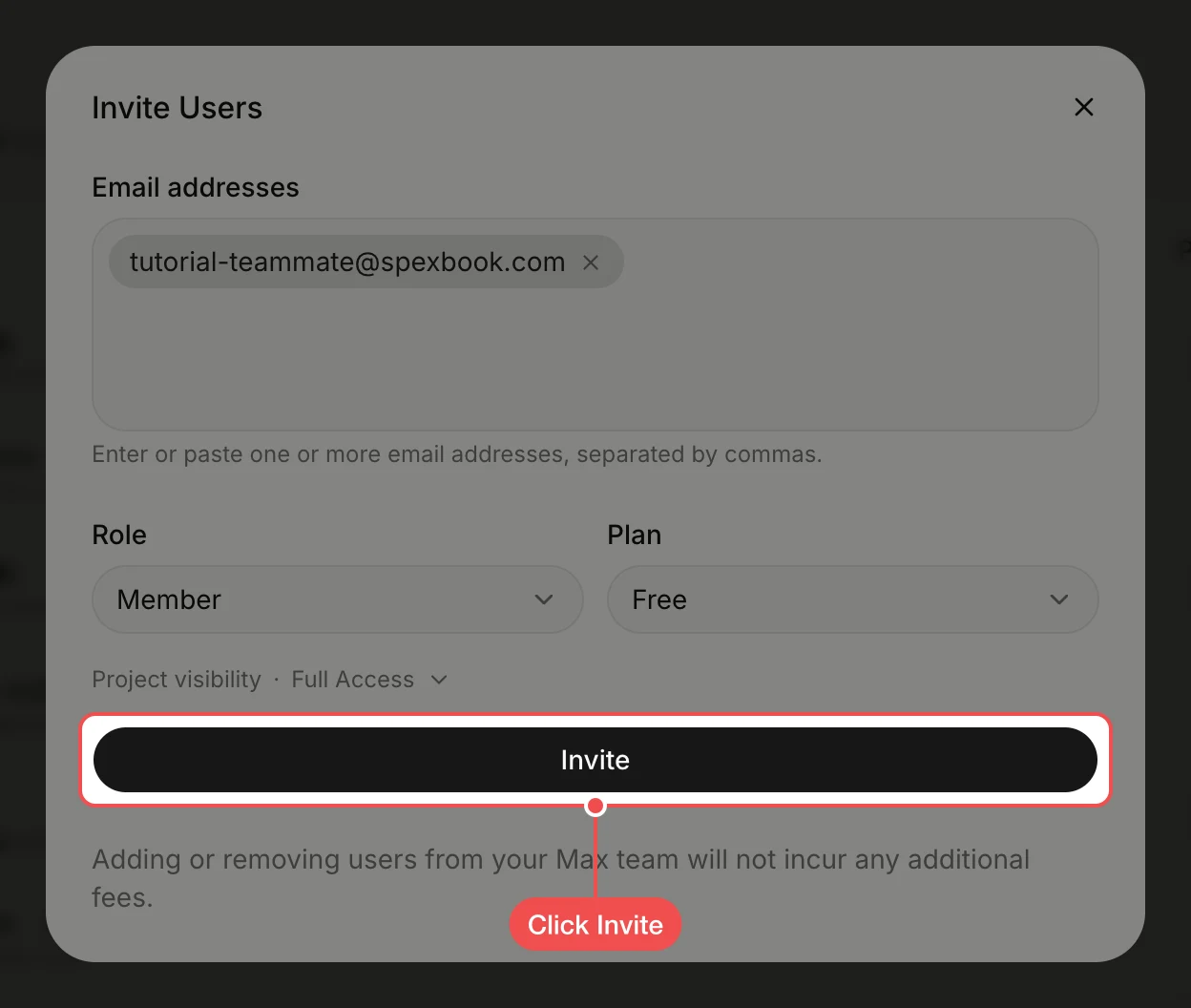
Type the email address
Type your teammate's email address in Email addresses and press Enter. To invite several people at once, paste a list separated by commas.
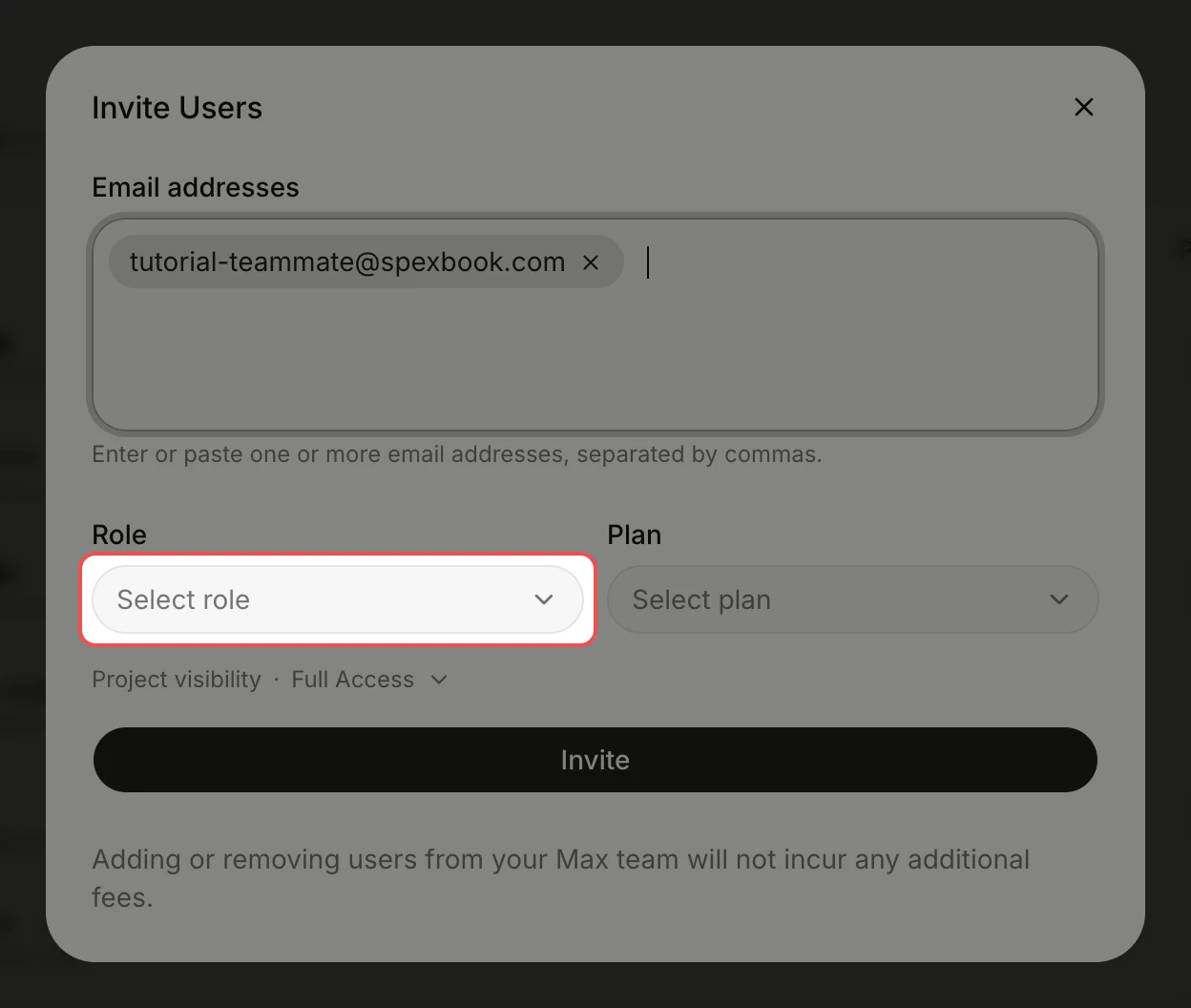
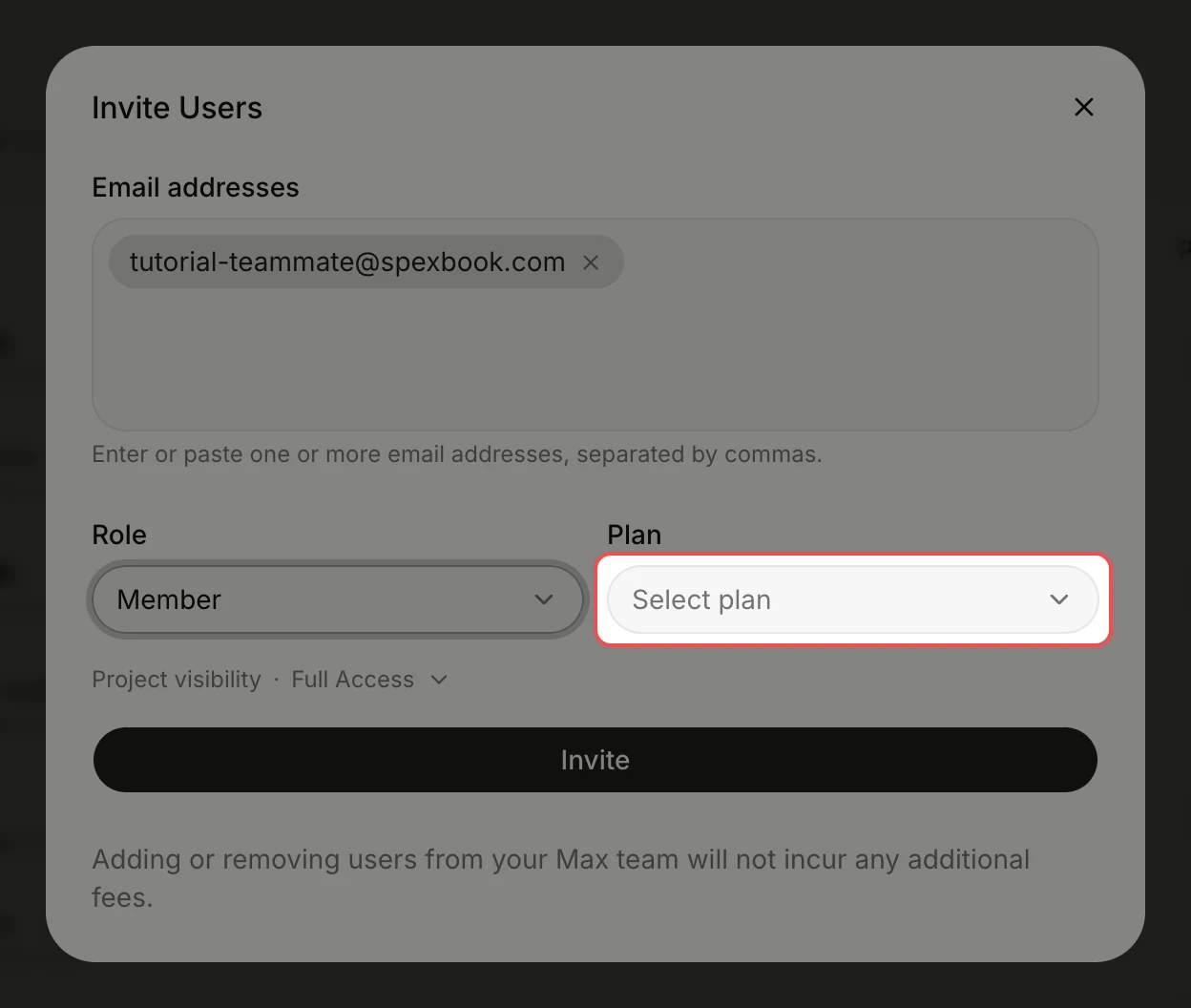
Set the plan
Click Plan, then click the plan your teammate will be on. The note at the bottom of the dialog says whether the change affects your subscription.
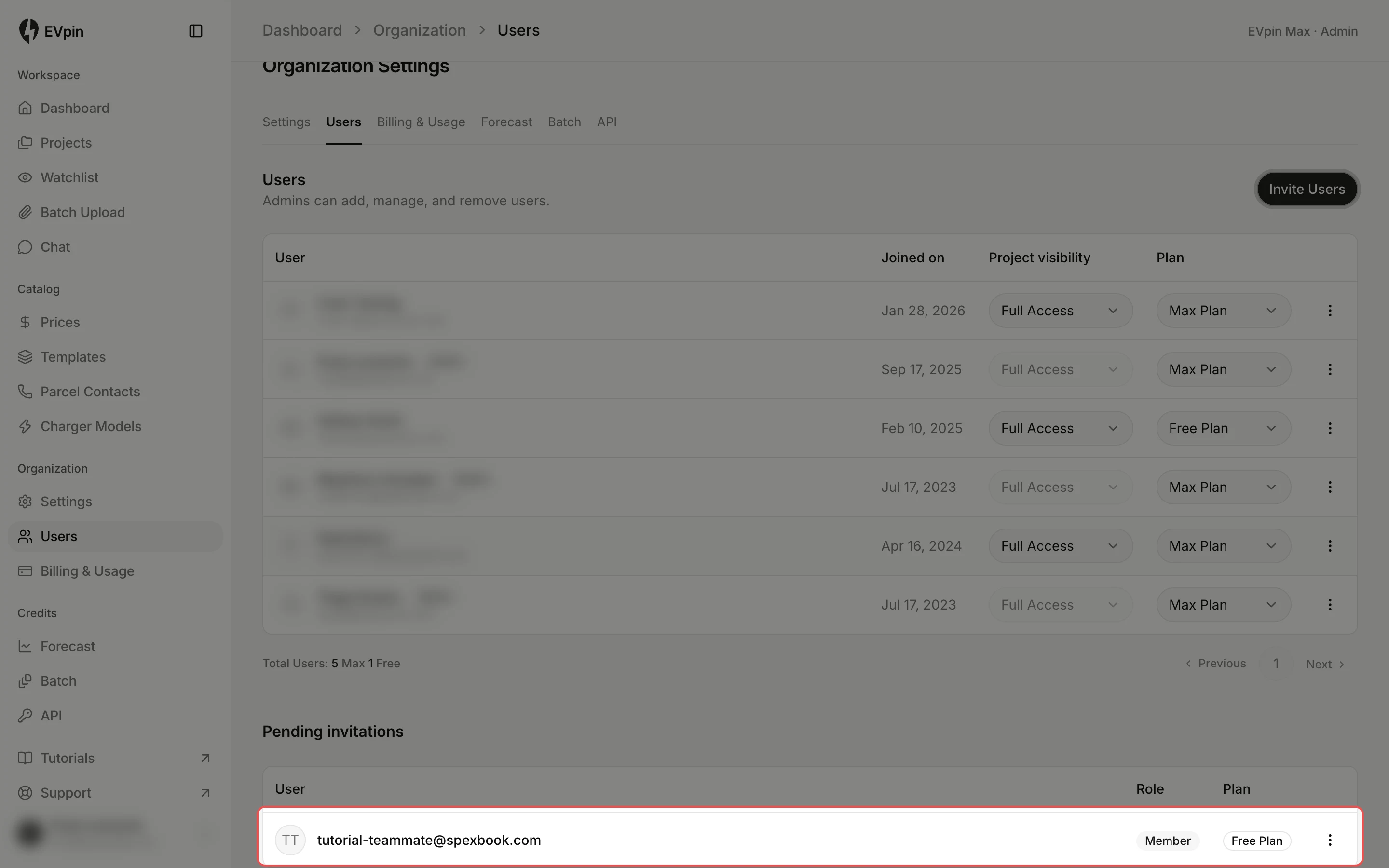
Find the pending invitation
Close the dialog. The invitation is listed under Pending invitations, below the users, until your teammate accepts it.
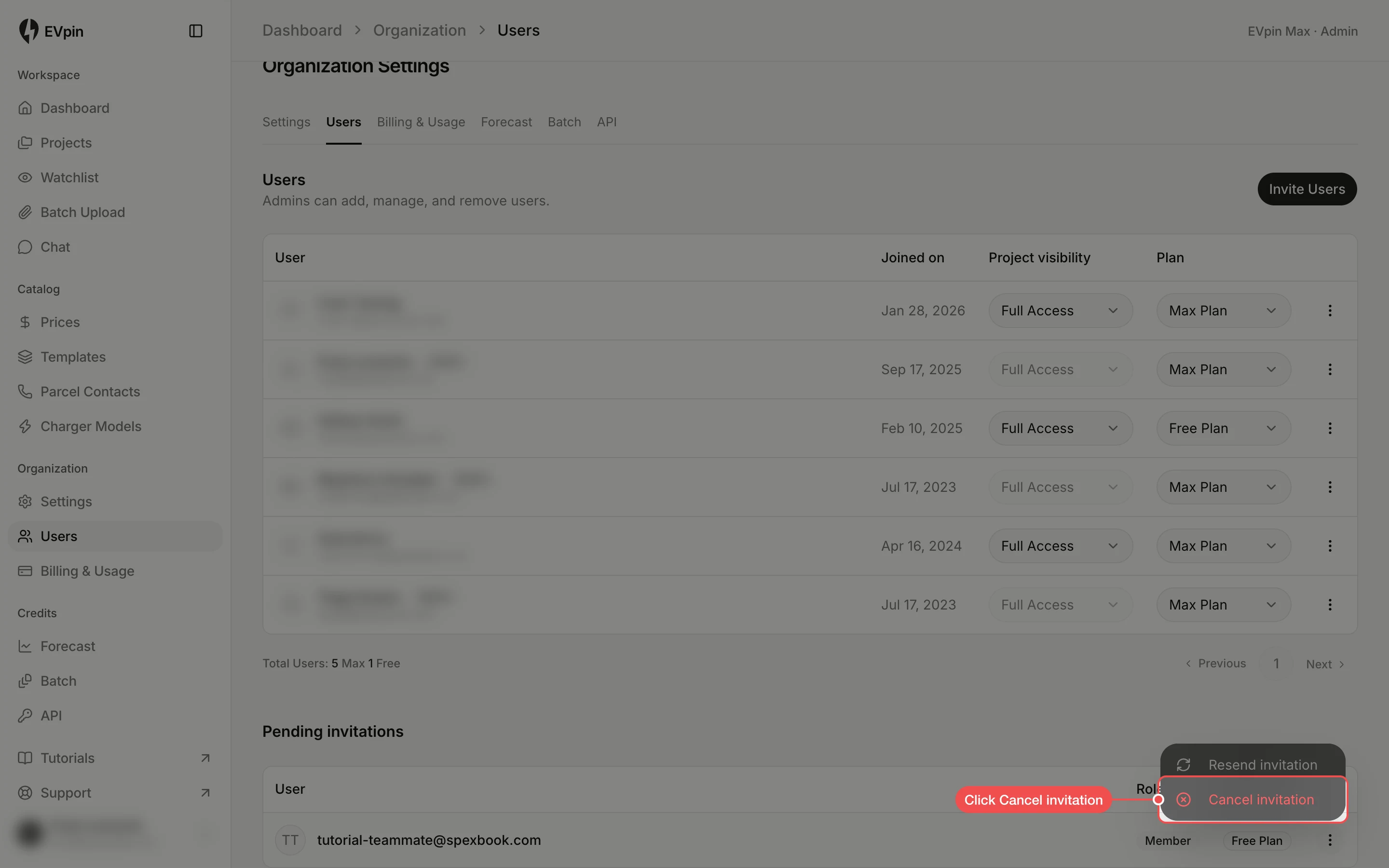
Resend or cancel it
Click the menu at the end of the invitation's row. Click Resend invitation if the email went missing, or Cancel invitation to withdraw it.
What's next
- How to change a teammate's role once they have joined.