How to change a teammate's role
Make a teammate an admin, or turn an admin back into a member, from the Users page.
Admins can add, manage and remove users. By the end your teammate will have the role you picked. Only admins can do this, and the organization's owner and your own role can't be changed here.
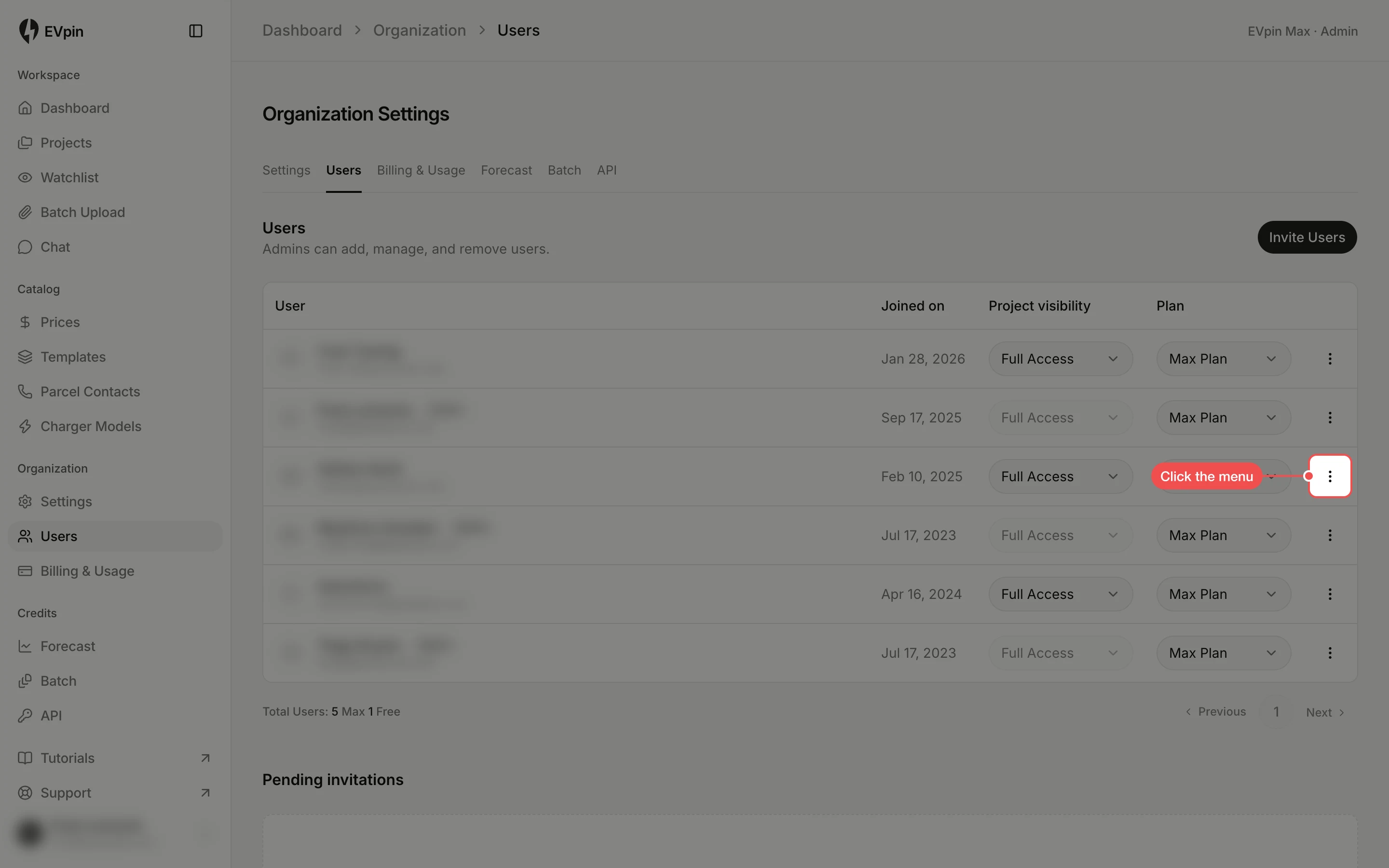
Open the teammate's menu
In the sidebar under Organization, click Users. Find your teammate in the list and click the menu at the end of their row. Admins already have an Admin badge next to their name.
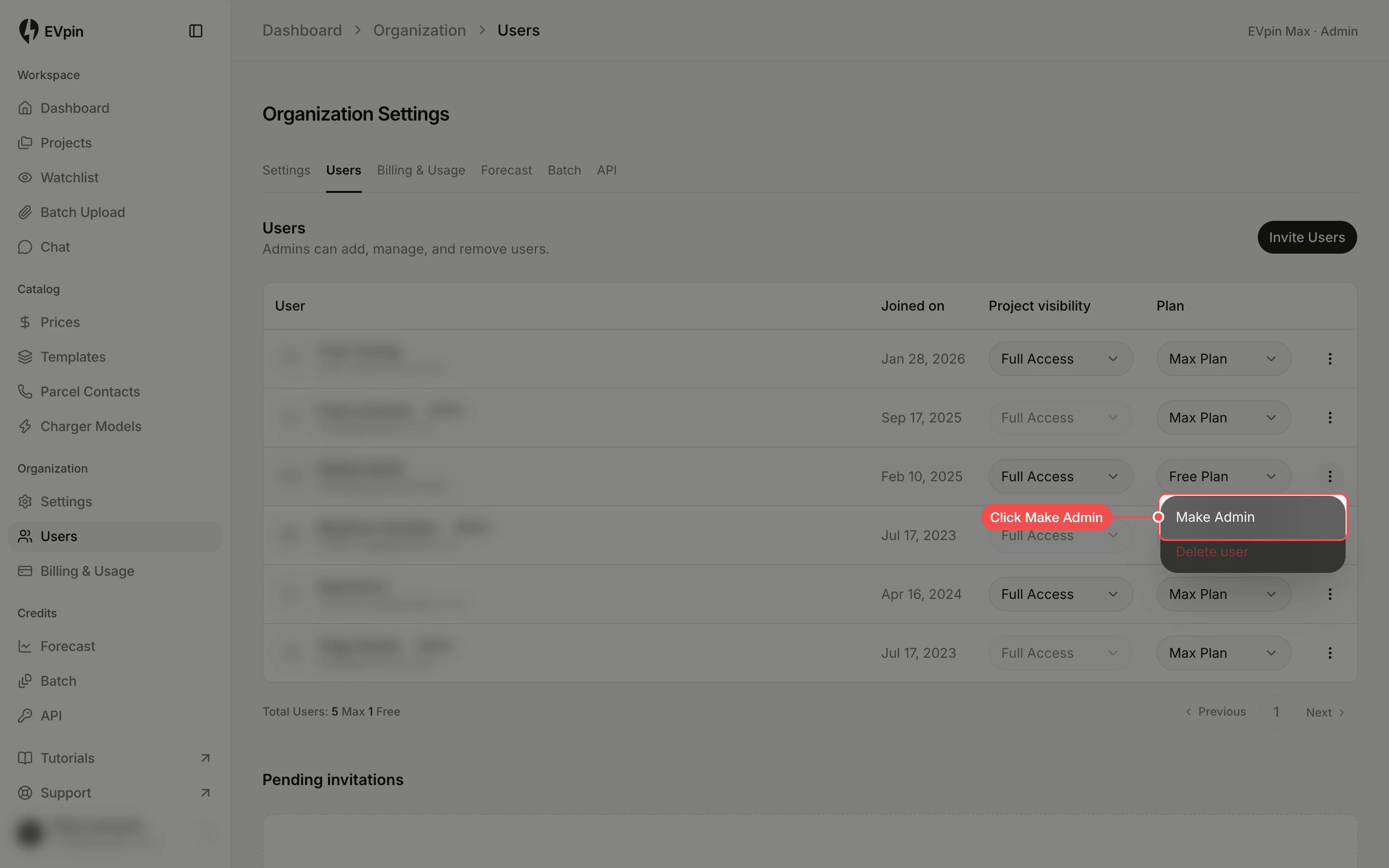
Click Make Admin
Click Make Admin. The Admin badge appears next to their name. For someone who is already an admin the item reads Remove Admin and makes them a member again.
What's next
- How to invite a teammate to add someone new with a role already set.