How to auto-connect equipment
Wire every charger, power cabinet, switchgear and transformer on a design with conduit runs in one click.
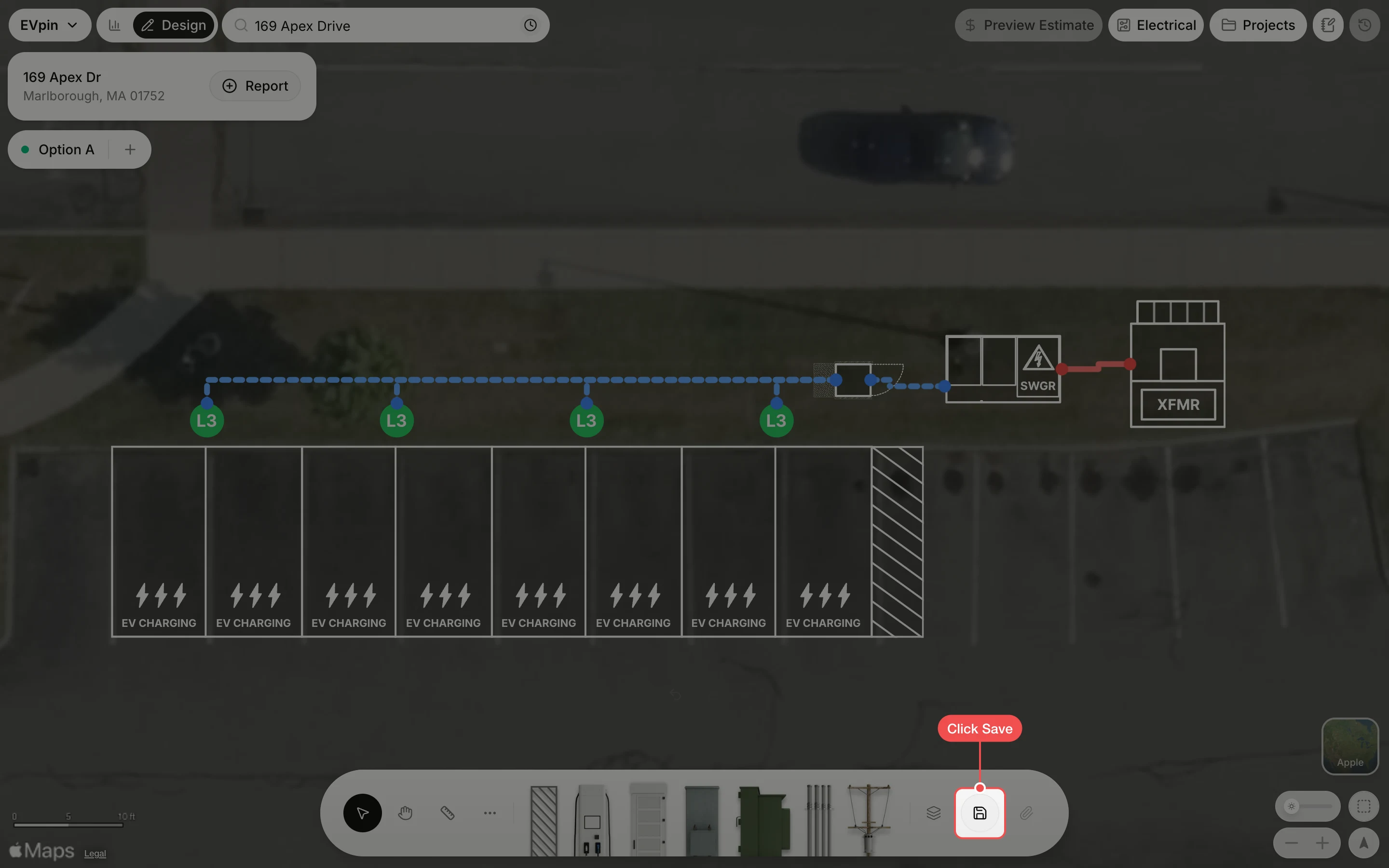
By the end every charger on your design will be wired to a power cabinet, every cabinet to the switchgear and the switchgear to the transformer, which is what the estimate and the electrical plan need. You need a saved design with chargers, power cabinets, a switchgear and a transformer, as in How to add power cabinets.
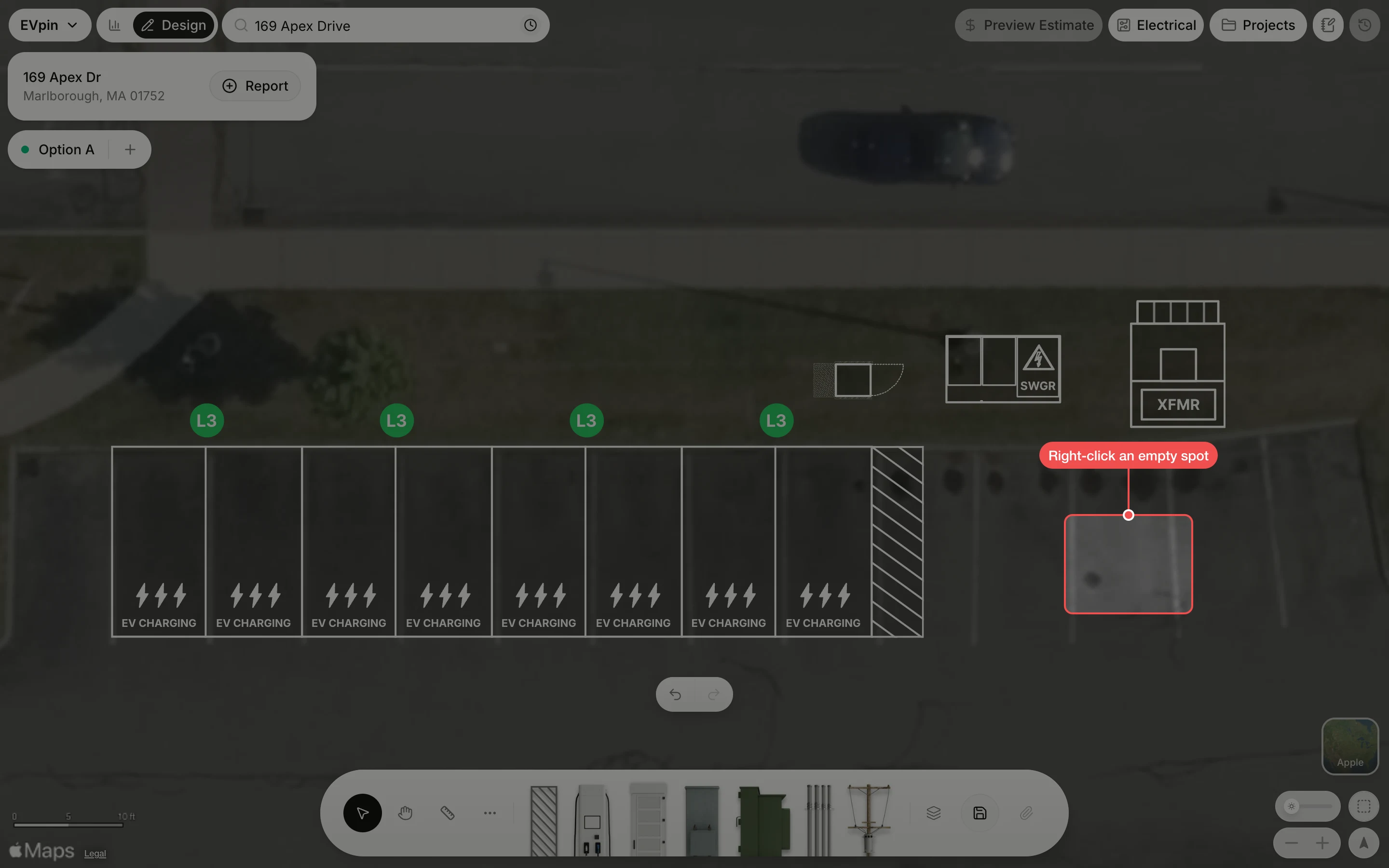
Right-click an empty spot
Right-click an empty part of the map, away from the equipment. A menu opens.
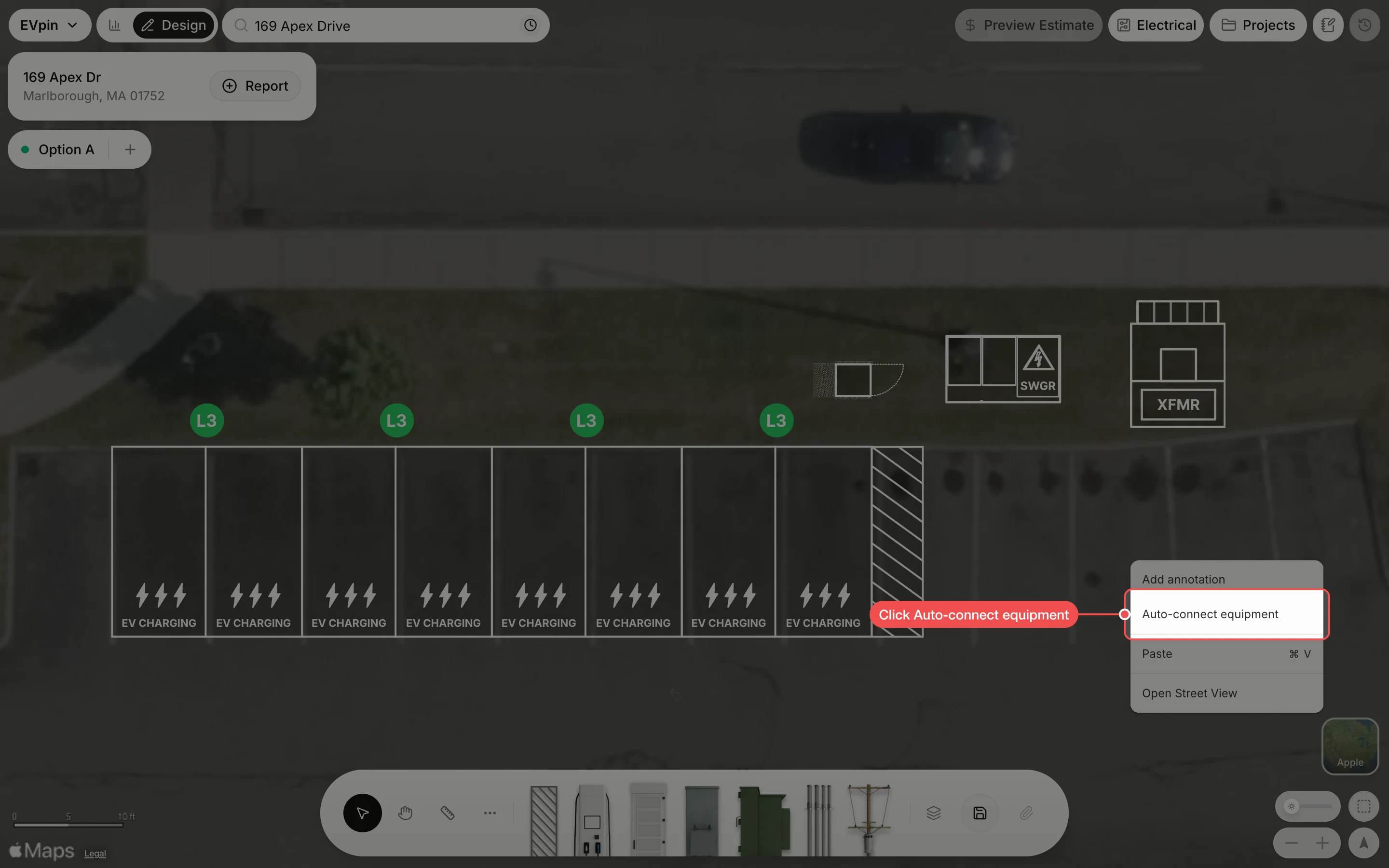
Check the runs
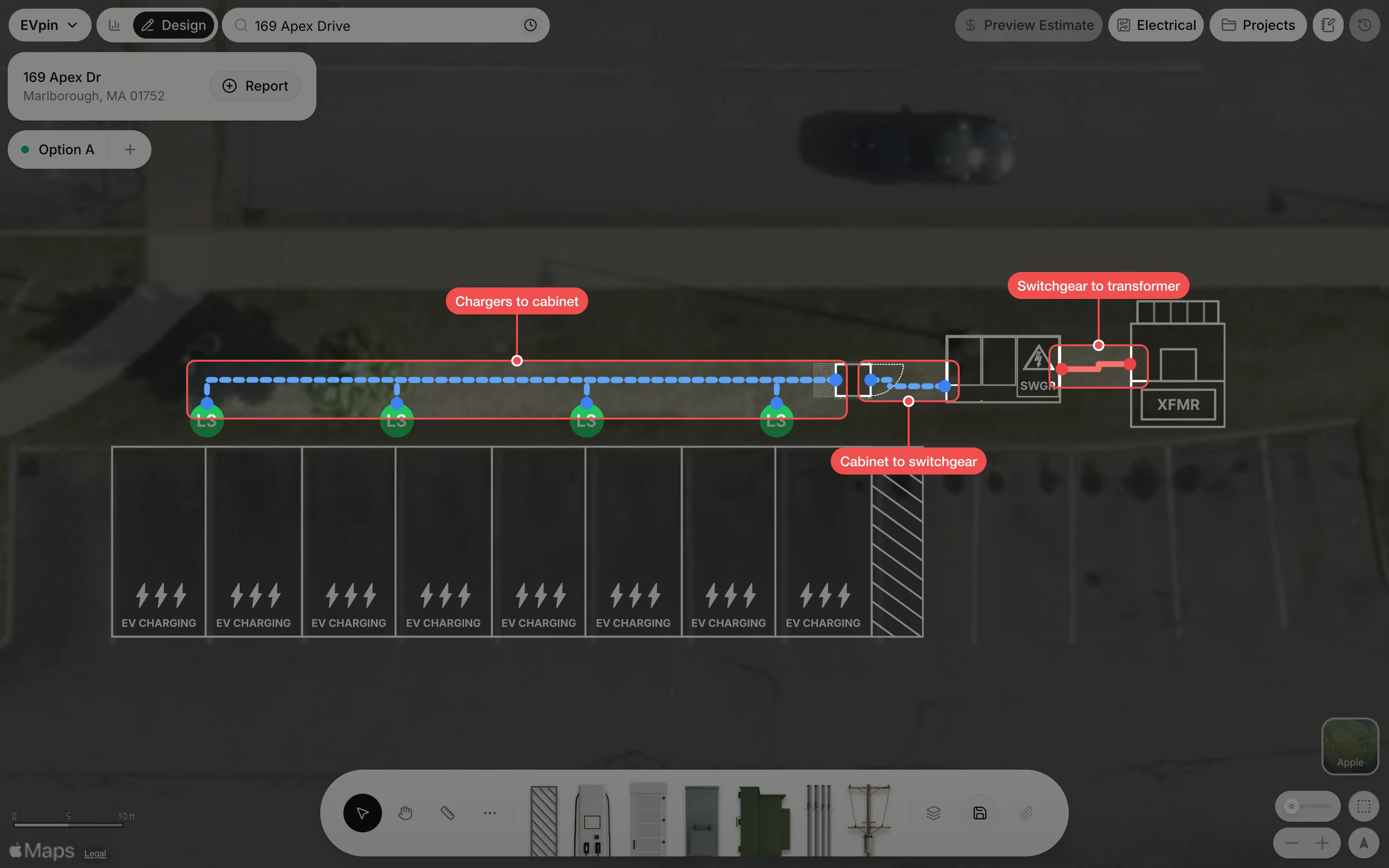
EVpin draws a conduit run for each link in the chain. The blue dashed lines are secondary runs from the chargers to the cabinet and from the cabinet to the switchgear; the red line is the primary run from the switchgear to the transformer. Their lengths feed the trenching and wiring sections of the estimate.
What's next
- How to draw a conduit run for a run you want to place yourself.
- How to turn on electrical design to get the single line diagram EVpin builds from this equipment.
- How to see what a design costs now that the trenching and wiring quantities exist.