How to see what a design costs
Open the estimate preview for a design and read its total and section-by-section costs.
By the end you will know the estimated total for a design and where the money goes. You need a project with a saved design that has at least one charger on it.
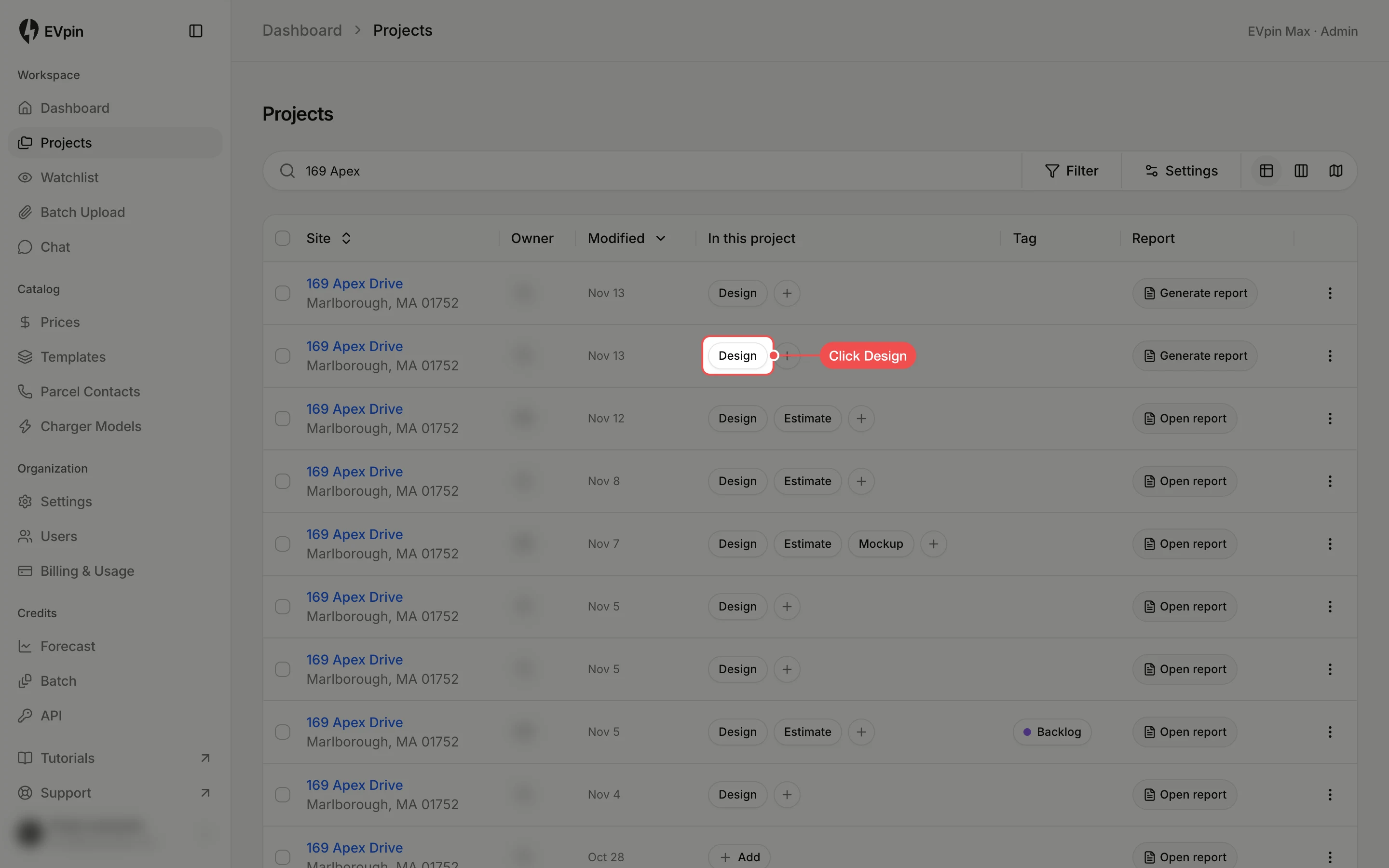
Open the design
In Projects, click the Design chip in the row of the project you want to price. The design opens in a new tab.
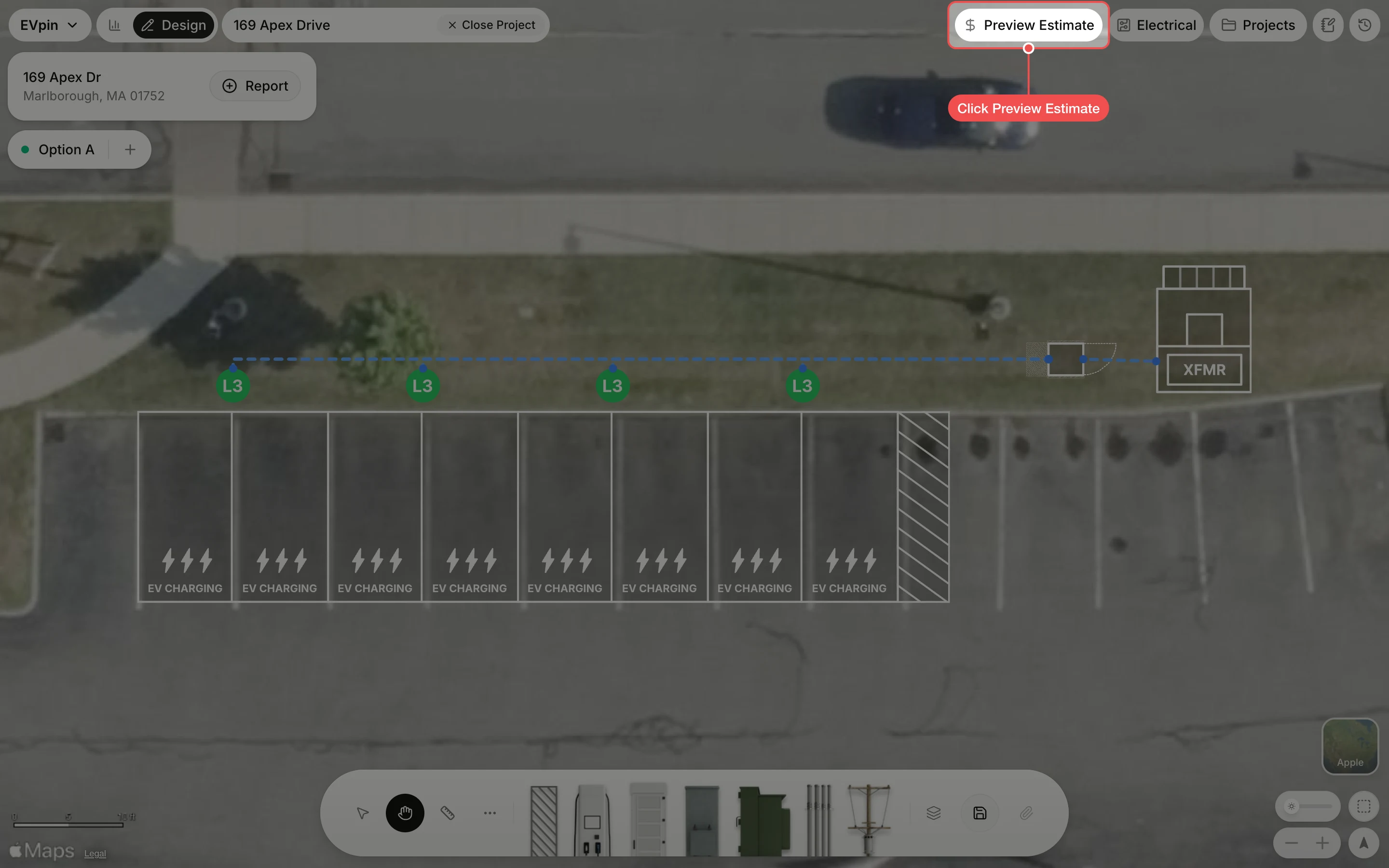
Click Preview Estimate
Click Preview Estimate at the top of the Design page. It is greyed out until the design has equipment on it.
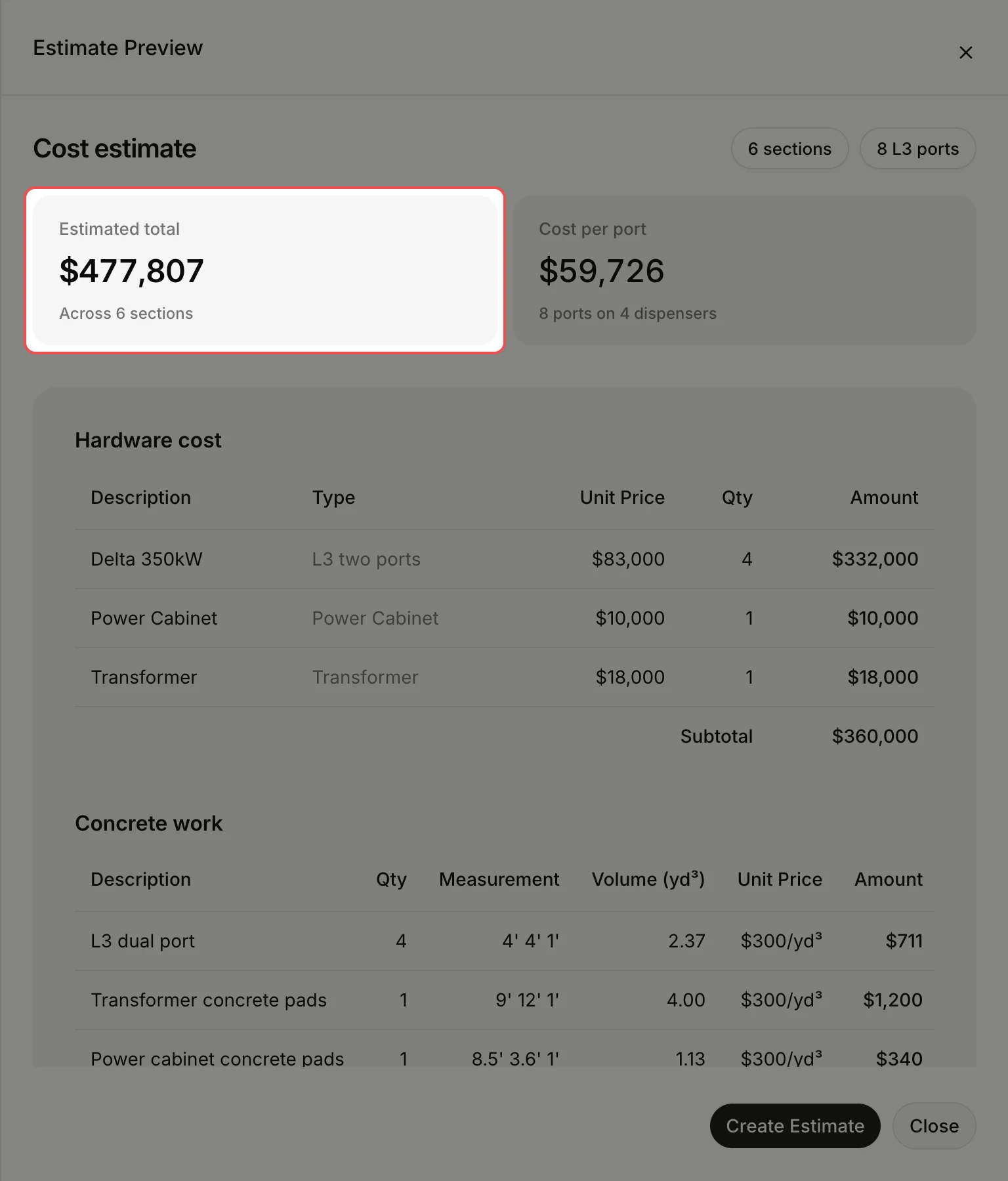
Read the total
The estimate opens beside the design. Estimated total is the sum of every section below it. Prices come from the price list for the project's location when one covers its state or country, and from your workspace's default price list otherwise.
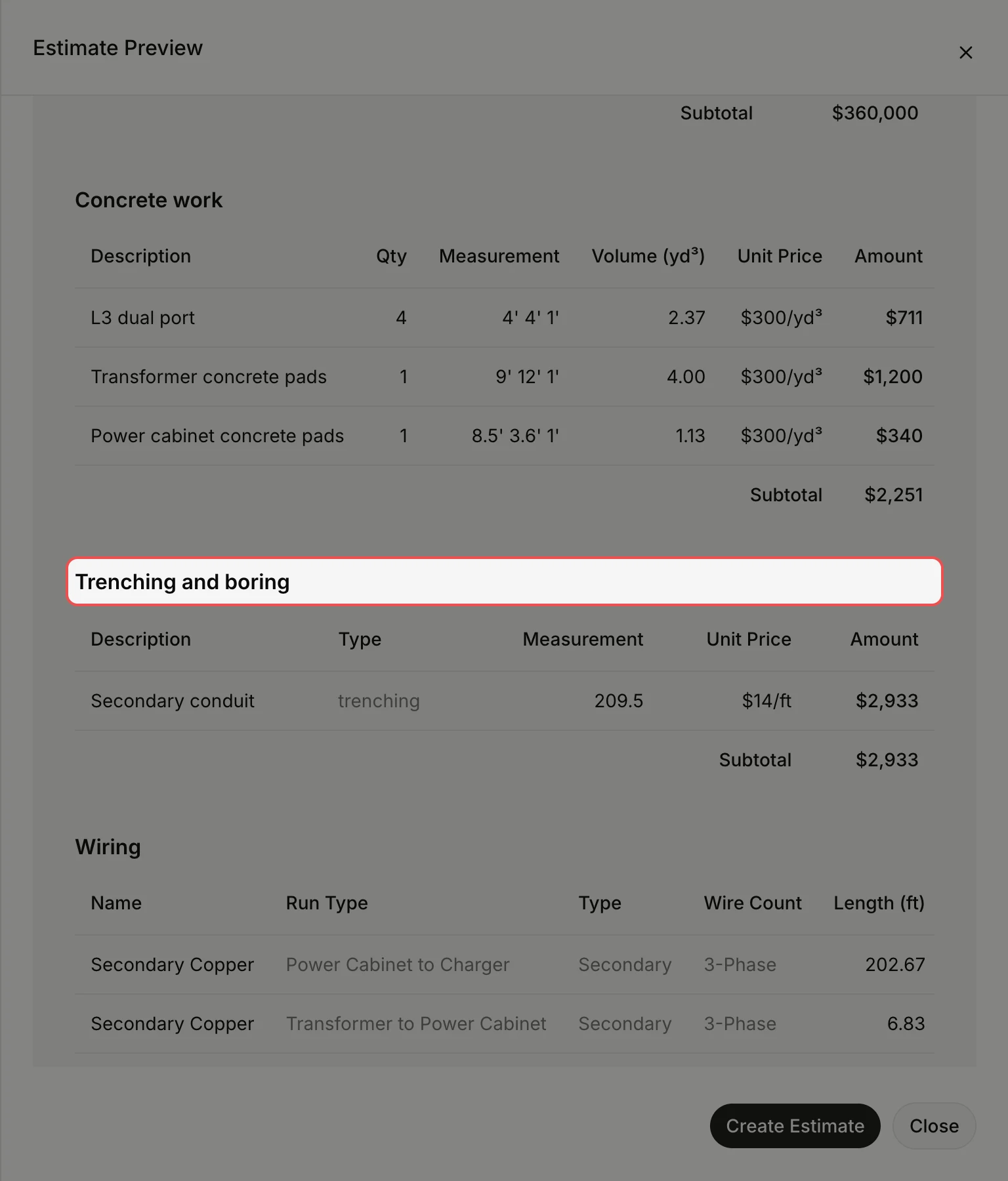
Check each section
Scroll down. Hardware, concrete work, trenching and boring, wiring, asphalt and striping and general conditions each get a table with unit prices, quantities and a subtotal. Quantities come straight from the shapes on the design, so adding a charger or a longer conduit run changes them.
What's next
- How to turn a cost preview into an editable estimate to change quantities and prices.
- Unit prices come from Prices in the sidebar. Adjust them there and the next preview uses the new numbers; see How to change a price in a pricing template.