How to change a price in a pricing template
Edit the unit cost of an item in a pricing template so the next estimate uses your price.
By the end an item in your pricing template will carry your own unit cost. You need a pricing template, as in How to create a pricing template for a region.
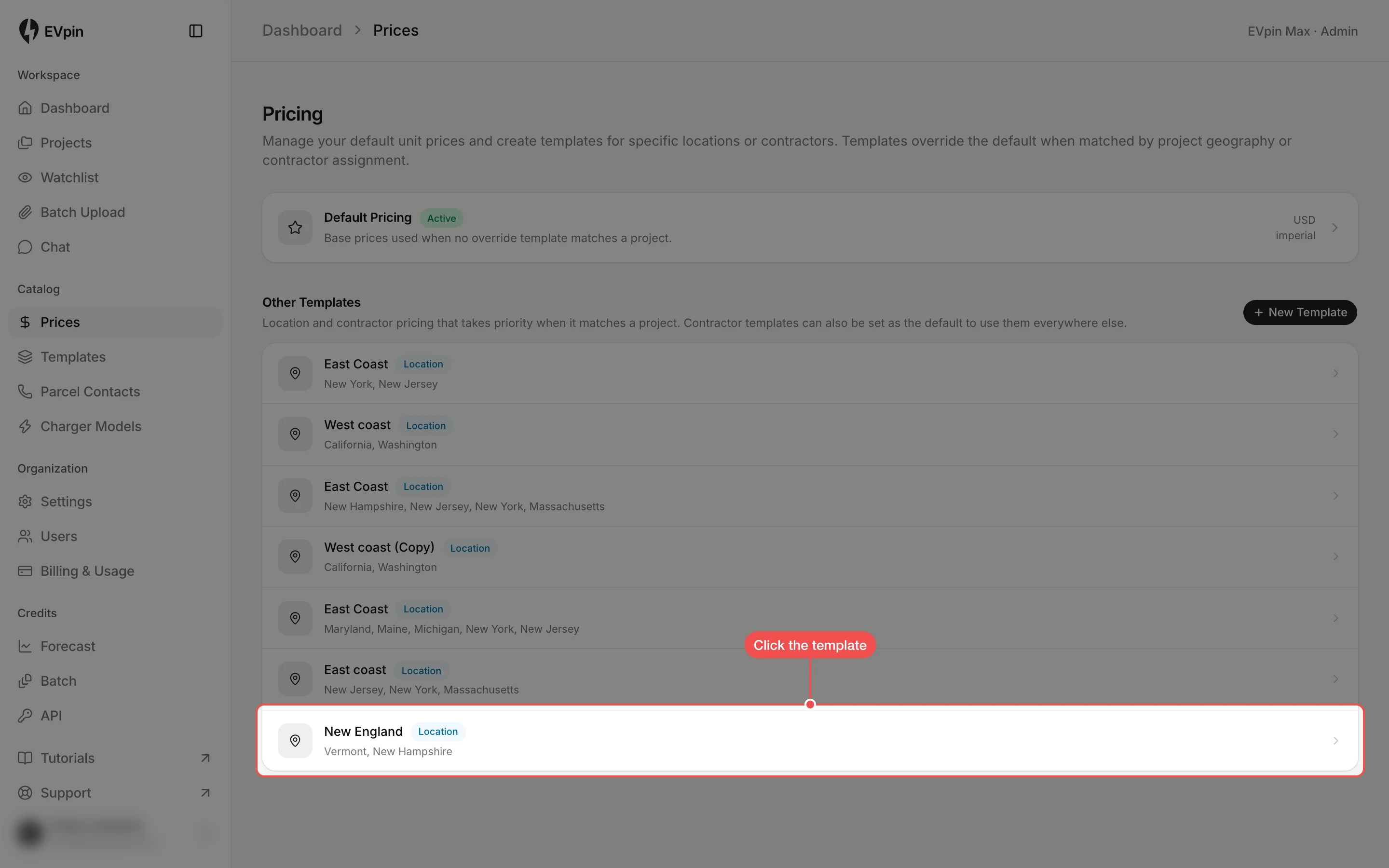
Click the section
The tabs above the table hold the template's sections. Click the one the item is in, such as Conduit.
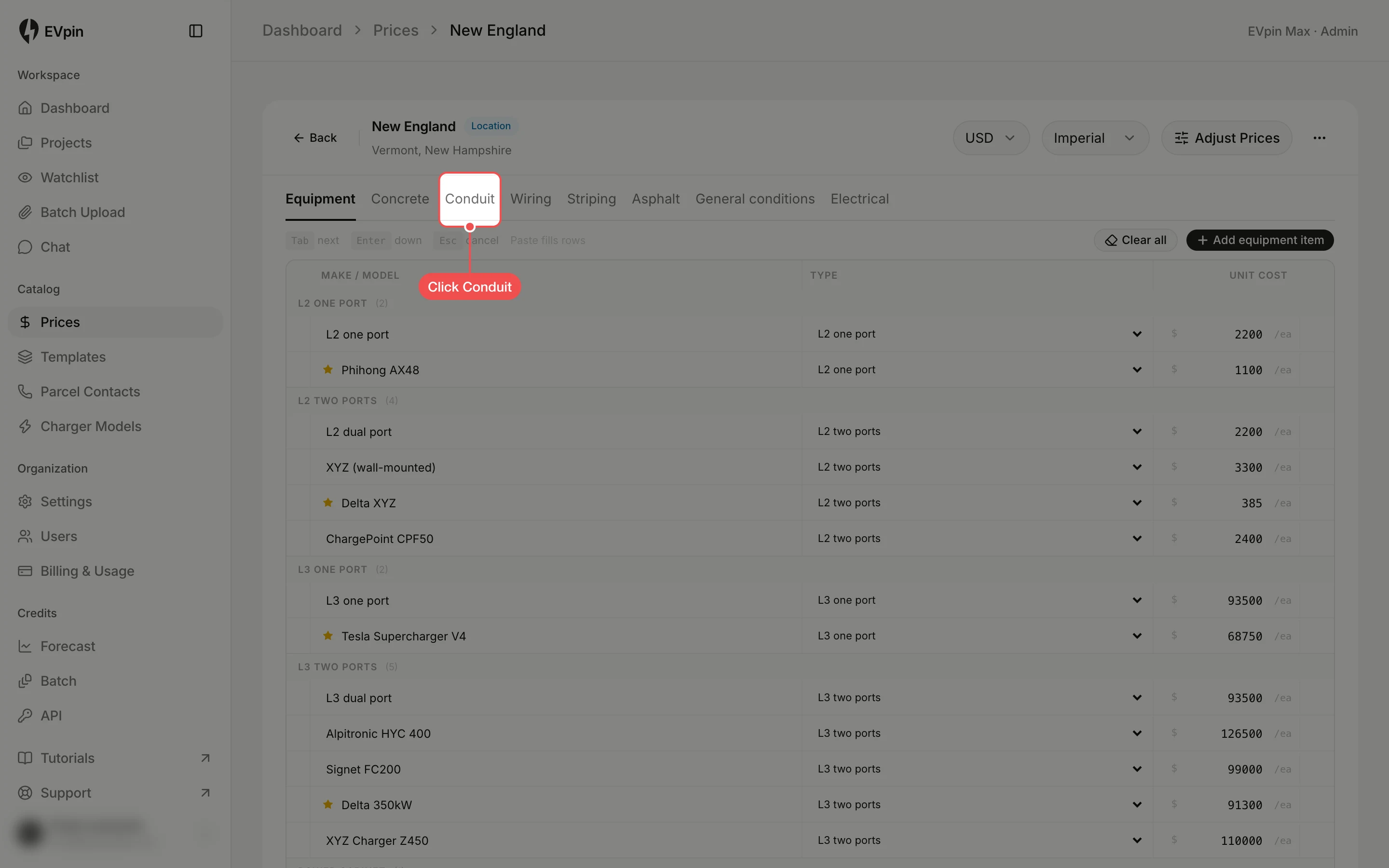
Click the price
Click the price you want to change. Conduit has two: Trenching Unit Cost and Boring Unit Cost, both per foot.
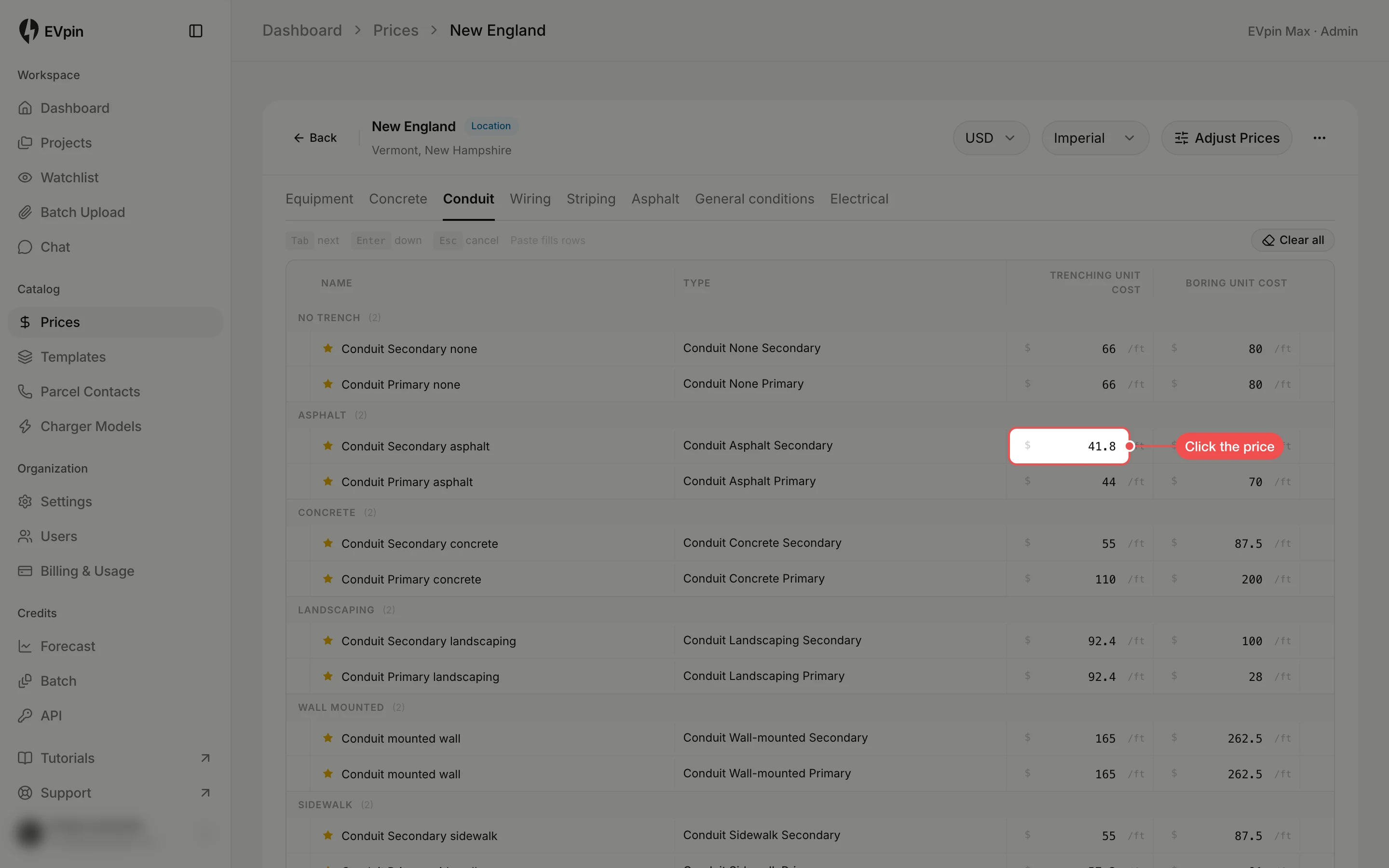
Type the new price
Type the new price and press Tab. The price saves as soon as you leave the field, and Tab moves to the next price so you can change several in a row.
What's next
- How to use a pricing template in an estimate to see the new price in an estimate.