How to use a pricing template in an estimate
Switch an estimate to another pricing template and rebuild its line items with that template's prices.
An estimate starts with the pricing template that covers the project's state, or Default Pricing when none does. By the end your estimate will use the template you choose. You need an estimate open on its Line Items page, as in How to turn a cost preview into an editable estimate.
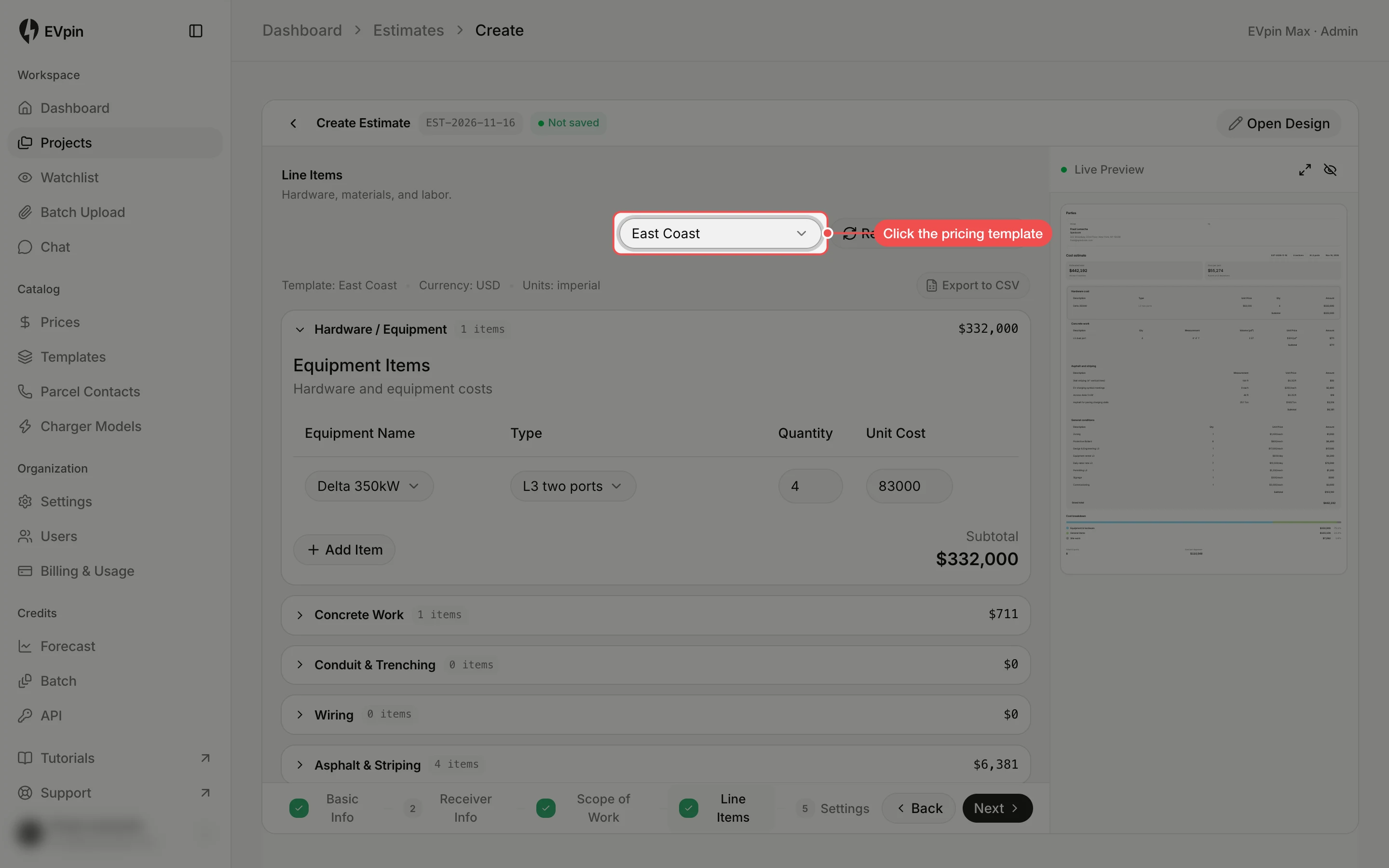
Click the pricing template
The template in use is in the dropdown next to Regenerate from Design (Regenerate all when the design has more than one option). Click it.
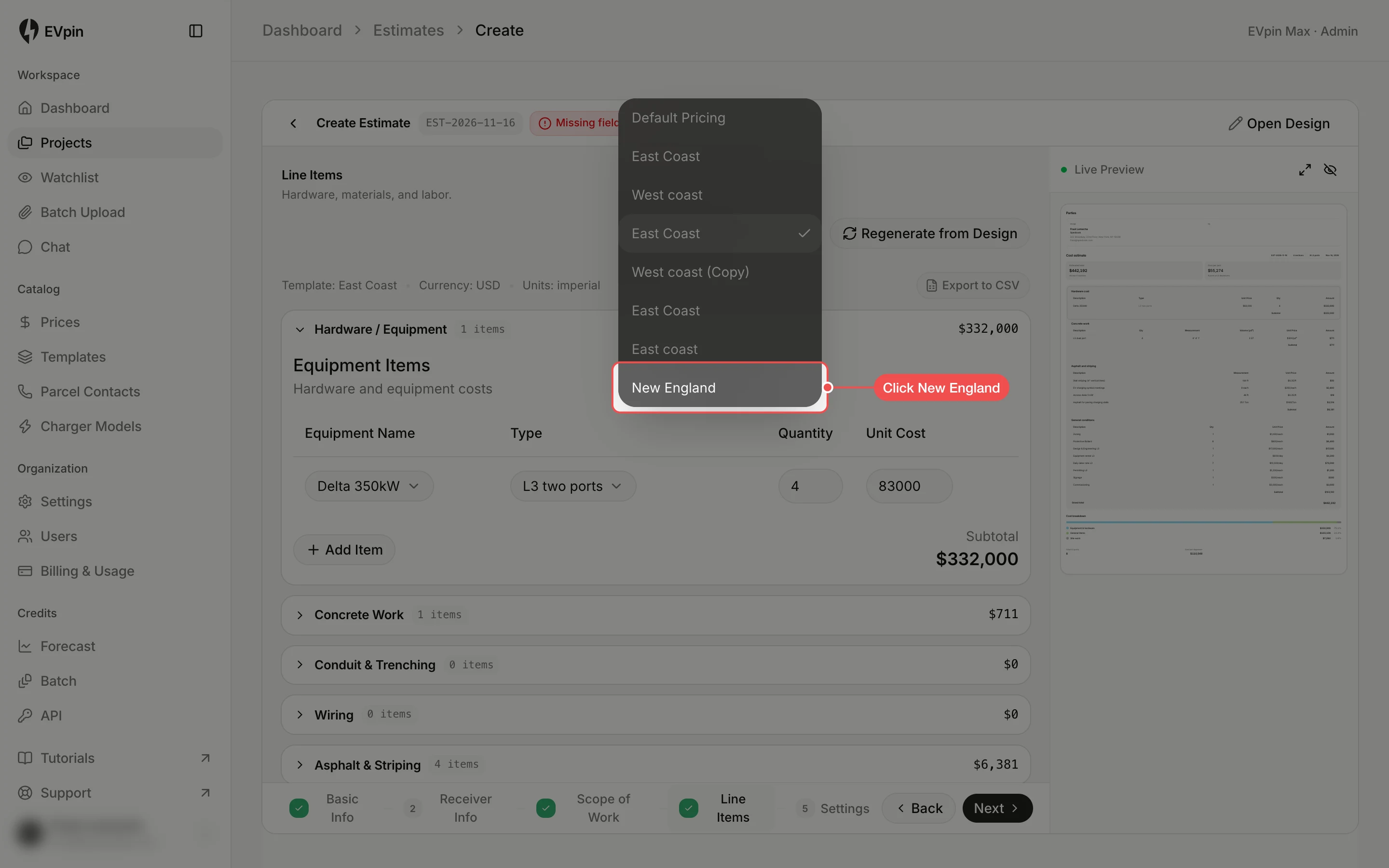
Click the template you want
Click the template, such as New England. The line items are rebuilt from the design with its prices, replacing any line you changed by hand.
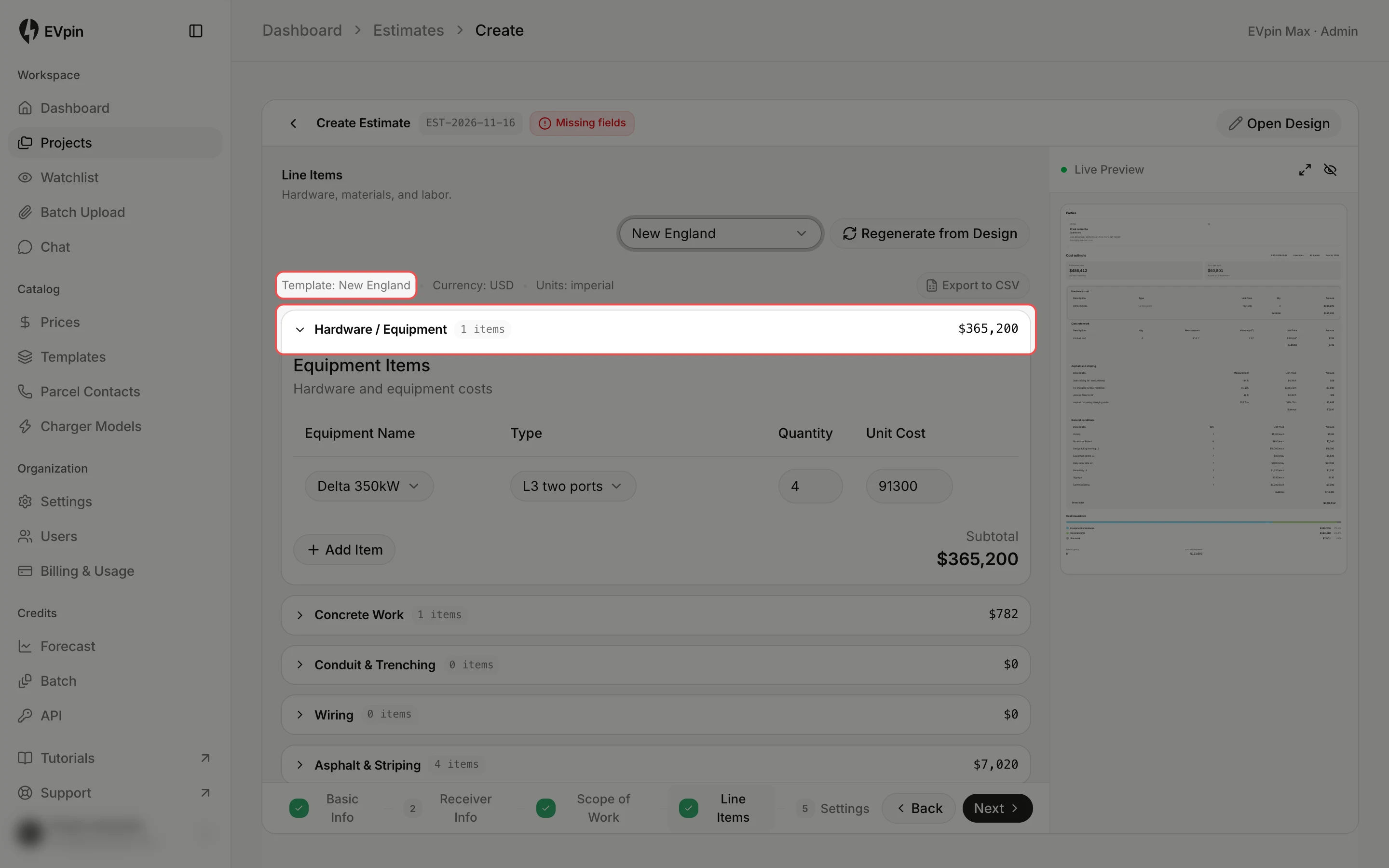
Check the new prices
The line under the dropdown now reads Template: New England, and each section's subtotal uses its prices.
What's next
- How to share a report with a client once the estimate is submitted.