How to create a pricing template for a region
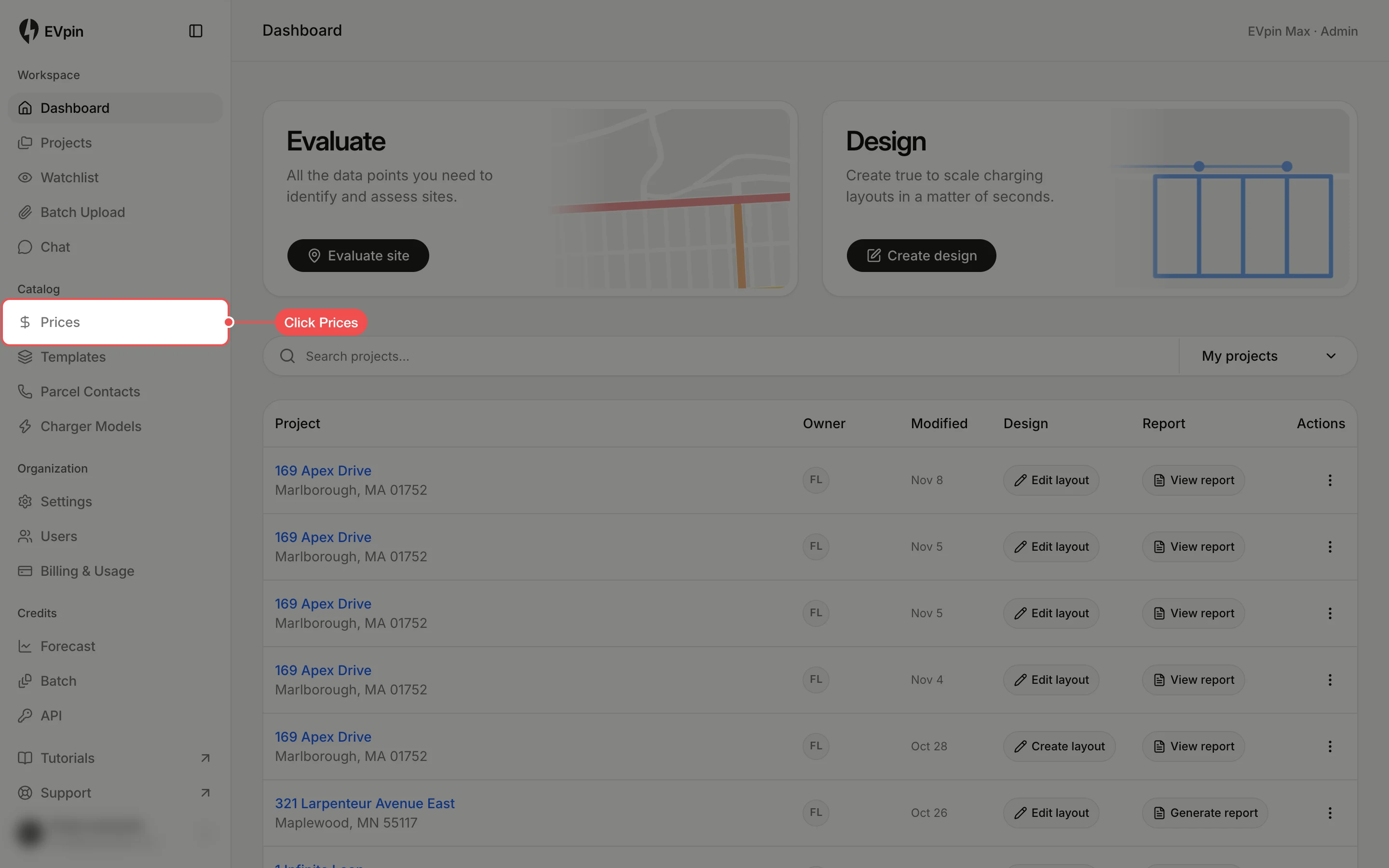
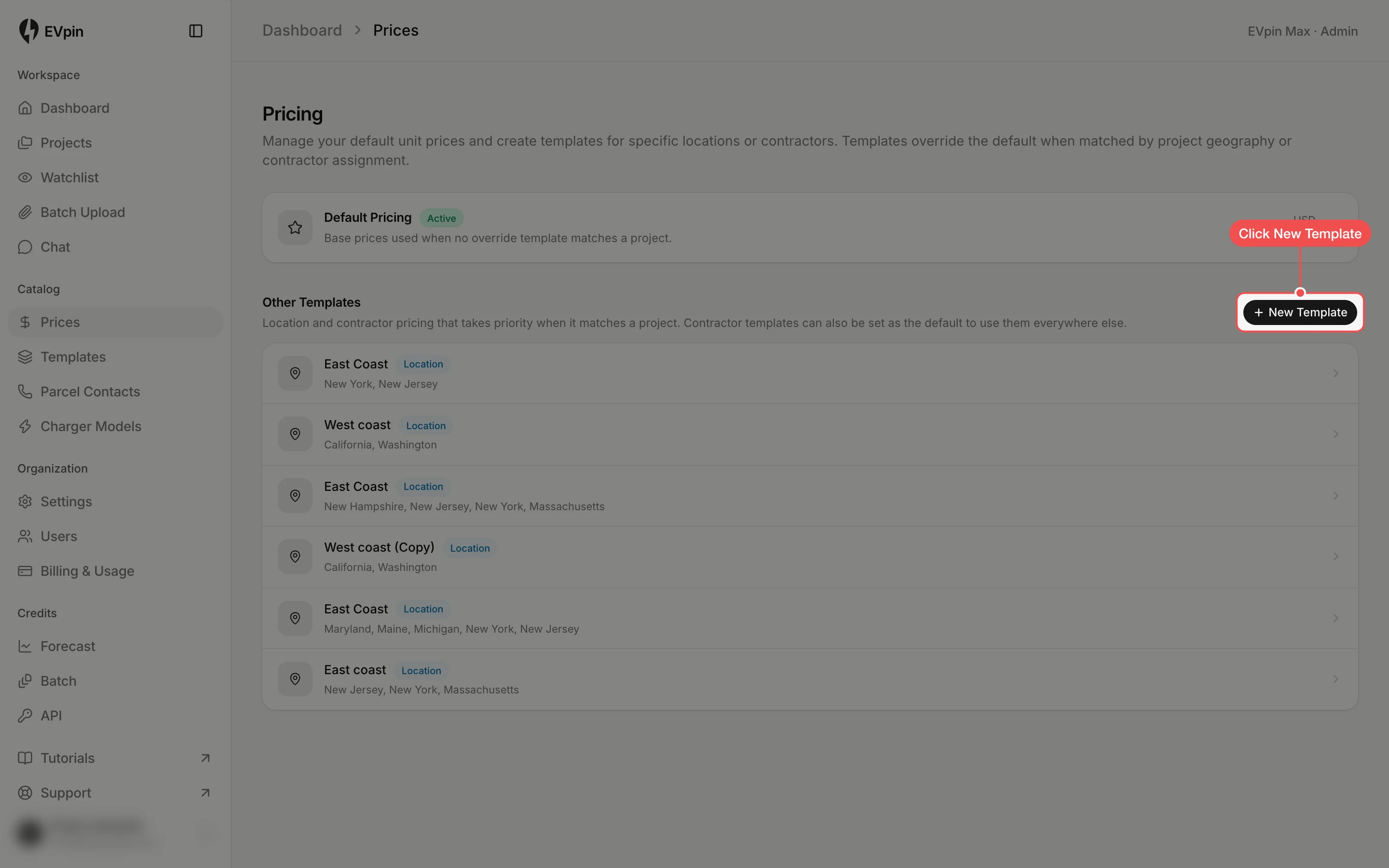
Create a pricing template for the states you work in, so estimates for projects there use your regional prices.
By the end you will have a pricing template that covers the states you pick. Estimates for projects in those states use its prices instead of Default Pricing. You need to be an admin of your organization.
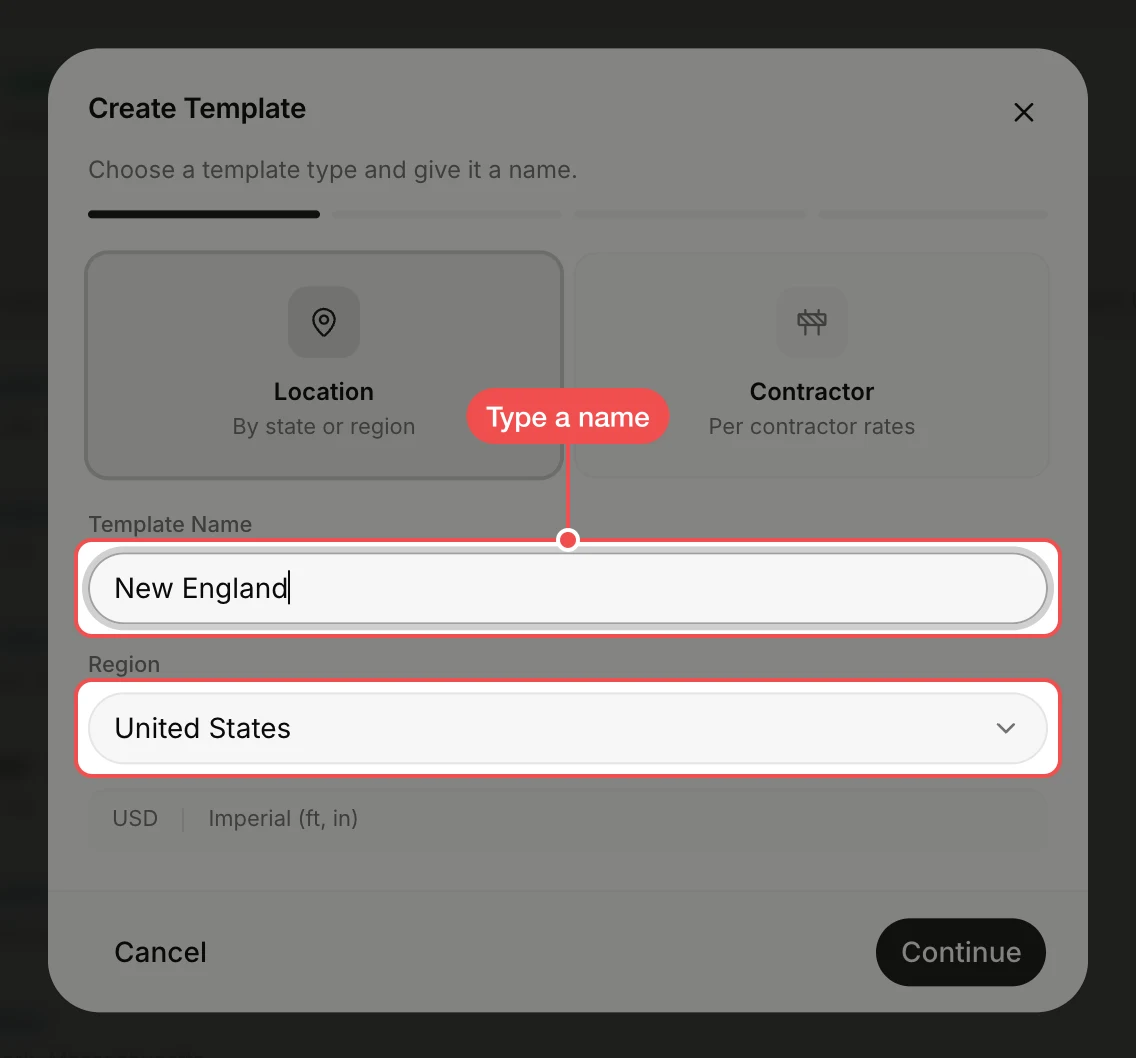
Type a name
Location is already selected. Type a name for the region, such as "New England", in Template Name. Region is United States; click it and pick Canada for Canadian provinces.
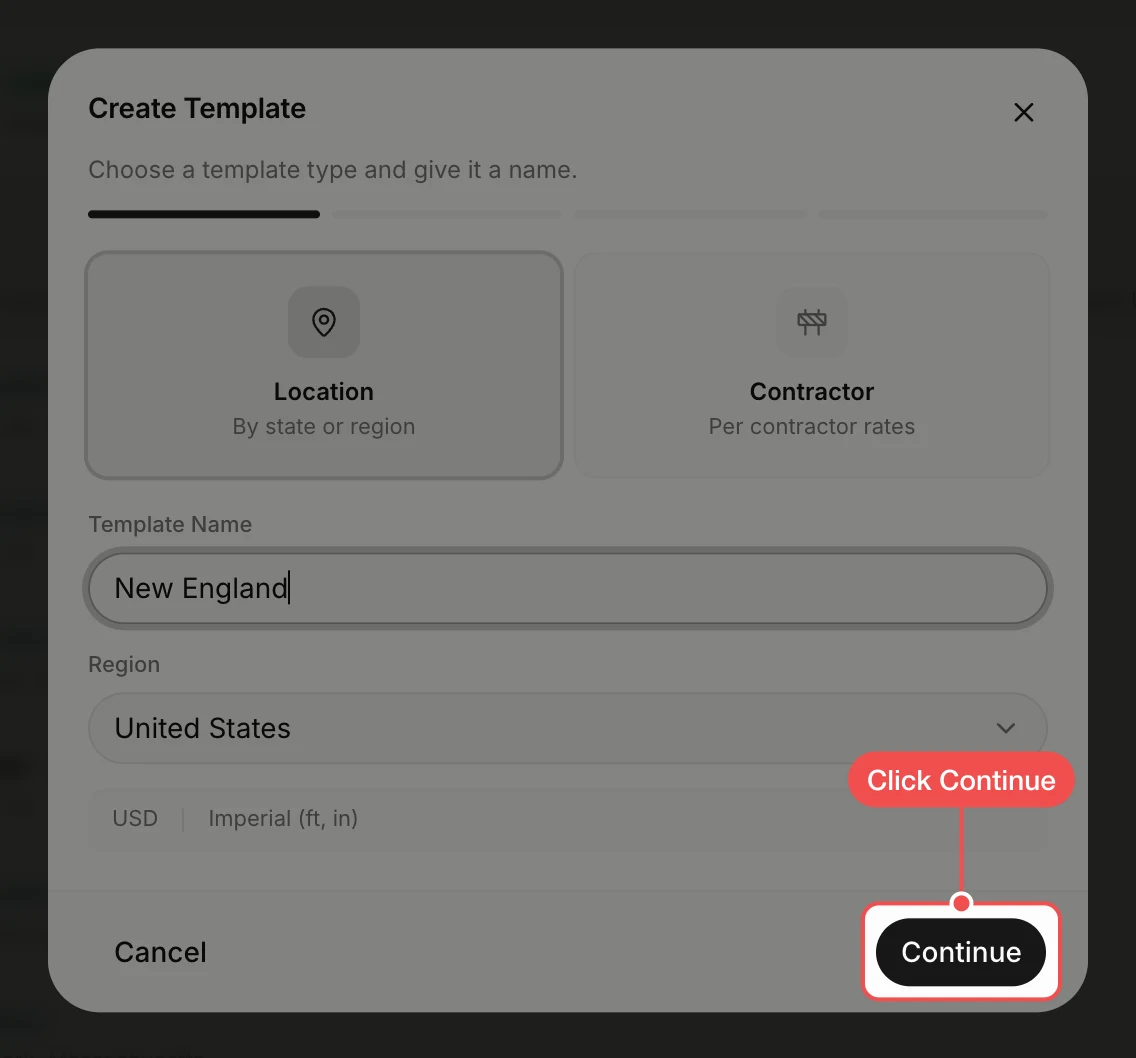
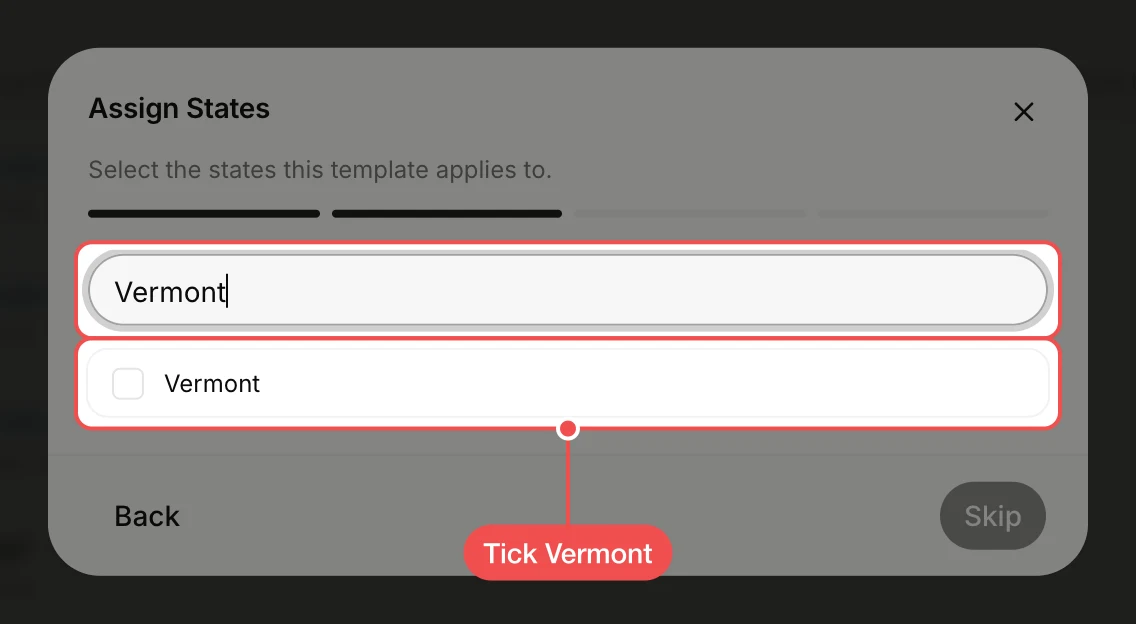
Tick the states
Type a state's name in Search states... and tick it in the list. Search again to tick each state the region covers.
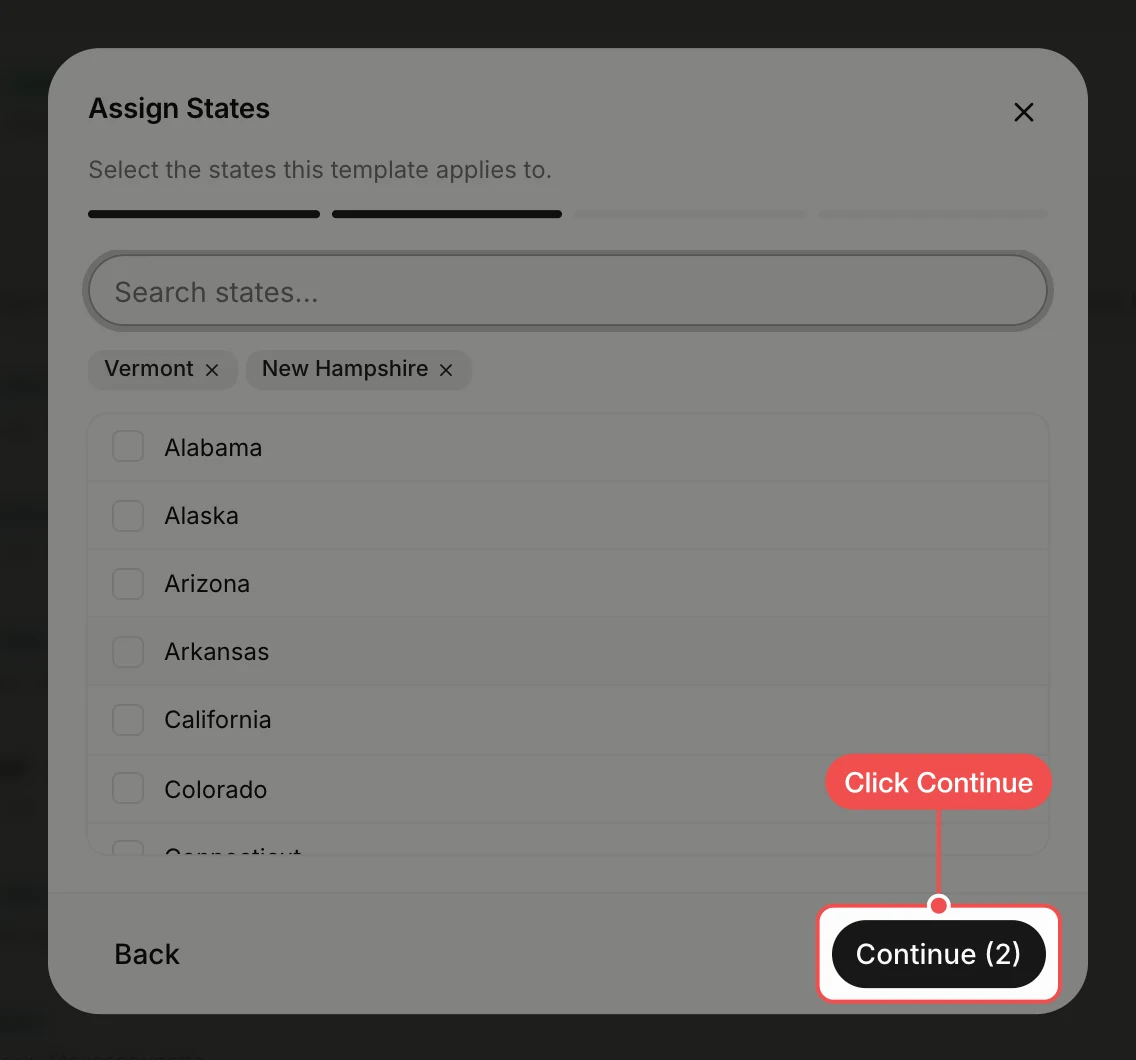
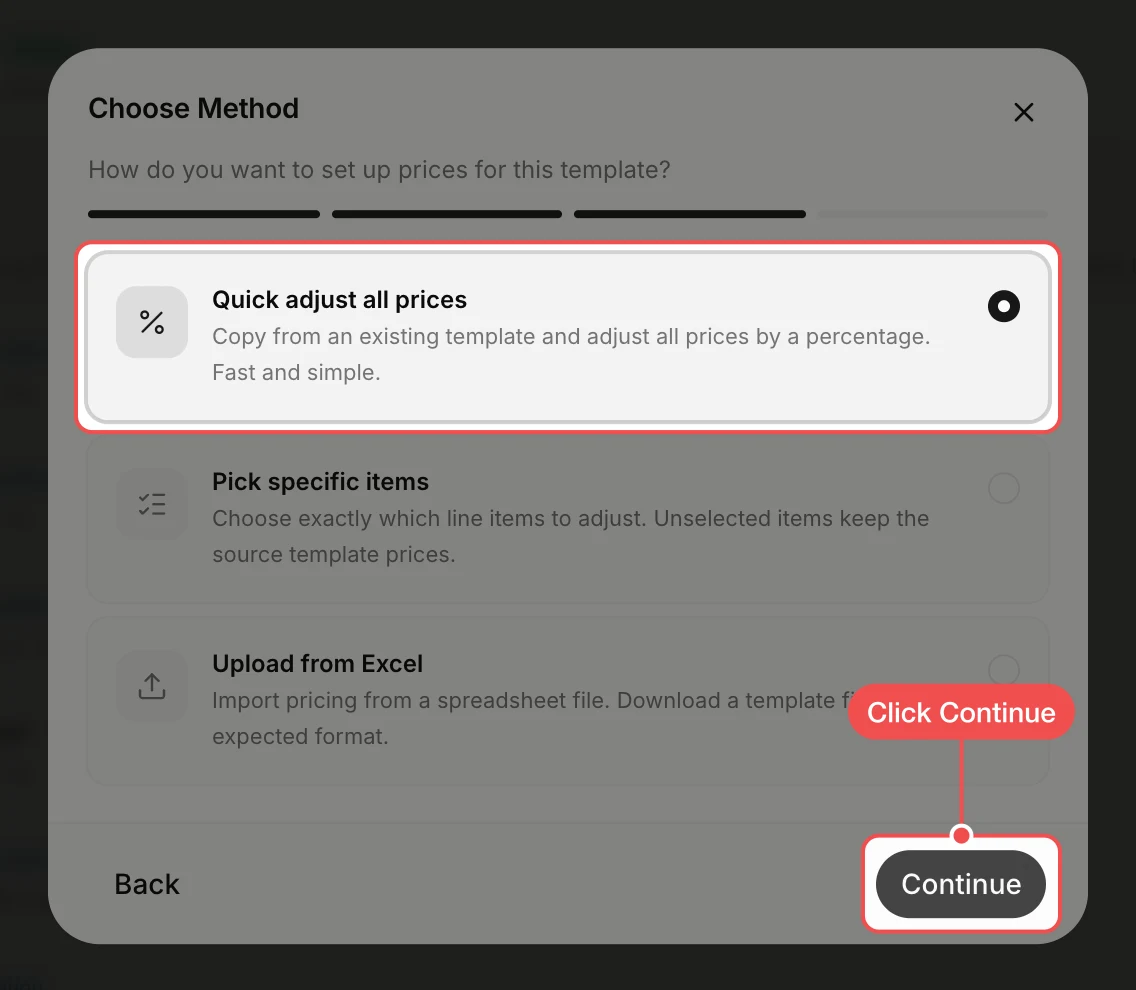
Keep Quick adjust all prices
Quick adjust all prices is already selected: it copies an existing template and changes every price by a percentage. Click Continue.
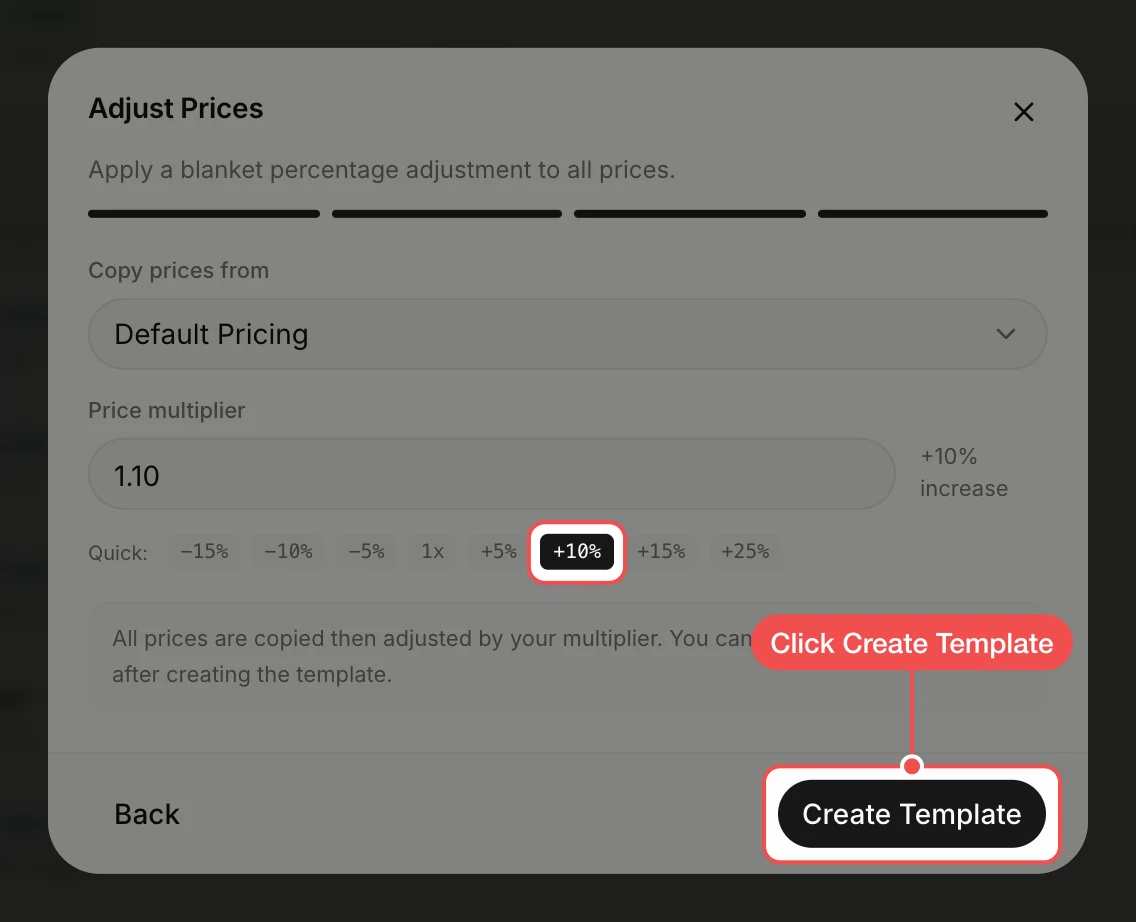
Click Create Template
Copy prices from is set to Default Pricing. Click a quick button such as +10% if prices in the region run higher, then click Create Template. The template opens with its prices.
What's next
- How to change a price in a pricing template for the items that cost something different in the region.
- How to add an item to a pricing template for equipment the template does not list.