How to turn on electrical design
Turn on electrical design for a design option and see what it still needs before EVpin can draw the electrical plan.
By the end, electrical design will be on for one design option and you will know what is left to set. You need a saved design with chargers, a transformer, a switchgear and a power cabinet joined by conduit runs, as in How to auto-connect equipment. Electrical design is available for sites in the United States.
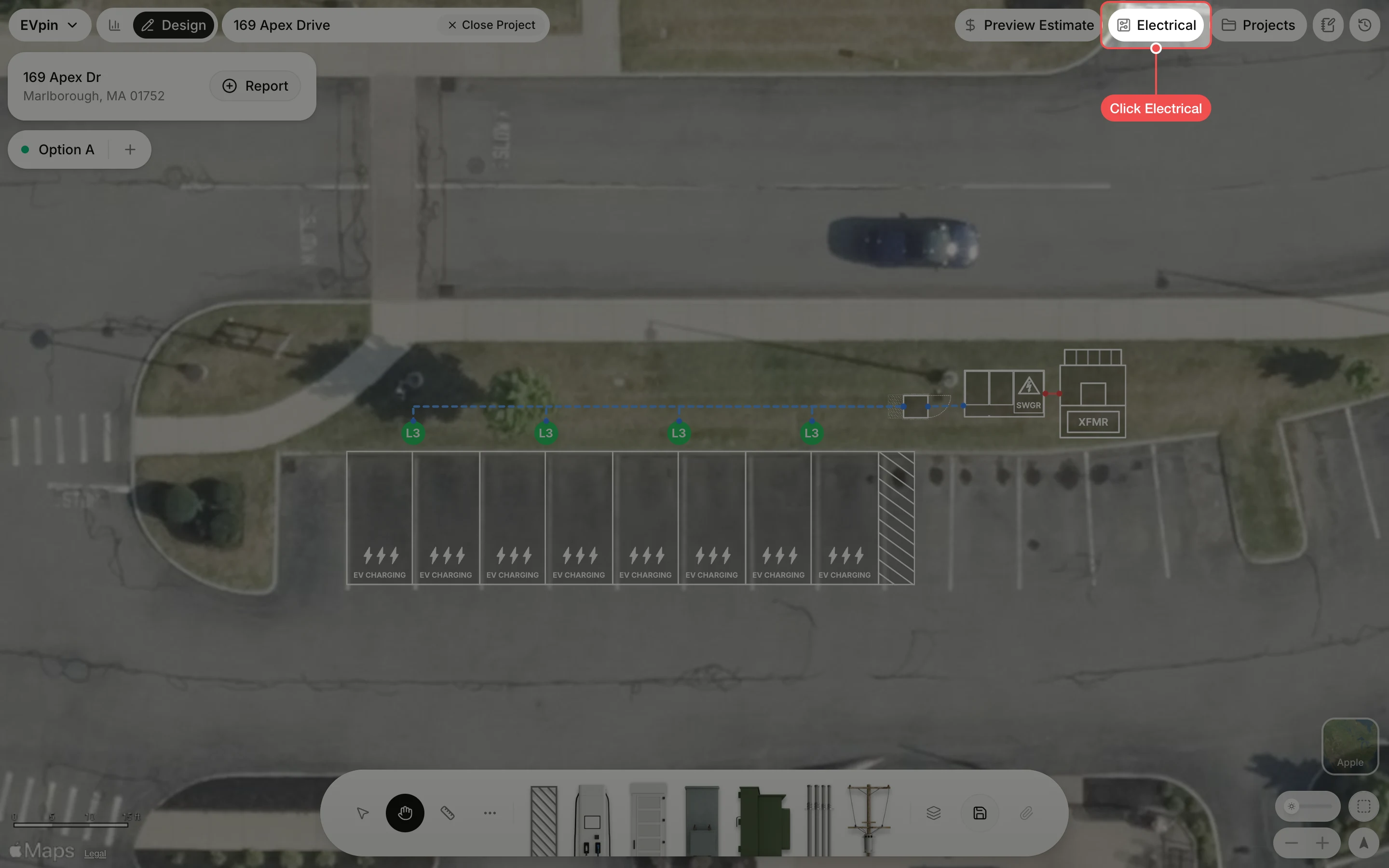
Turn on electrical design
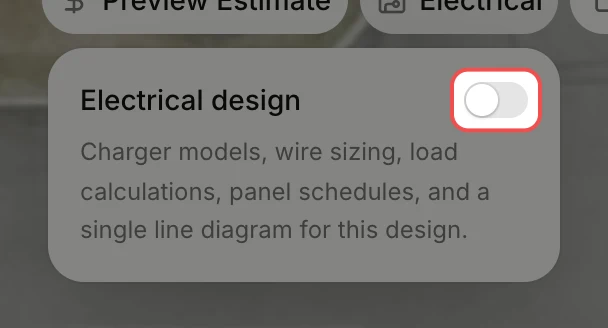
Turn on Electrical design. The Electrical panel opens on the right. The setting applies to the current design option only.
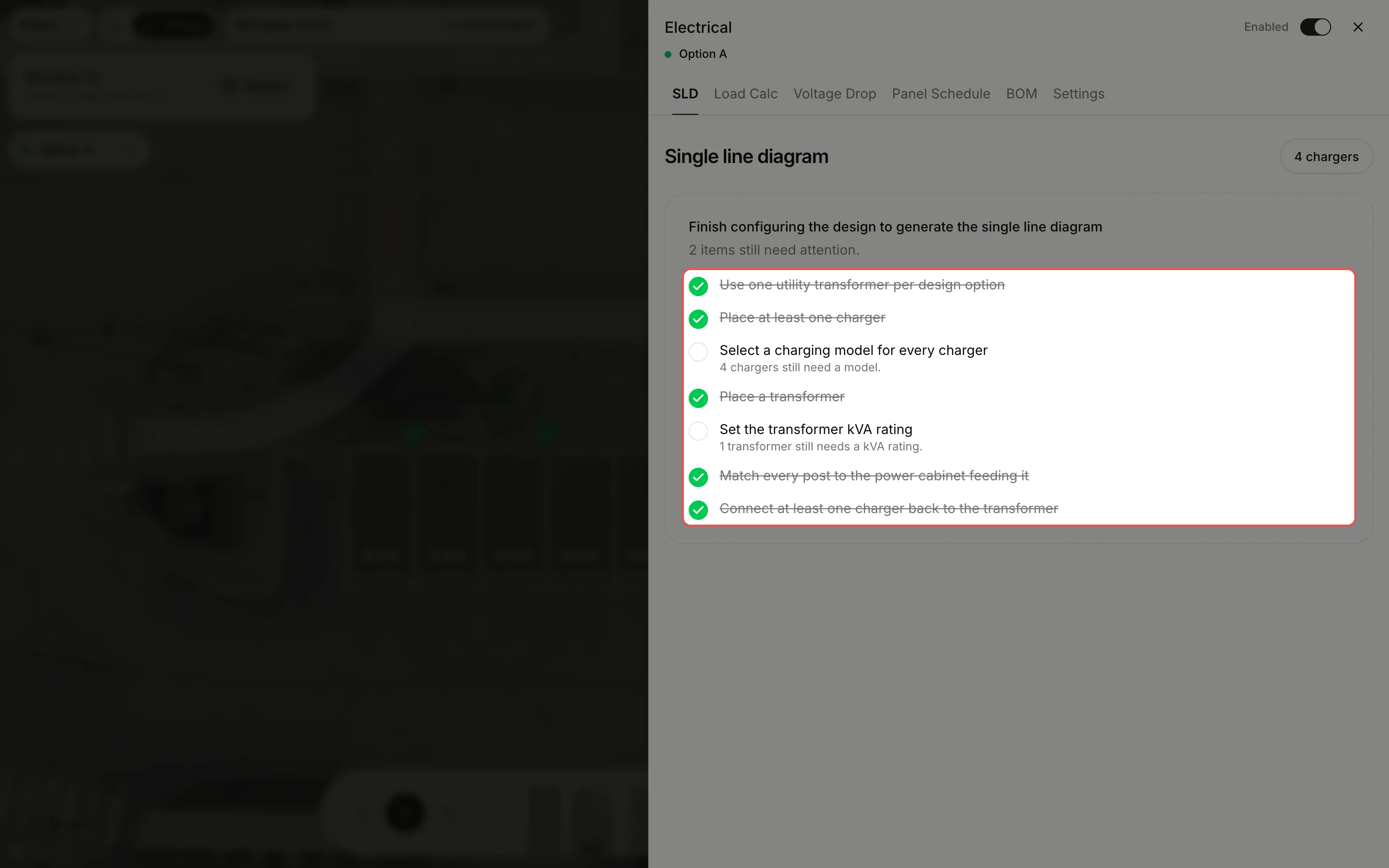
Read what is missing
Until the design has everything the calculations need, the SLD tab shows a checklist. Here every charger needs a model and the transformer needs a kVA rating. The number on the Electrical button counts the open items.
What's next
- How to pick a power cabinet's model so every charger gets its model.
- How to set a transformer's kVA rating to clear the last item.