How to pick a power cabinet's model
Set the model of a power cabinet so EVpin knows its posts and gives every charger it feeds the matching model.
By the end your power cabinet will have a model and each charger it feeds will show the matching post. You need a design with electrical design turned on, as in How to turn on electrical design, and the transformer, switchgear, cabinet and chargers joined by conduit runs.
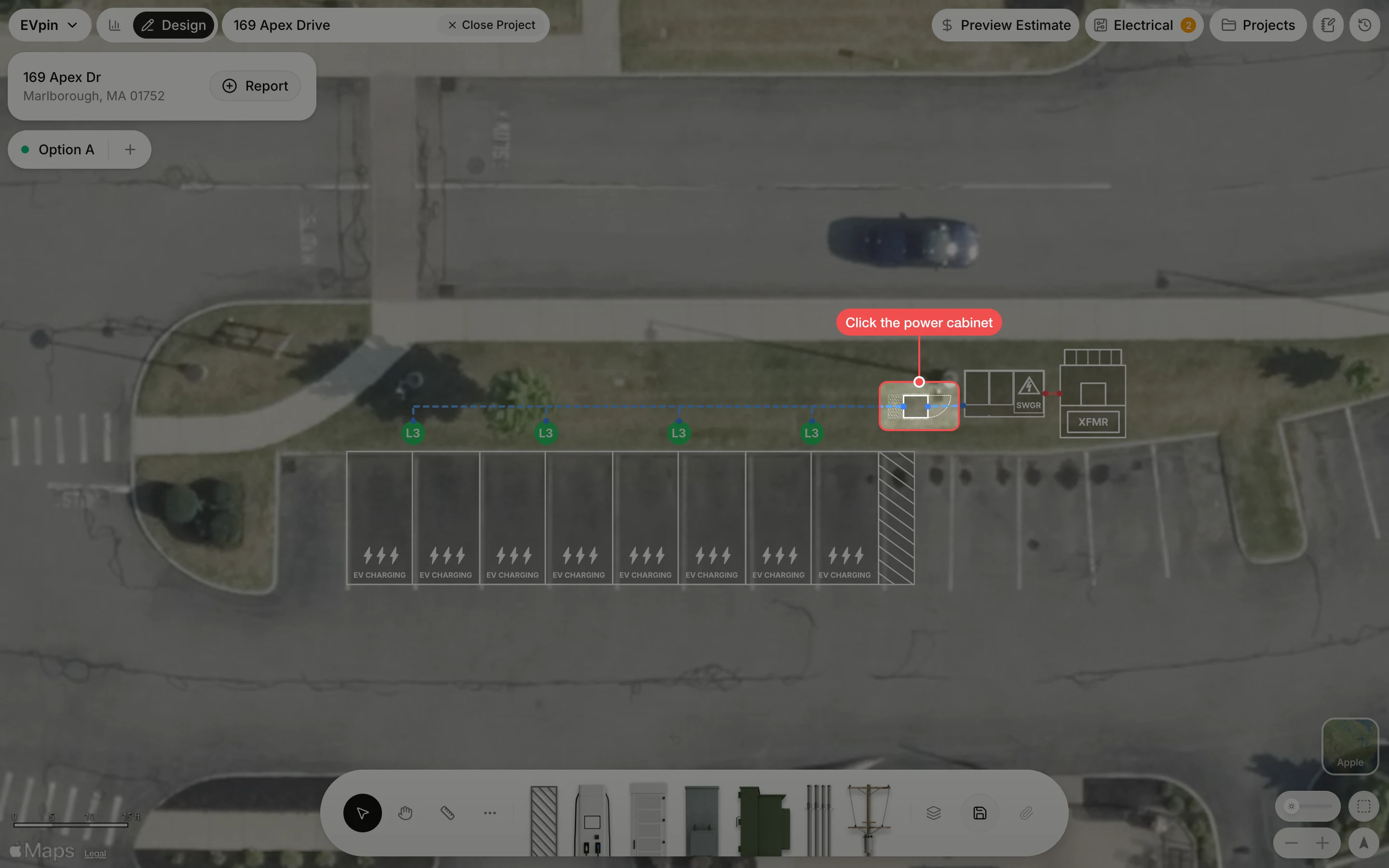
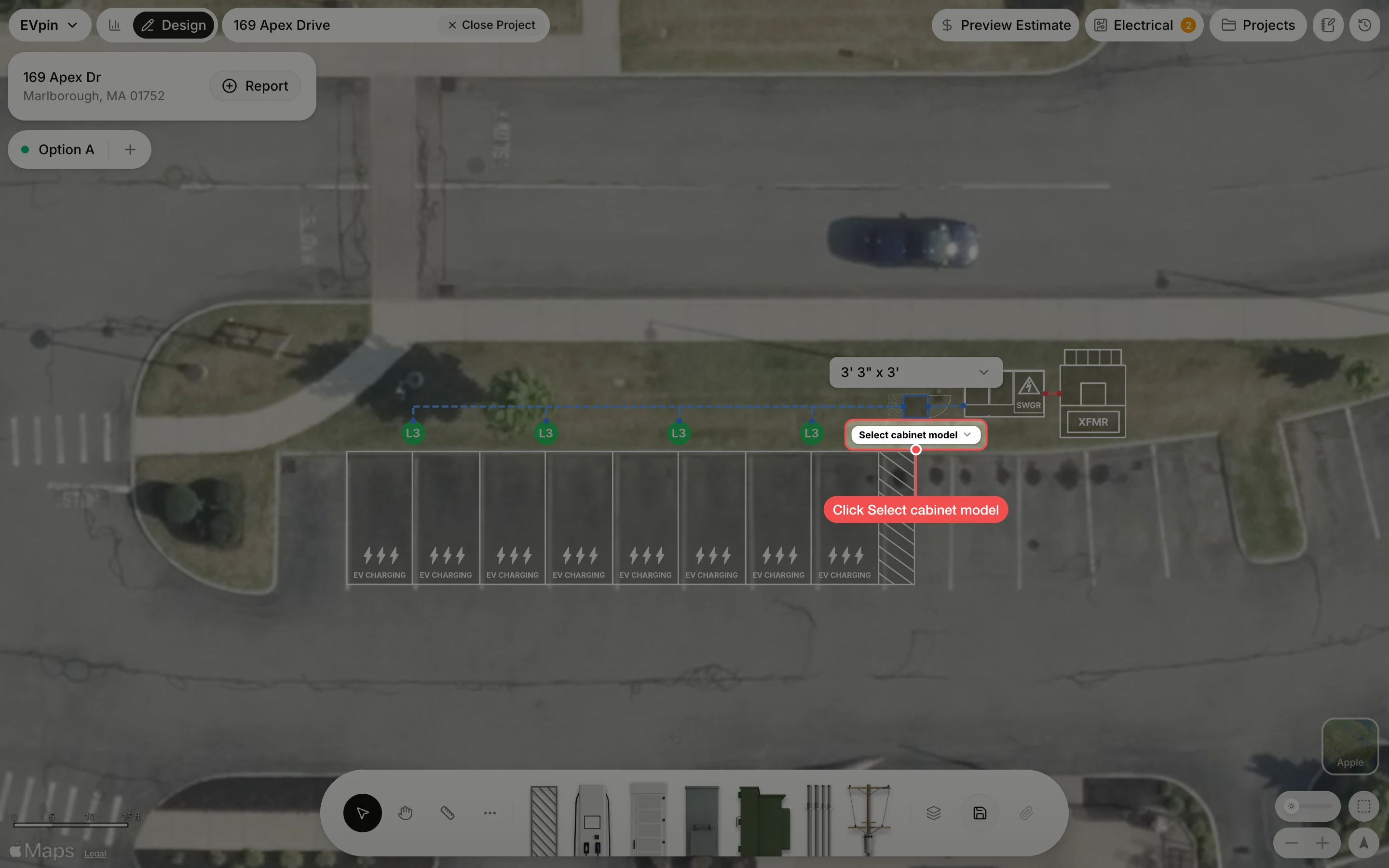
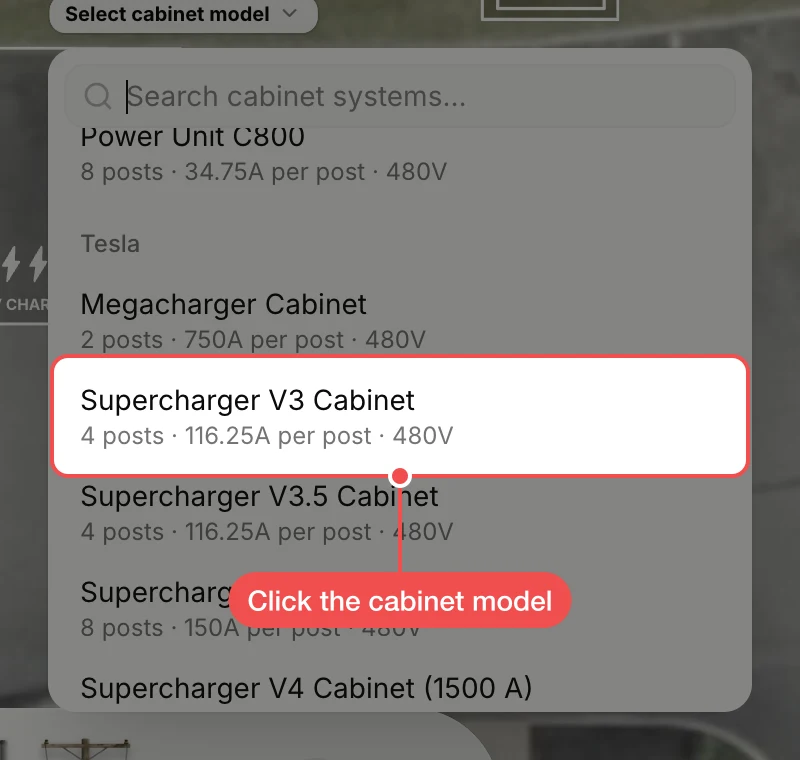
Click the cabinet model
Click the cabinet you plan to install. Each entry shows how many posts it feeds, the current per post and, for larger cabinets, how many feeders it needs. This design uses a four-post cabinet, one post per charger.
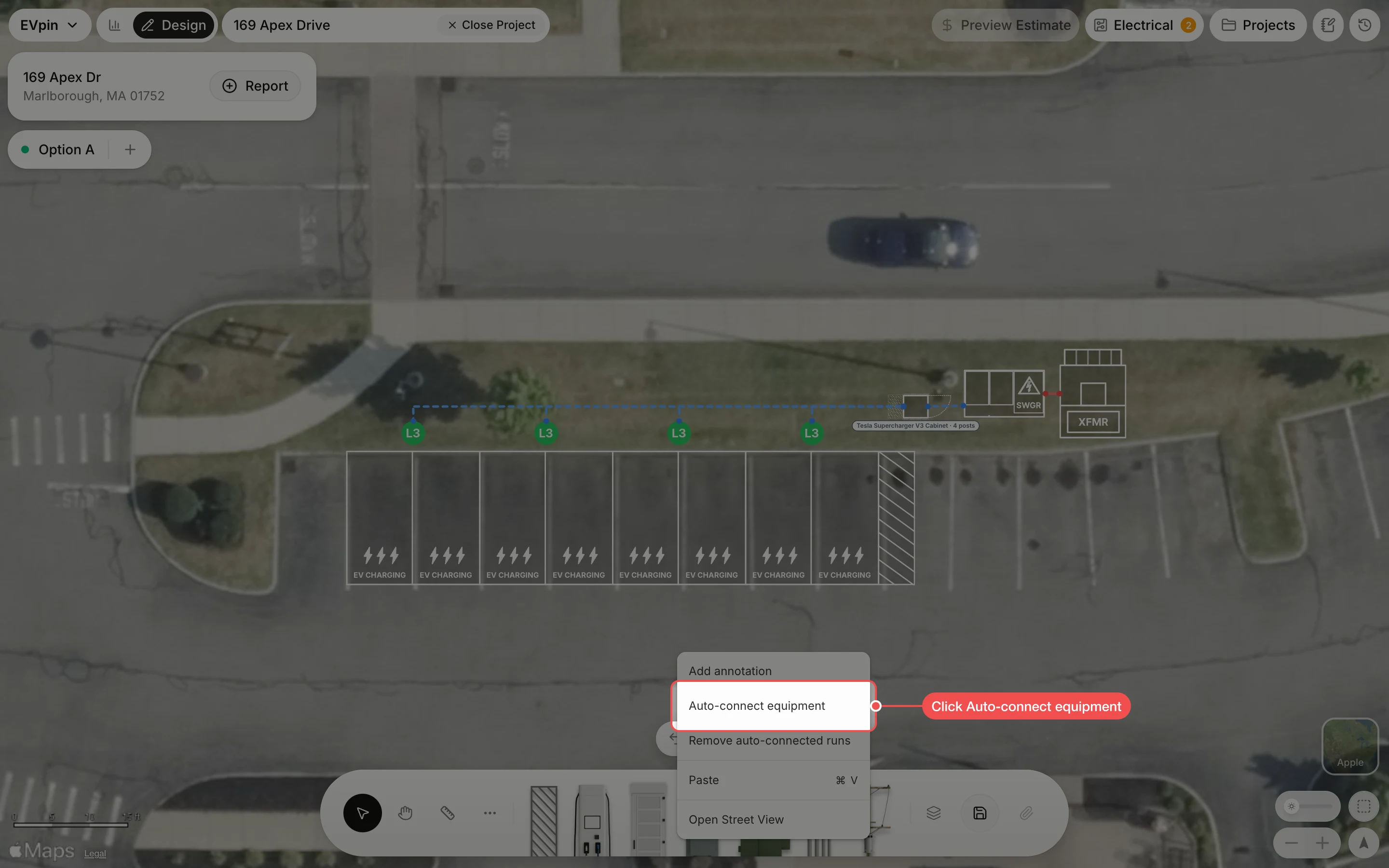
Connect the equipment again
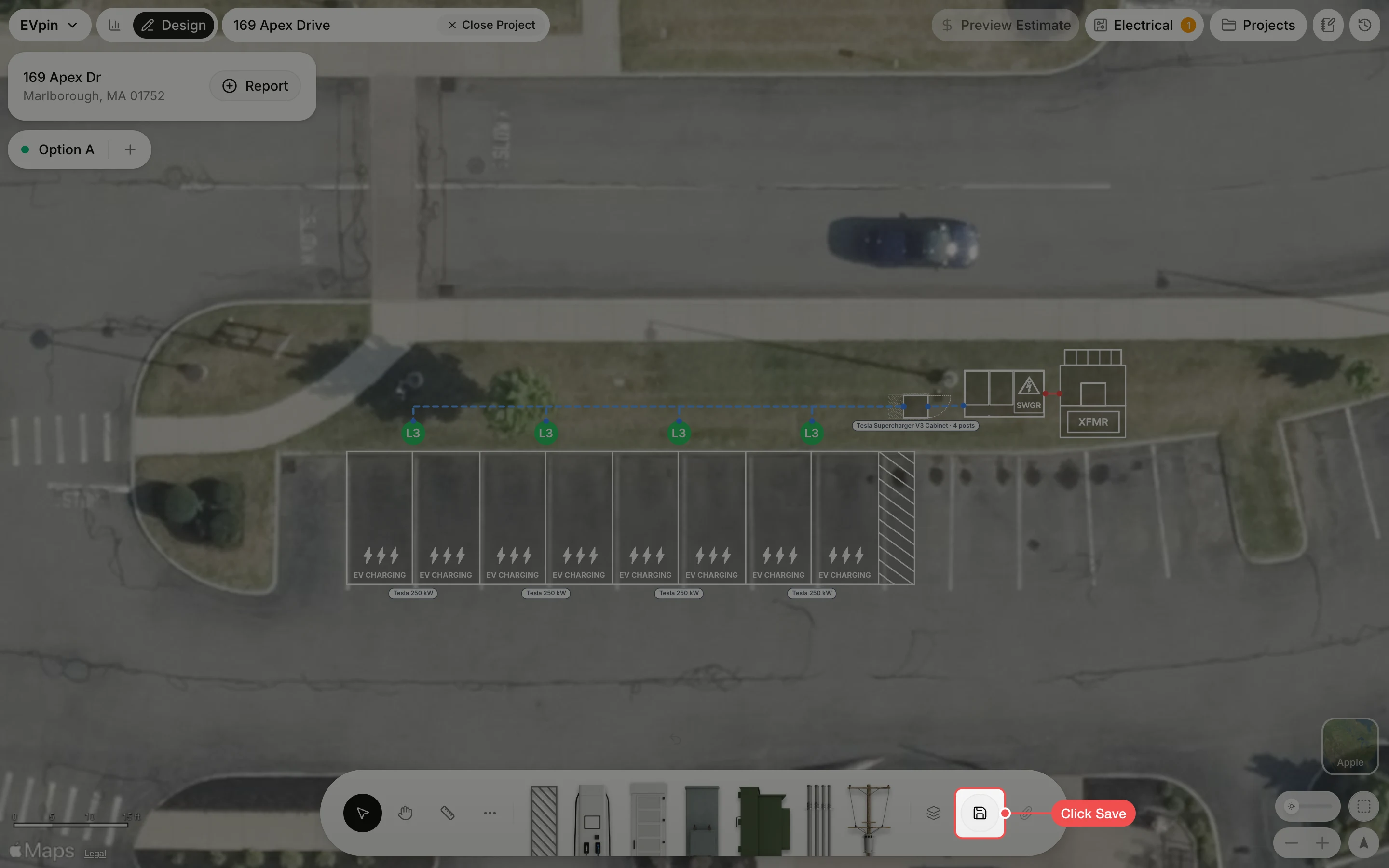
Right-click an empty part of the map and click Auto-connect equipment. Each charger takes the cabinet's matching post model, shown under its stalls.
Save the design
Click Save in the toolbar. The cabinet model is under the cabinet and each charger shows its model.
What's next
- How to set a transformer's kVA rating to size the transformer for these chargers.