How to add power cabinets
Add power cabinets to a design and place them between the switchgear and the chargers.
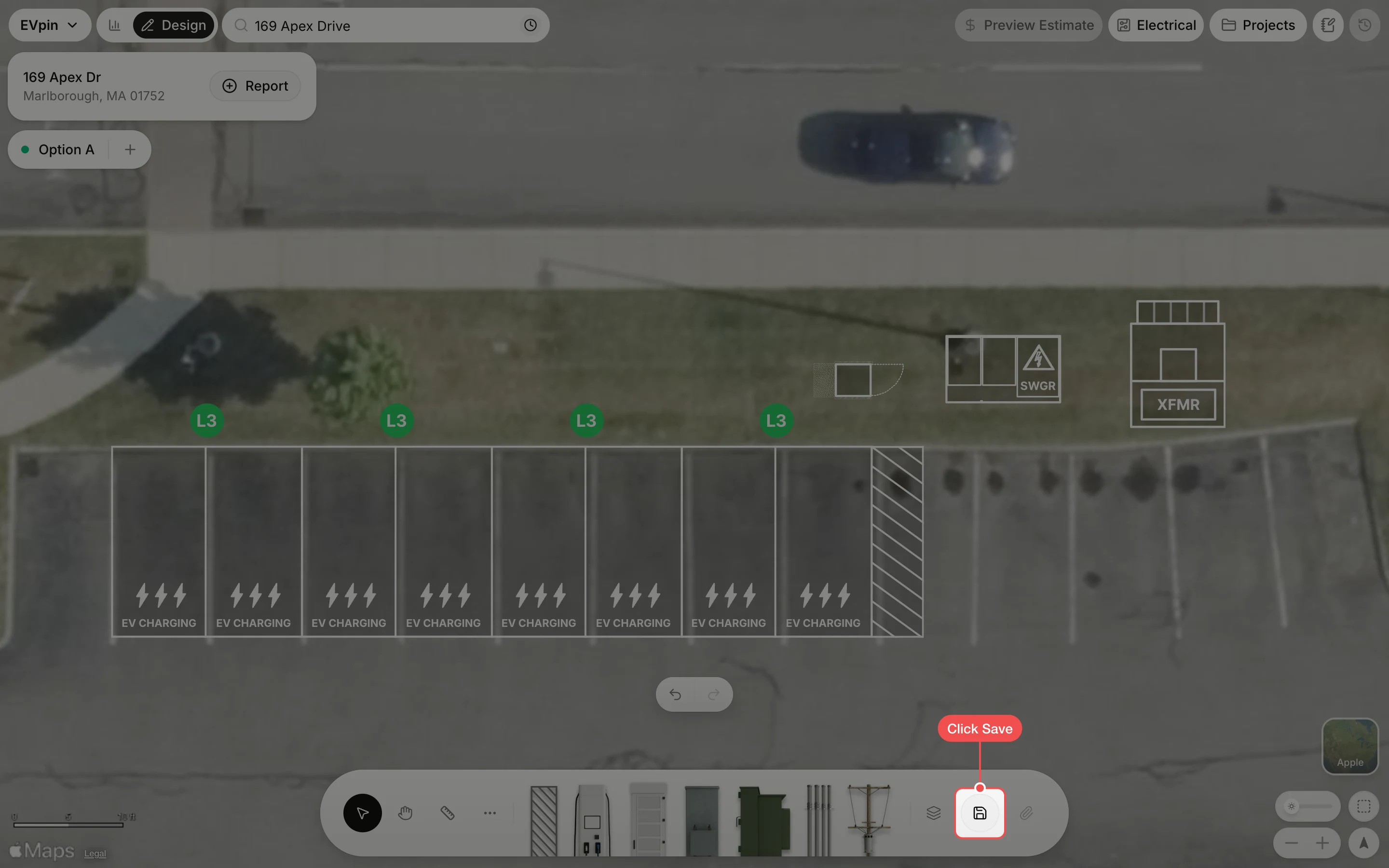
By the end your design will have the power cabinets that feed its chargers, with the chain running transformer, switchgear, cabinets, chargers. You need a saved design with charging stalls, a transformer and a switchgear, as in How to add a switchgear.
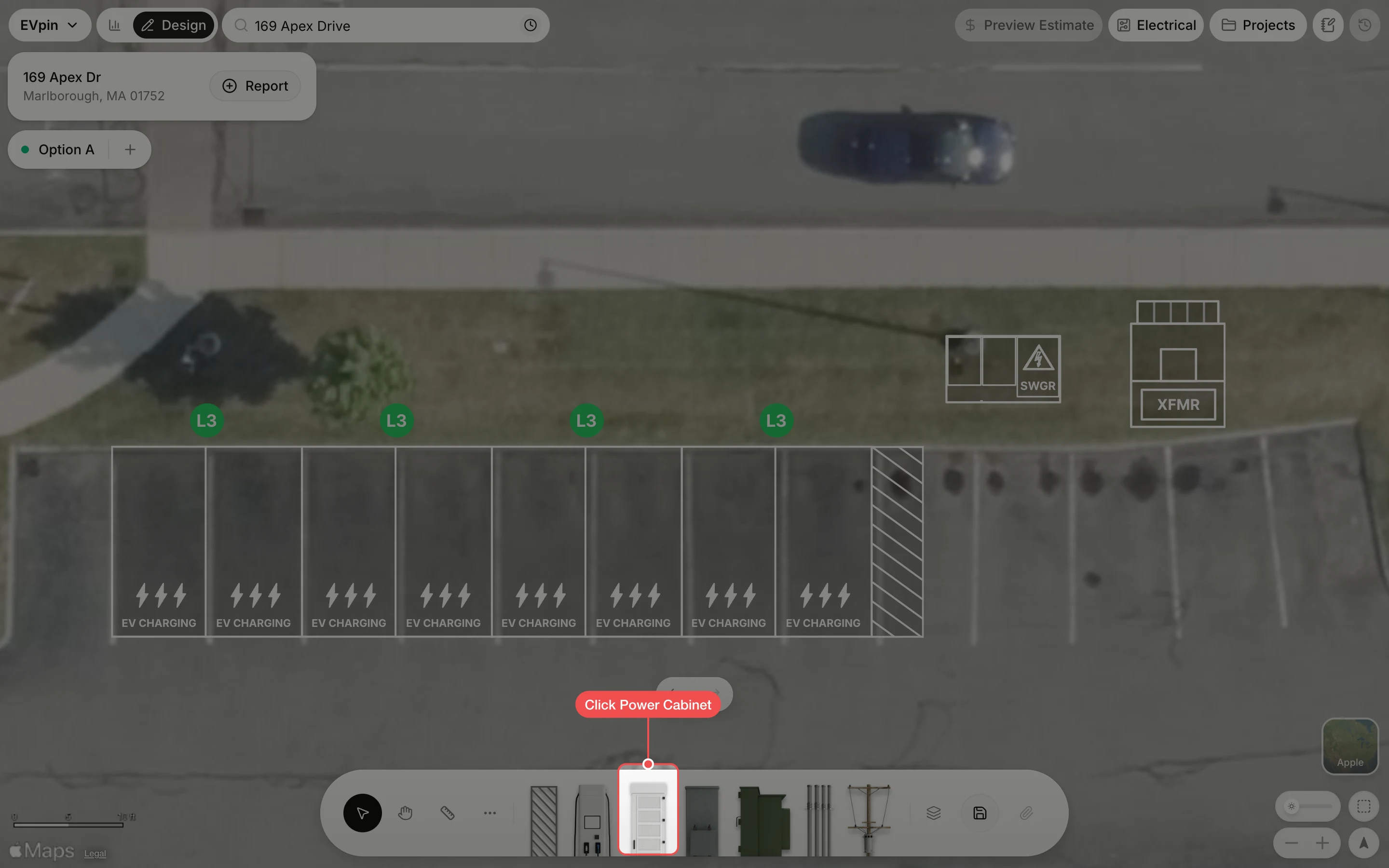
Generate the cabinets
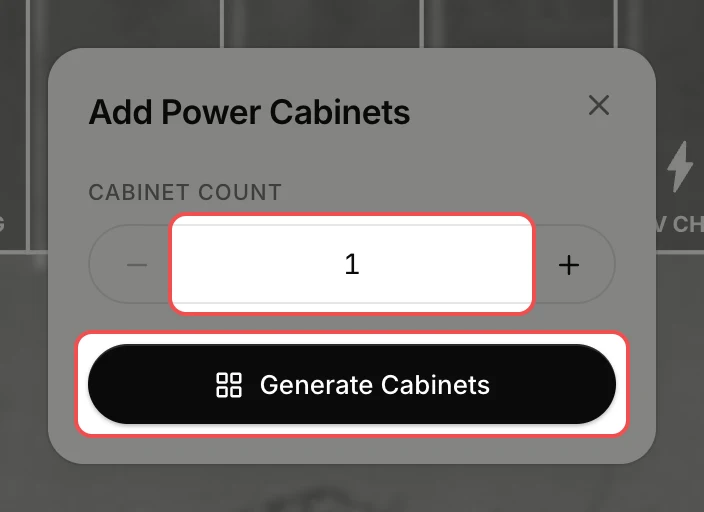
Set Cabinet Count to the number of cabinets you want (it starts at 1), then click Generate Cabinets.
Drag the cabinets into place
The cabinets appear selected in the middle of the map. Drag each one onto clear ground between the switchgear and the chargers. Its size is in the dropdown above it; click the dropdown to change it.
What's next
- How to auto-connect equipment to wire the chargers to the cabinets, the cabinets to the switchgear and the switchgear to the transformer.