How to draw a conduit run
Draw a conduit run by hand between two pieces of equipment on a design.
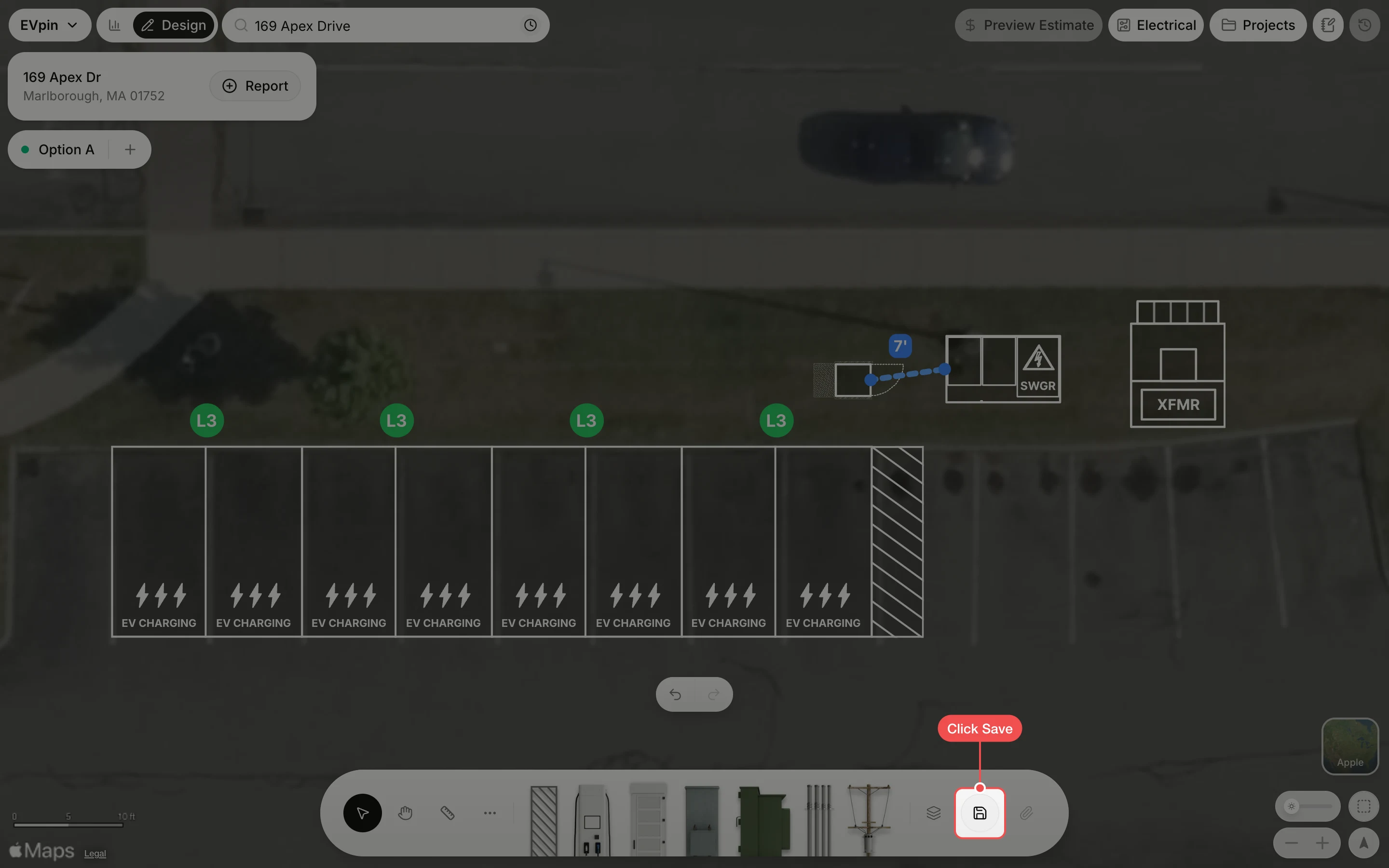
By the end your design will have a conduit run you drew yourself, here from the switchgear to the power cabinet. A run always starts and ends on a piece of equipment, so its length and both connections count in the estimate. You need a saved design with the equipment placed, as in How to add power cabinets.
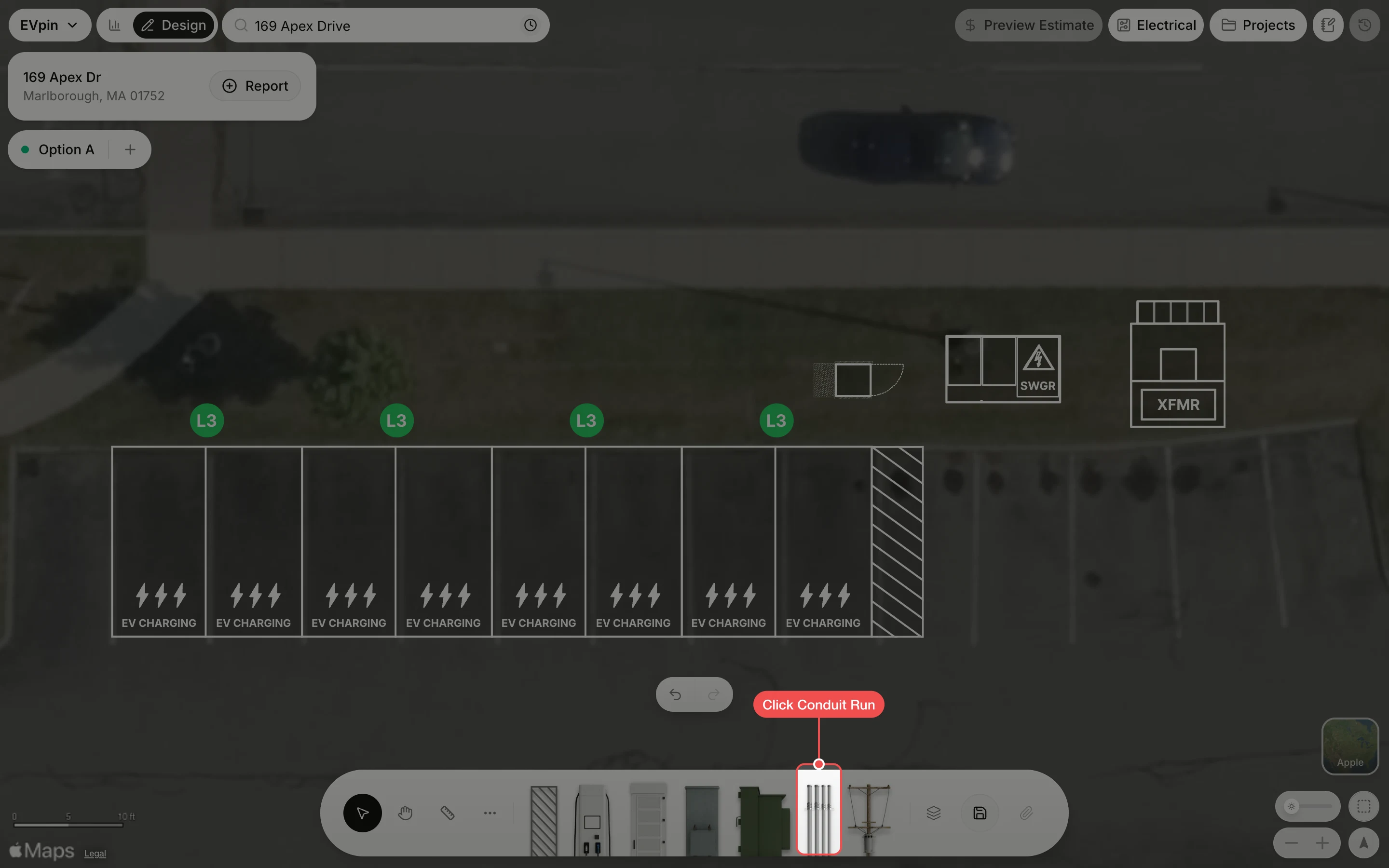
Click the run type
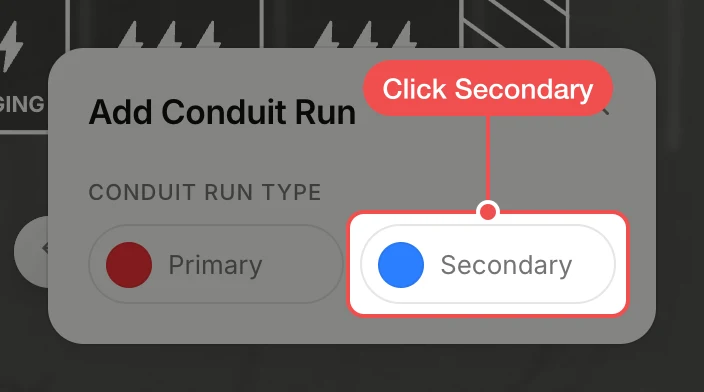
In Add Conduit Run, click Secondary for a run that touches a power cabinet or a charger. Click Primary instead for a run between the utility, the transformer and the switchgear.
Drag from one piece of equipment to the other
Click the switchgear to show its connection points, then drag from one of them to the power cabinet. The run snaps to the cabinet's nearest connection point and its length shows on the line.
What's next
- How to auto-connect equipment to wire the rest of the design in one click.
- How to turn on electrical design to get the single line diagram EVpin builds from this equipment.