How to link a project to a monday.com item
Link a project to its monday.com item so the item links back to the project's evaluate page, design and report.
A linked item gets links to the project's evaluate page, design page and report, and with tag sync on, the project takes the item's status as its tag. An admin has to connect monday.com and pick a board first. Every step after the first needs a connected board, so those steps have no screenshots.
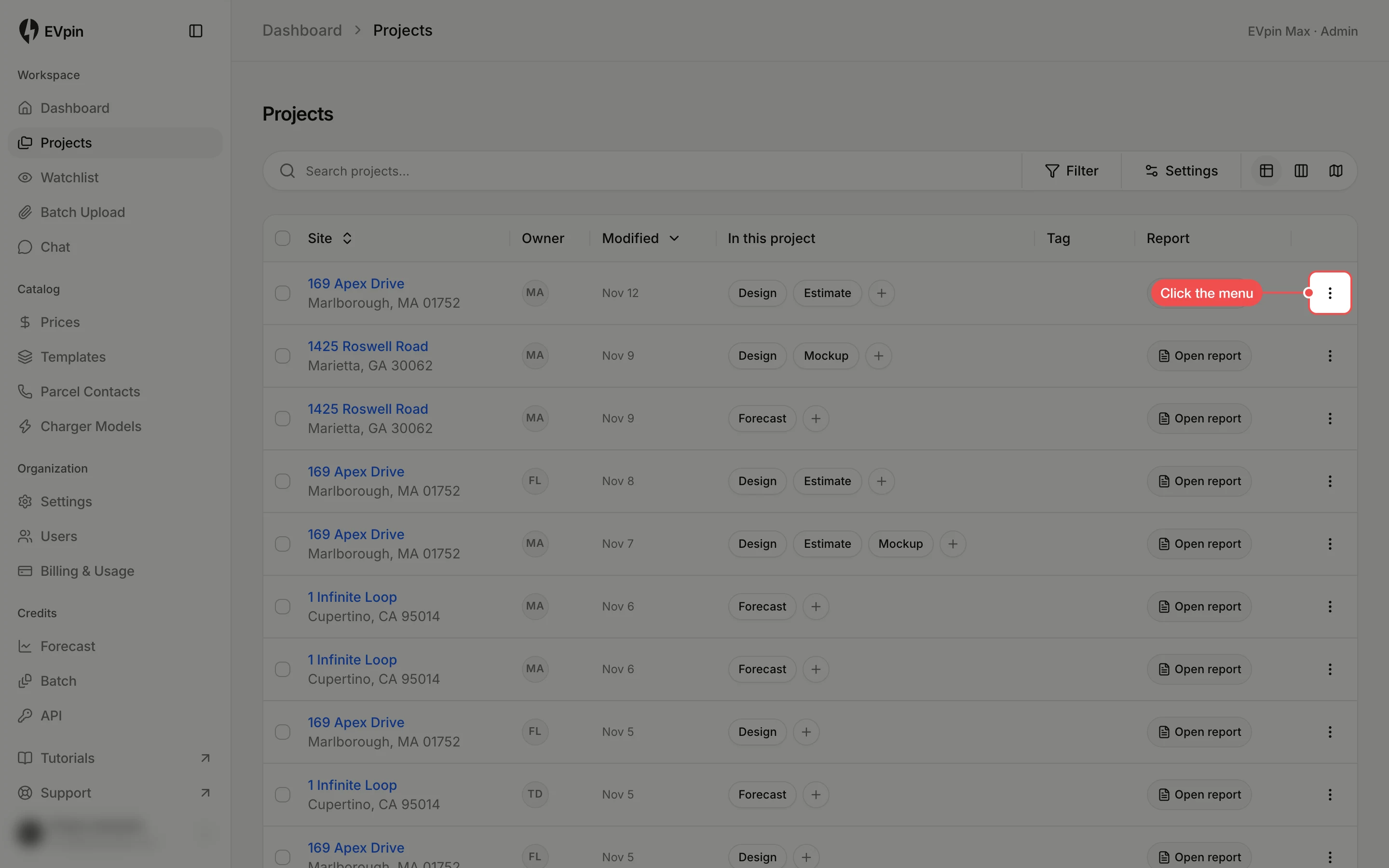
Click Link to monday.com
Click Link to monday.com. The dialog lists the items on your board, most recently updated first.
Find the item
Type in Search by name. To search another column, such as an address, pick it under Search in. Items already linked to another project are greyed out and say which project they belong to.
Click Link
Hover over the item and click Link. The dialog shows the linked item, and the item's name appears as a badge in the project's row. Click the badge to open the item in monday.com.