How to connect monday.com to EVpin
Connect your monday.com account, pick the board your projects belong to and keep its status column in sync with project tags.
Once monday.com is connected, each project can be linked to an item on one board, and the item gets links back to the project. You need to be an organization admin and have a monday.com account that can see the board. The last two steps only show once monday.com is connected, so they have no screenshots.
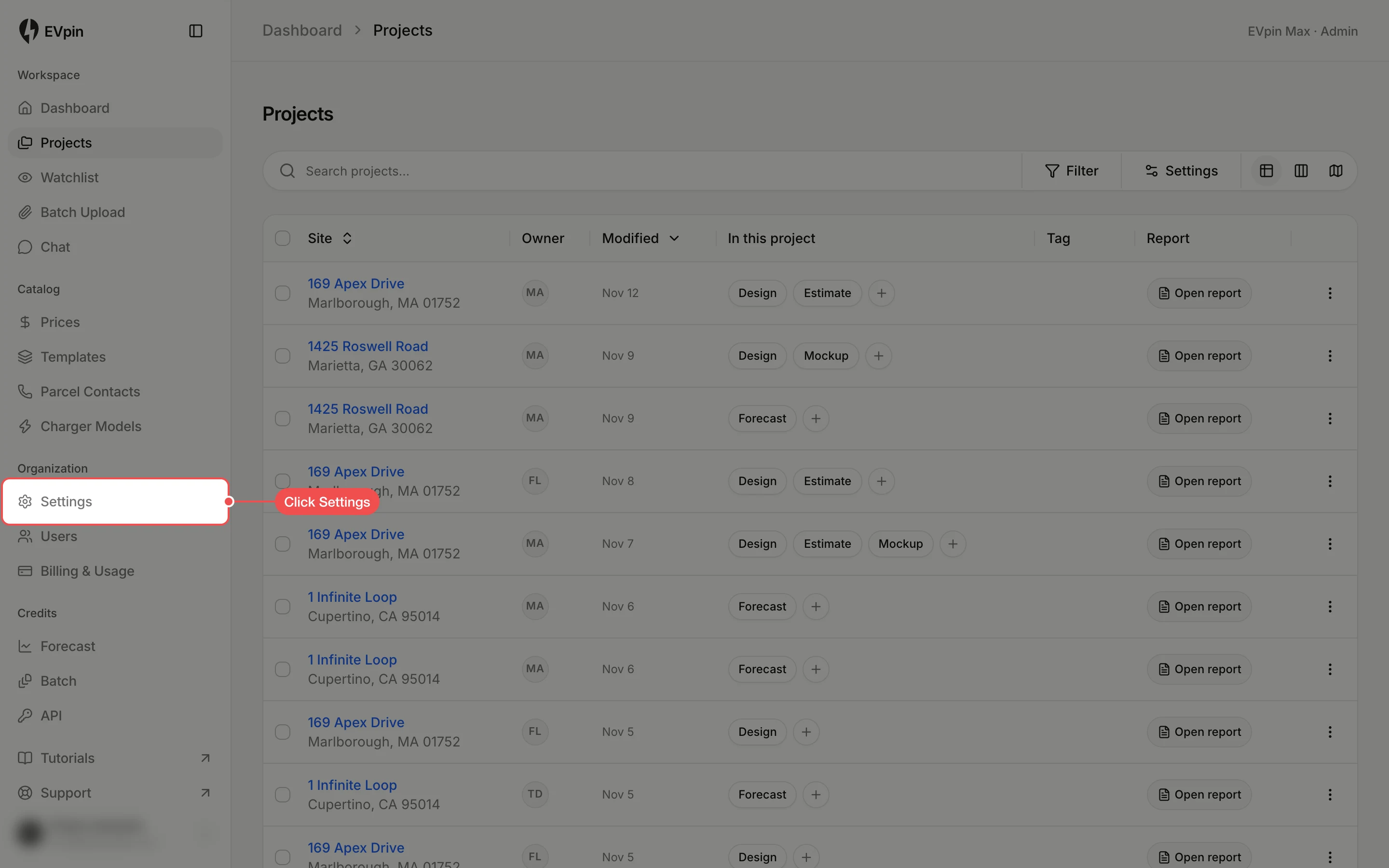
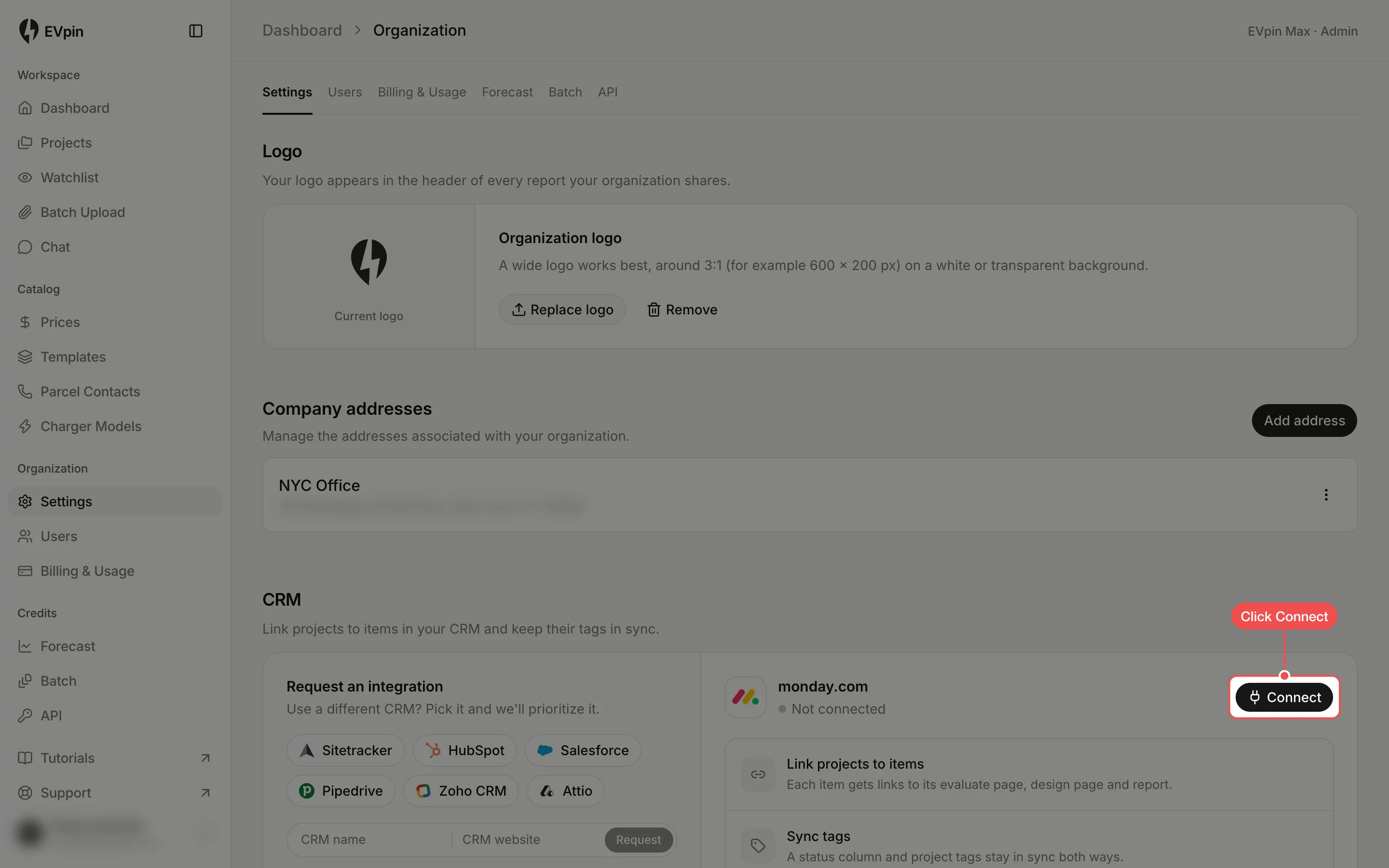
Click Connect
Scroll to CRM and click Connect next to monday.com. monday.com asks you to approve access; approve it and you come back to this page with monday.com marked Connected.
Choose a board
Under Board, click Choose a board and click the board that holds your sites. EVpin adds three link columns to it: EVpin Evaluate Page, EVpin Design Page and EVpin Report.
Turn on tag sync
Under Sync tags, click Off and click the status column that tracks each site's stage. Its status values become project tags, and the chips below show which tag each status maps to. A status change in monday.com moves the project on the board, and a tag change in EVpin updates the status.
Using a CRM other than monday.com? Click it under Request an integration, or type its name and website, to ask for it.