How to sign in to EVpin
Sign in with your email address and password and land on your dashboard.
By the end you will be on your EVpin dashboard. You need the email address and password of your EVpin account.
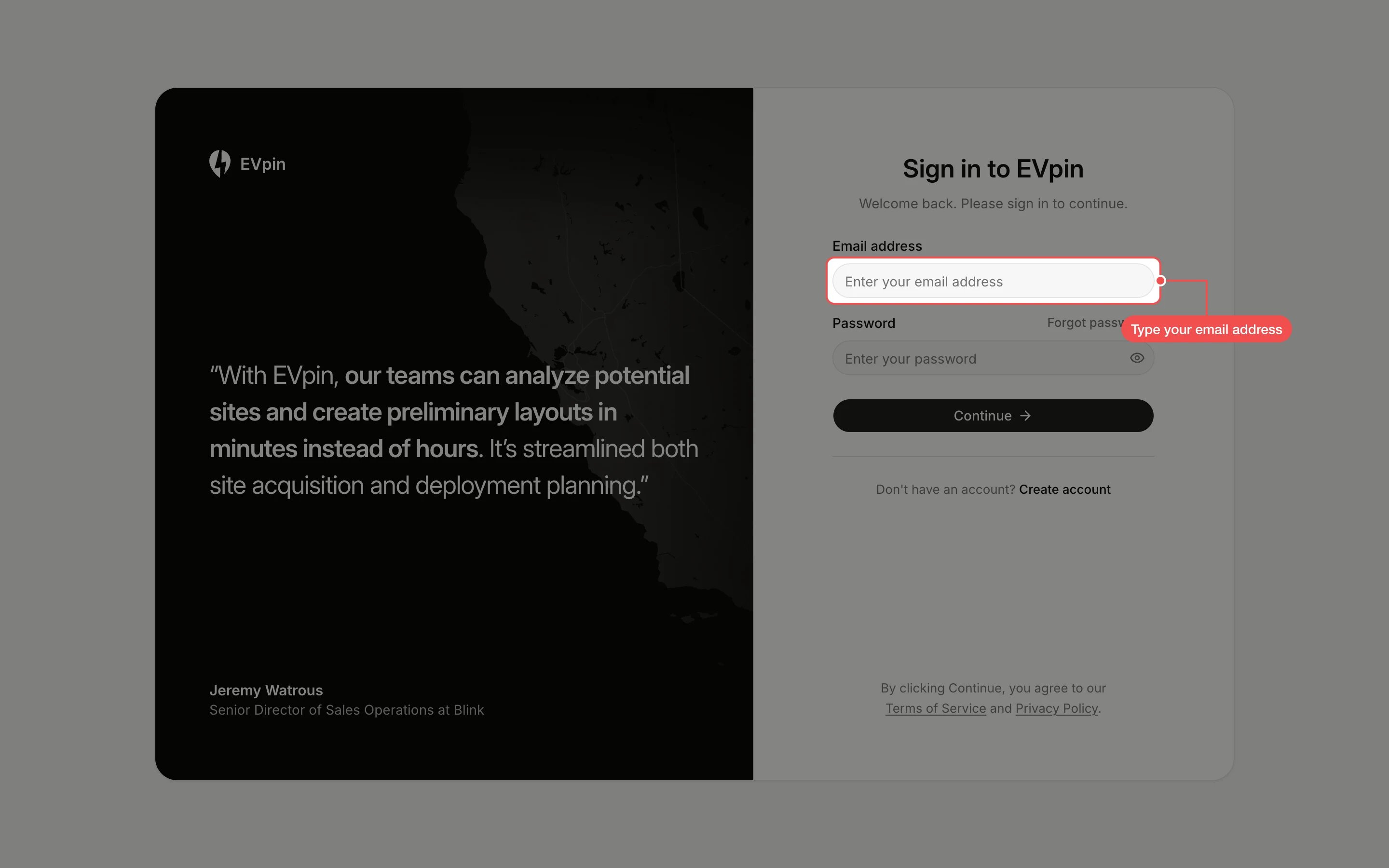
Type your email address
Open the EVpin sign-in page. Under Sign in to EVpin, click Email address and type the email address your account uses.
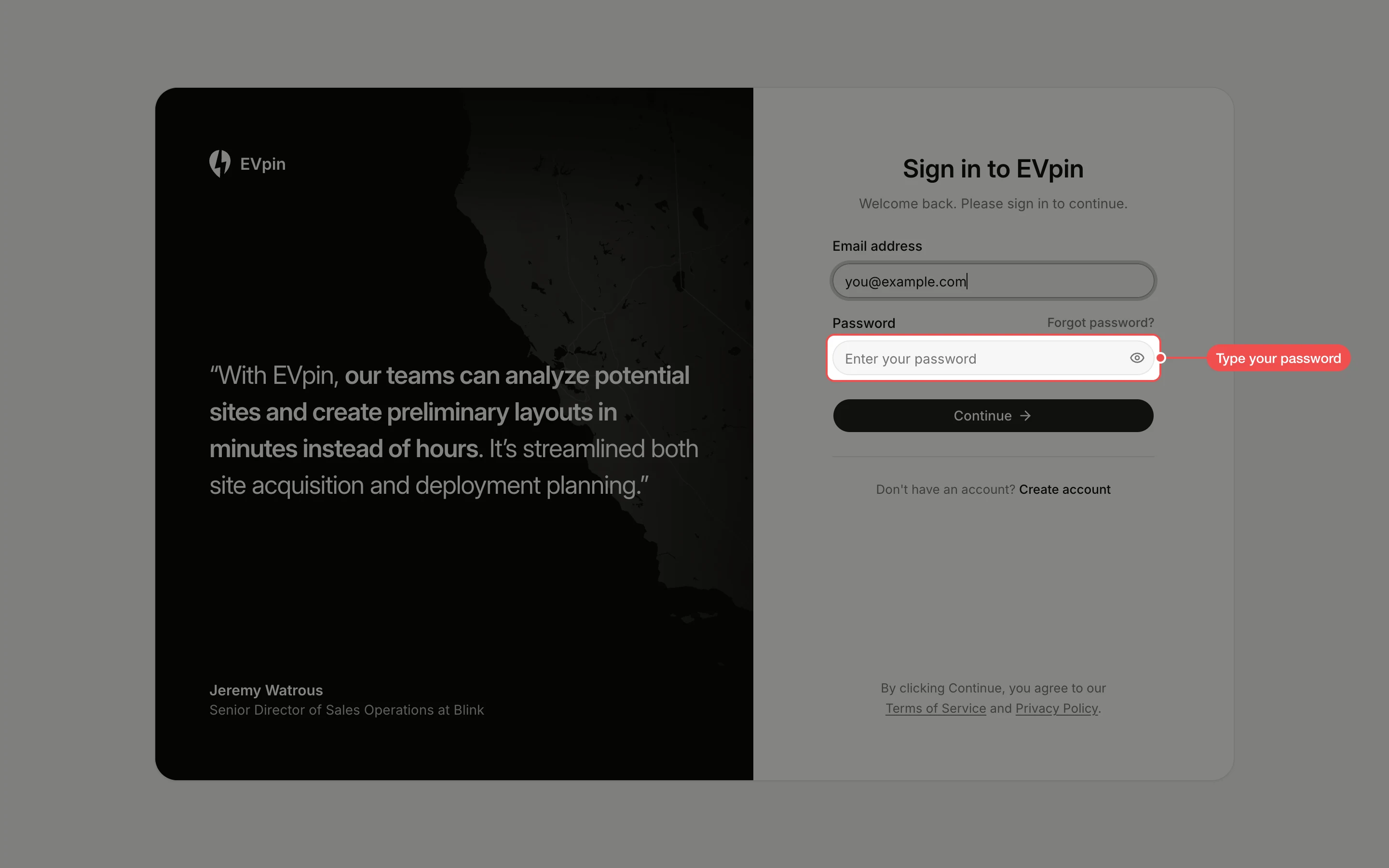
Type your password
Click Password and type your password. Click the eye icon at the end of the field to check what you typed.
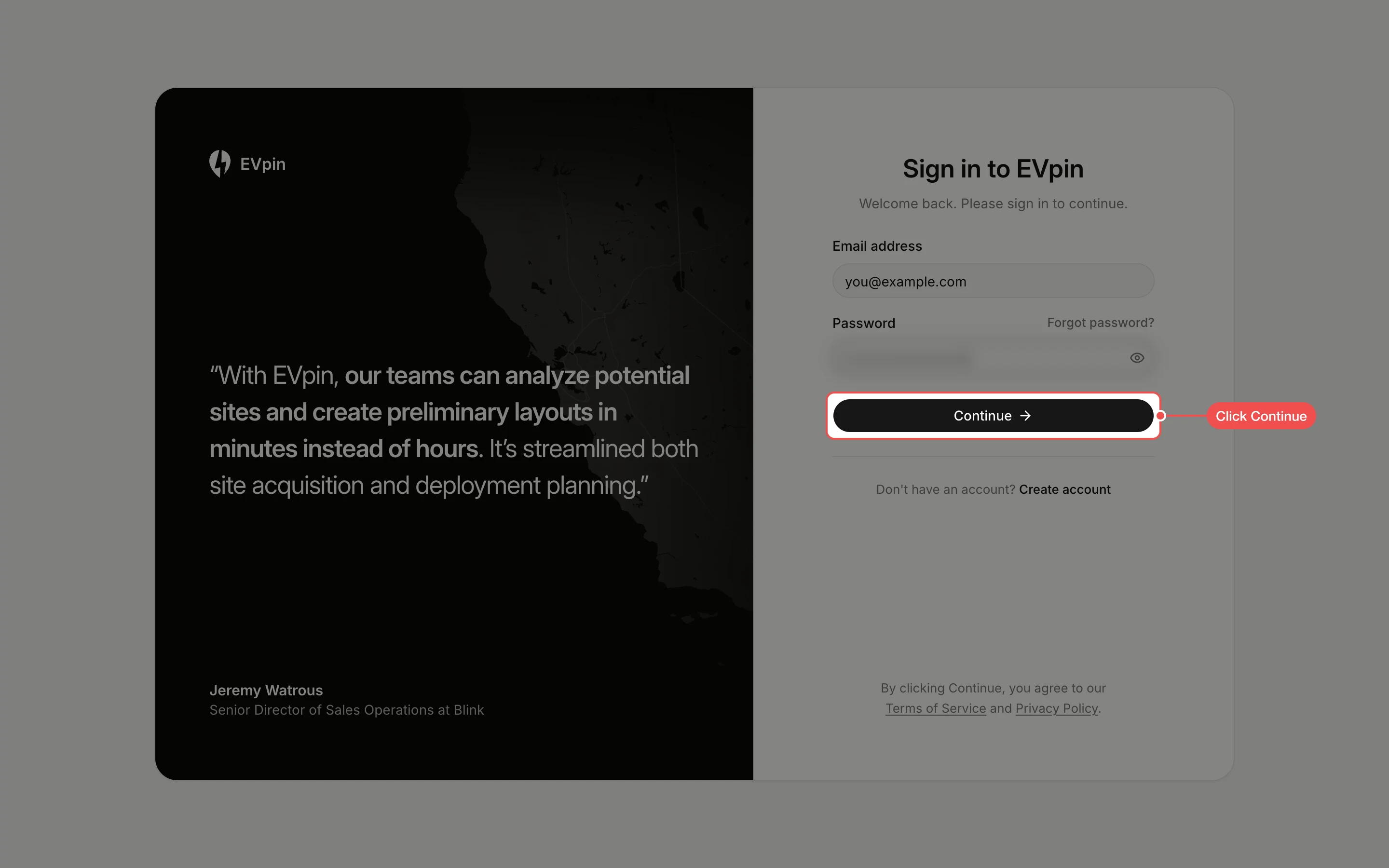
Click Continue
Click Continue below the password. If EVpin asks you to verify your email, type the code it sends you.
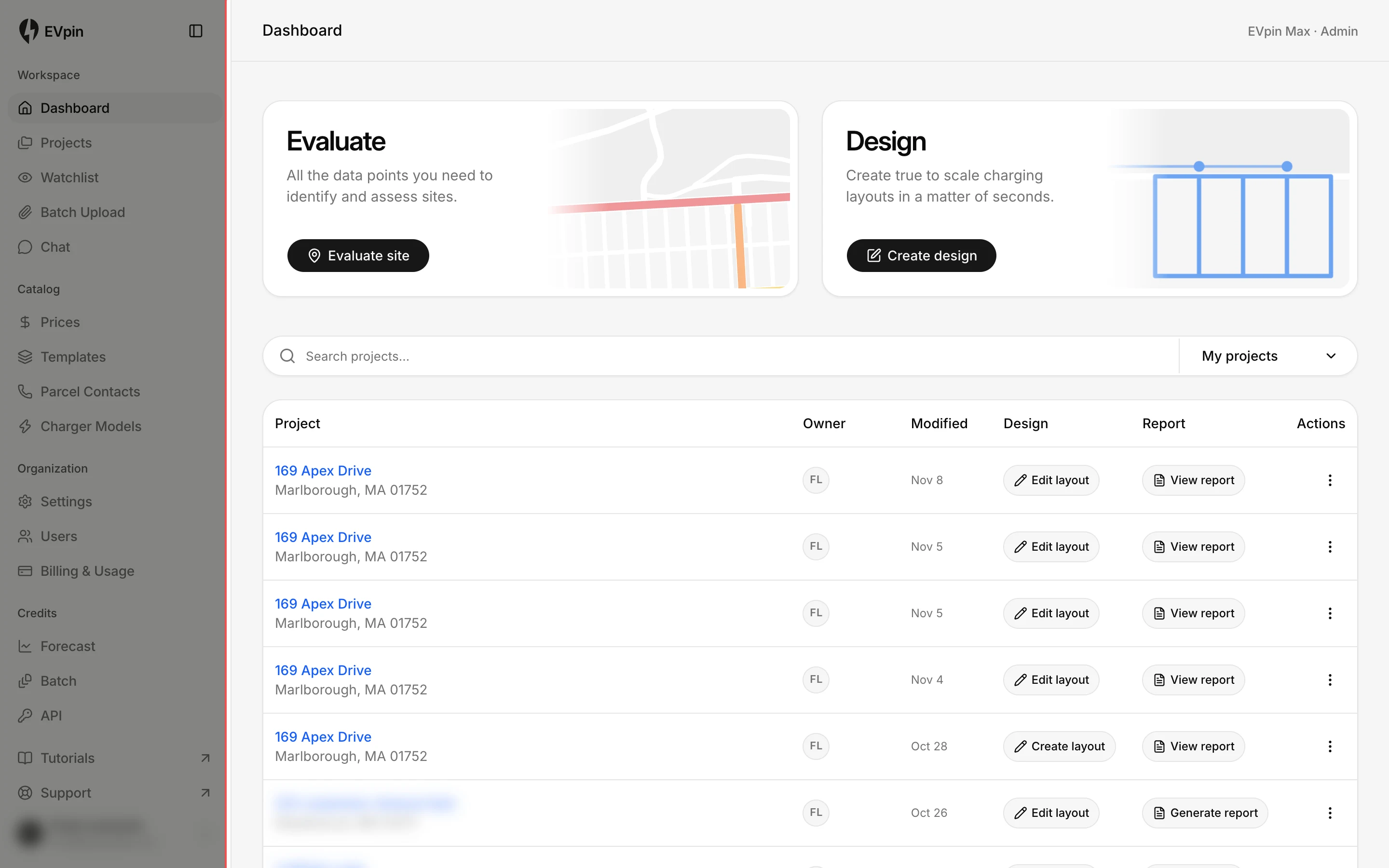
Start from the dashboard
EVpin opens your Dashboard, with Evaluate site and Create design at the top and your latest projects below.