How to open a project from the dashboard
Reopen a saved project on the Evaluate map or straight in its design from the dashboard.
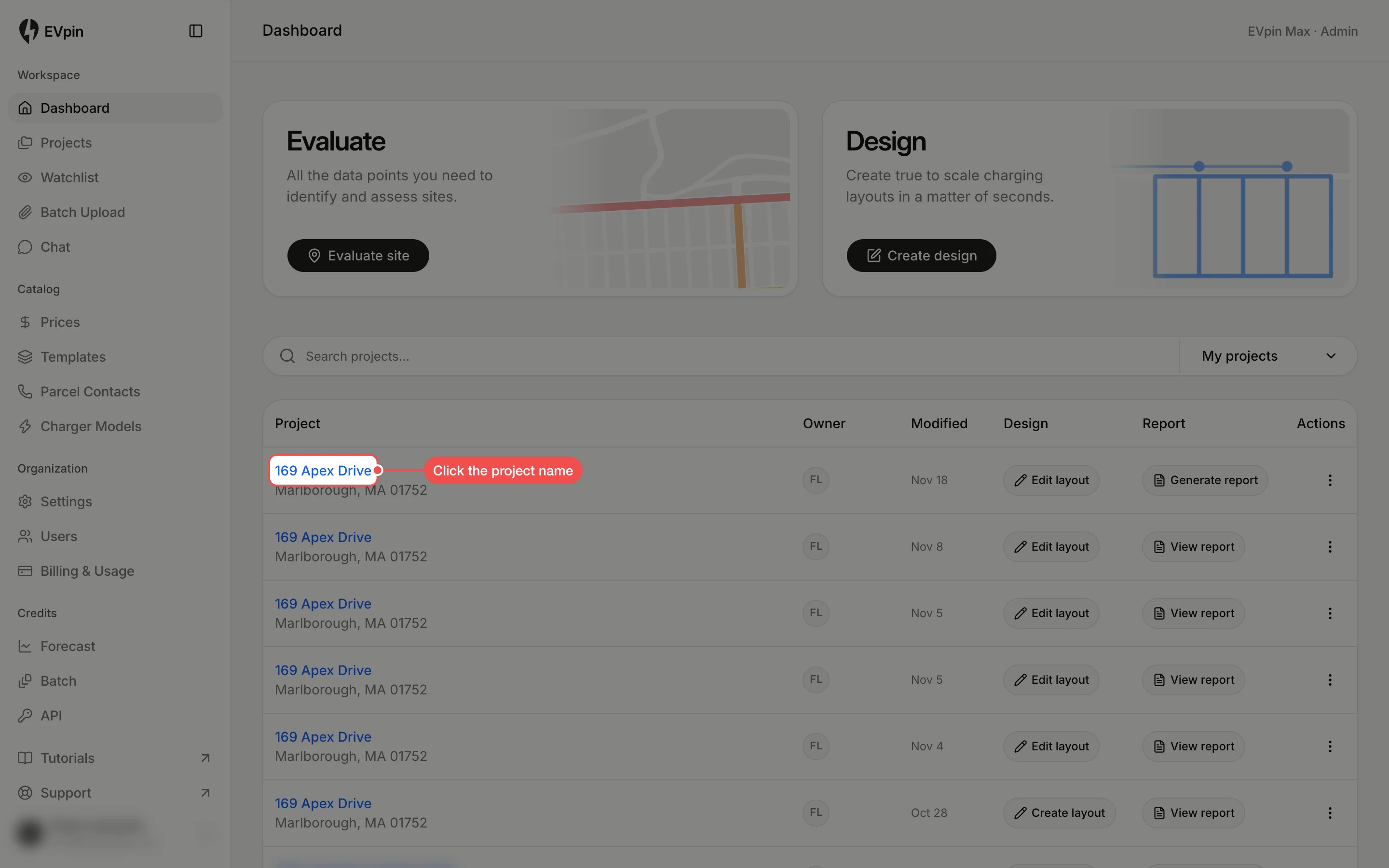
Every saved project is listed on the dashboard. Open it on the Evaluate map to check the site again, or go straight to its design.
Check the site on the Evaluate map
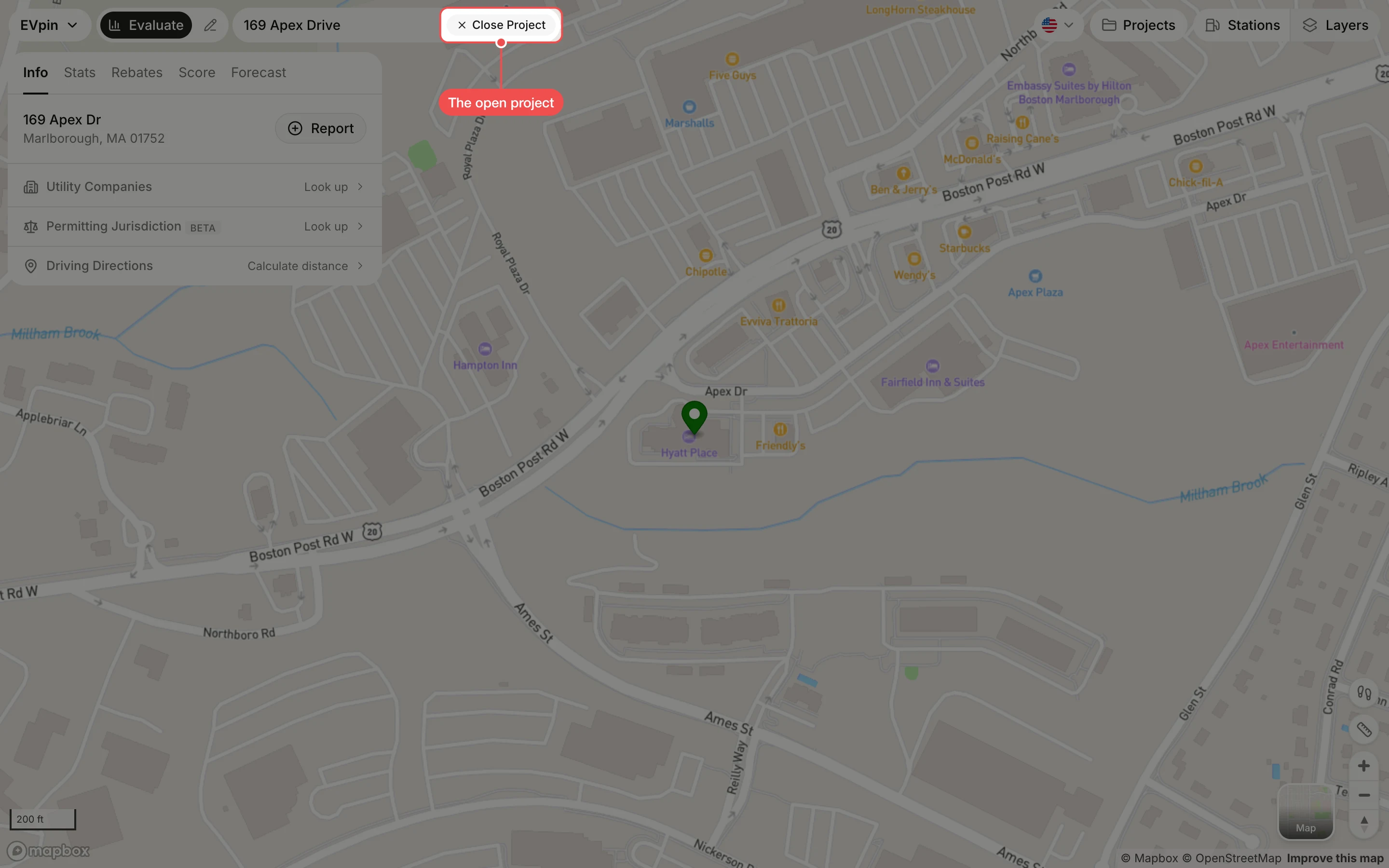
The project opens on the Evaluate map with the site panel. Close Project next to the address shows the project is open.
Or click Edit layout
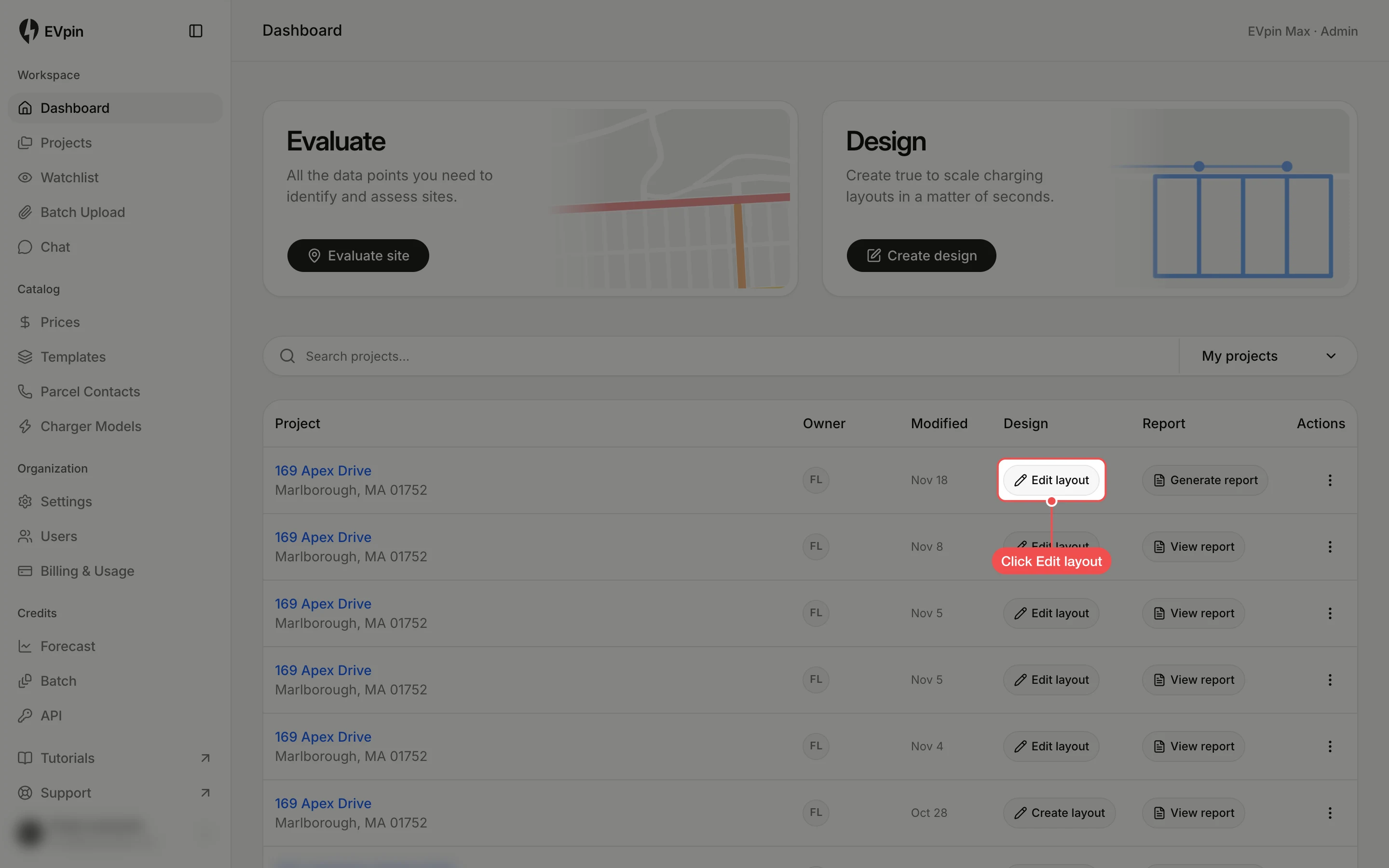
To go straight to the design, go back to the Dashboard and click Edit layout in the project's row. Projects without a design show Create layout instead.
Close the project when you are done
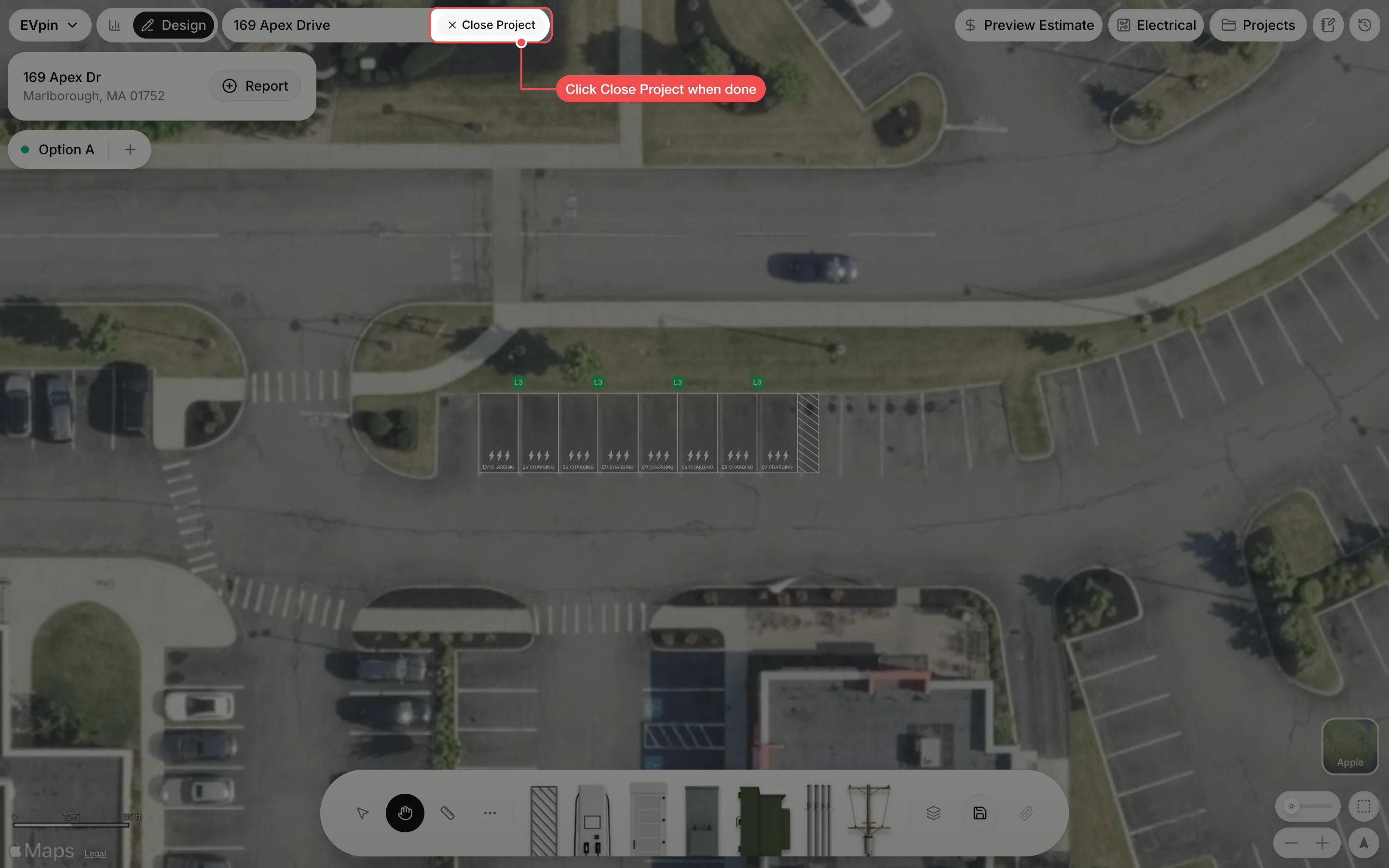
The design opens on the Design page. Save your changes, then click Close Project to start on another site.