How to delete a project
Remove a project you created, along with its designs and reports, from the Projects page.
Delete a project you no longer need. Deleting also removes its designs and reports, and it cannot be undone. Only the person who created a project can delete it.
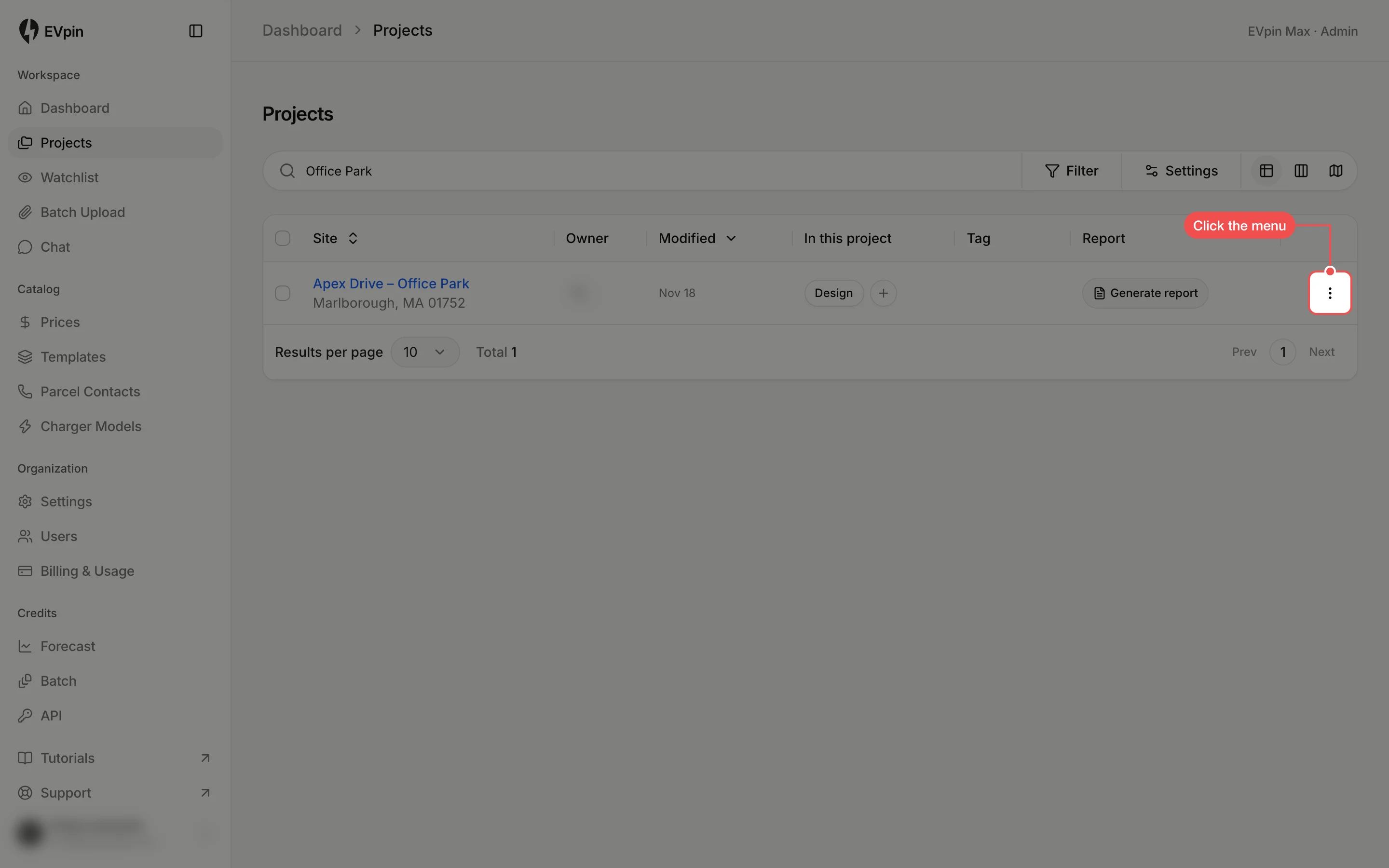
Open the project's menu
On the Projects page, find the project and click the three dots at the end of its row.
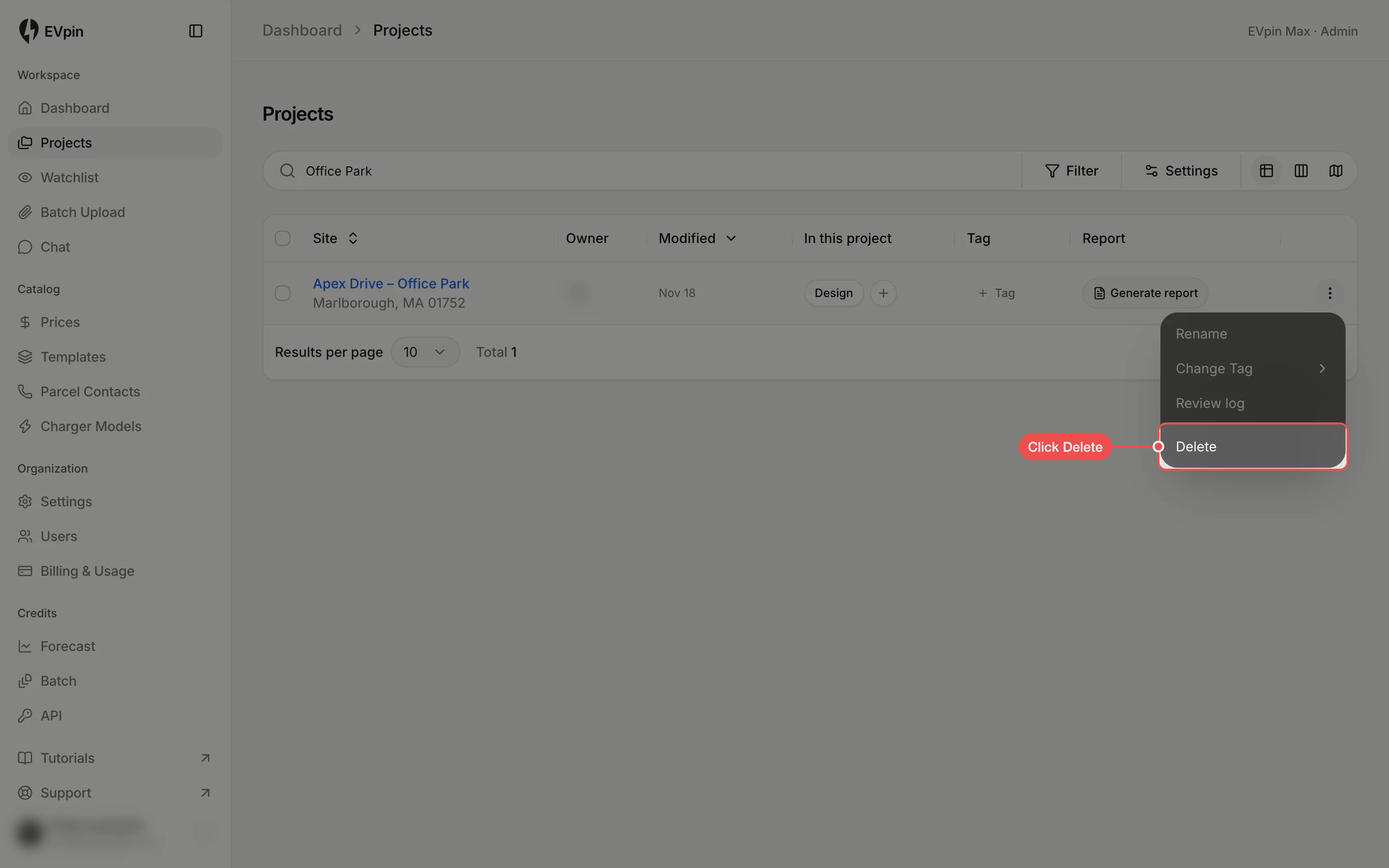
Click Delete
Click Delete at the bottom of the menu. It is greyed out on projects someone else created.
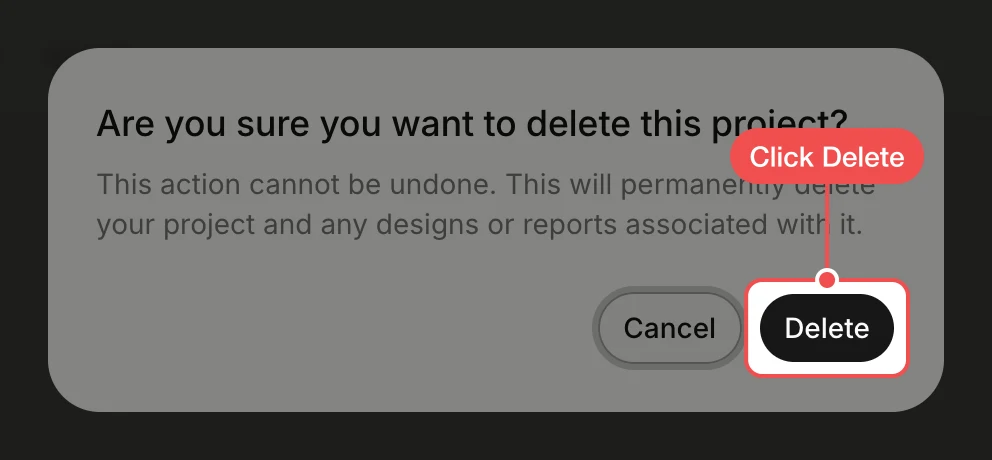
Click Delete to confirm
EVpin asks you to confirm. Click Delete. The project disappears from the list.