How to delete several projects at once
Tick projects in the Projects table and delete them all, with their designs and reports, in one step.
Clear out old or duplicate projects in one step instead of one at a time. You can only delete projects you created, and deleting cannot be undone.
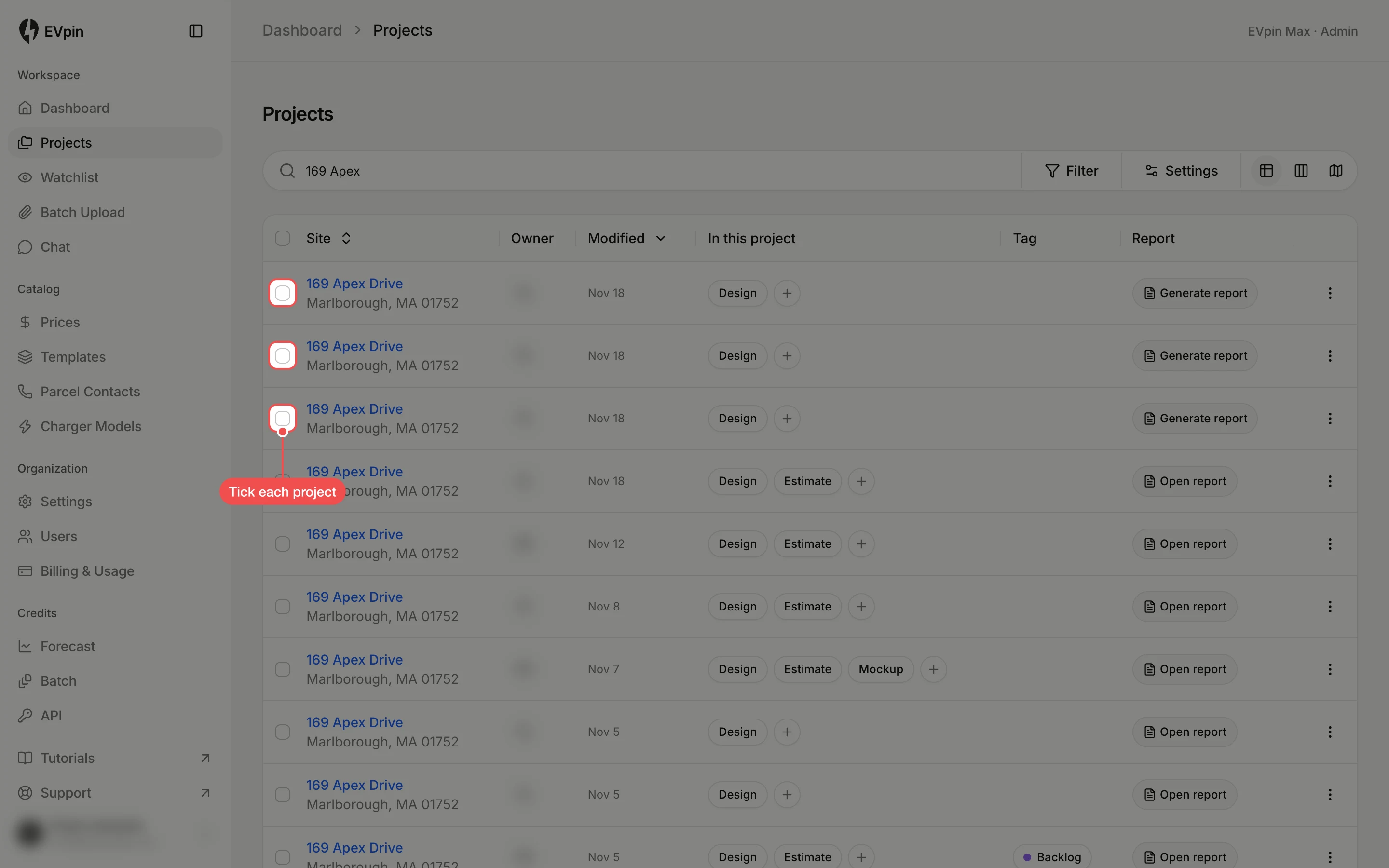
Tick each project
On the Projects page, tick the box at the start of each project's row. A bar with the number selected appears at the bottom of the page.
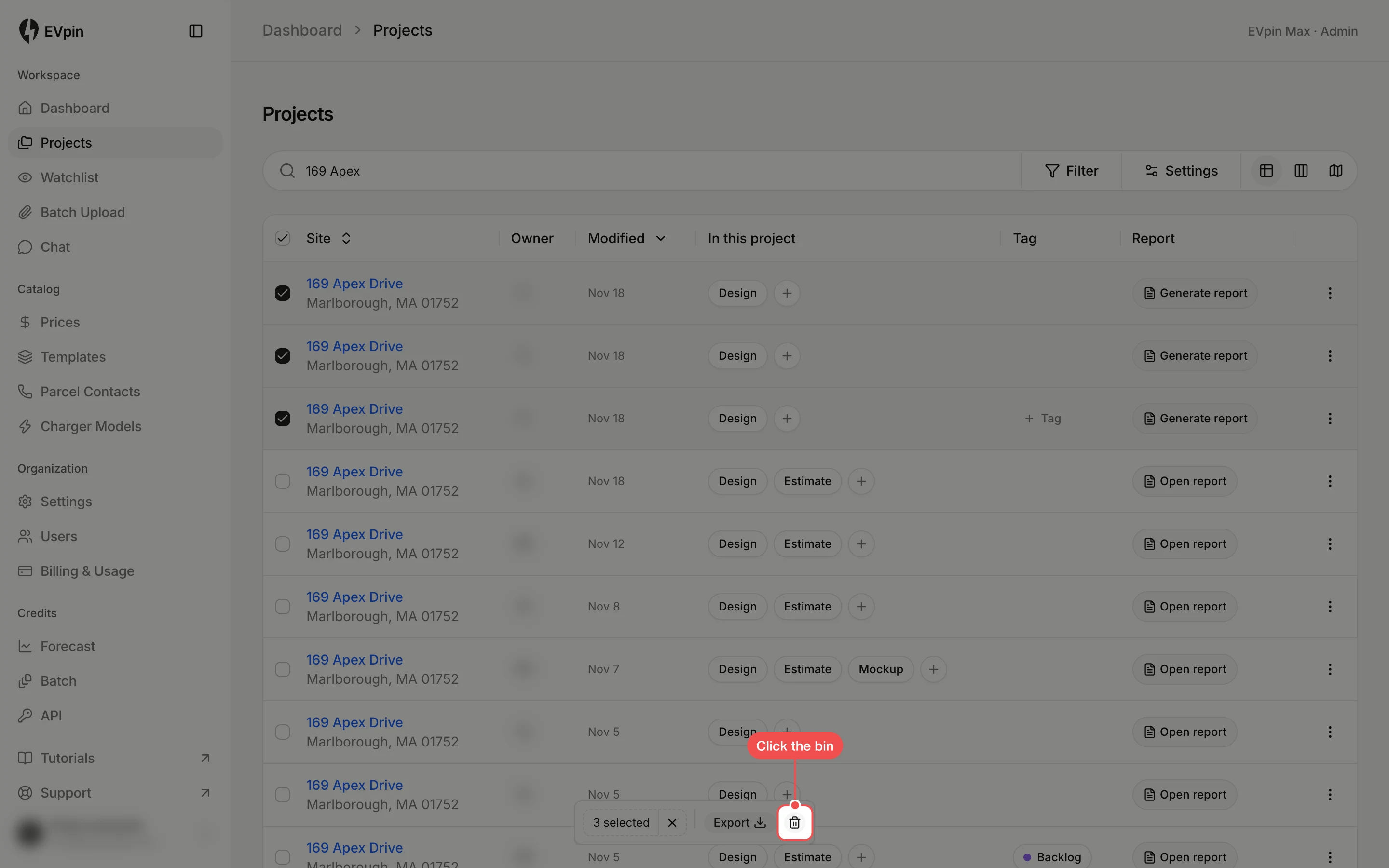
Click the bin
In the bar at the bottom, click the bin icon. It is greyed out if any ticked project was created by someone else.
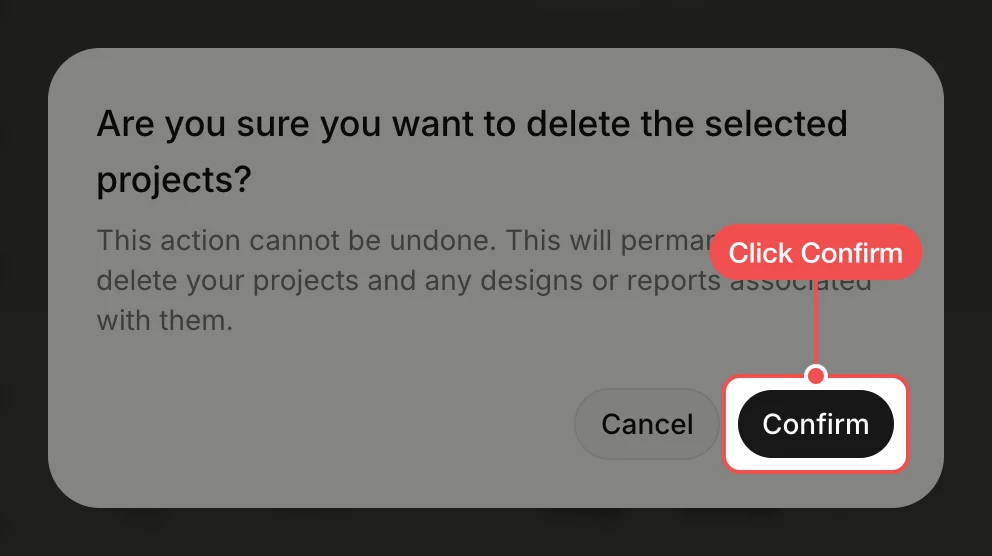
Click Confirm
EVpin asks you to confirm. Click Confirm. The projects, and their designs and reports, are removed from the list.