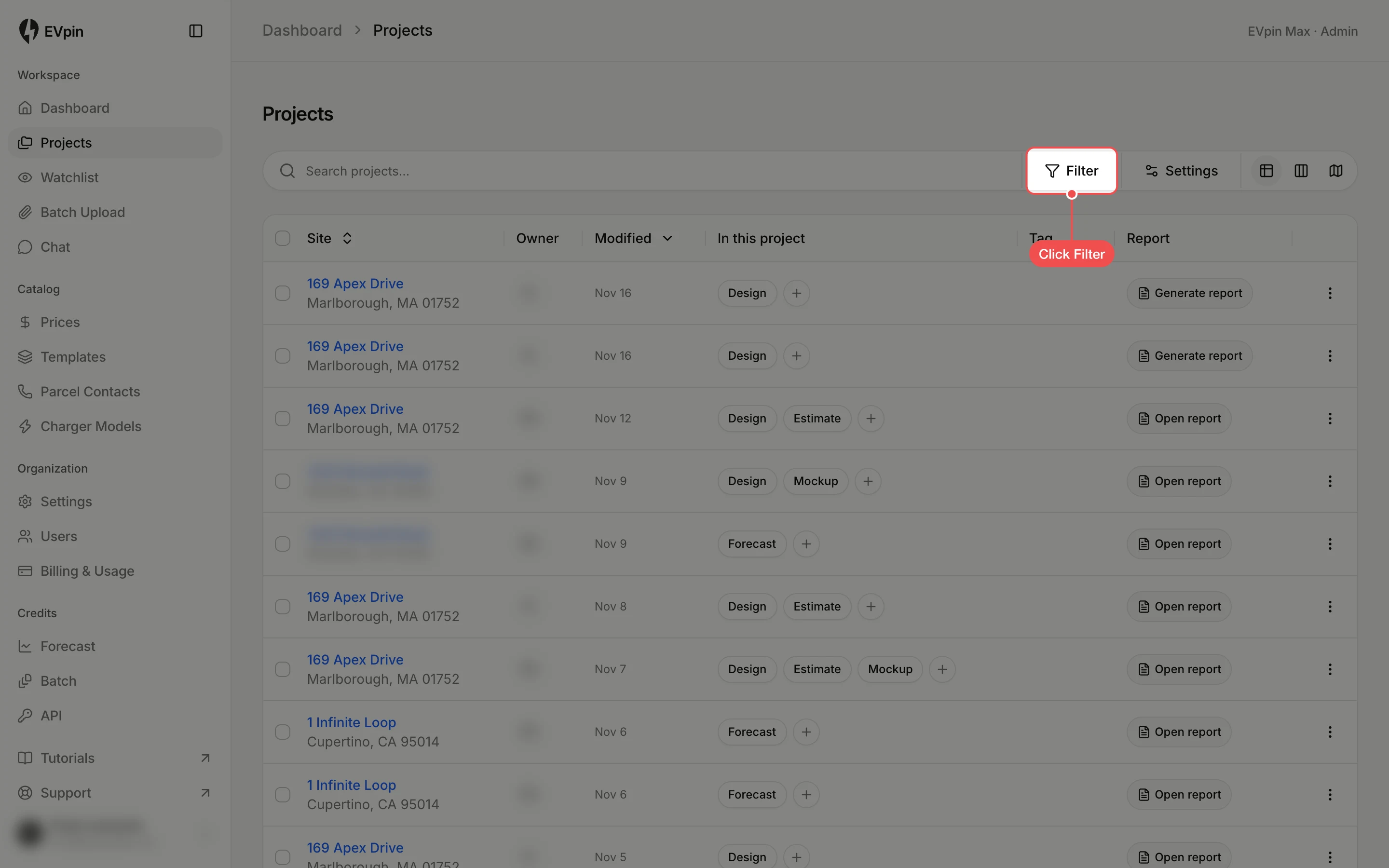
How to see a teammate's projects
Filter the Projects page by the person who created each project to see only a teammate's work.
The Projects page shows projects from everyone in your workspace. Filter it by creator to see only what one teammate is working on.
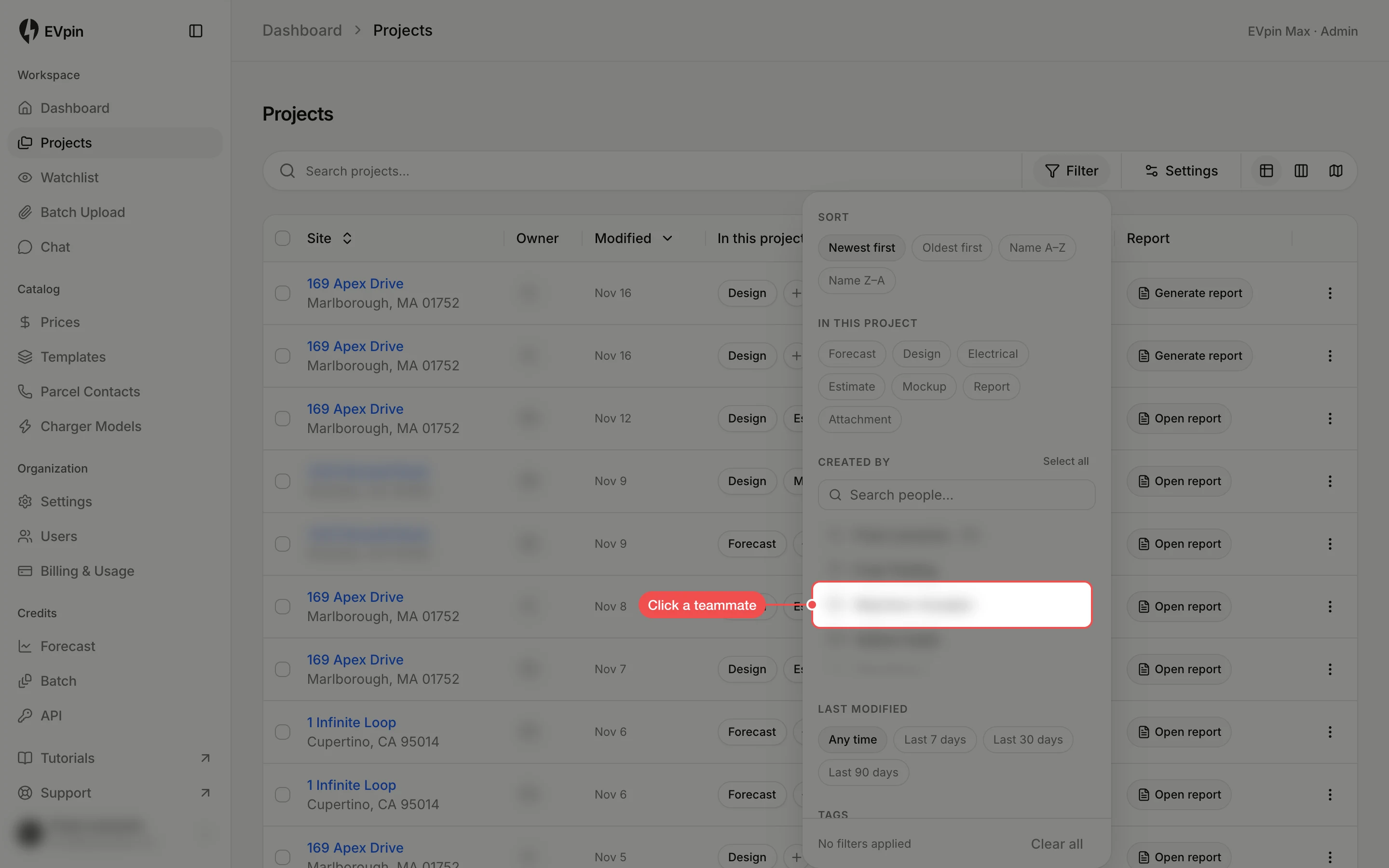
Click your teammate
Under Created by, click your teammate's name. Type in Search people… to find them in a long list. Click more names to add other people.
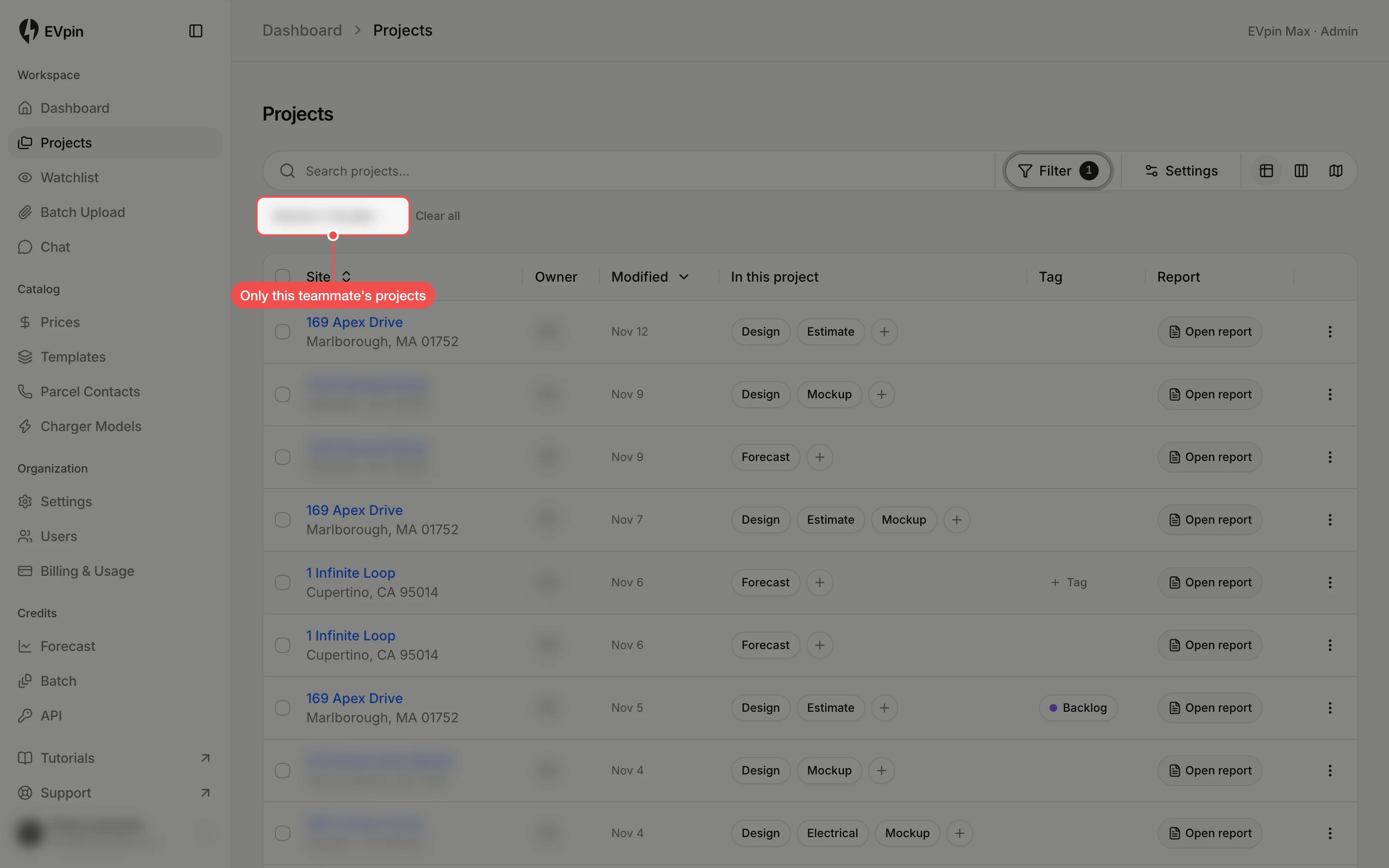
Look through their projects
Click anywhere outside the panel to close it. The list now shows only that teammate's projects, and their name appears as a chip above the list.