How to assign a project to a teammate
Hand a project over to a teammate from the Projects page and send them a note.
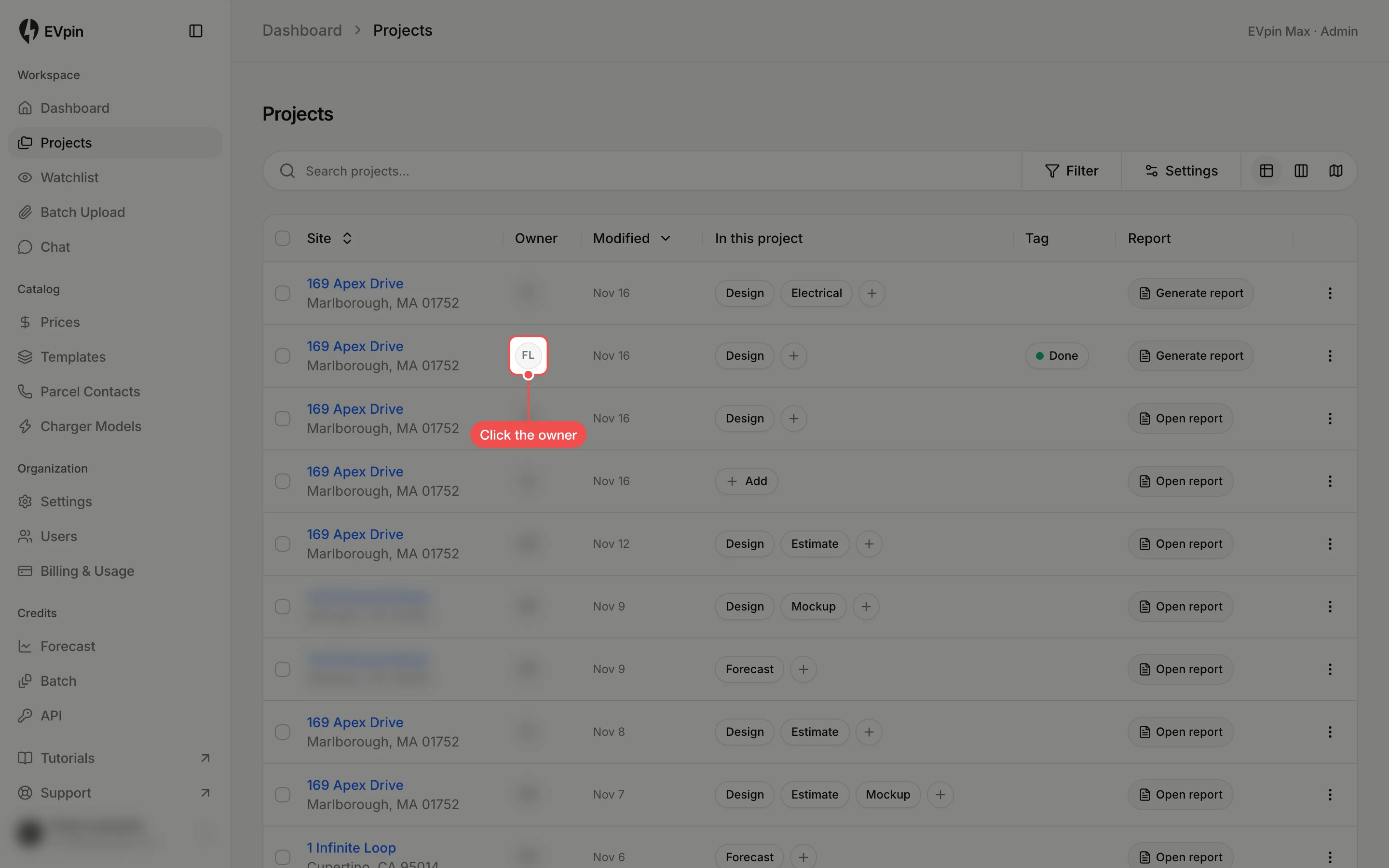
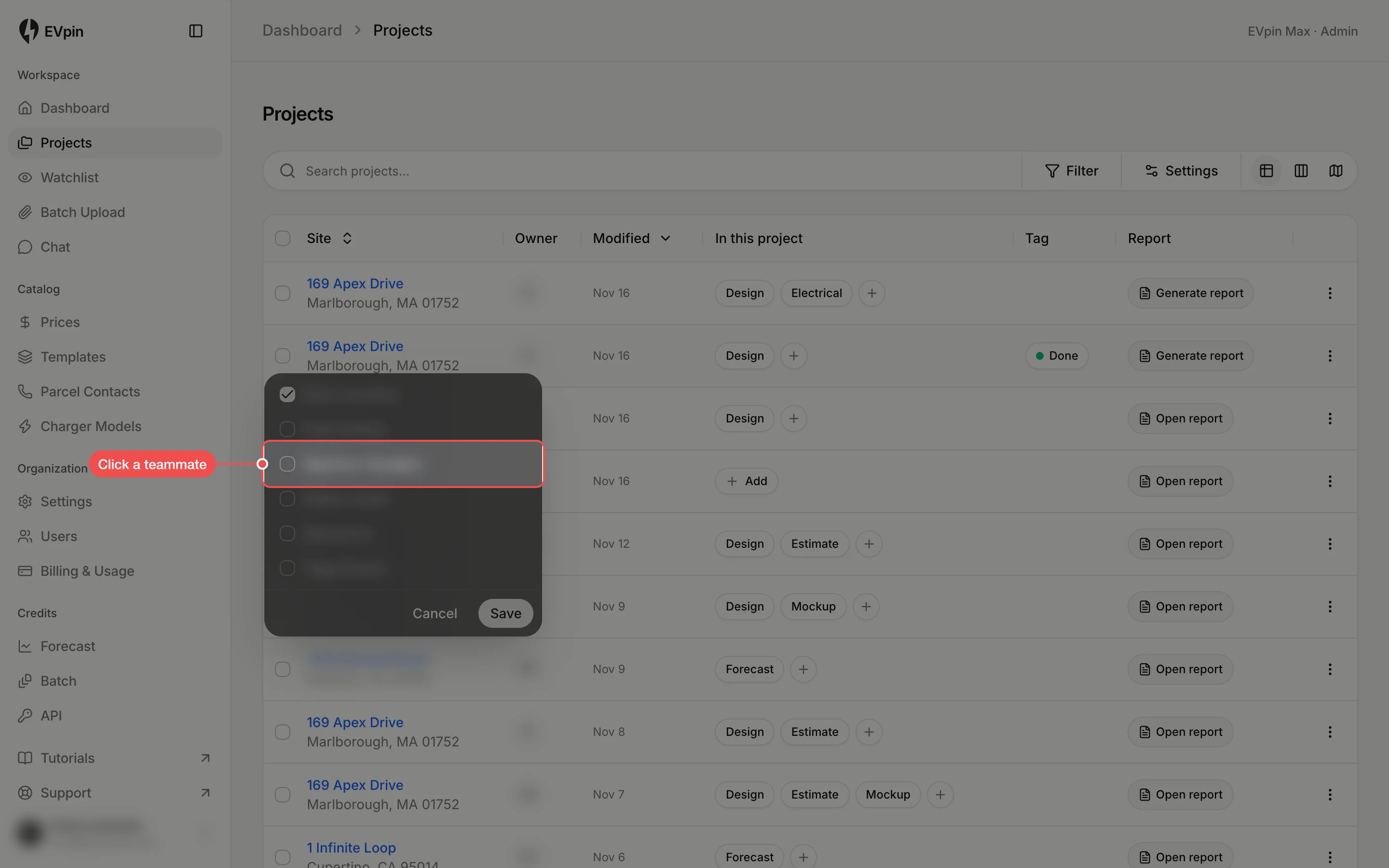
Assigning a project makes a teammate its owner, so it shows up as theirs. You can add a note, which they get in their inbox. You need a project you can edit.
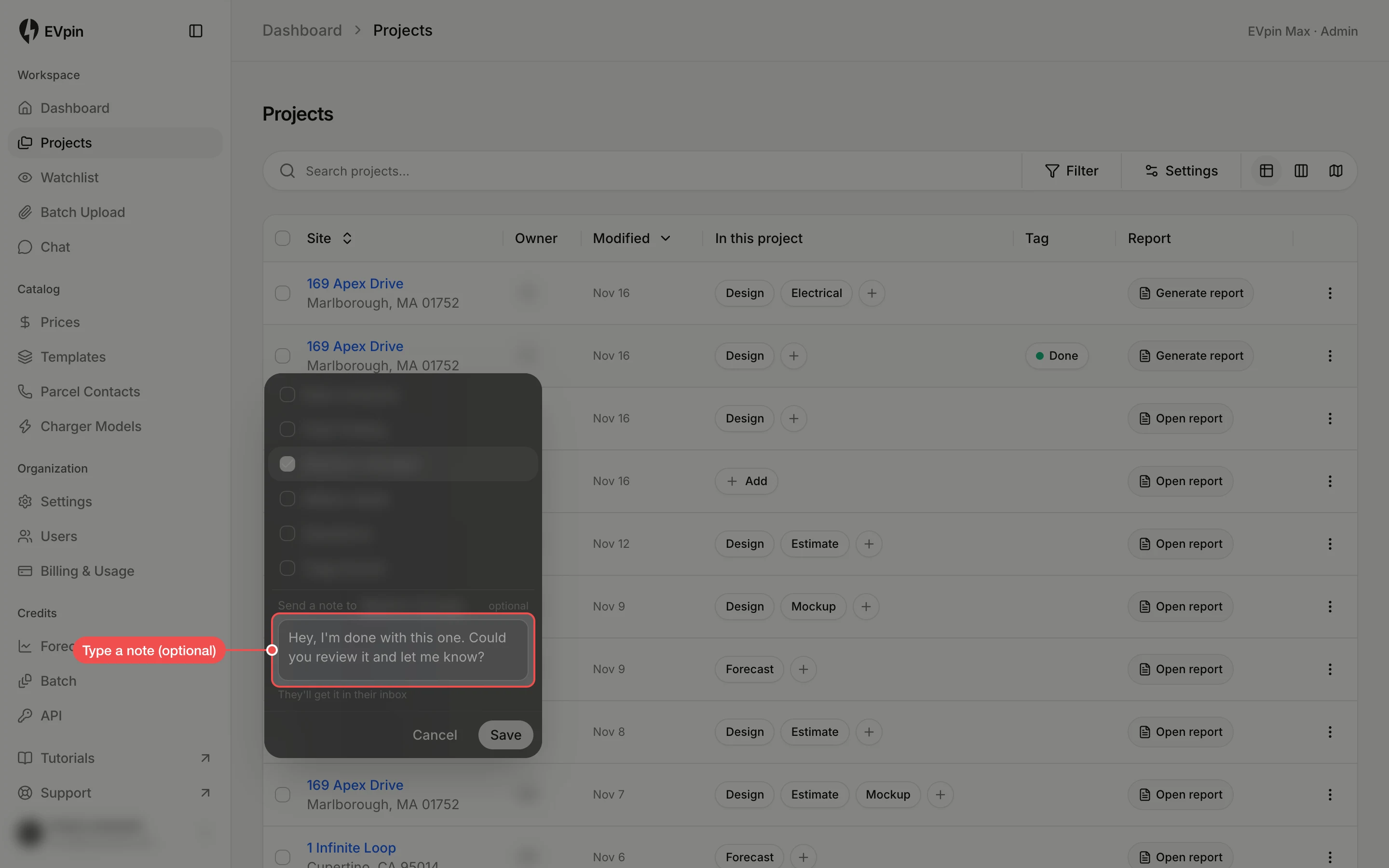
Type a note
A note box opens under the list. Type what your teammate should do next. The note is optional.
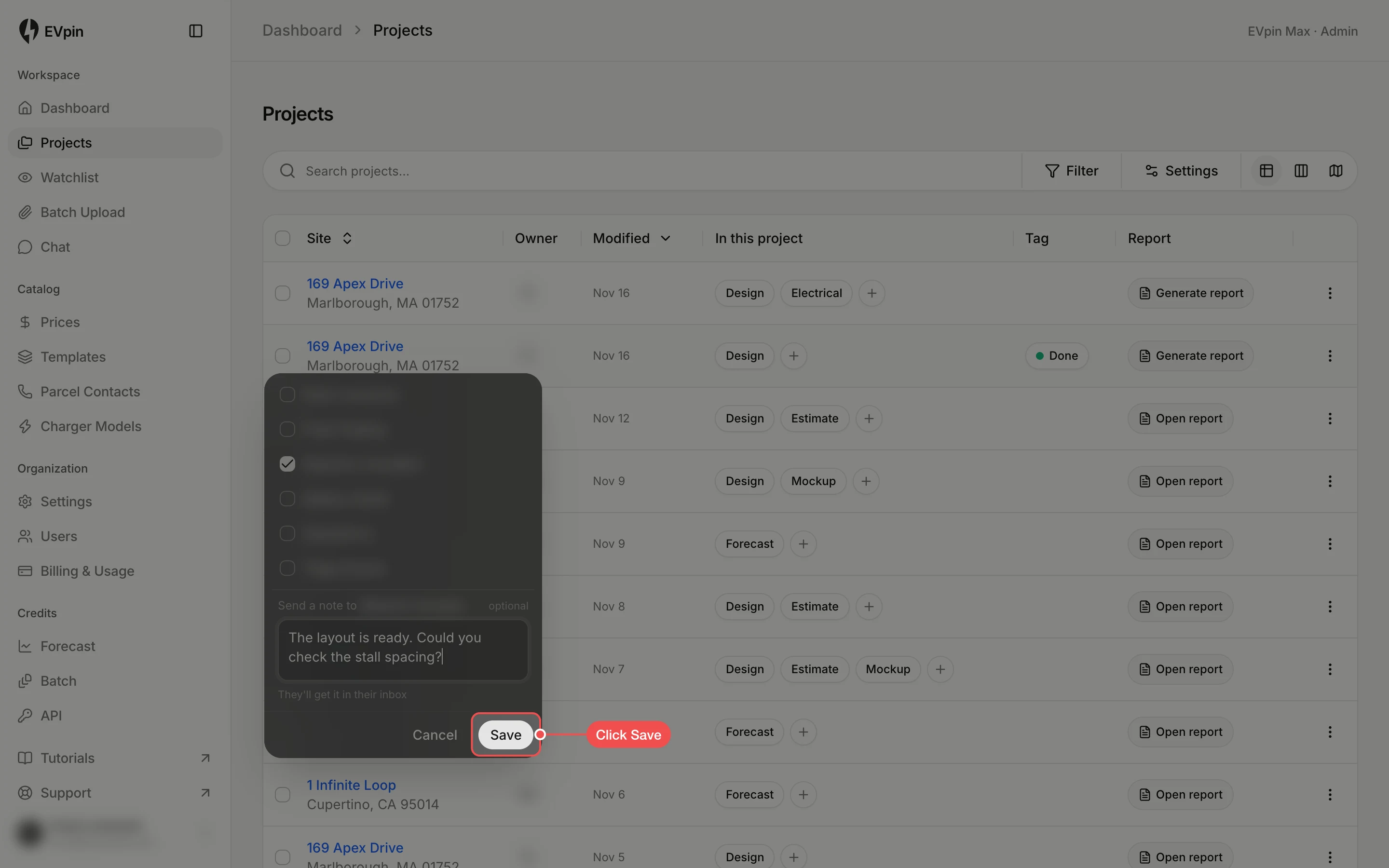
Click Save
Click Save. Your teammate's initials replace yours in the Owner column, and the change is listed in the project's review log.