How to rename a project
Give a project a clearer name than its street address from the Projects page.
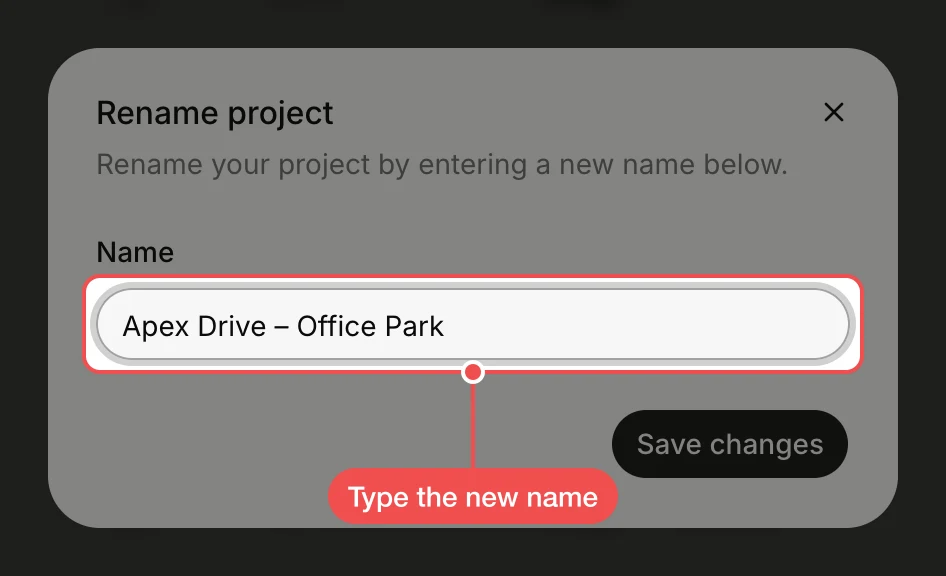
A new project is named after its address. Rename it so the team can tell sites apart, for example two projects at the same address. You can rename projects you created or have edit access to.
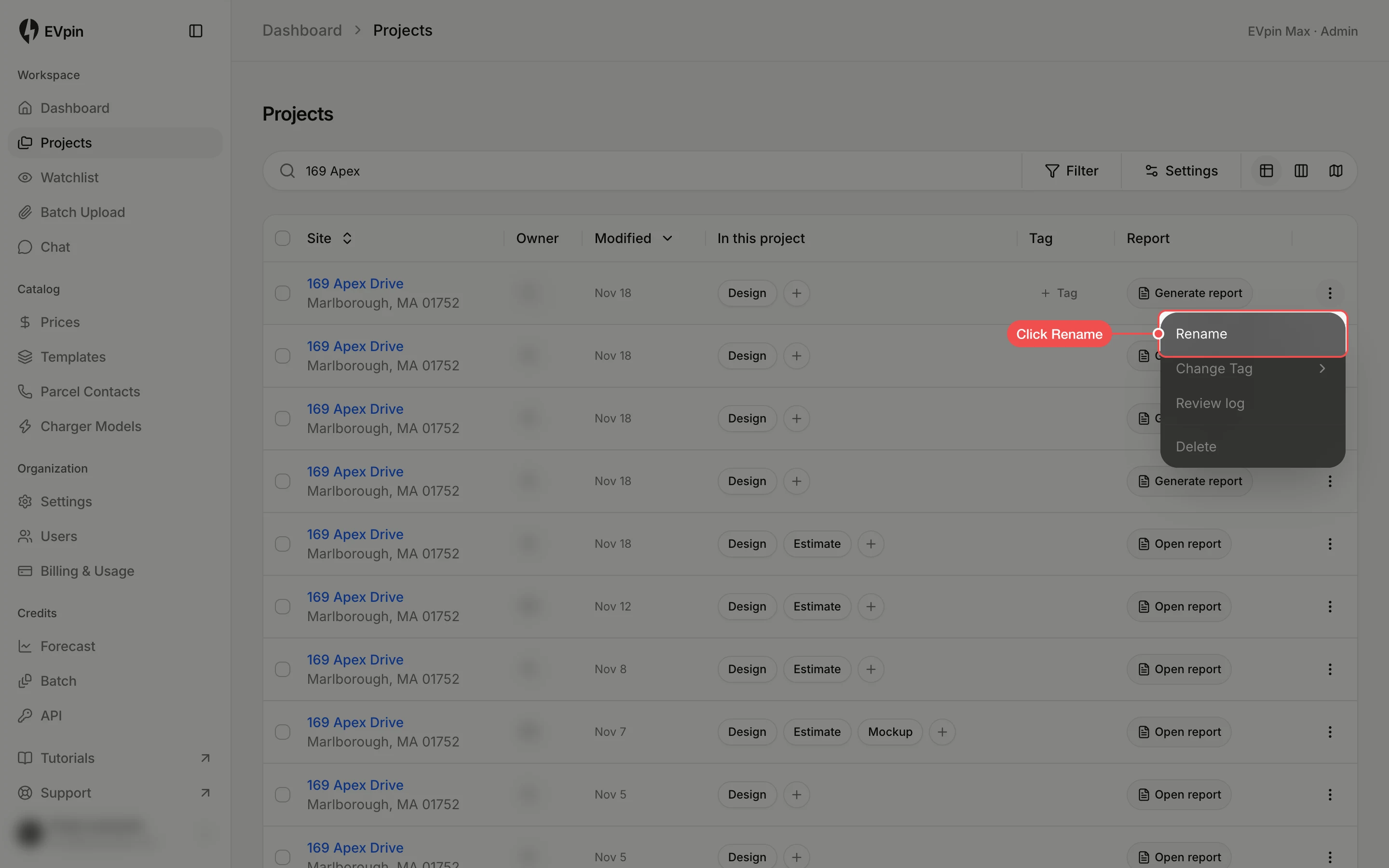
Open the project's menu
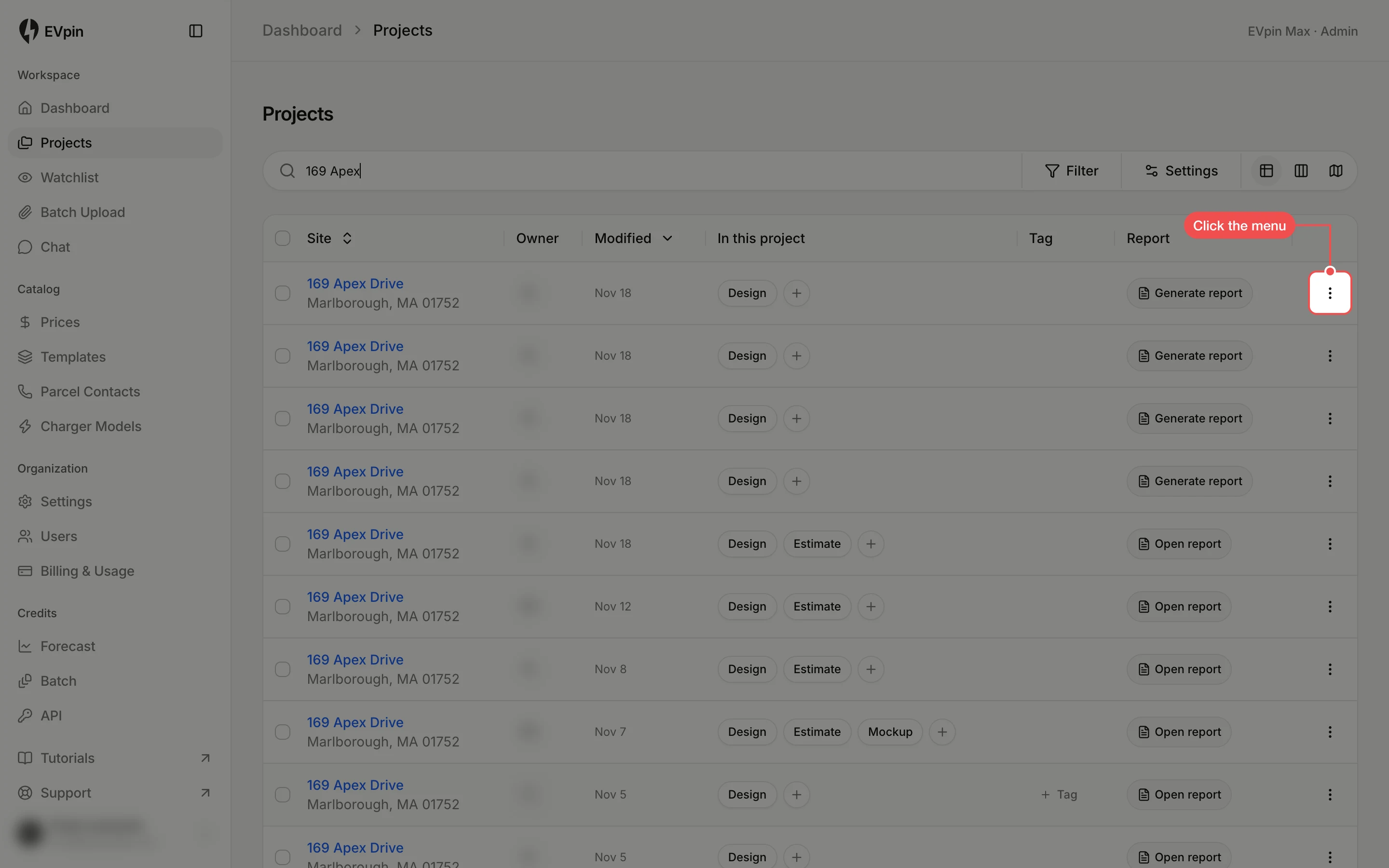
On the Projects page, find the project and click the three dots at the end of its row.
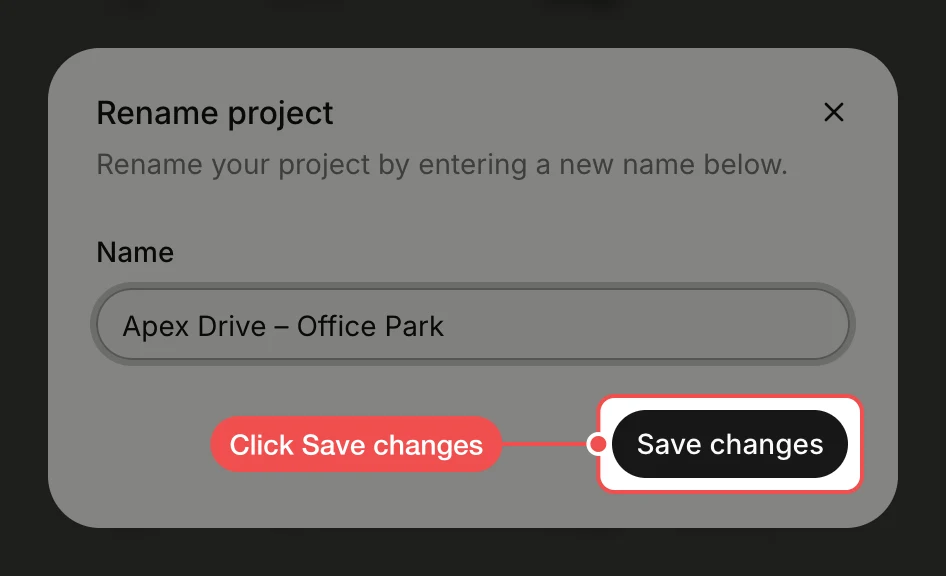
Check the new name
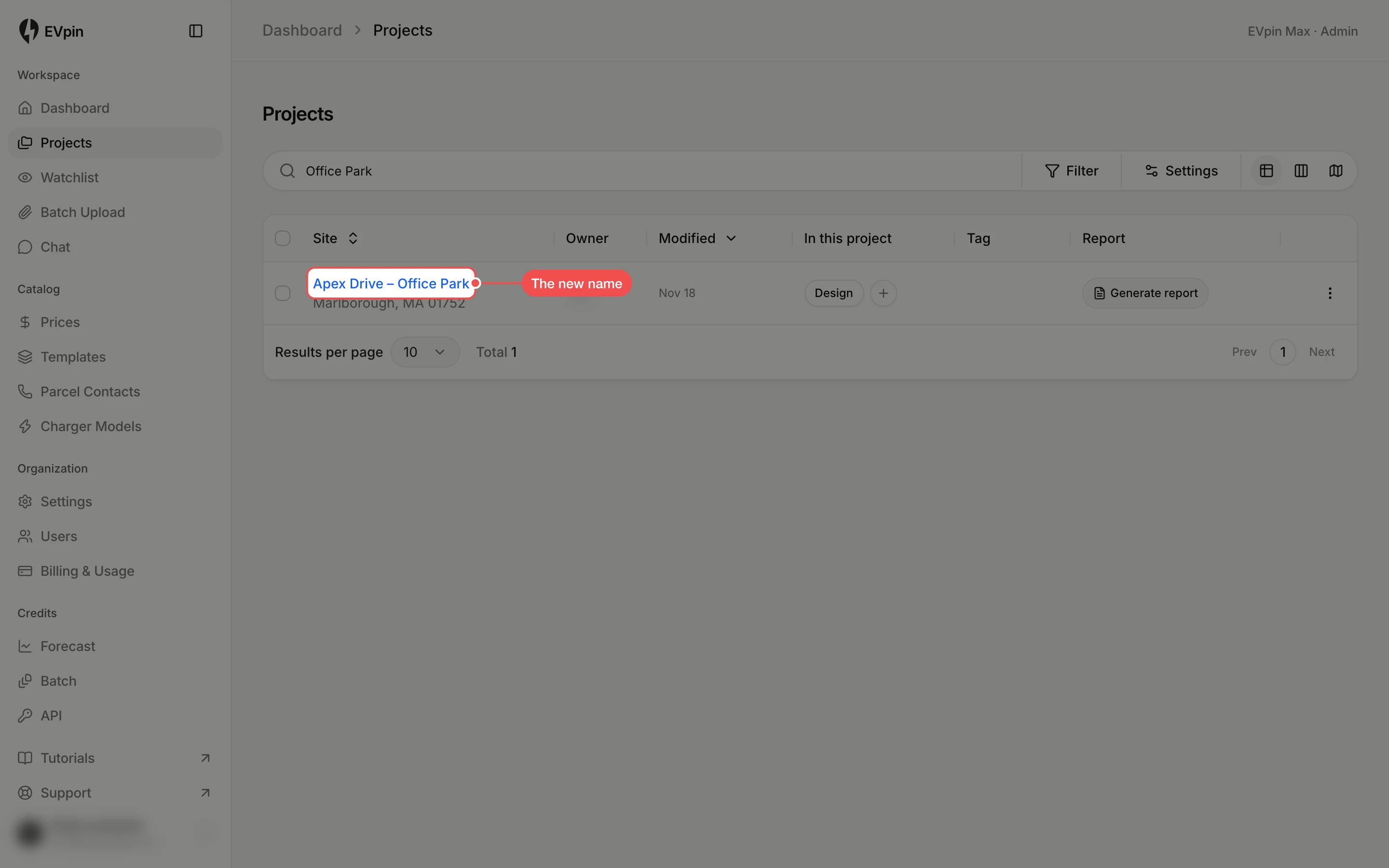
The new name appears in the Site column, with the address still underneath. Search for it with Search projects… to find the project later.