How to see only coming soon charging stations on the map
Show only the charging stations that haven't opened yet around a site, and open one to see when it is expected.
By the end the map will show only the charging stations that haven't opened yet, so you can see the competition that is on its way. Start with the address open on the Evaluate map, as in How to look up an address on the Evaluate map.
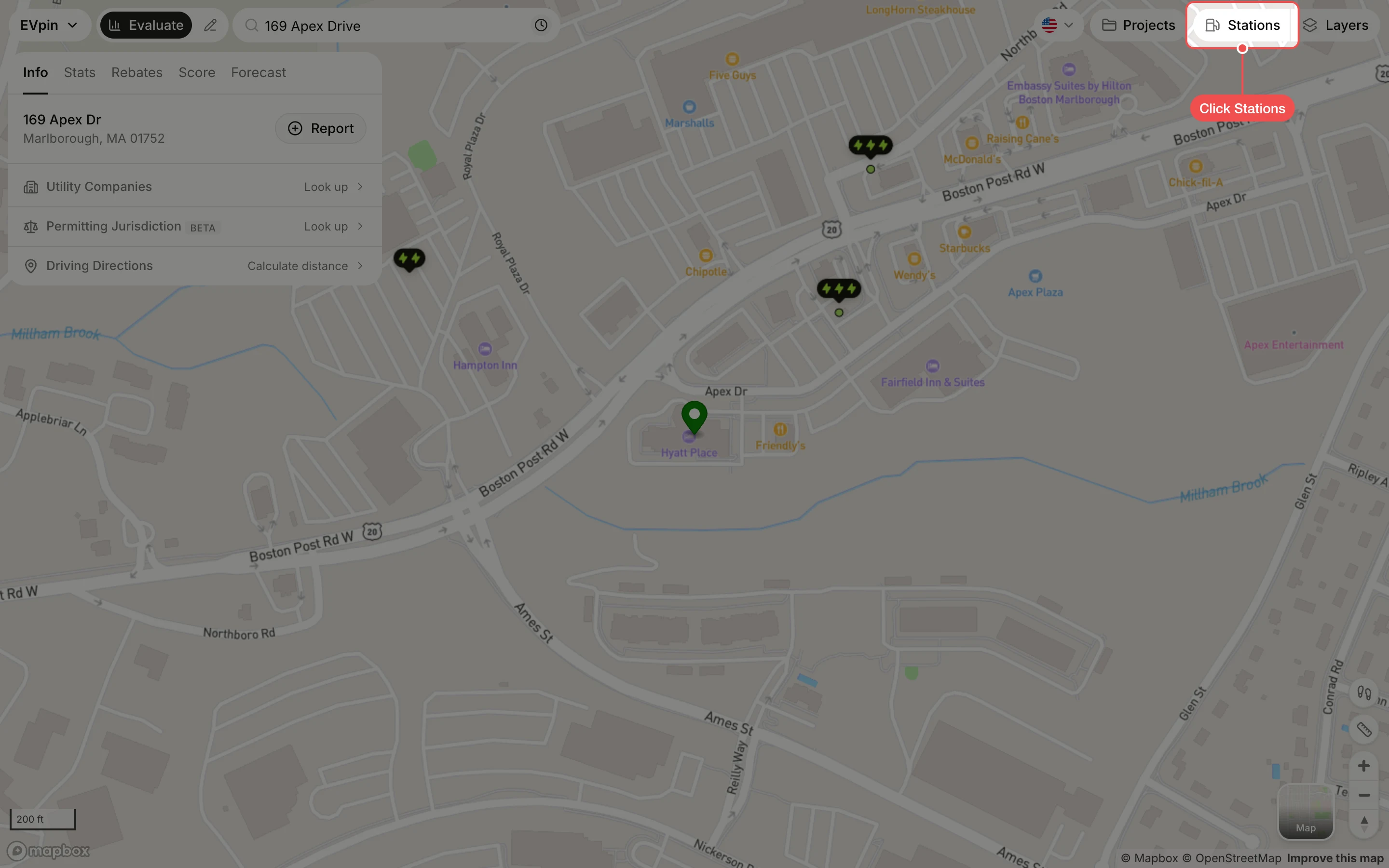
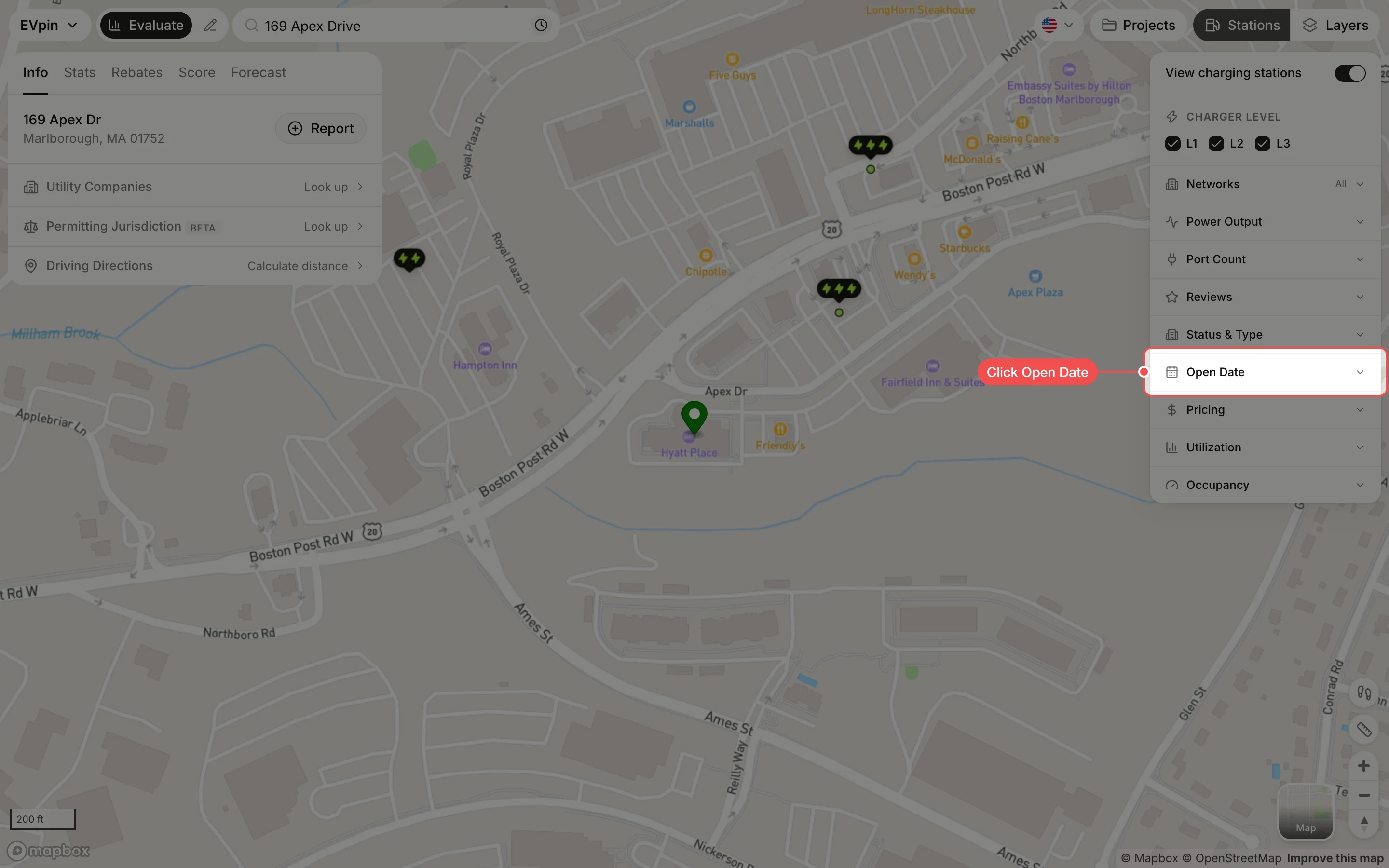
Tick Only coming soon stations
Tick Only coming soon stations at the top of the section. Every station that is already open disappears from the map.
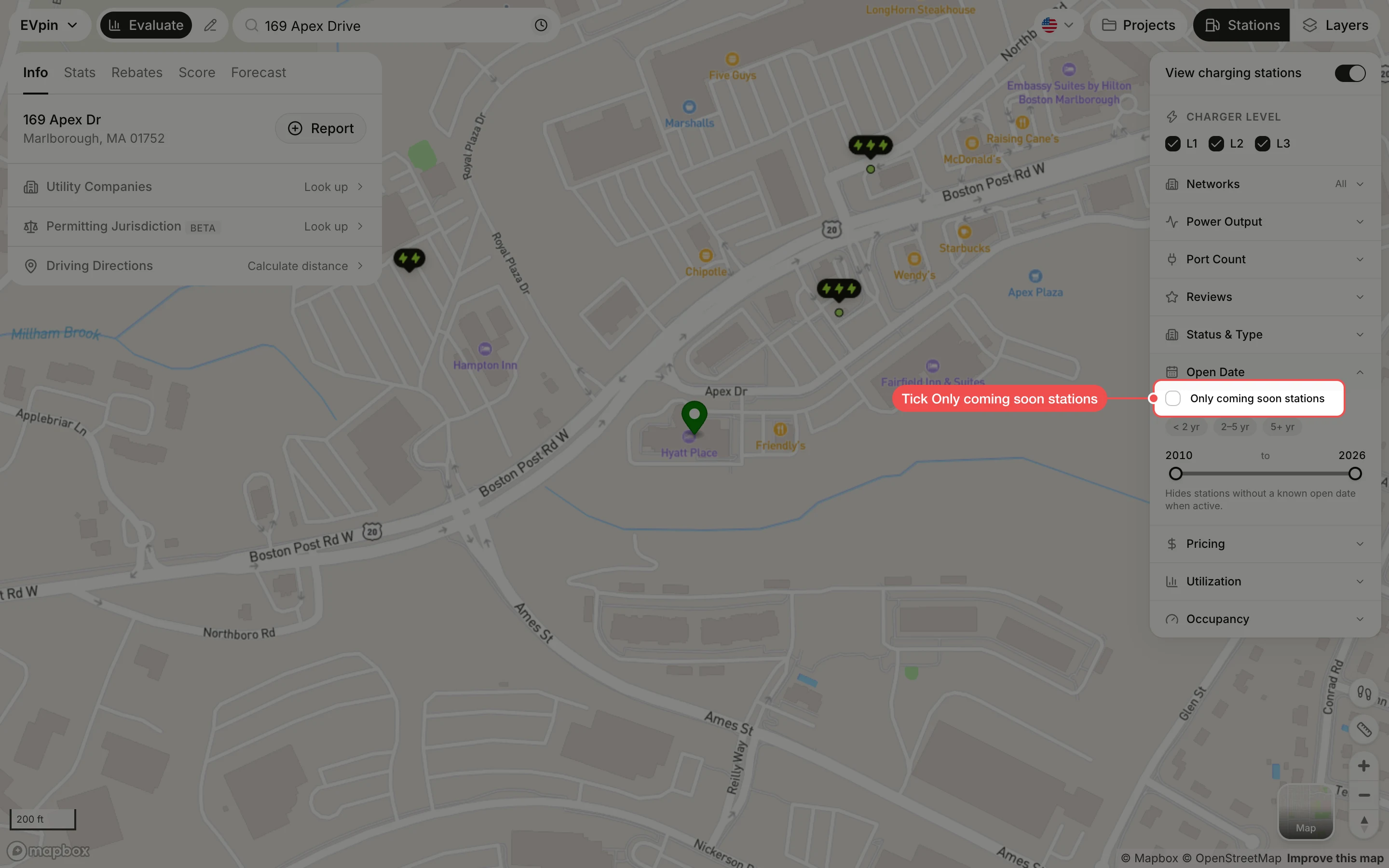
Zoom out until stations appear
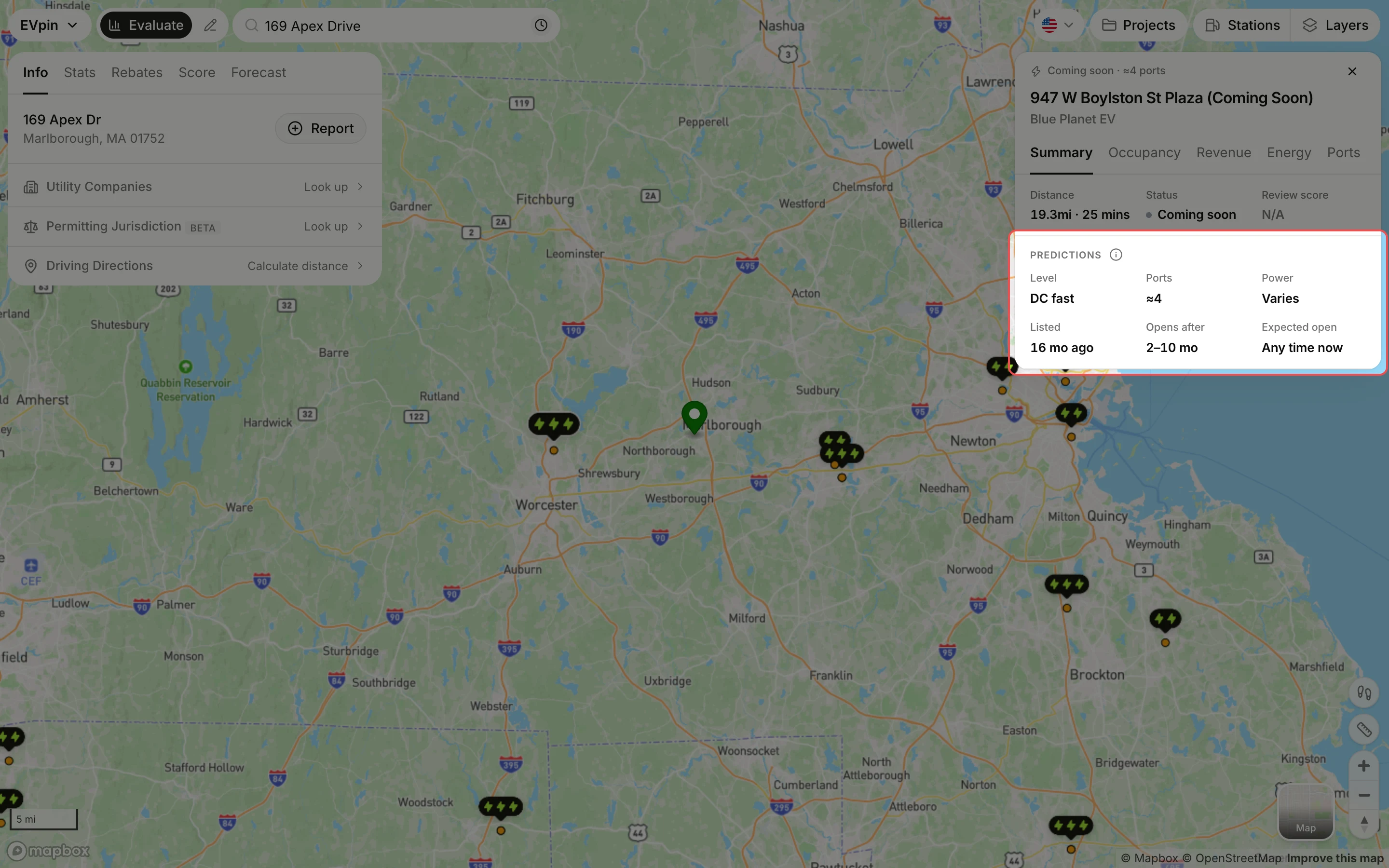
Coming soon stations are sparse, so there may be none next to the site. Click Zoom out, the minus button at the bottom right, until markers appear. Each one has an amber dot under it.
Click a coming soon station
Click a marker. Its card shows Coming soon as the status and, under Predictions, the expected charger level, ports and power, how long ago the station was listed and when it is expected to open.
What's next
- How to see existing charging stations on the map, to narrow stations by level and network.
- How to see planned Tesla Superchargers near a site, for Tesla sites that are still in planning or permitting.