How to hold batch uploads over the limit for approval
Make batch uploads that go past your plan's included addresses wait for an admin instead of being billed as overage.
By the end, a batch upload that would go over your organization's included addresses waits for an admin to approve it instead of running and adding overage to the bill. You need to be an owner or admin on a plan that includes batch uploads.
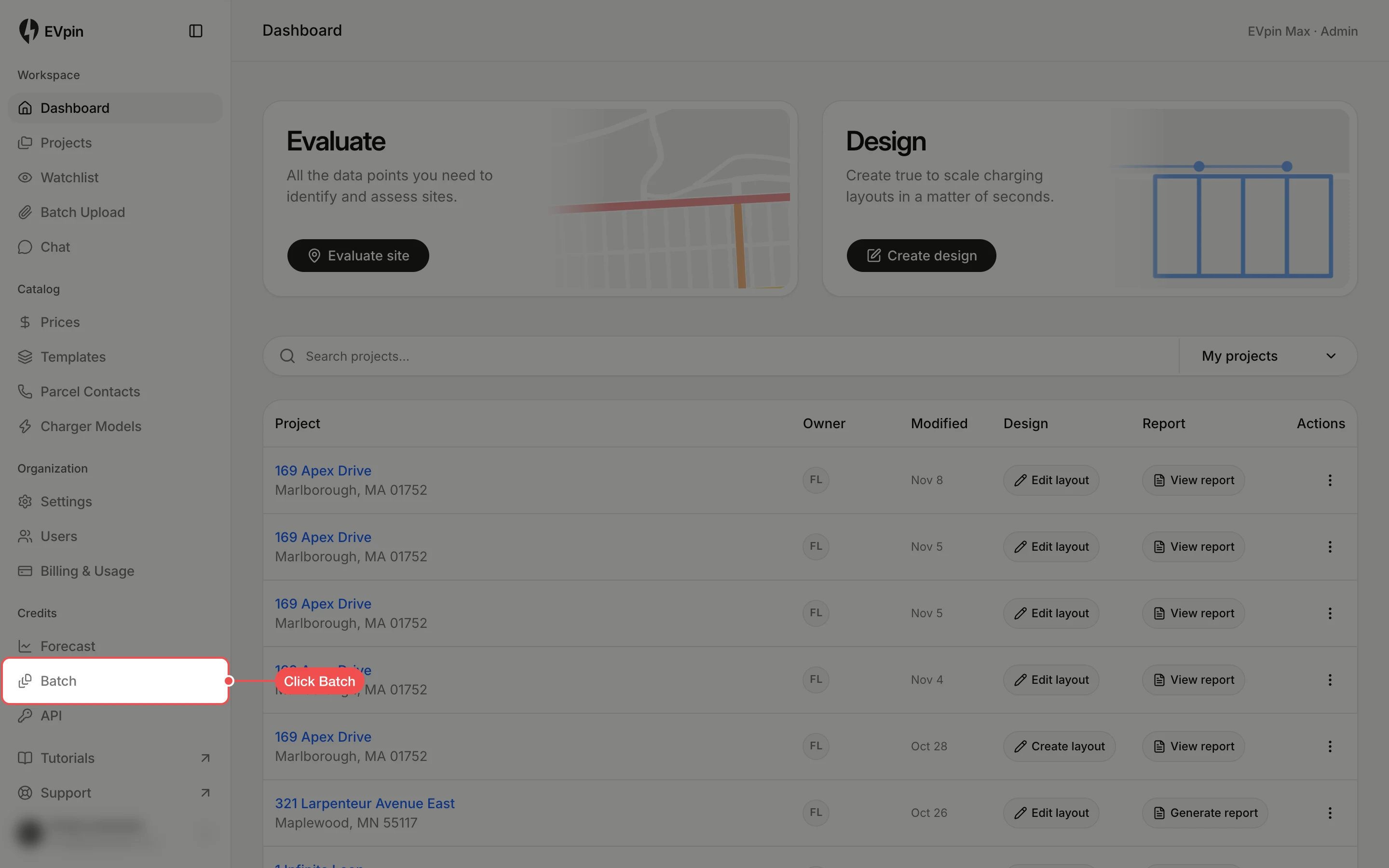
Turn on approval for overage
Scroll to Overage and click Wait for admin approval. The choice is saved as soon as you click it. To let uploads run and bill the extra addresses instead, click Process and bill overage.

Check for uploads waiting on you
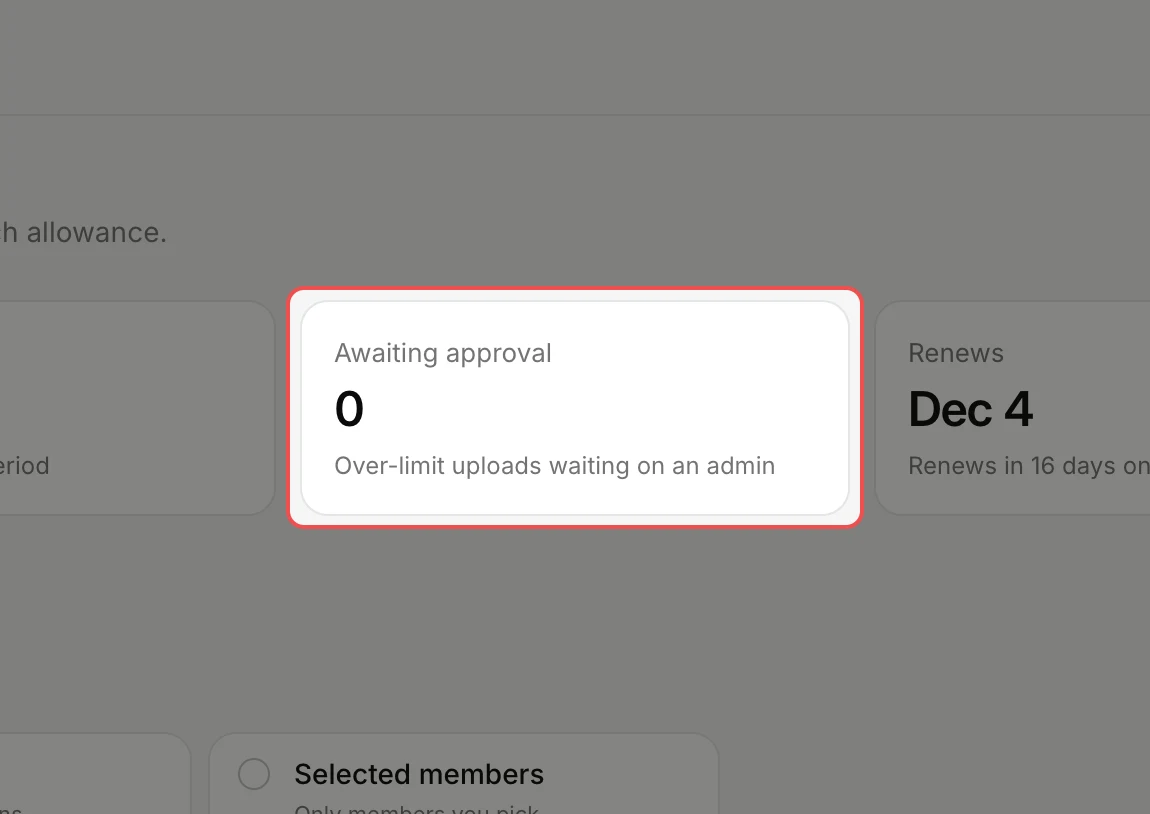
At the top of the page, Awaiting approval counts the uploads held back. When there are any, click Review uploads under the number, open an upload and click Approve and process or Decline request.
What's next
- How to score many addresses with batch upload to run a batch.
- How to choose who can use forecast credits for the same access settings on forecasts.