How to choose who can use forecast credits
Let everyone, only admins or the teammates you pick spend your organization's forecast credits.
By the end only the people you choose can unlock forecasts with your organization's shared credits. You need to be an owner or admin; owners and admins can always use the credits.
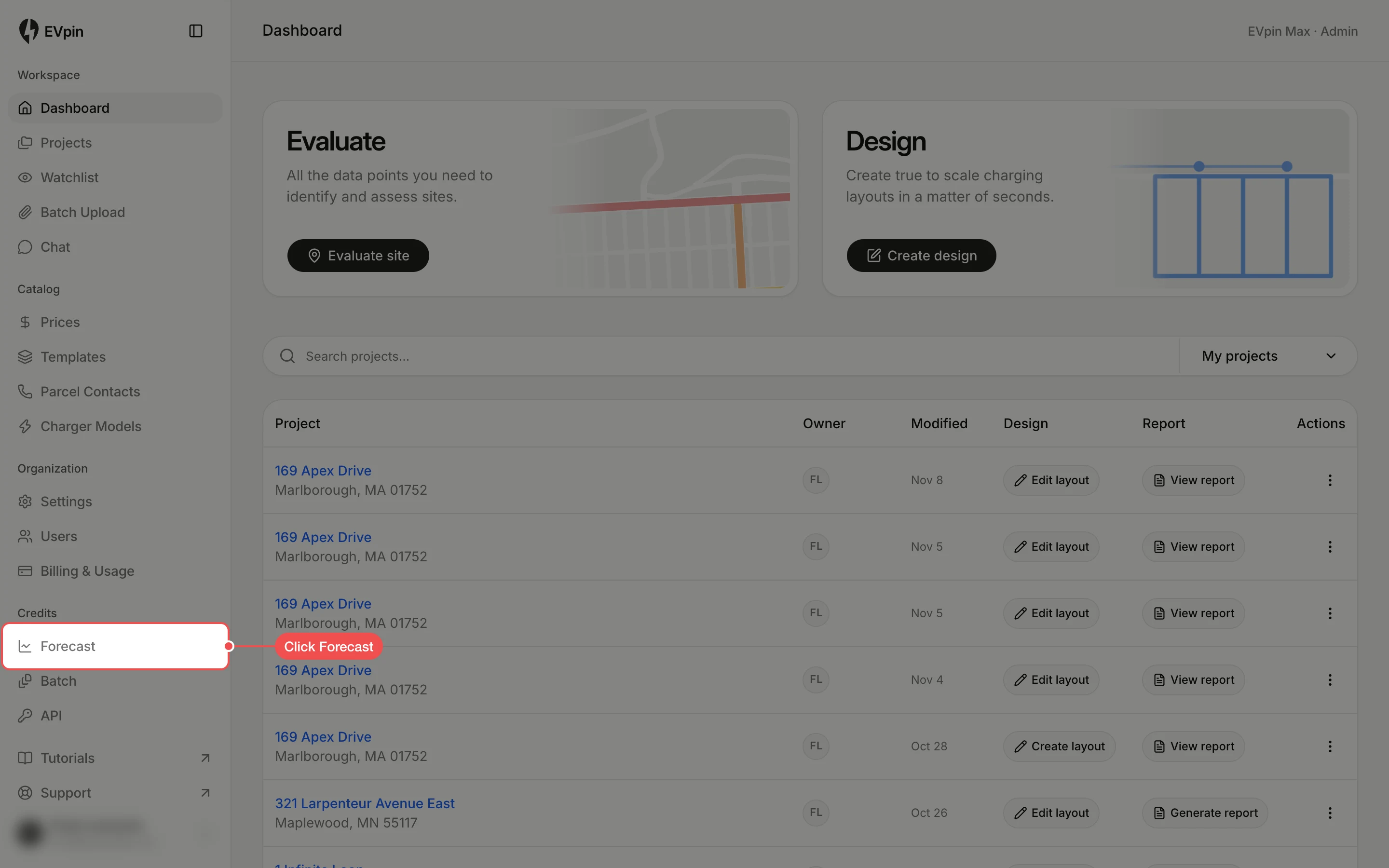
Open the Forecast page
Click Forecast under Credits in the sidebar. The top of the page shows how many credits are available, used this month and in active unlocks.
Pick who can use the credits
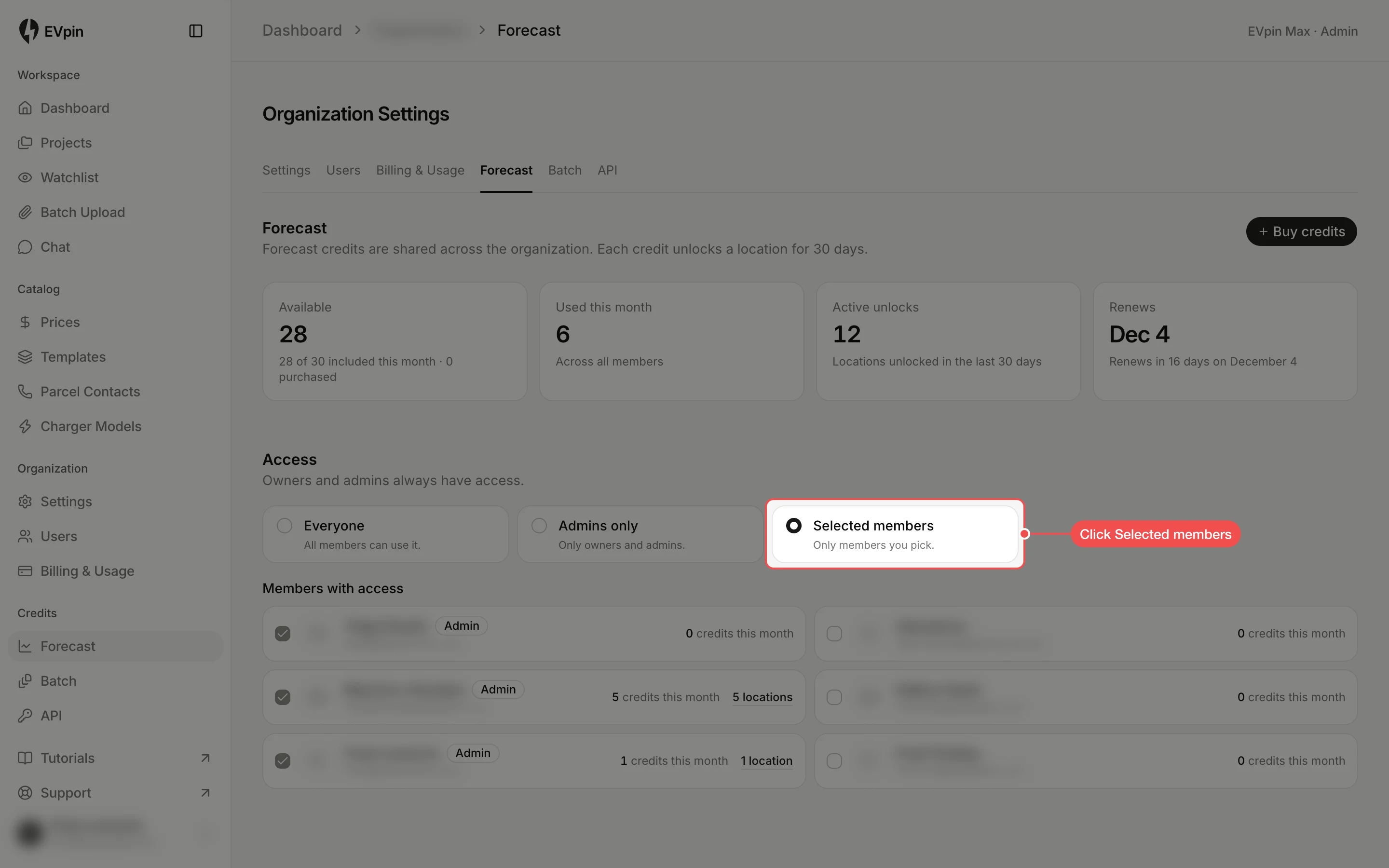
Under Access, click Everyone, Admins only or Selected members. The choice is saved as soon as you click it. Click Selected members to choose people one by one.
Tick the members who get access
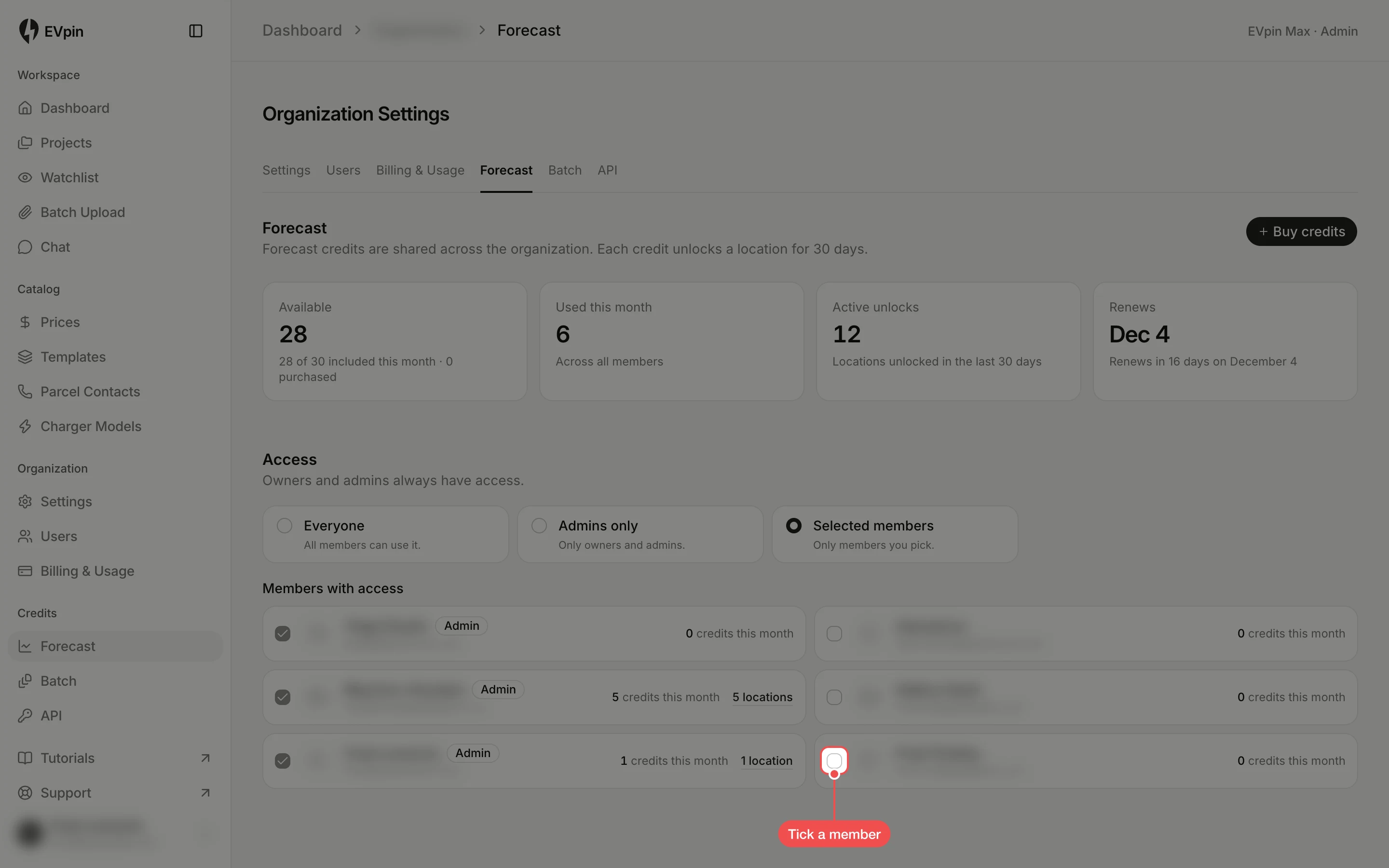
Under Members with access, tick each teammate who may use forecast credits, or untick one to take access away. Each change saves straight away. Owners and admins are always ticked, and each row shows the credits that person used this month.
What's next
- How to buy forecast credits when the balance runs low.
- How to forecast a station's utilization to spend a credit.