How to cancel your subscription
Cancel your organization's plan from the billing portal, opened with Manage subscription on Billing & Usage.
By the end your organization's subscription will be canceled. Only owners and admins can open the billing portal. The last two steps happen in the billing portal, so they have no screenshots. If you only need a break, pause your subscription instead.
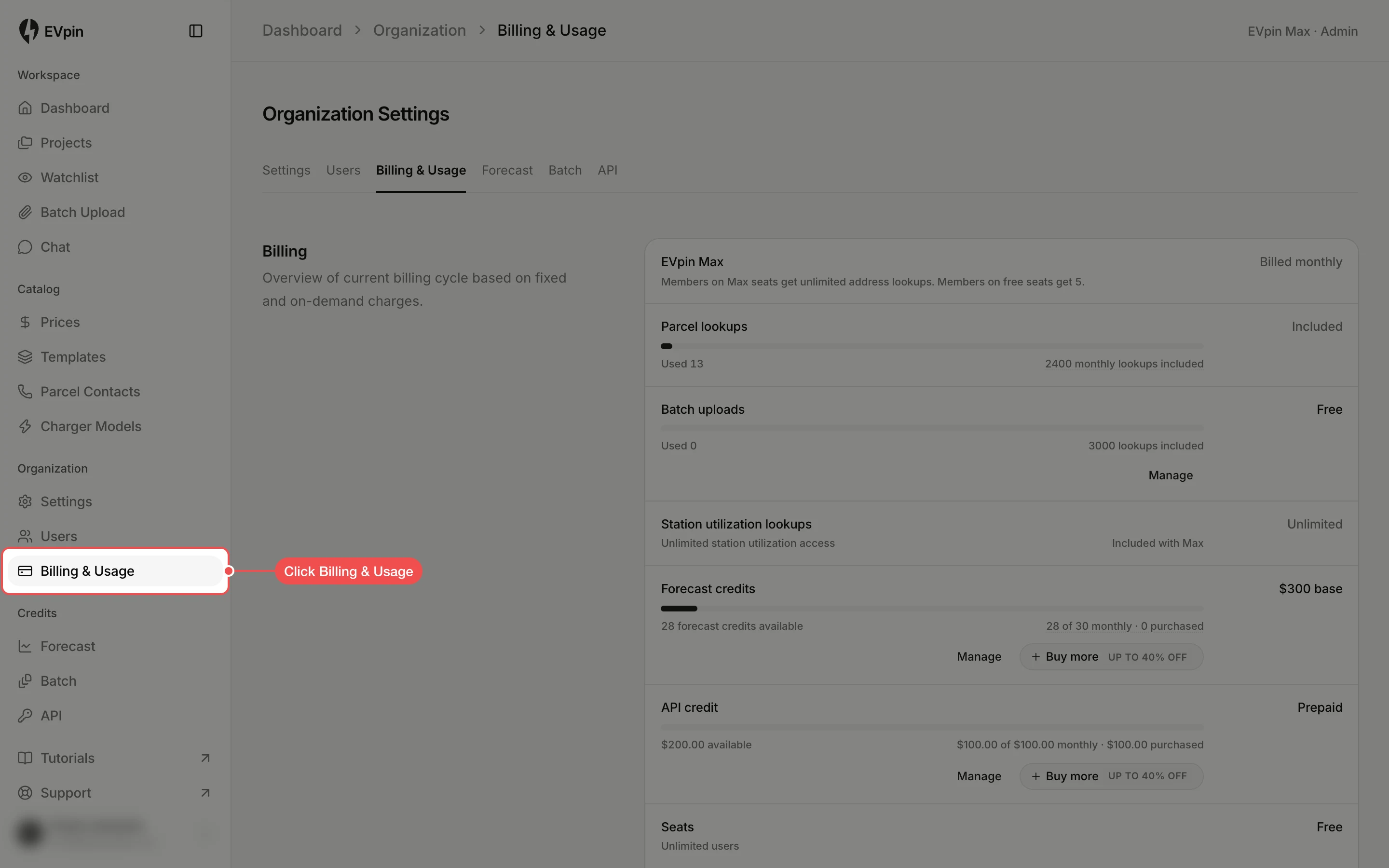
Open the billing portal
At the bottom of Billing, click Manage subscription. The billing portal opens in a new tab.
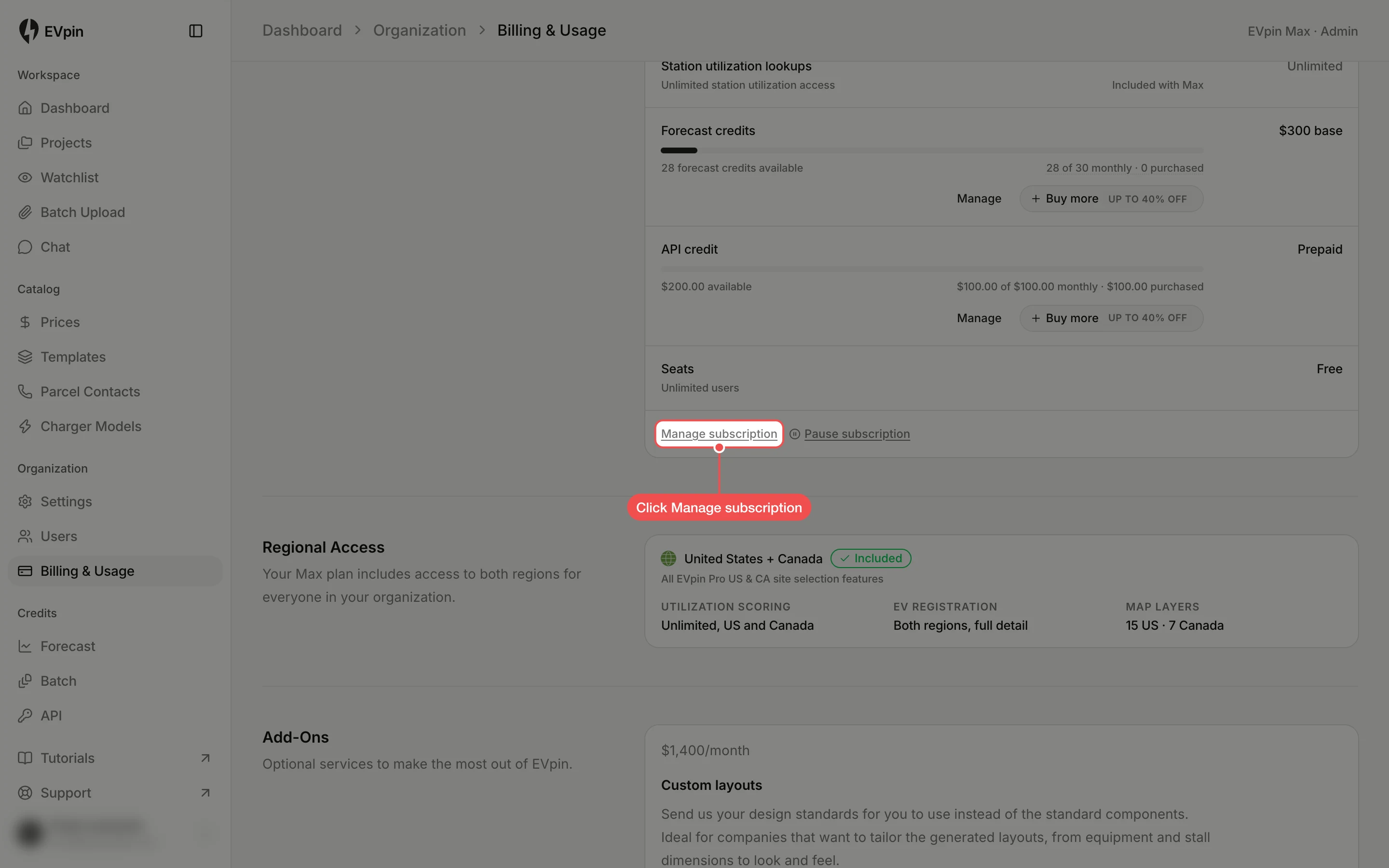
Start the cancellation
In the billing portal, find your EVpin plan under the current subscription and click Cancel subscription.
Confirm the cancellation
Read the summary of when your access ends, then click Cancel subscription again to confirm. To keep the plan, go back without confirming.
What's next
- How to check your plan and credit usage to see what is left before the plan ends.