How to check your plan and credit usage
See your organization's plan, how many lookups and credits are used this period, and when they renew.
By the end you will know which plan your organization is on and how much of each allowance is left. Only owners and admins can open Billing & Usage.
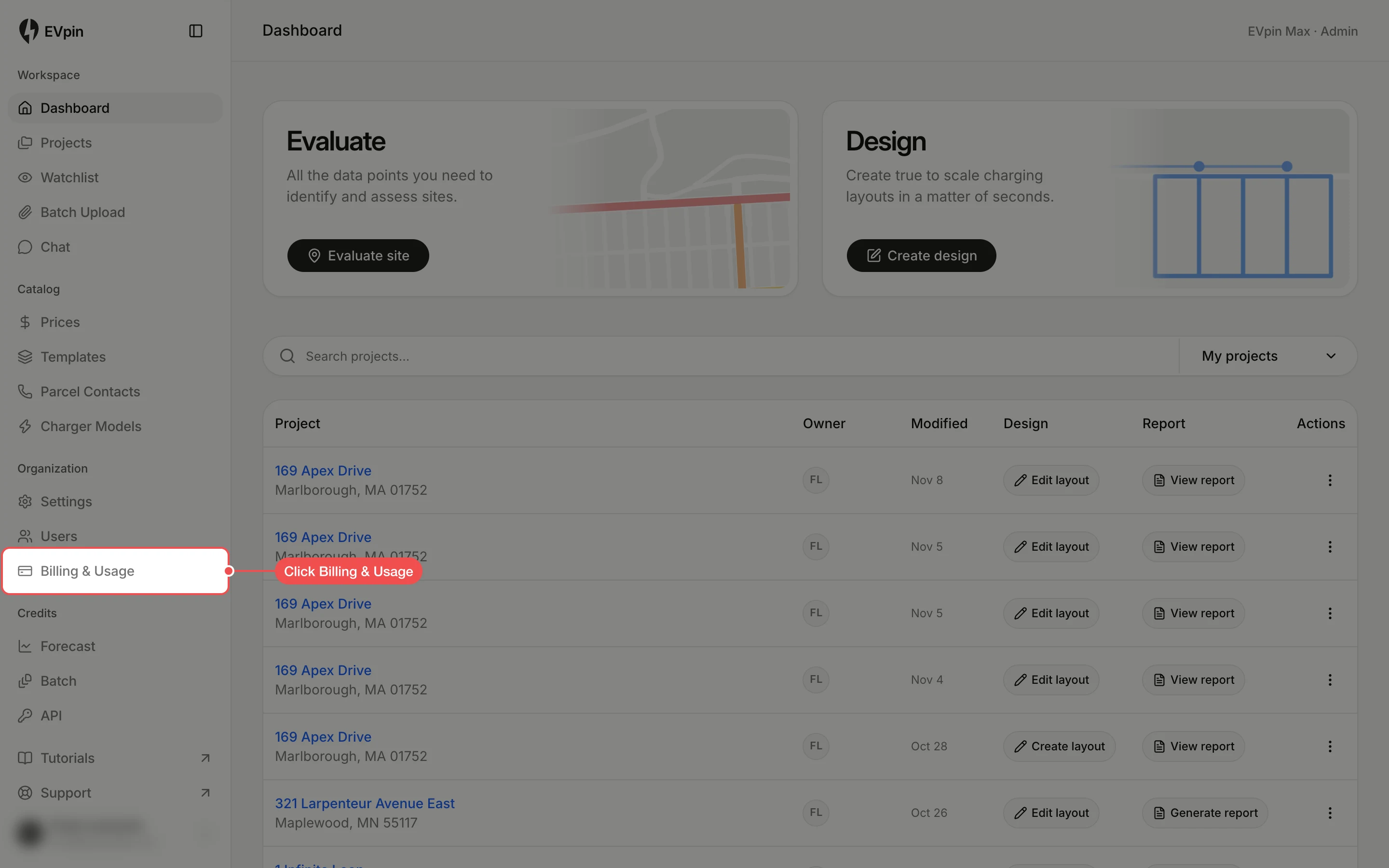
Check your plan
The first row of Billing names your plan, what it includes and how often it is billed.
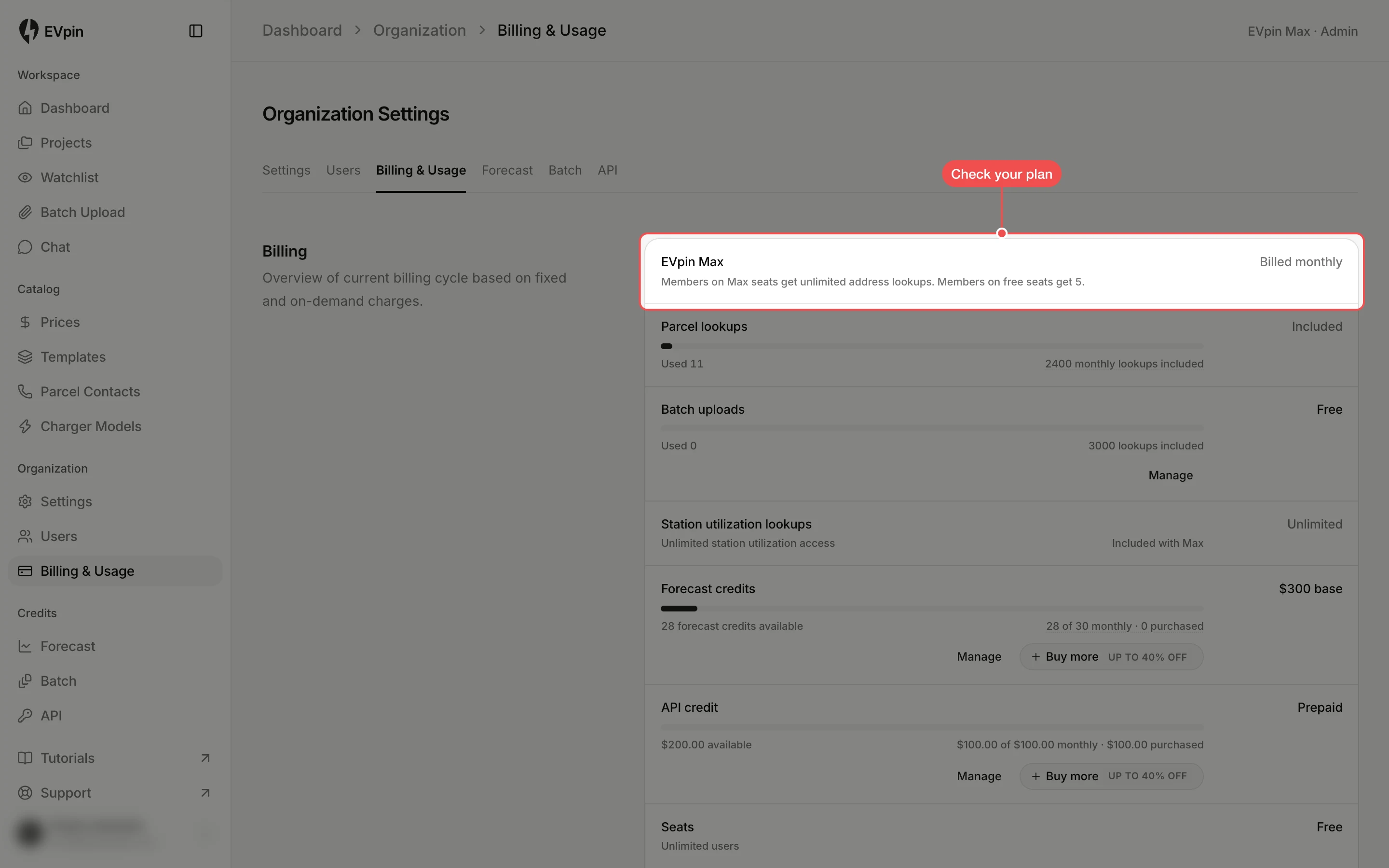
Check what has been used
Each row below the plan is one allowance: Parcel lookups, Batch uploads, Station utilization lookups, Forecast credits, API credit and Seats. Allowances with a limit have a bar, and the line under it shows how much is used and how much the plan includes this period.
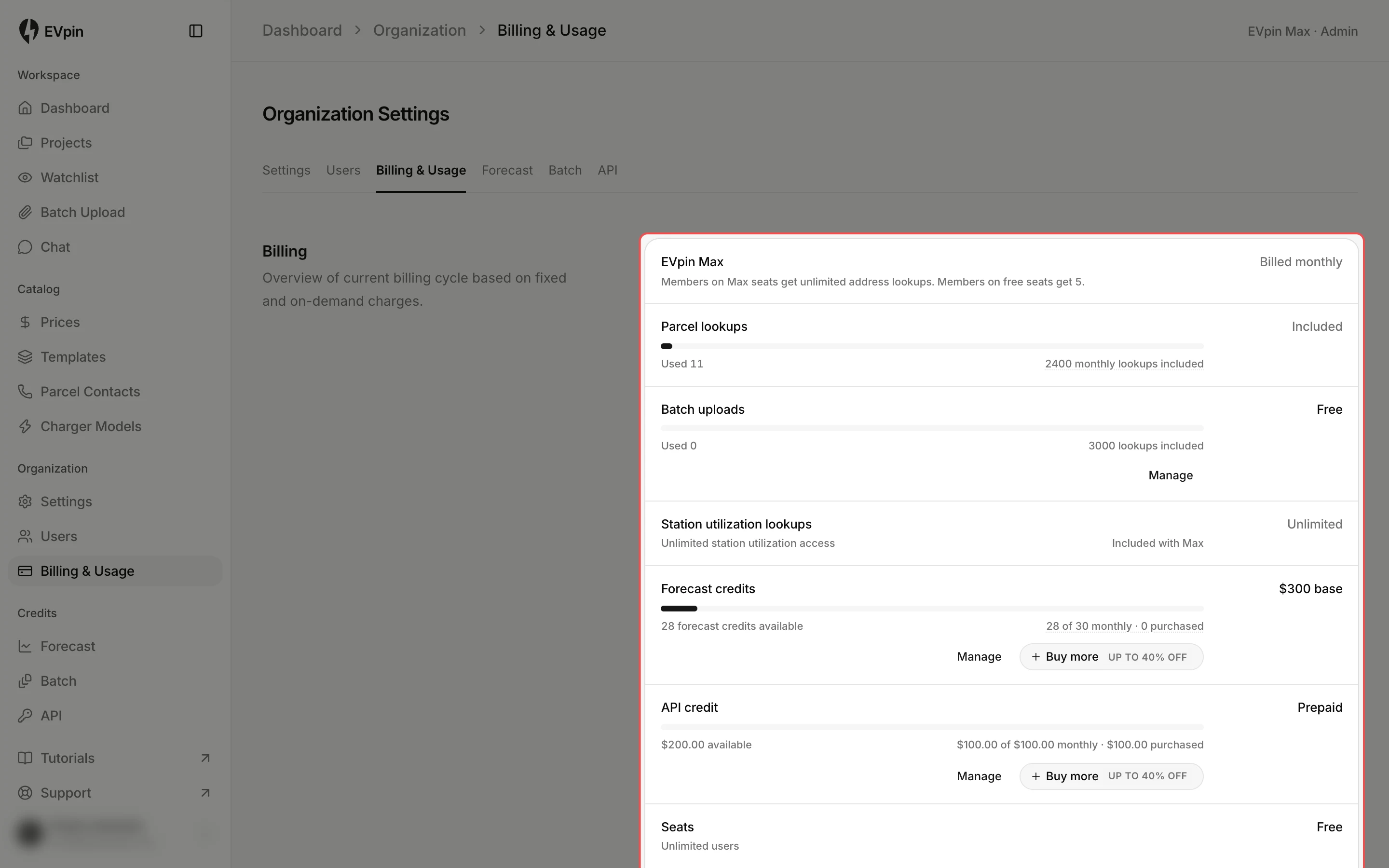
Open the Forecast credits page
Click Forecast under Credits in the sidebar for more detail. Batch and API in the same group open the pages for those allowances.
Read your forecast credits
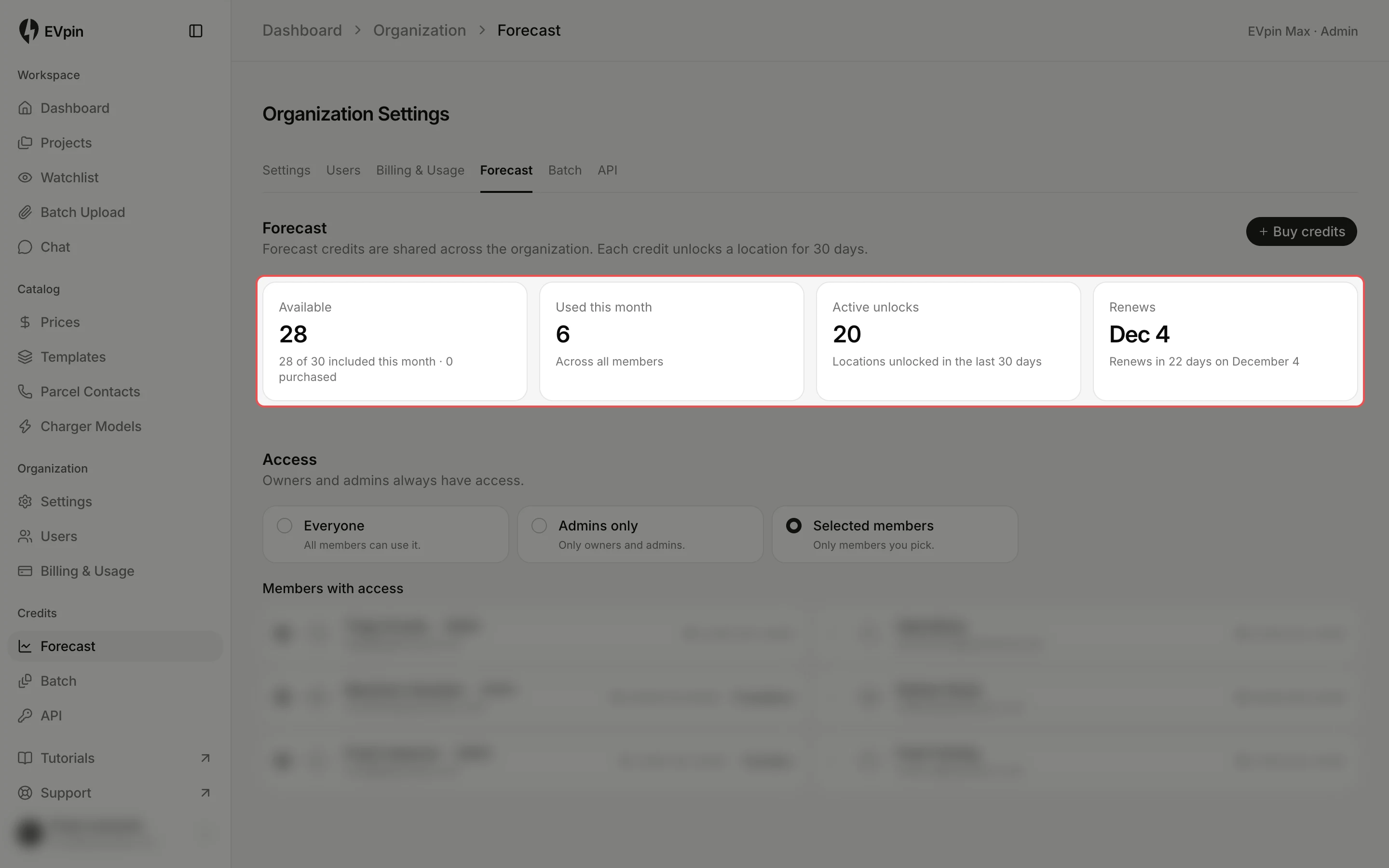
The cards show the credits Available, the credits Used this month across all members, the locations with Active unlocks, and when the allowance Renews. Each credit unlocks a location for 30 days.
What's next
- How to create an API key to spend your API credit.