How to add a charger model
Add a charger that is not in the catalog, with its power, amps, ports and connectors from the datasheet.
By the end your organization's catalog will have a custom charger model that everyone can use in their designs. Have the charger's datasheet at hand.
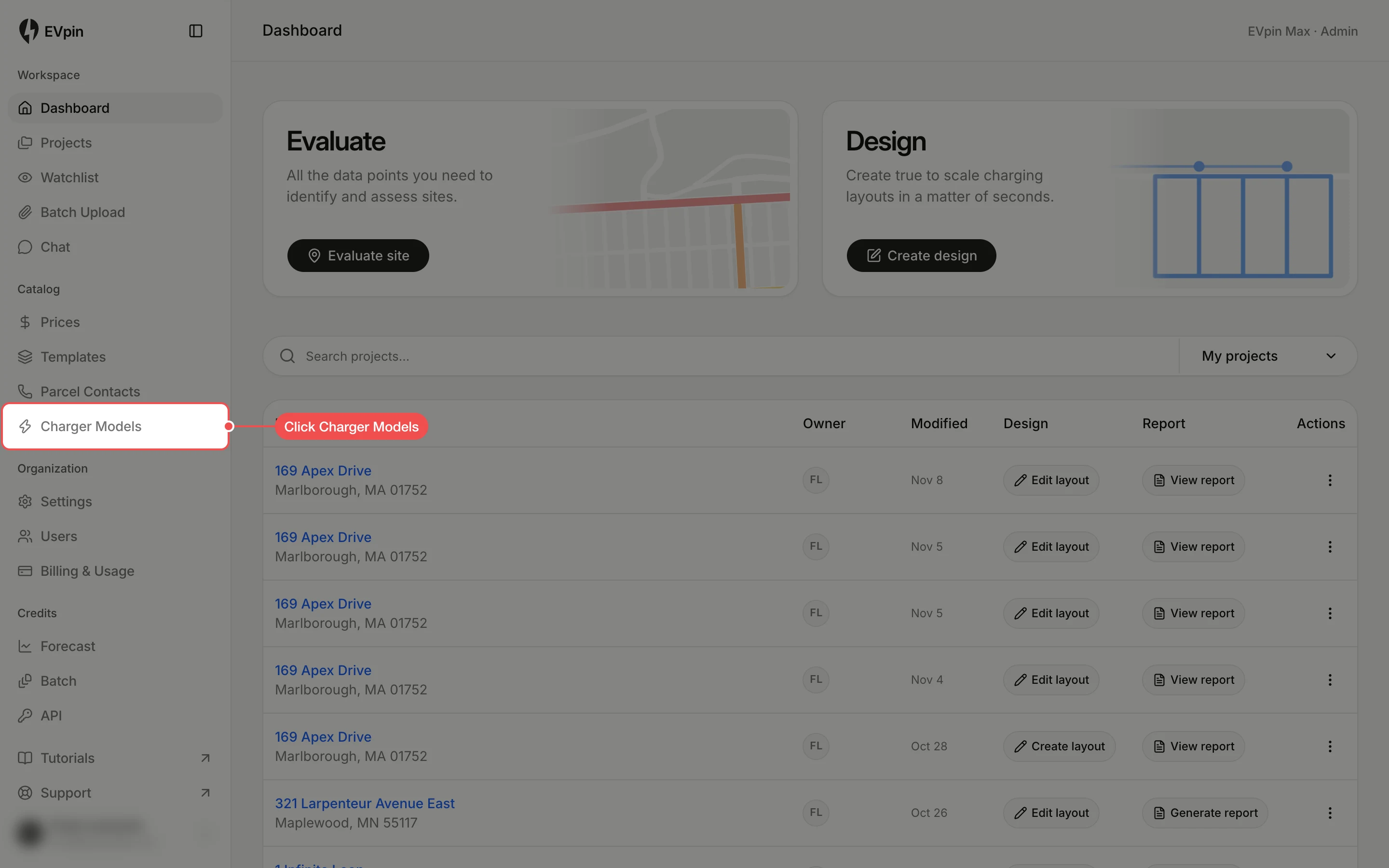
Open Charger Models
In the sidebar, under Catalog, click Charger Models. The list shows every model in the catalog. System models are read-only.
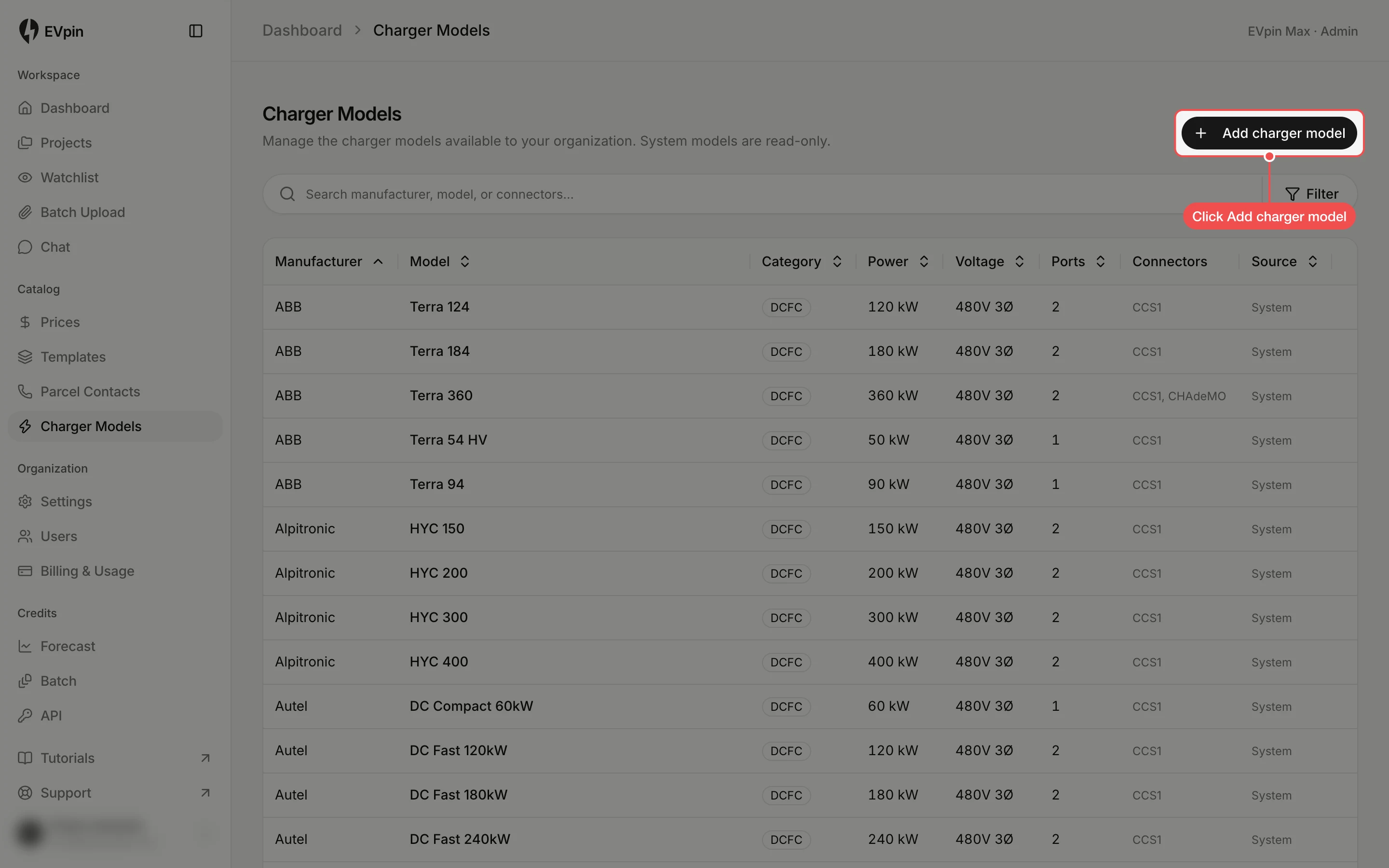
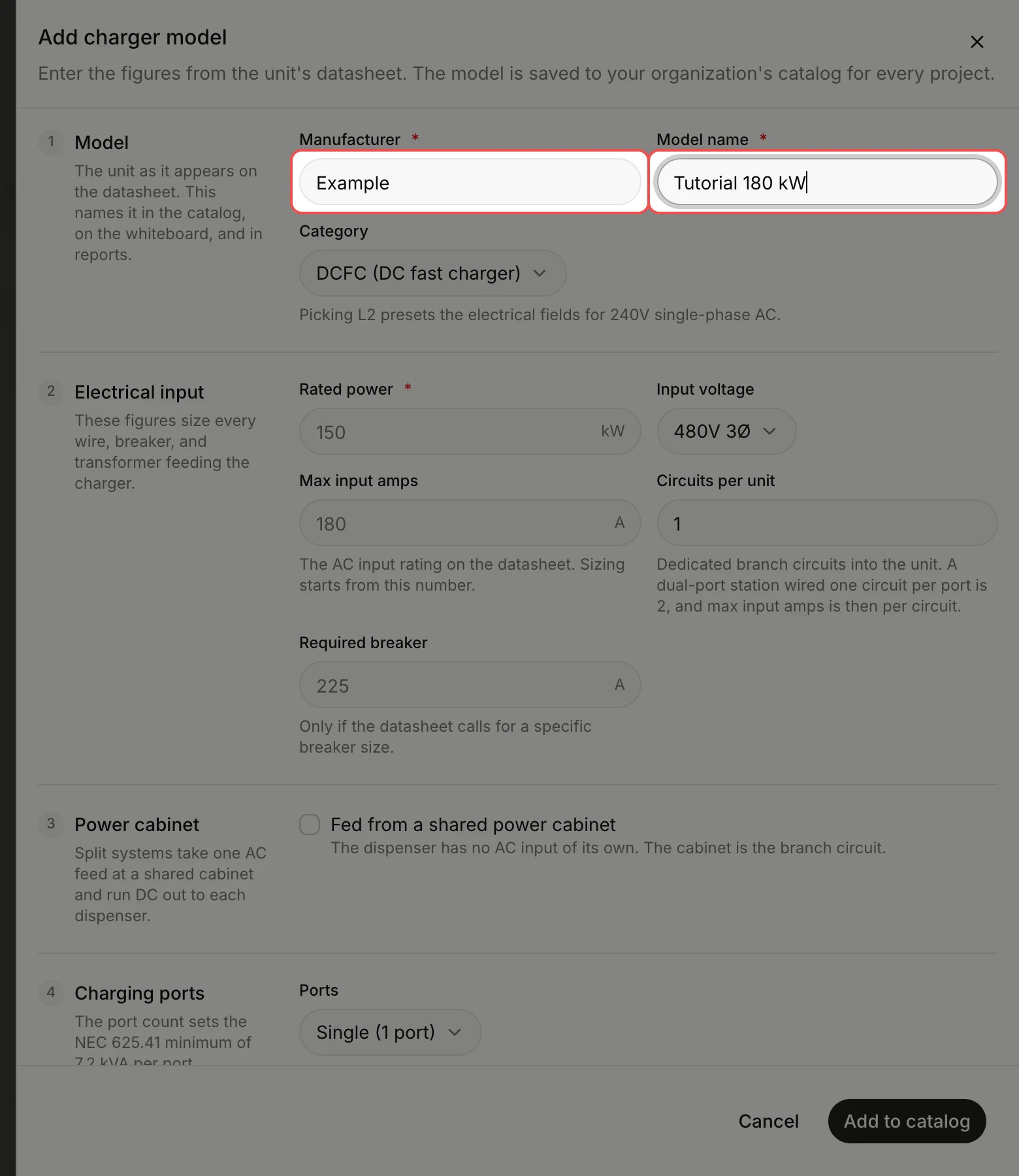
Name the model
Type the Manufacturer and the Model name, such as "Tutorial 180 kW", as they appear on the datasheet.
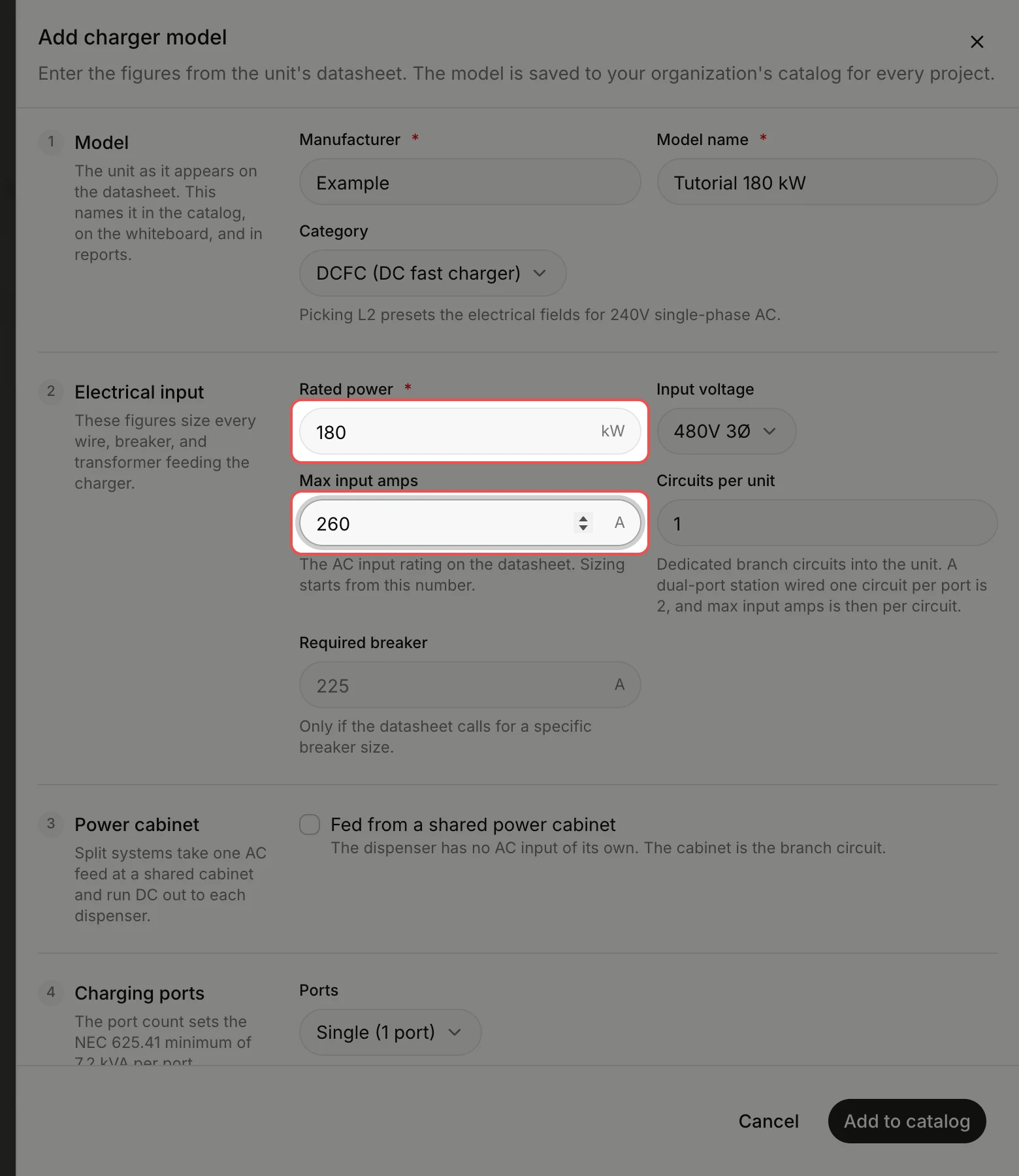
Enter the electrical input
Type the Rated power in kW and the Max input amps from the datasheet. These figures size the wires, breakers and transformer that feed the charger.
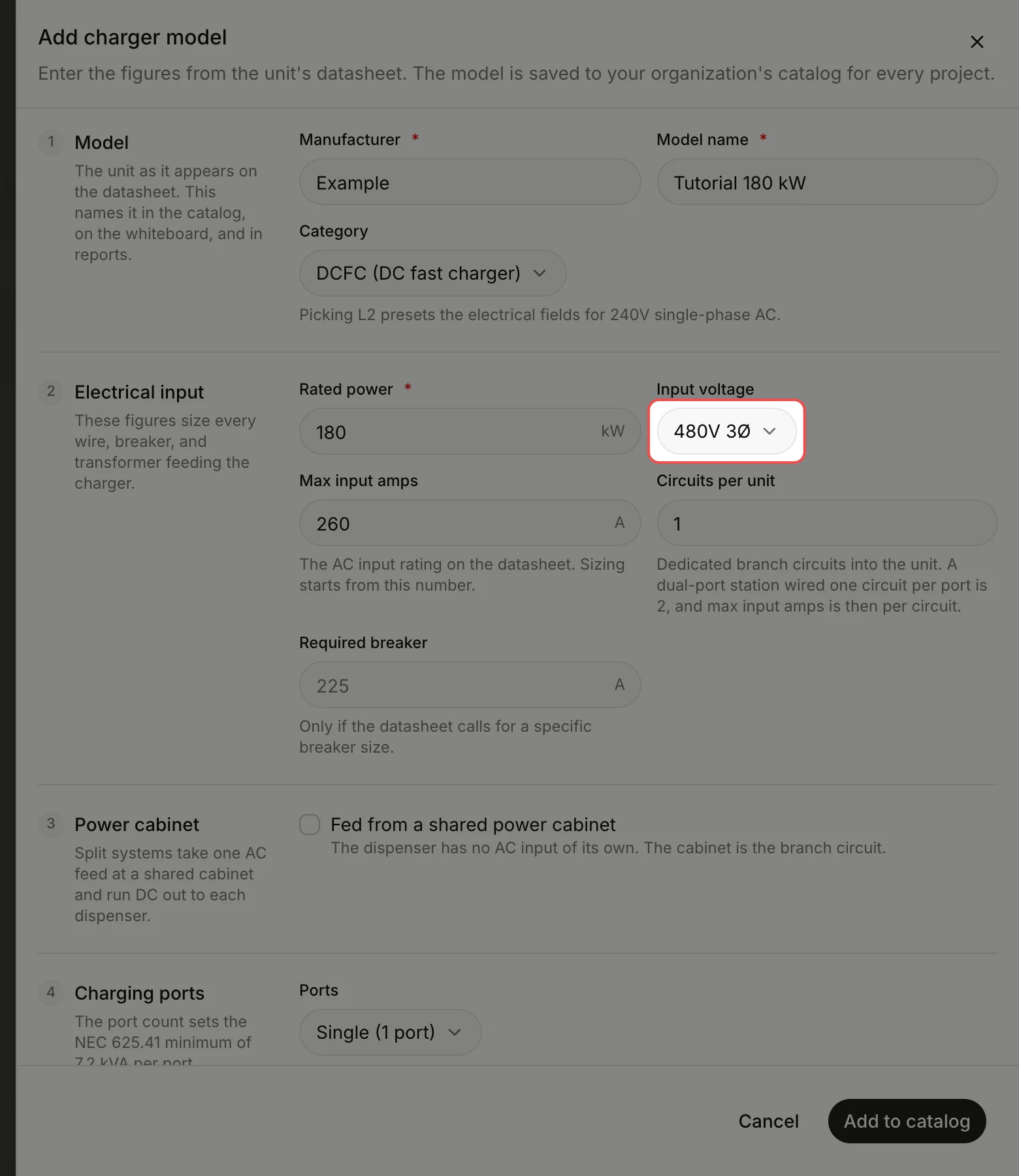
Set the input voltage
Input voltage starts at 480V 3Ø. If the datasheet gives another voltage, click Input voltage, then click the right one.
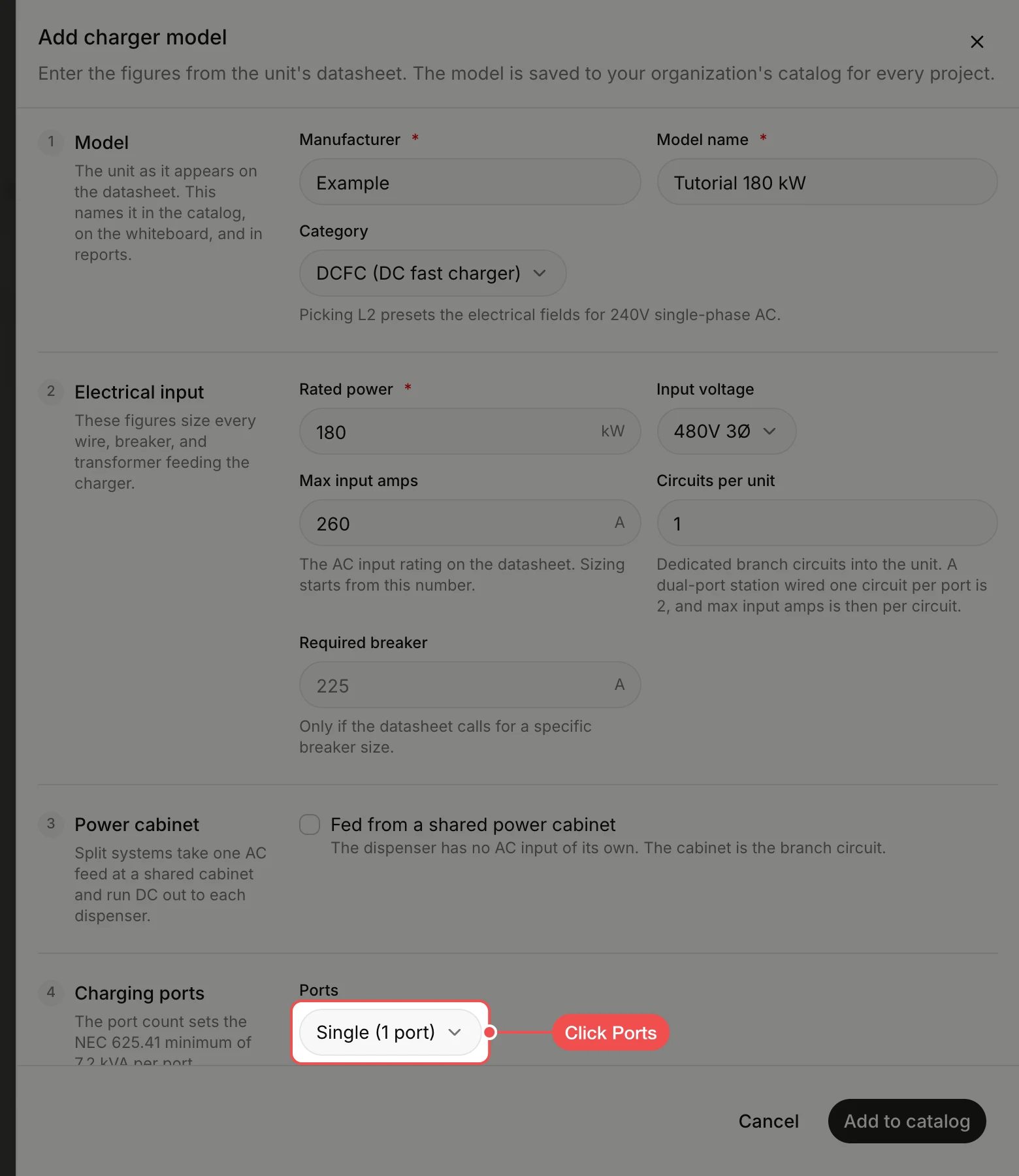
Set the number of ports
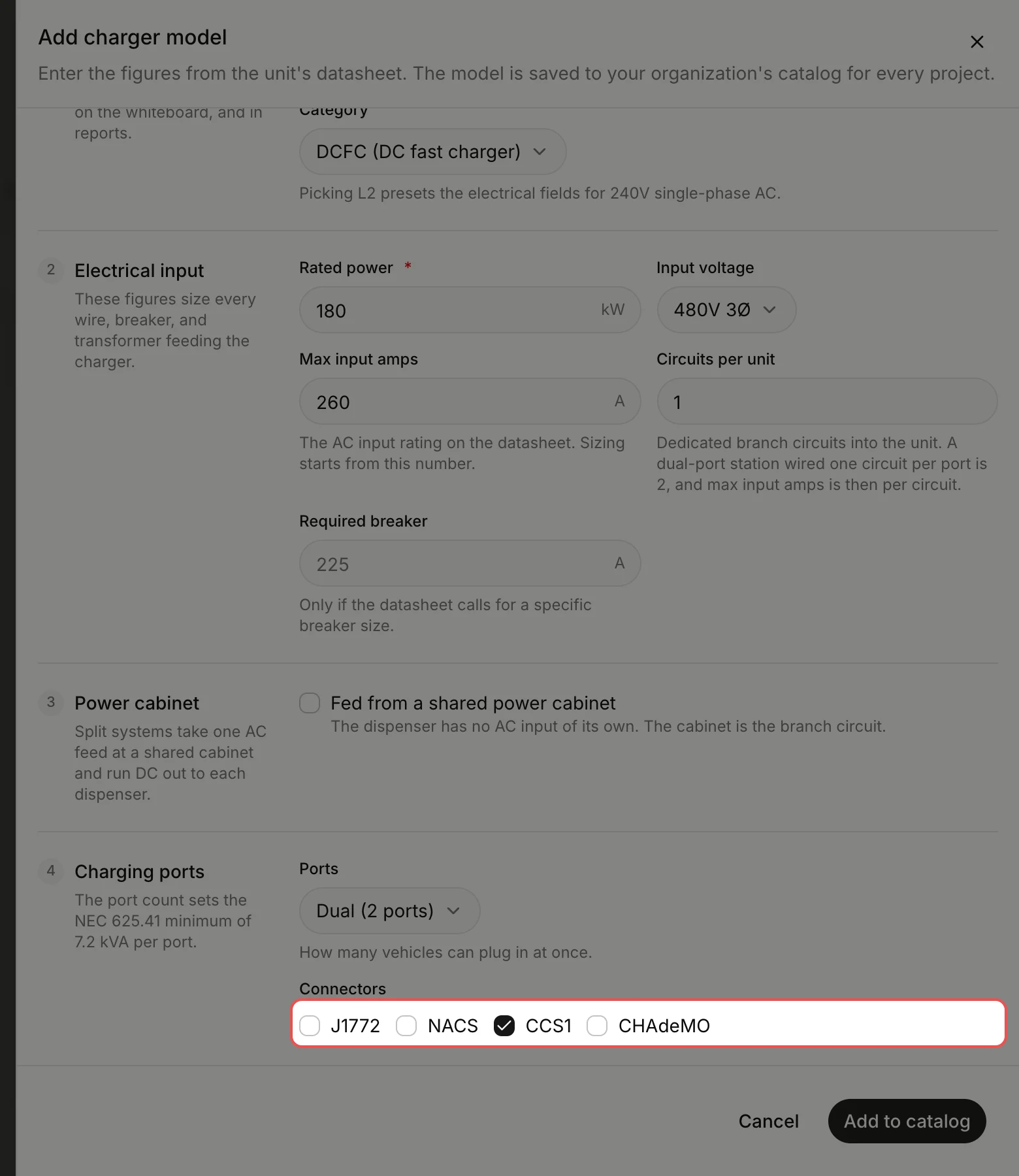
Under Charging ports, click Ports, then click Single (1 port) or Dual (2 ports).
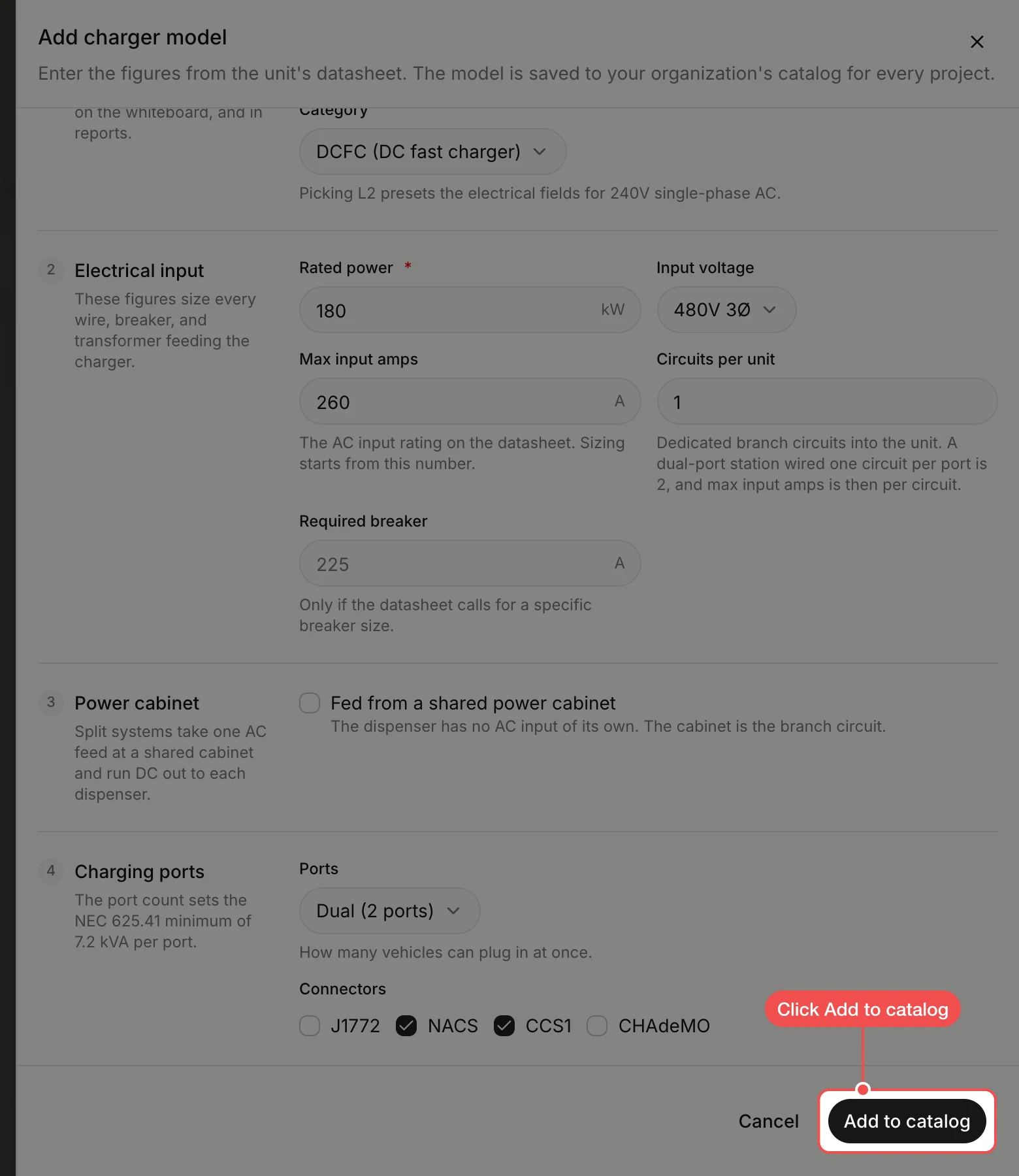
Find your model in the list
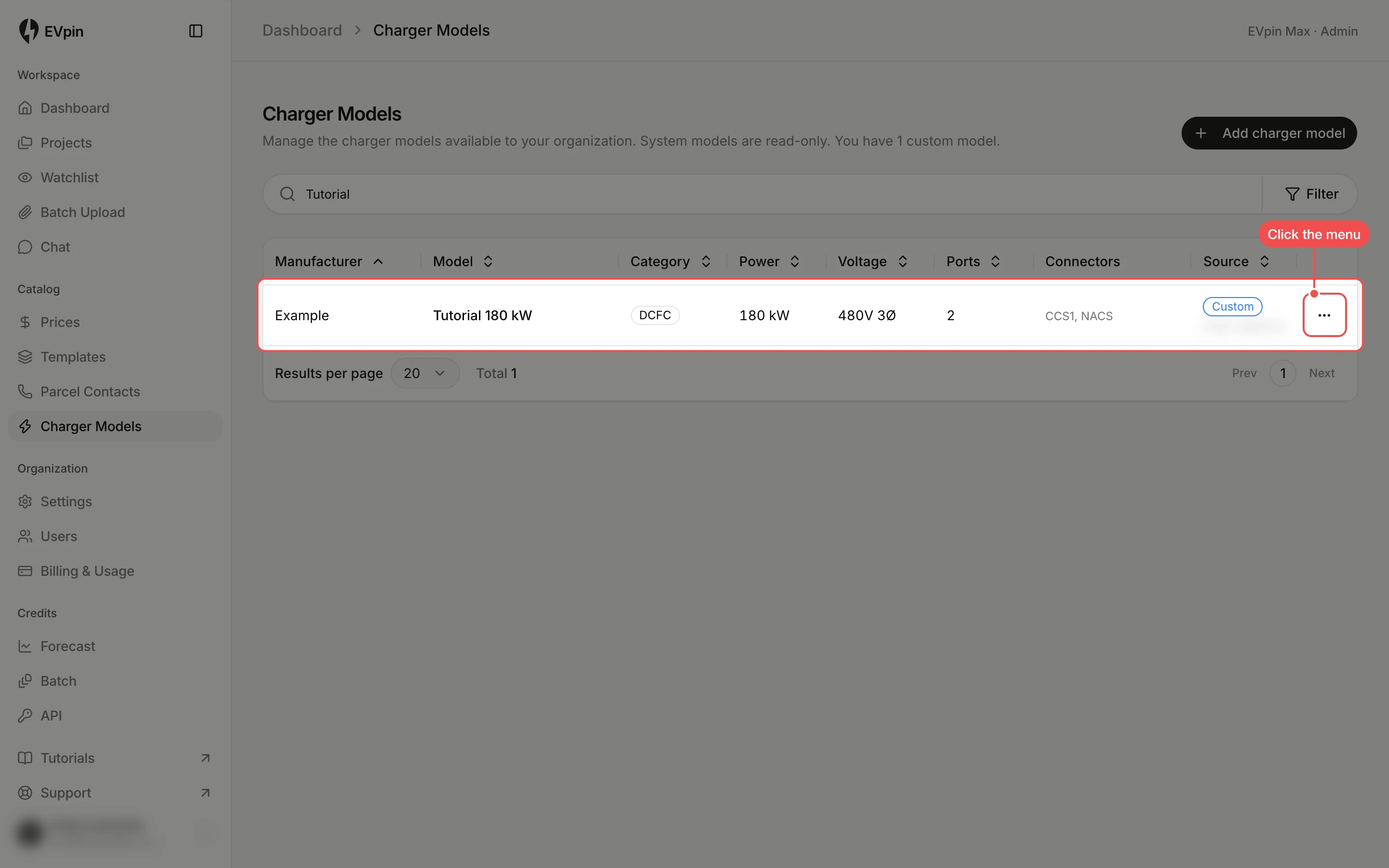
The new model shows with a Custom badge. Type its name in the search box to find it. To change or remove it, click the ⋯ menu at the end of its row.
What's next
- How to add charging stalls to a design with your new model.
- How to change a price in a pricing template for the chargers you install.