How to find apartments near a site that lack EV charging
Show apartments, condos and townhomes around a site, filtered to those without EV charging, and open one's rent and amenities.
By the end you will see the multi-family properties near a site whose residents have nowhere to charge at home, a likely source of drivers. Start with the address open on the Evaluate map, as in How to look up an address on the Evaluate map. Multi-Family Units needs a Pro plan and is based on recent rental listings.
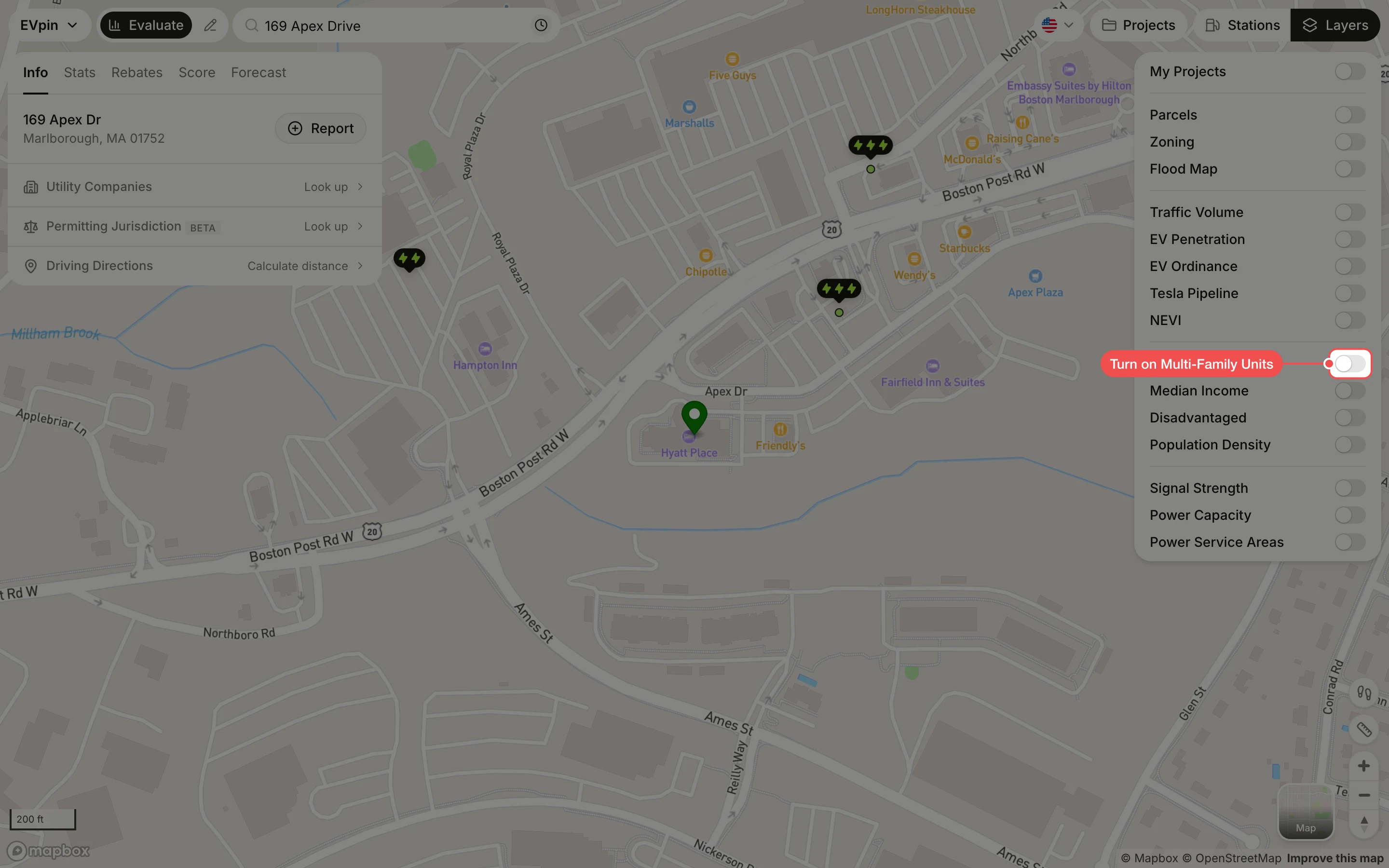
Turn on Multi-Family Units
In the Layers panel at the top right, turn on Multi-Family Units. Each property is a dot: orange for apartments, blue for condos and purple for townhouses. Zoom out a step or two to see more of them.
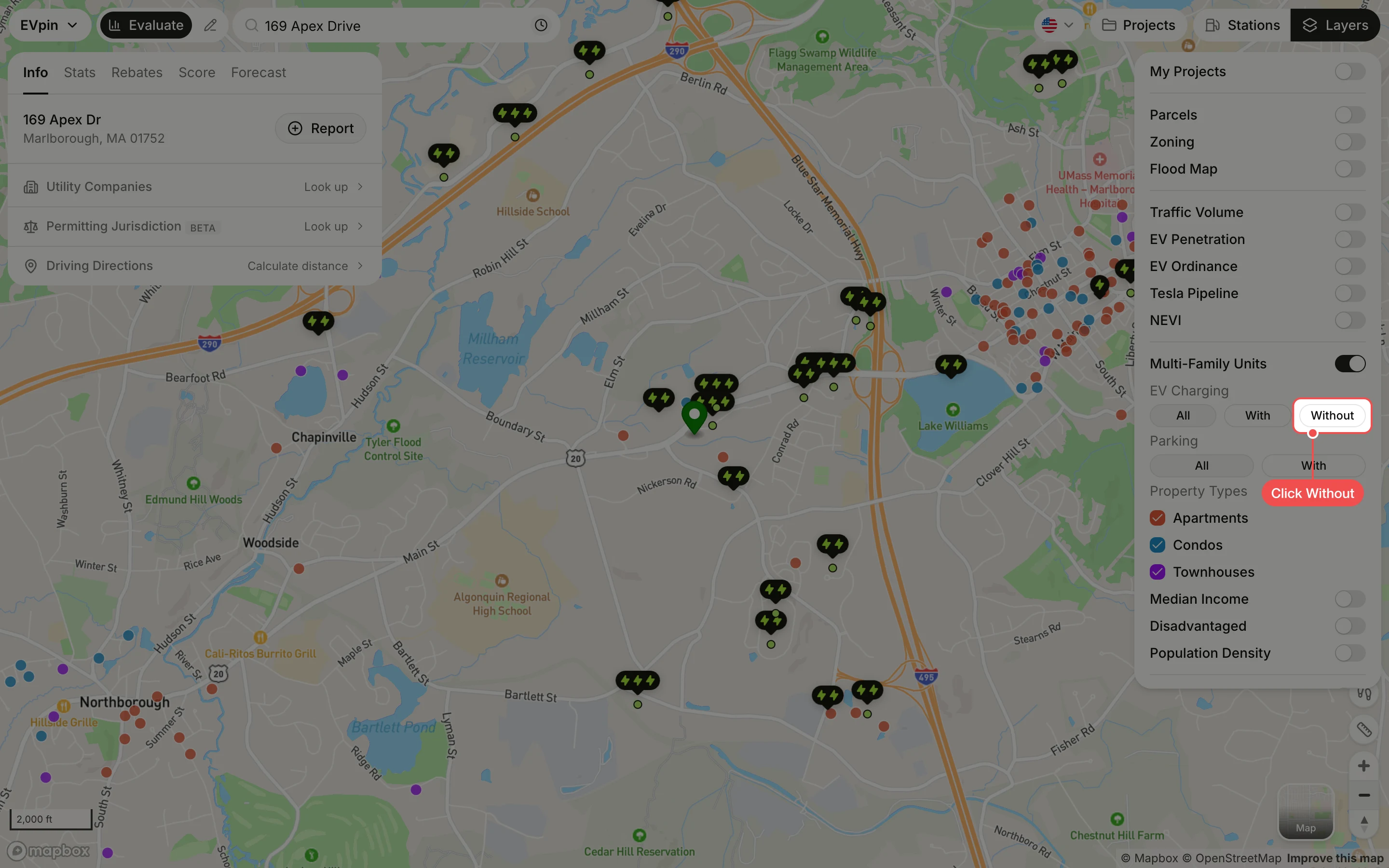
Click Without
Under EV Charging, click Without to keep only properties that don't list EV charging as an amenity. Under Parking, click With to keep only properties with parking, and untick a property type to hide it.
Click a property
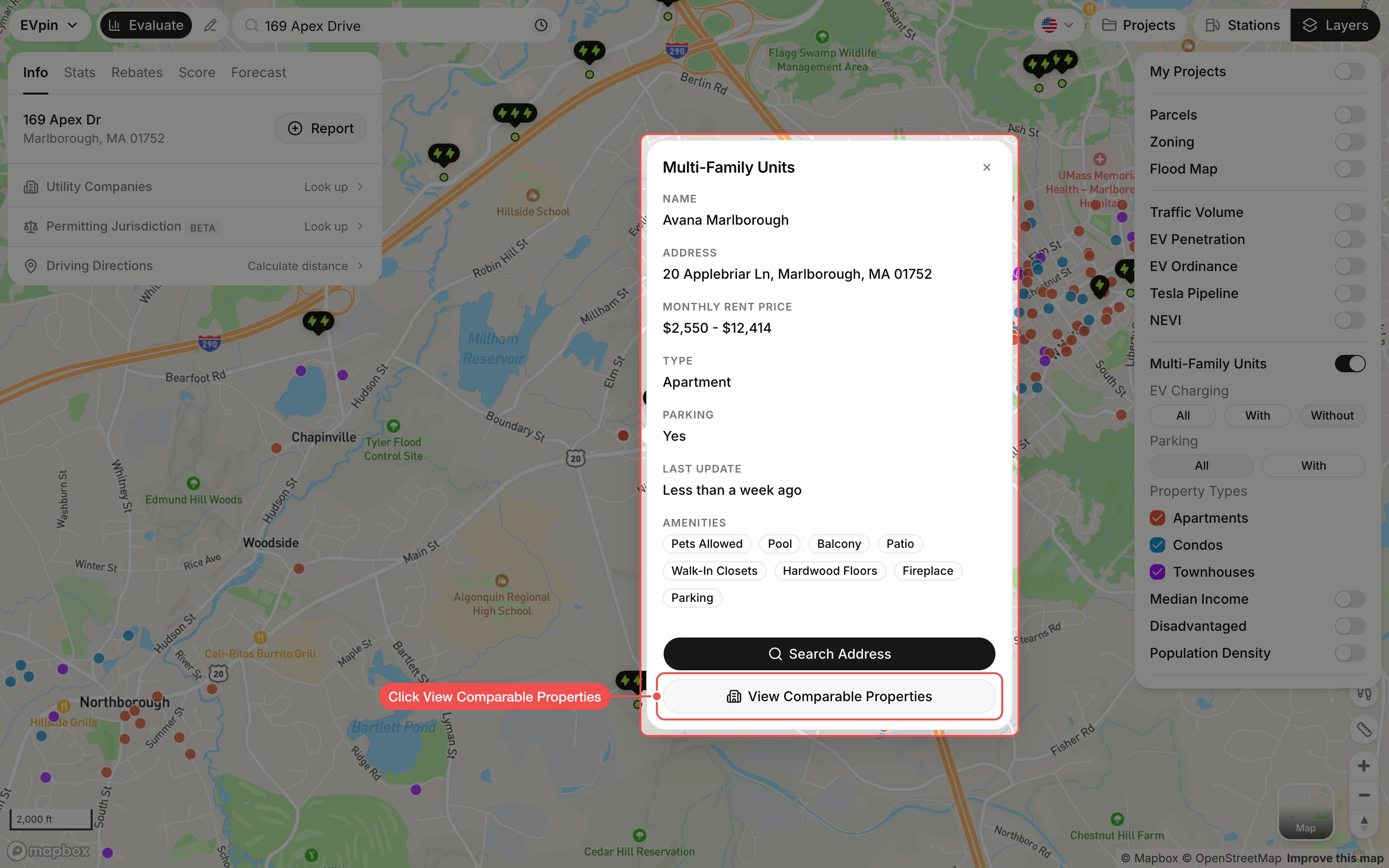
Click a dot. The popup shows the property's name, address, rent range, type, parking, amenities and when the listing was last updated. Click View Comparable Properties to compare it with similar properties nearby.