How to find a site's permitting jurisdiction
Look up the authority having jurisdiction (AHJ) that issues permits for a site, and open its website, from the Evaluate map.
Before you price permits or plan a submittal, you need to know which office reviews the work. By the end you will have the site's authority having jurisdiction (AHJ) and a link to its website. Start with a complete US address open on the Evaluate map, as in How to look up an address on the Evaluate map.
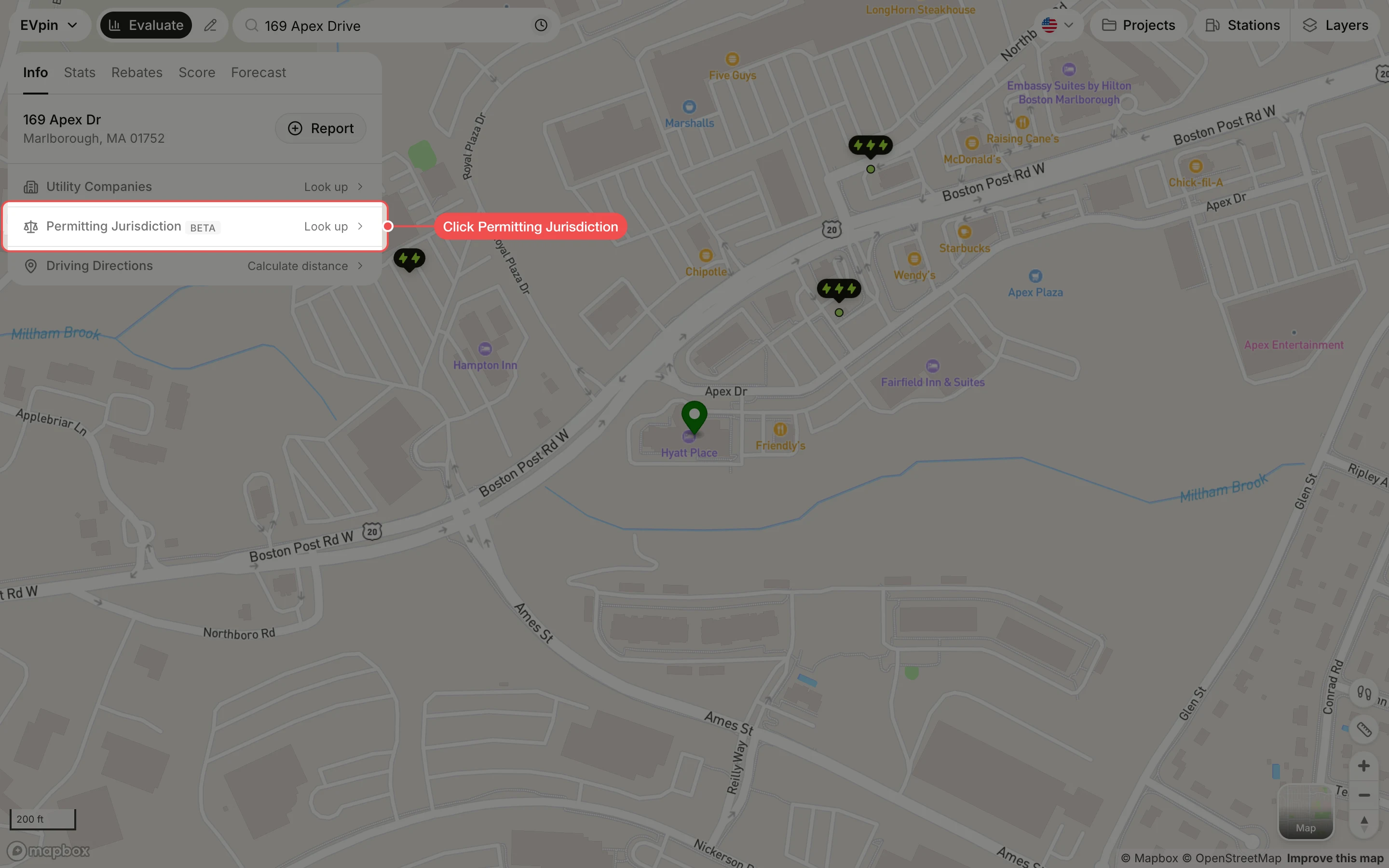
Click Permitting Jurisdiction
On the site panel's Info tab, click Permitting Jurisdiction. The lookup takes a few seconds.
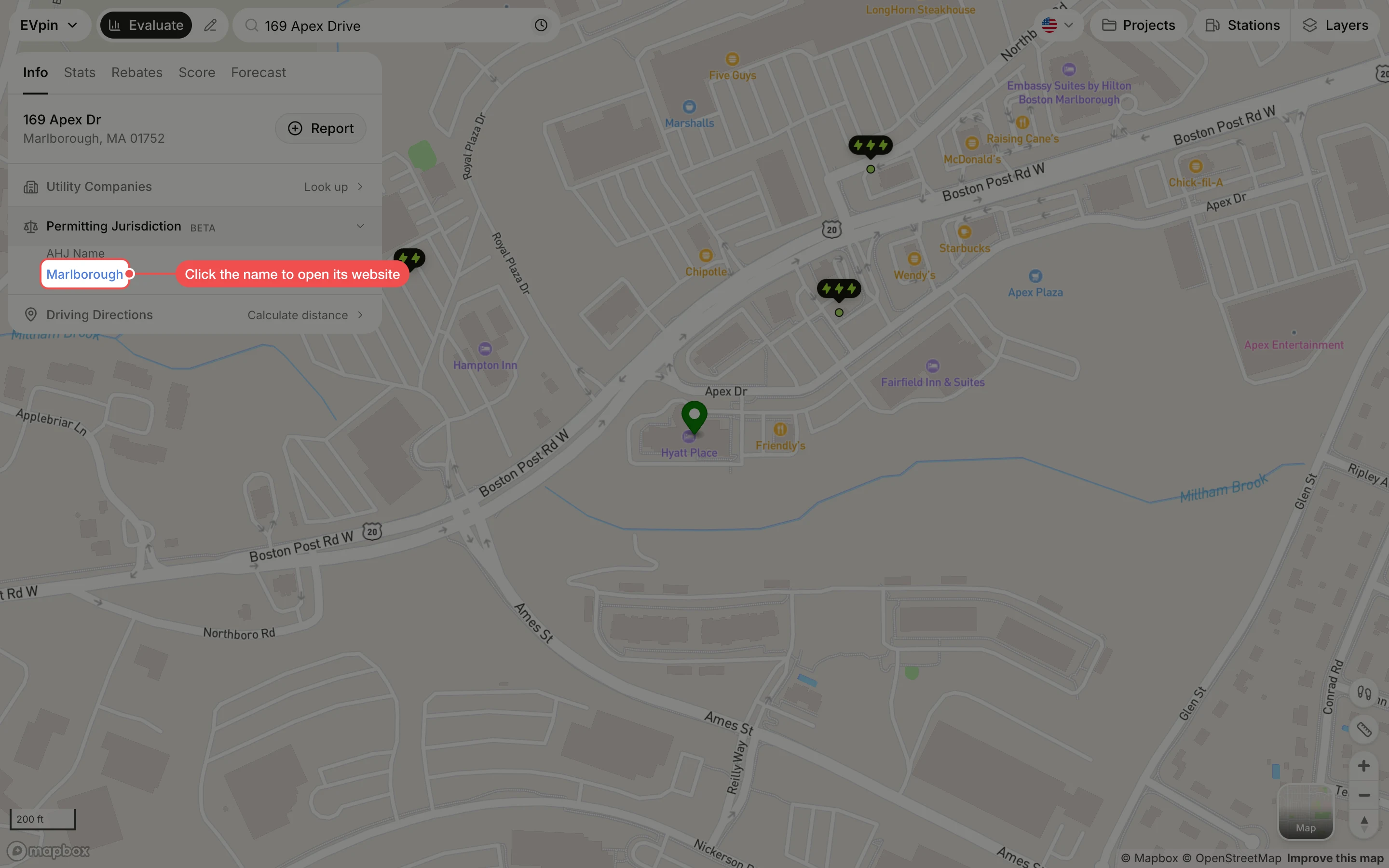
Open the AHJ's website
The AHJ is listed under AHJ Name. When the name is blue, click it to open the jurisdiction's permitting or inspections page in a new tab.