How to find a parcel's owner contacts
Look up the phone, email and business address of a parcel's owner from the Evaluate map.
By the end you will have the owner's contact details for a site and know where to find every lookup your team has run. You need the address open on the Evaluate map, as in How to look up an address on the Evaluate map. Contact lookups are available for US parcels.
Turn on the Parcels layer
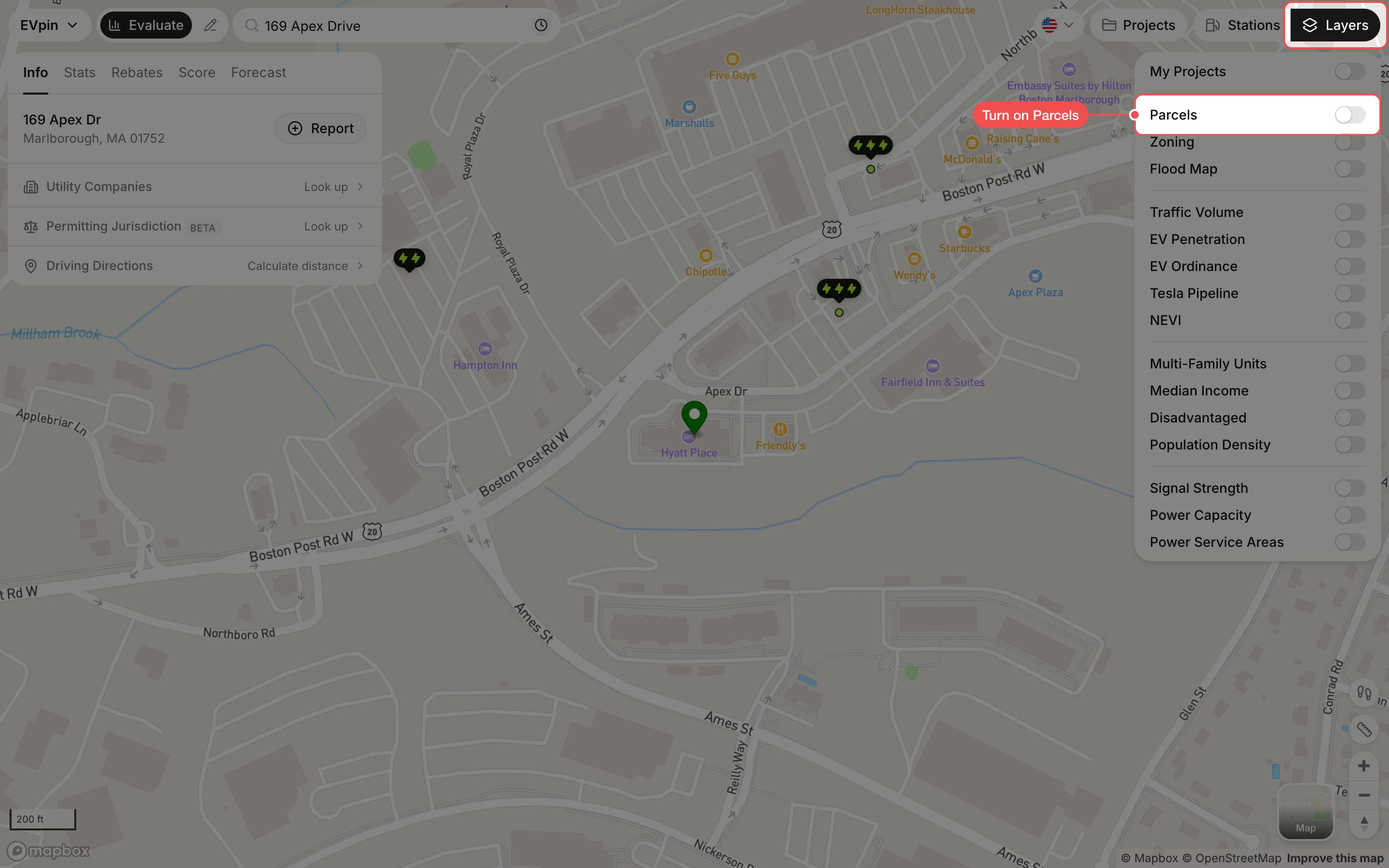
Click Layers at the top right, then turn on Parcels. Parcel outlines appear on the map.
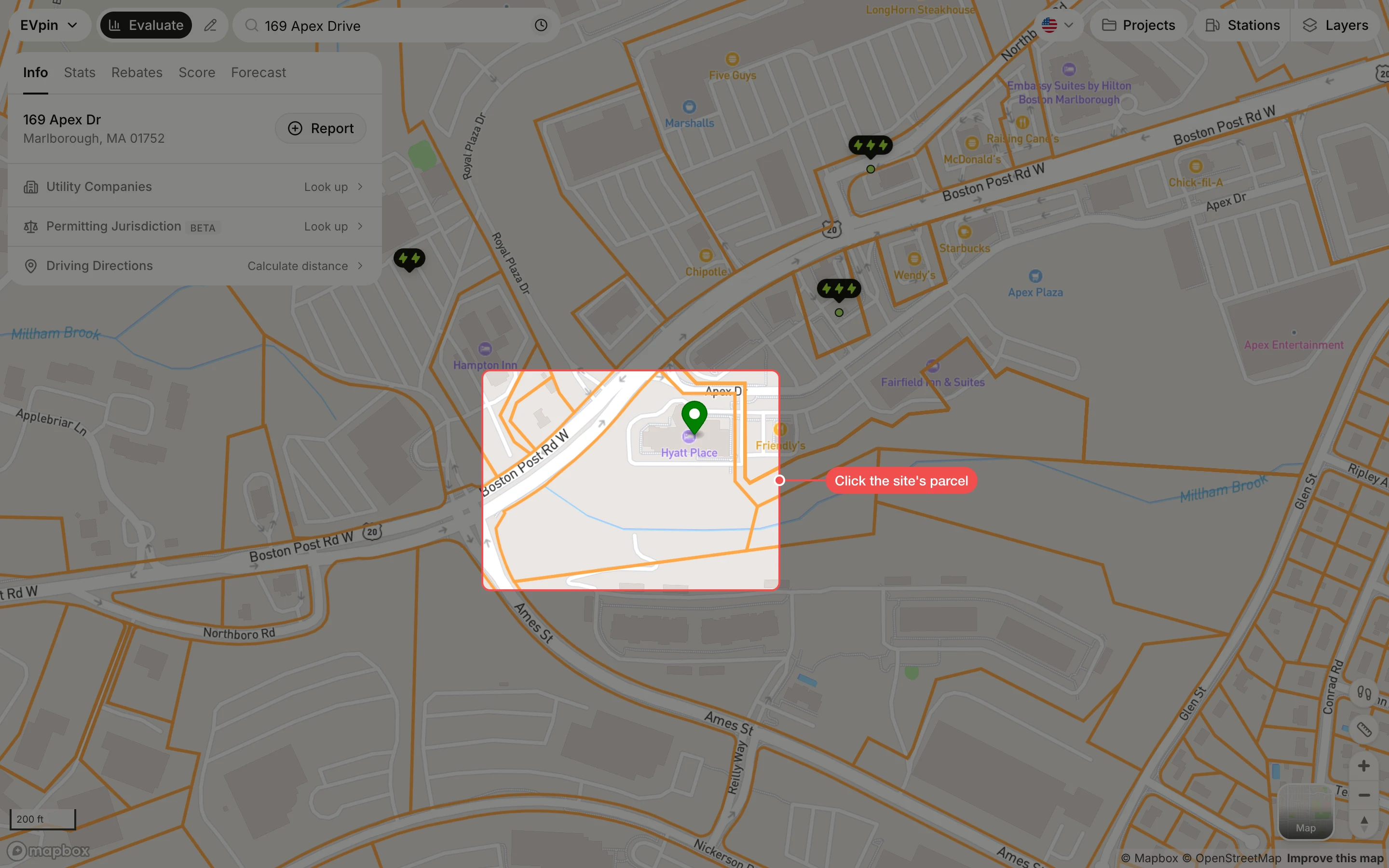
Click the site's parcel
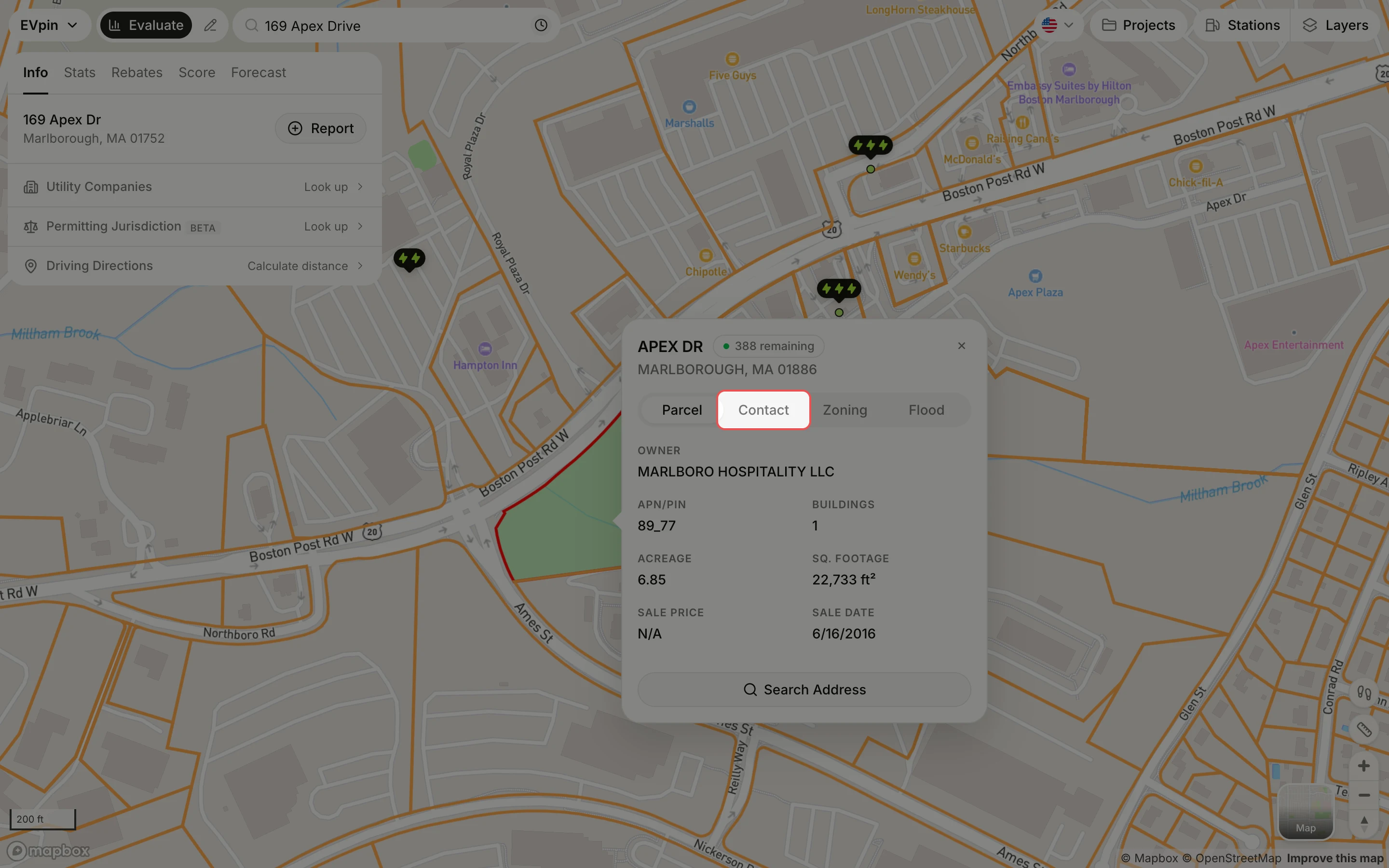
Click anywhere inside the site's parcel outline. The parcel turns green and a popup opens with the owner, APN, acreage and sale details.
Start the lookup
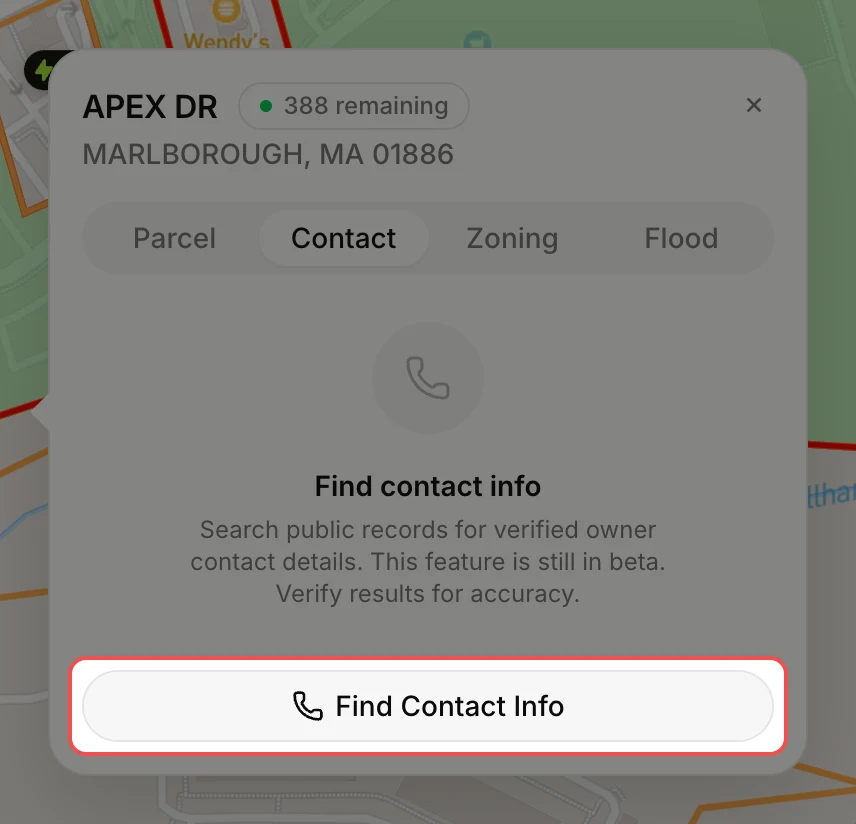
If nobody has looked up this owner yet, click Find Contact Info. The search runs through public records and can take a few minutes. You can close the popup; EVpin emails you when the details are ready.
Read the contact details
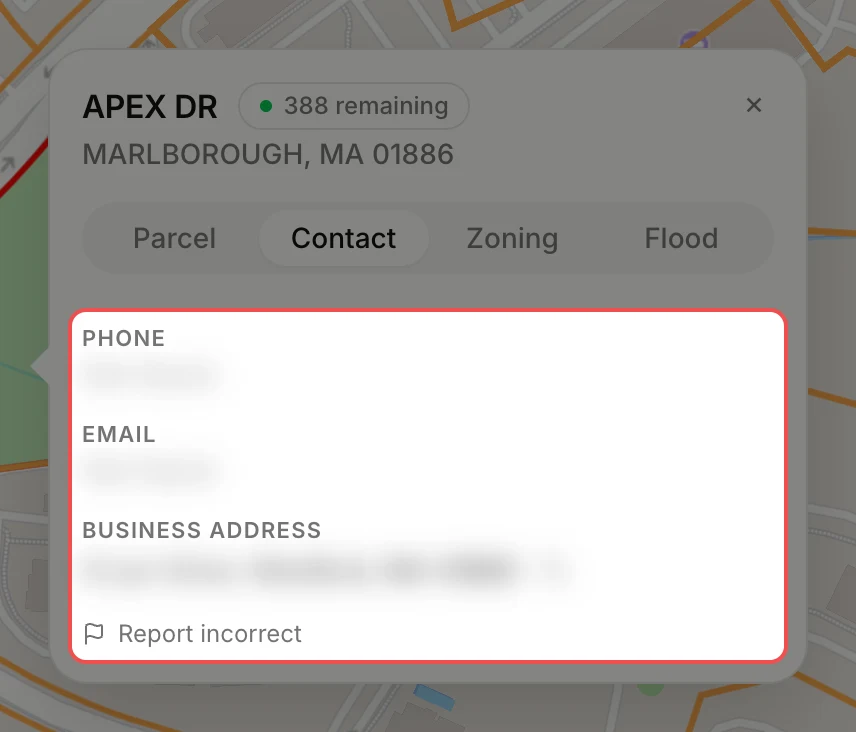
The tab lists the owner's Phone, Email and Business Address, each with a copy button. Results are in beta, so check them before you reach out, and click Report incorrect if one is wrong.
Open Parcel Contacts
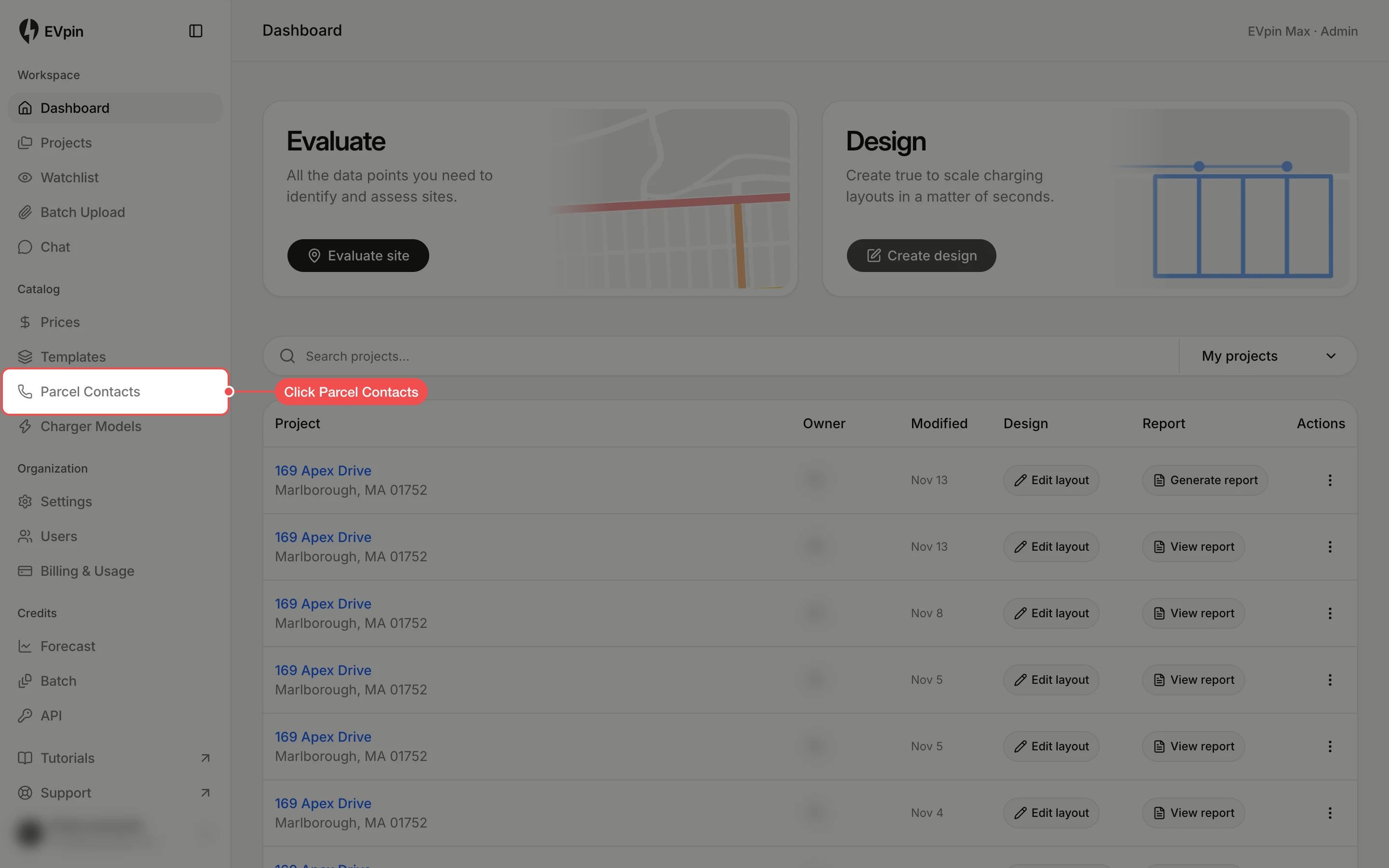
To see your lookups later, go to the dashboard and click Parcel Contacts in the sidebar.
Review the lookups
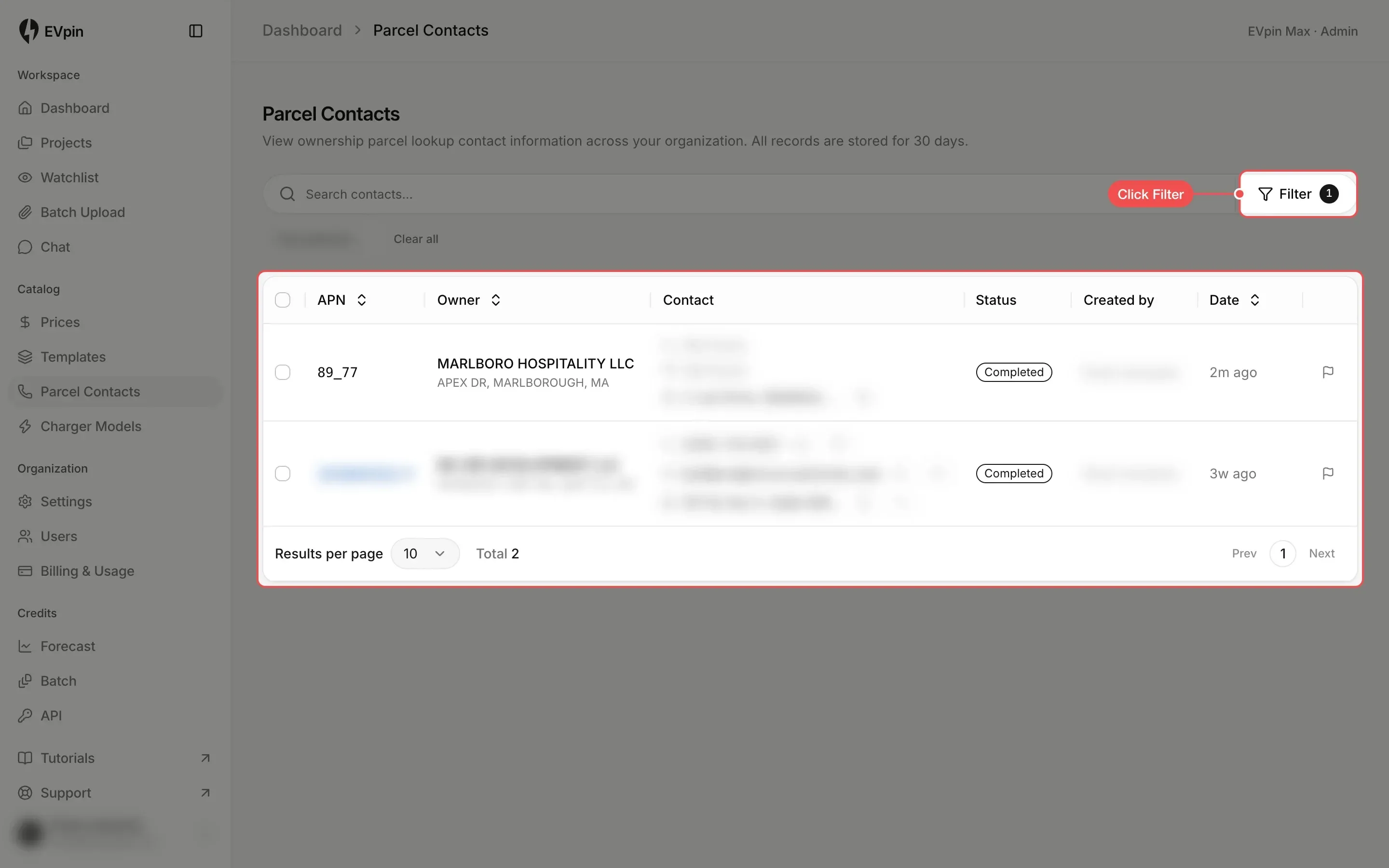
The table lists each lookup with its APN, owner, contact details, status and who ran it. It opens filtered to your own lookups; click Filter to see a teammate's or to filter by status. Click a linked APN to open that parcel on the Evaluate map. Lookups are kept for 30 days.
What's next
- How to get a utilization score for an address before you contact the owner.