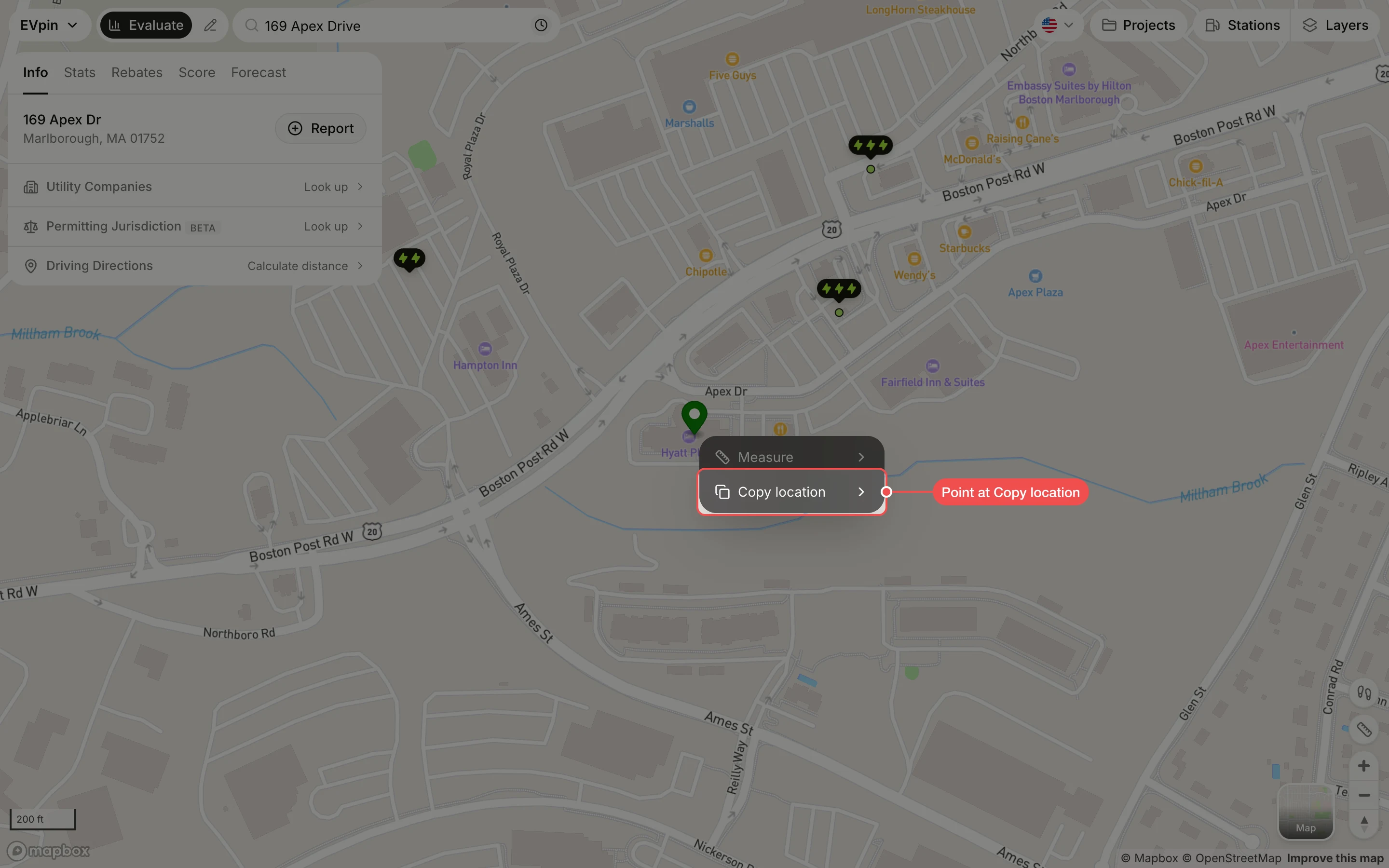
How to copy a location from the Evaluate map
Right-click a spot on the Evaluate map to copy its coordinates, or its street address where the map knows one.
By the end the latitude and longitude of a spot on the map, or its address, will be on your clipboard, ready to paste into an email, a spreadsheet or the search box.
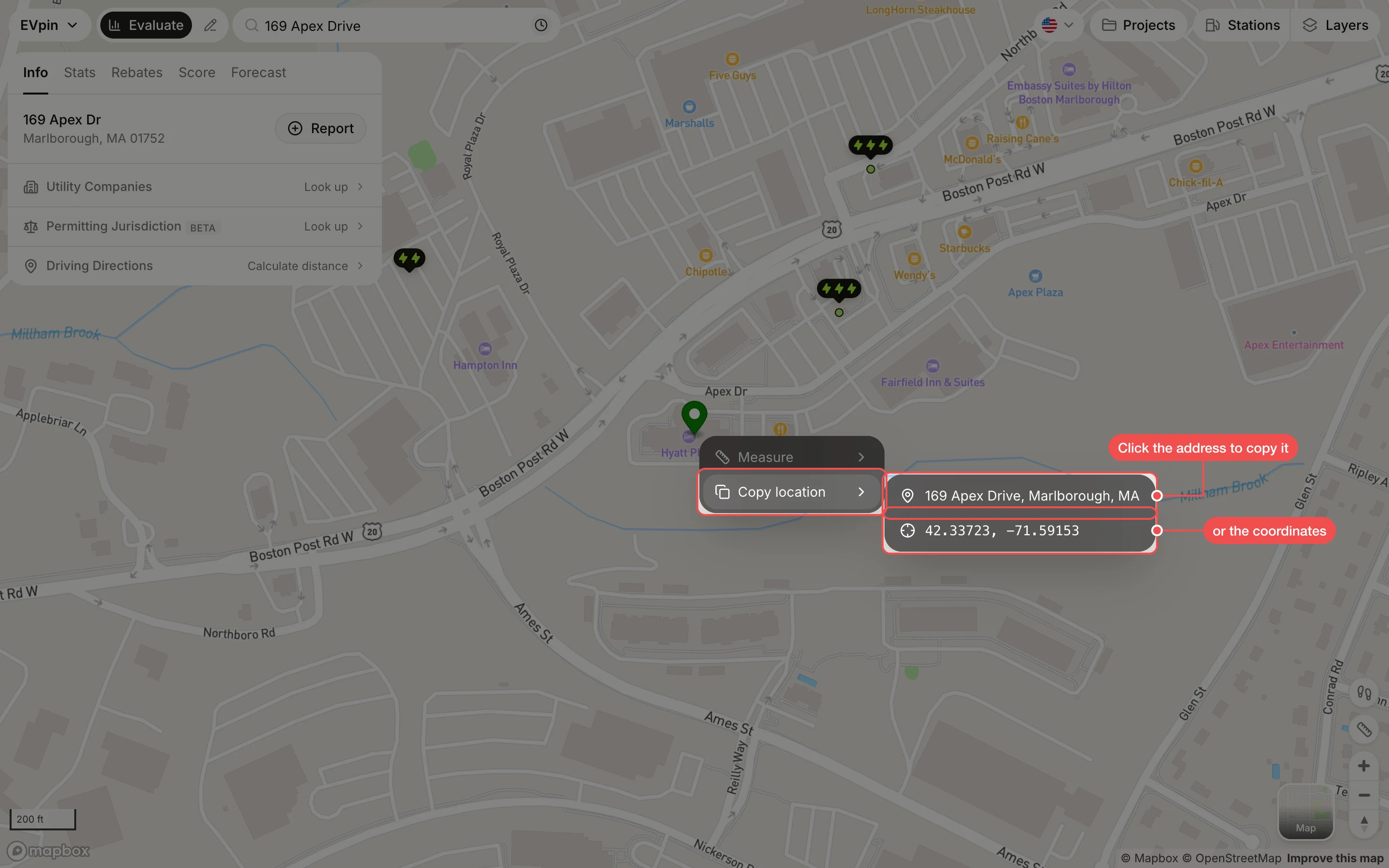
Click what to copy
Click the street address to copy it, or the coordinates below it to copy the latitude and longitude. A message confirms the copy. A spot with no known street address, such as an open field, has no address to copy; copy the coordinates instead.