How to check traffic volume near a site
Color nearby roads by average daily traffic and read the vehicle and truck counts that pass a site.
By the end you will know how many vehicles pass the site each day and how busy those roads are compared with others. Start with the address open on the Evaluate map, as in How to look up an address on the Evaluate map. Traffic Volume needs a Pro plan.
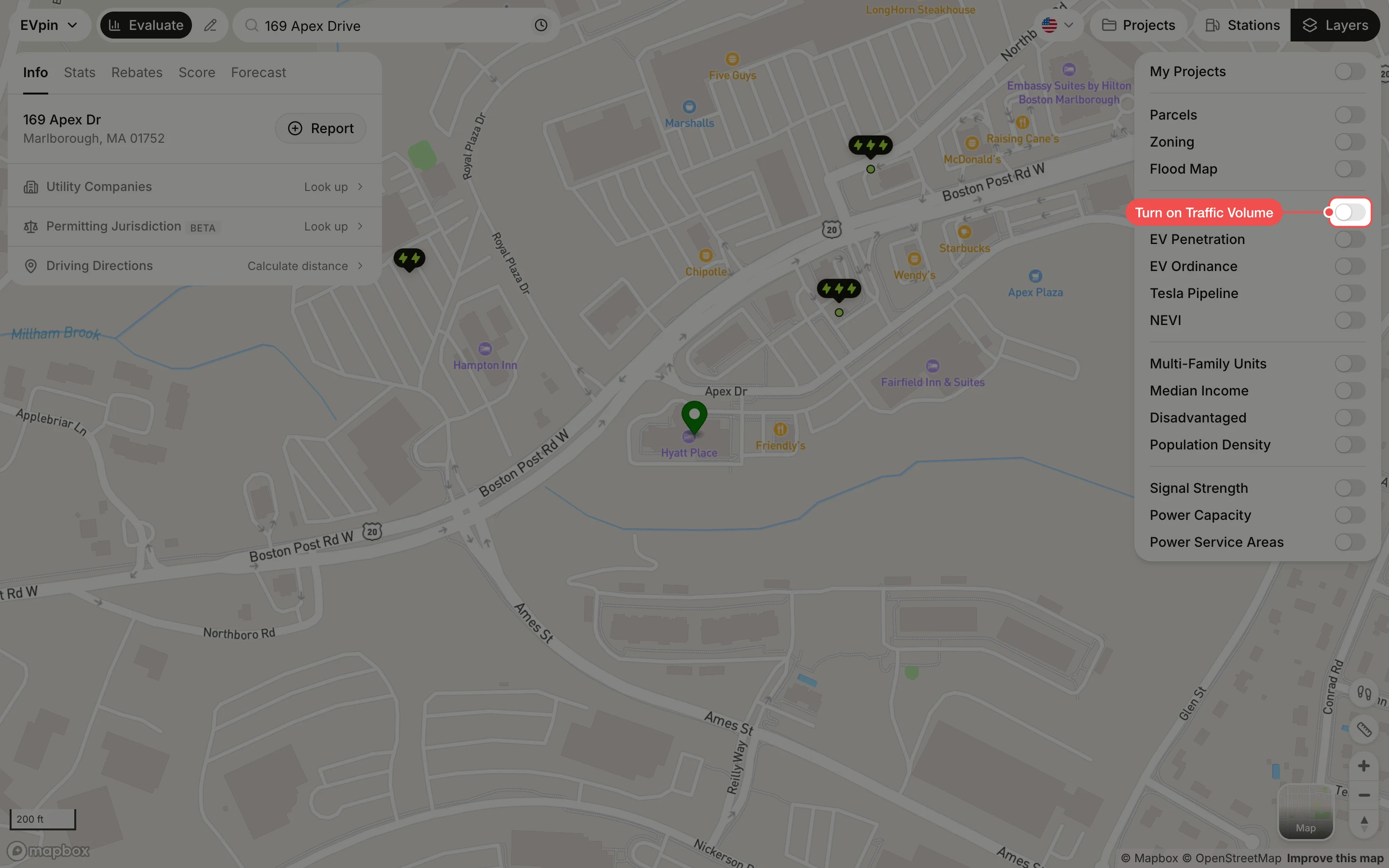
Read the counts on the roads
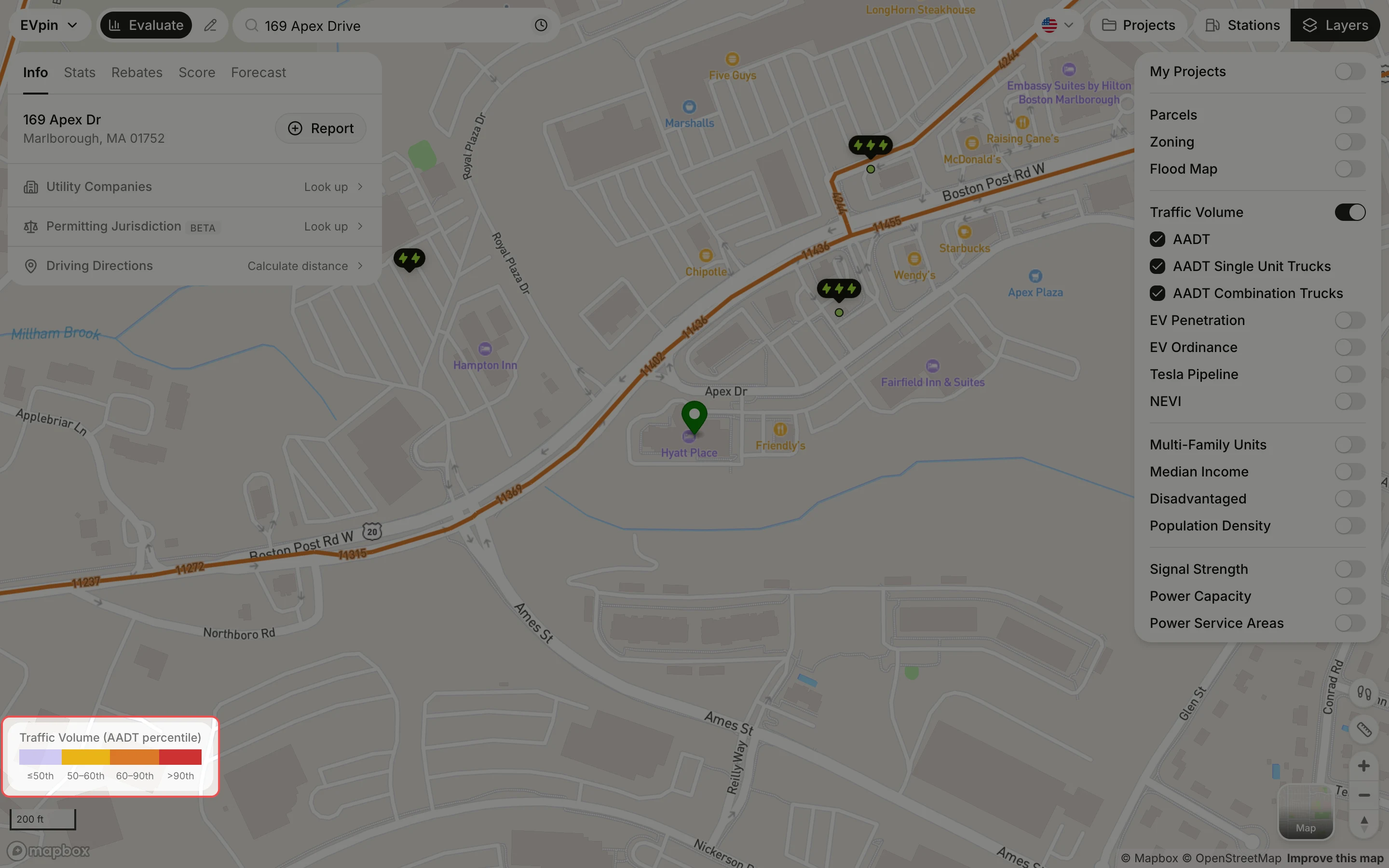
Roads are colored by how their annual average daily traffic (AADT) ranks against other roads, from light purple (50th percentile or below) to red (above the 90th). The number along each road is its average count of vehicles per day.
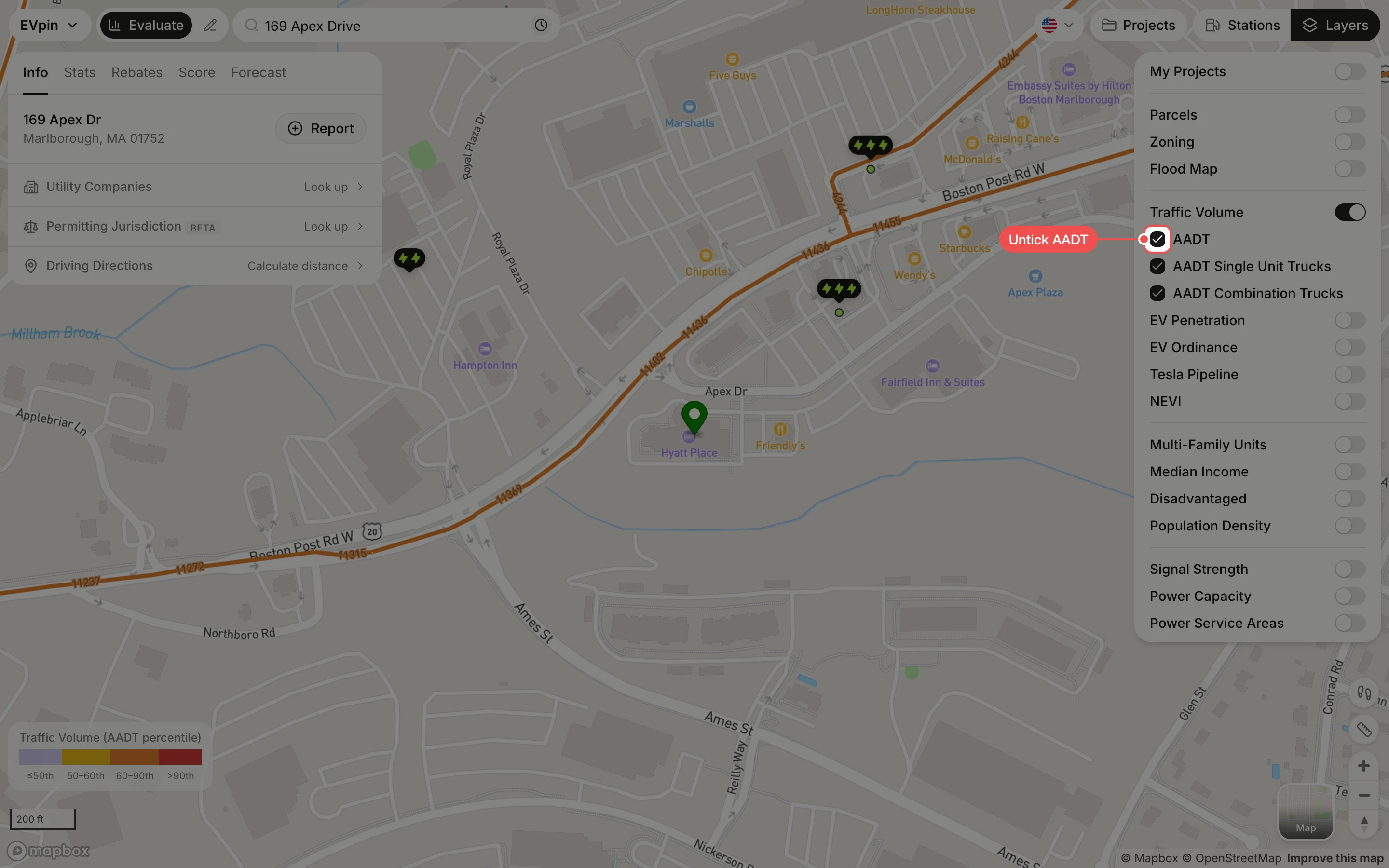
Untick AADT to see truck counts
To see trucks only, untick AADT. The roads then show AADT Single Unit Trucks (box trucks and vans) or AADT Combination Trucks (tractor-trailers), whichever stays ticked; untick one of them to see the other.
What's next
- How to see existing charging stations on the map along the busiest roads.