How to show a client a summary of an estimate
Show the client section totals instead of every line, and combine sections into your own groups.
By the end the estimate on the client's report will show a few totals instead of every line item. You need an estimate open on its Settings page, as in How to add overhead and sales tax to an estimate.
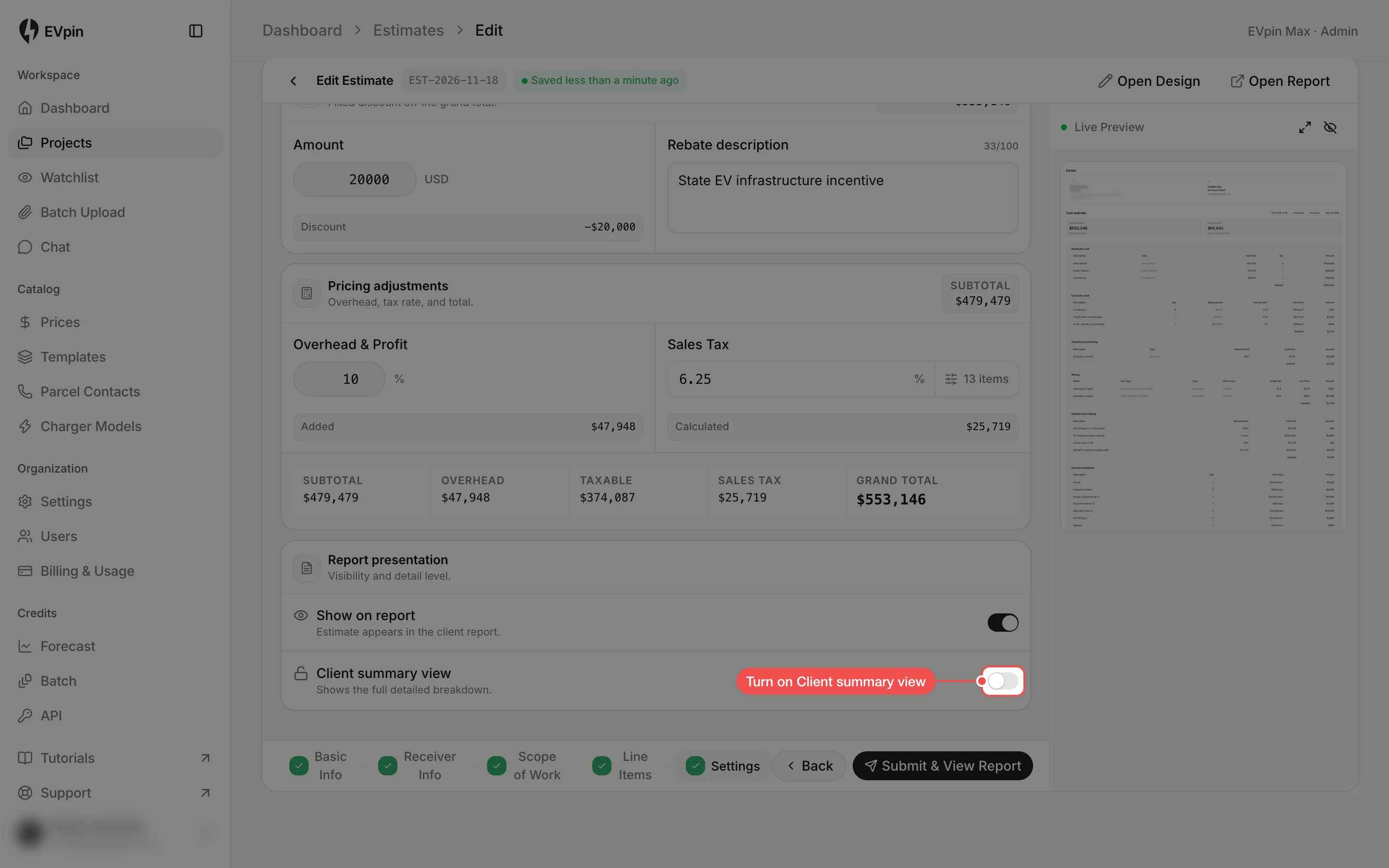
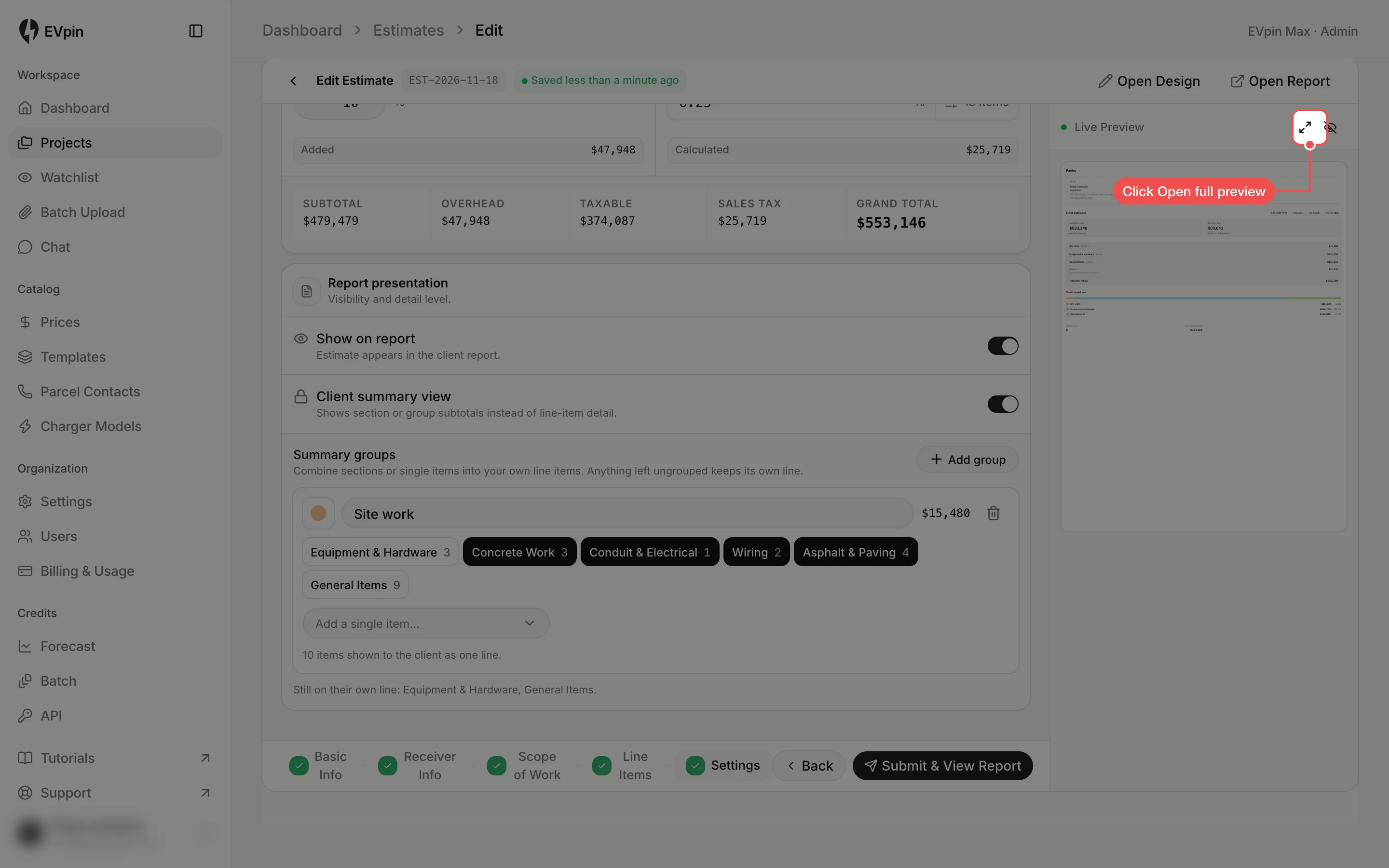
Turn on Client summary view
Under Report presentation at the bottom of Settings, turn on Client summary view. It only shows while Show on report is on.
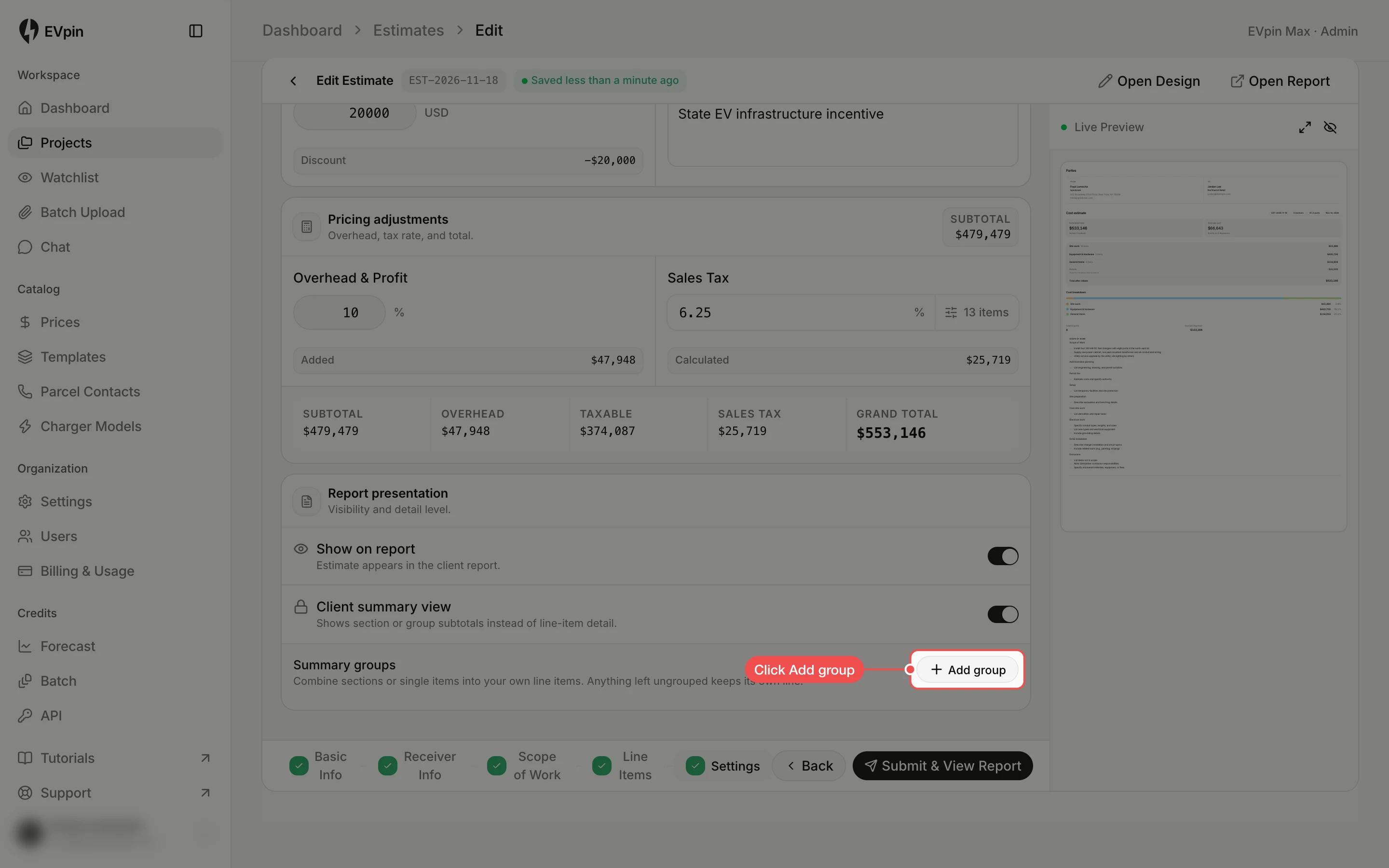
Click Add group
Each section now shows as one line. To combine sections into a single line, click Add group under Summary groups.
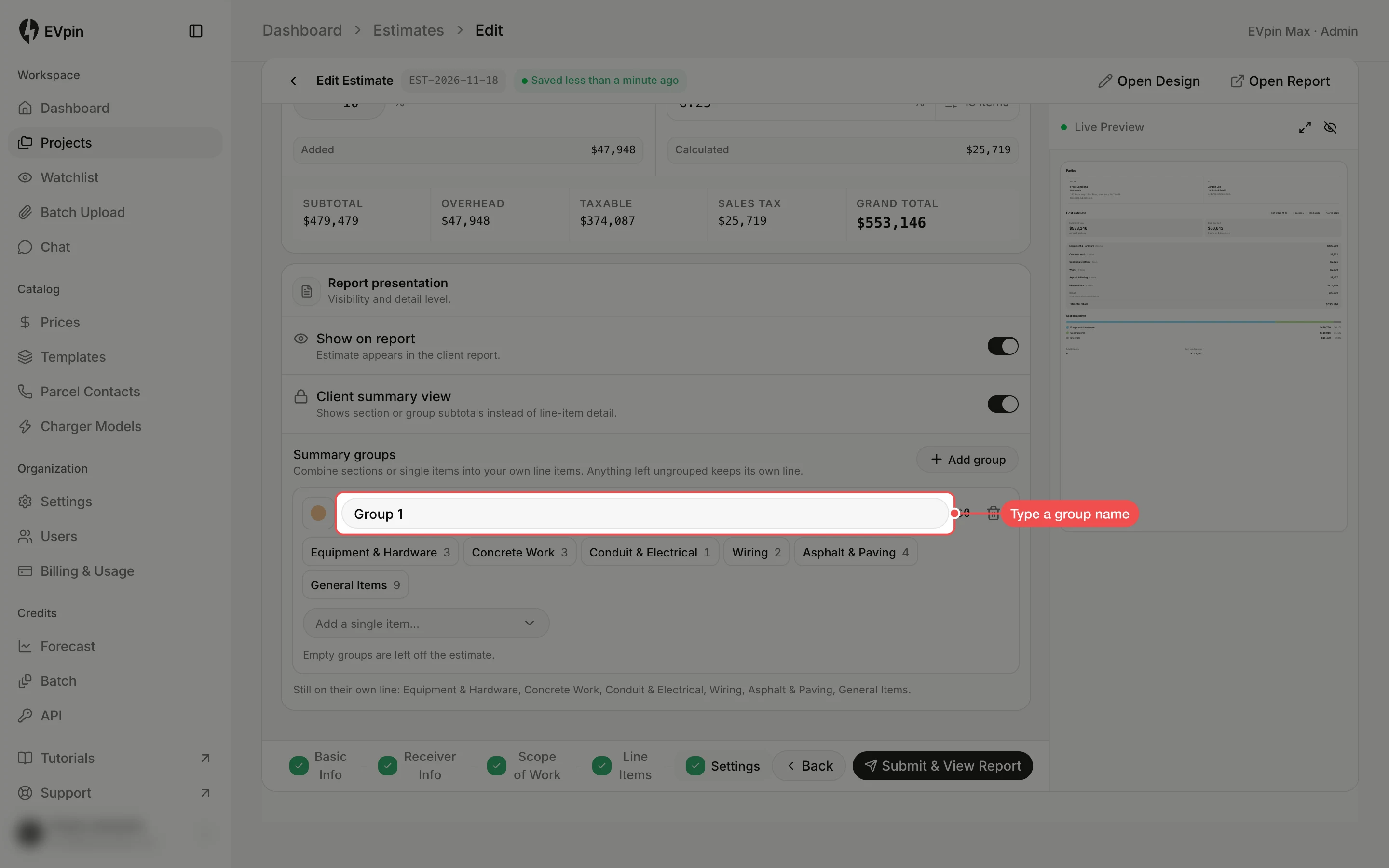
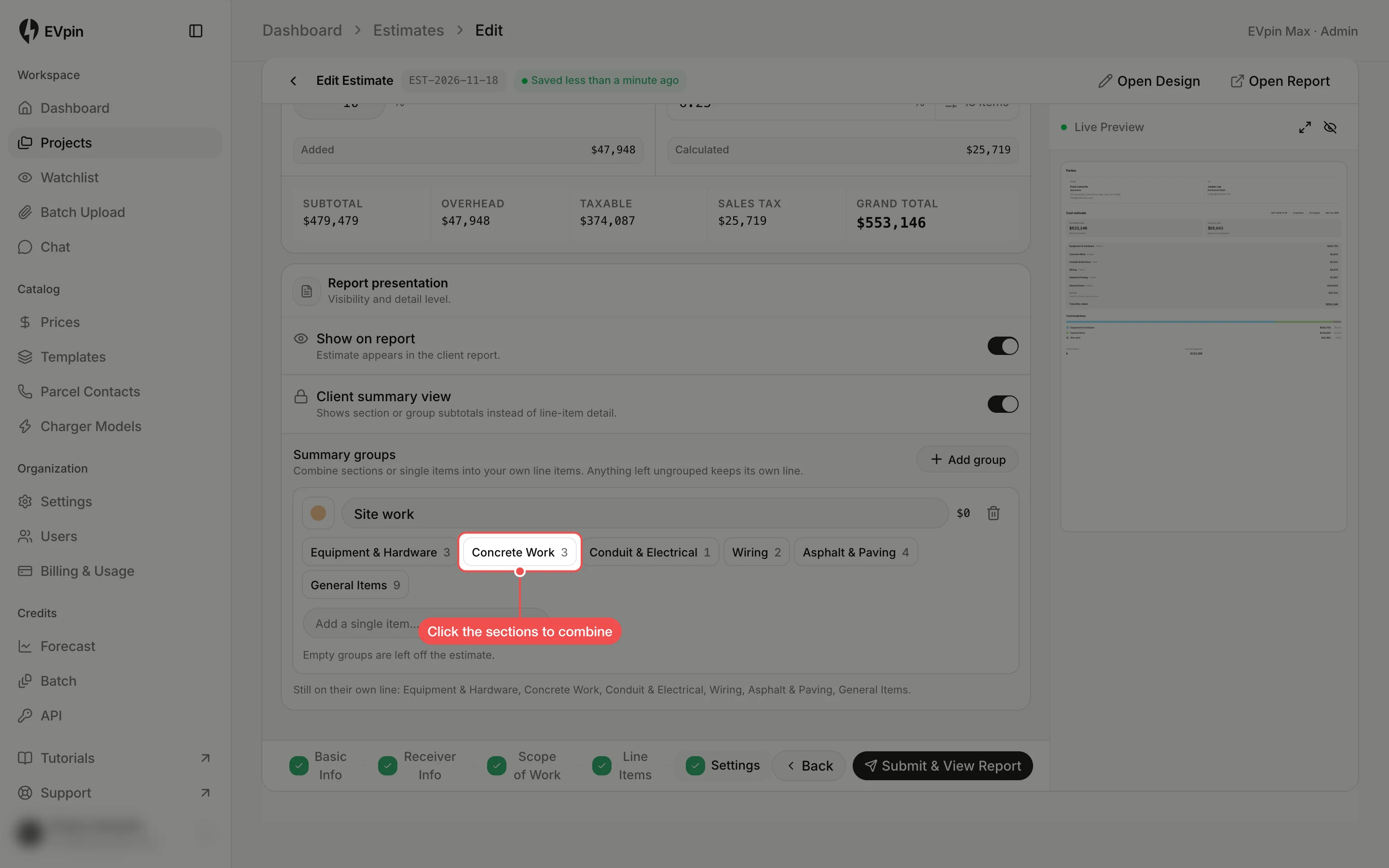
Click the sections to combine
Click each section that belongs in the group, such as Concrete Work, Conduit & Electrical, Wiring and Asphalt & Paving. To add one line instead of a whole section, pick it from Add a single item….
Open the full preview
Click Open full preview at the top of the Live Preview panel to see the estimate as the client will.
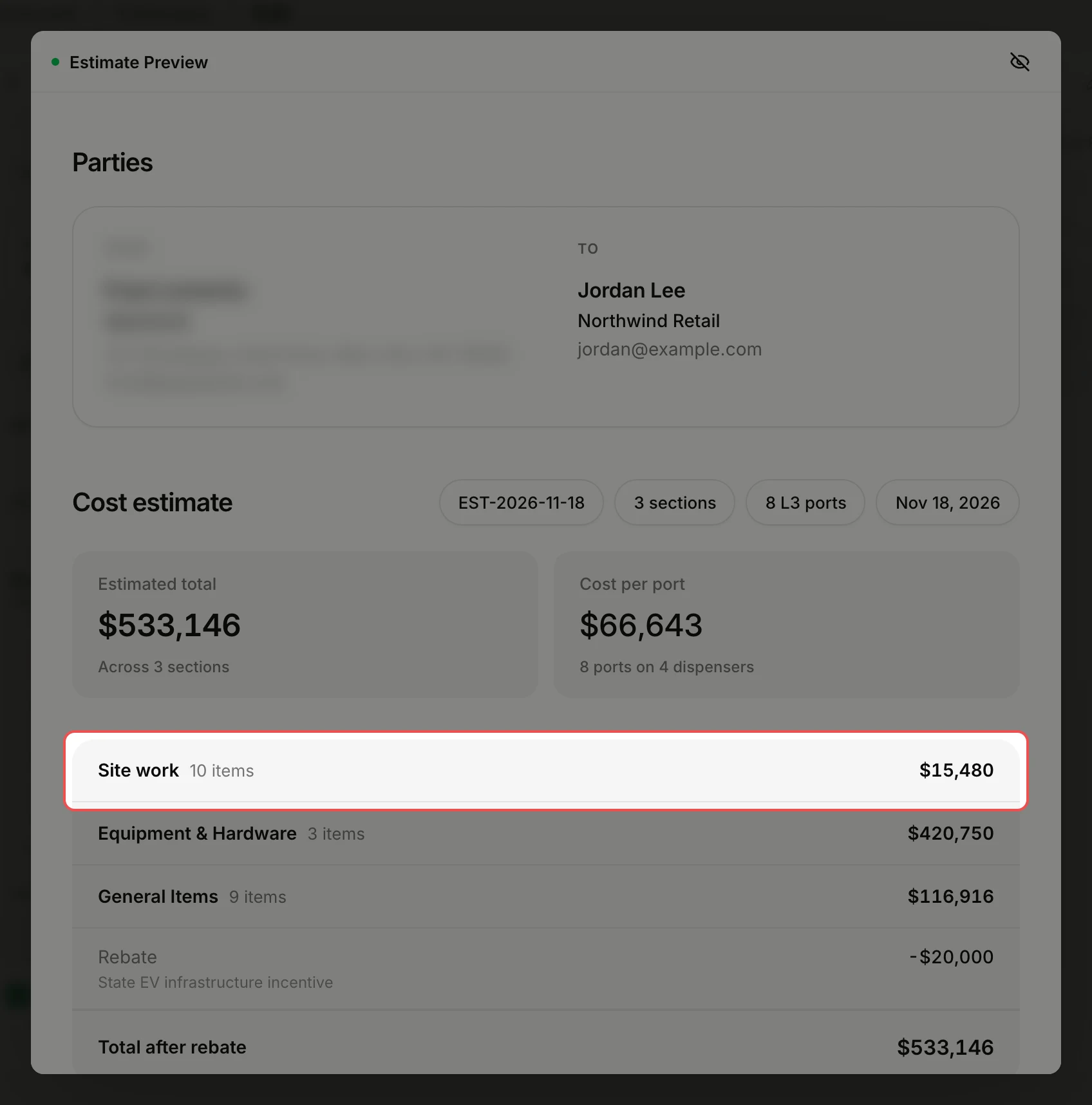
Check the summary
The group is one line with its total, and the sections you left out keep their own lines.
What's next
- How to share a report with a client once the estimate is submitted.