How to add overhead and sales tax to an estimate
Add an overhead and profit percentage and a sales tax rate to an estimate, and choose which sections are taxed.
By the end your estimate's grand total will include your overhead and the sales tax on the sections that are taxable. You need an estimate open, as in How to turn a cost preview into an editable estimate.
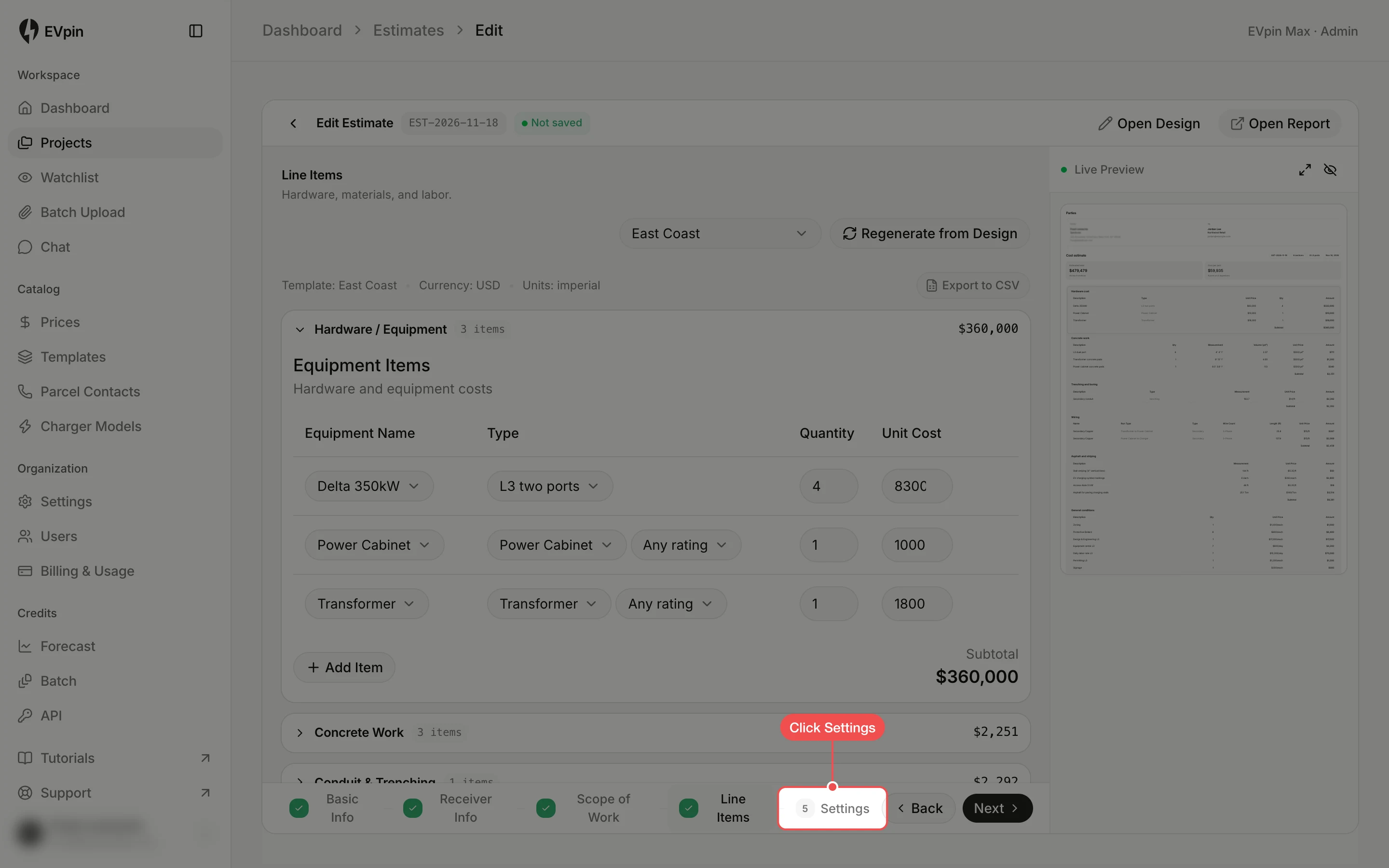
Type the overhead
Under Pricing adjustments, type your percentage into Overhead & Profit. Added shows what it adds to the subtotal.
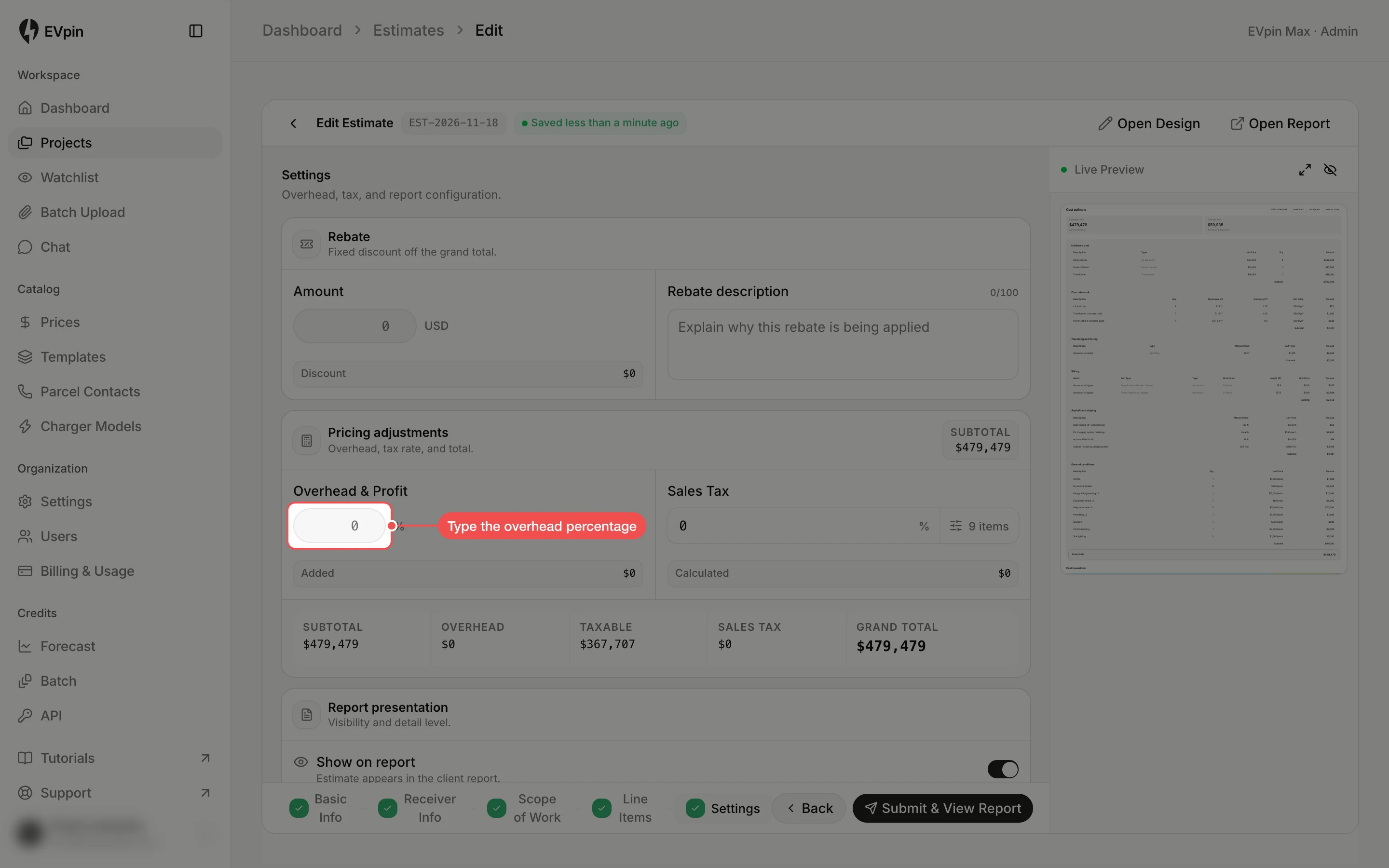
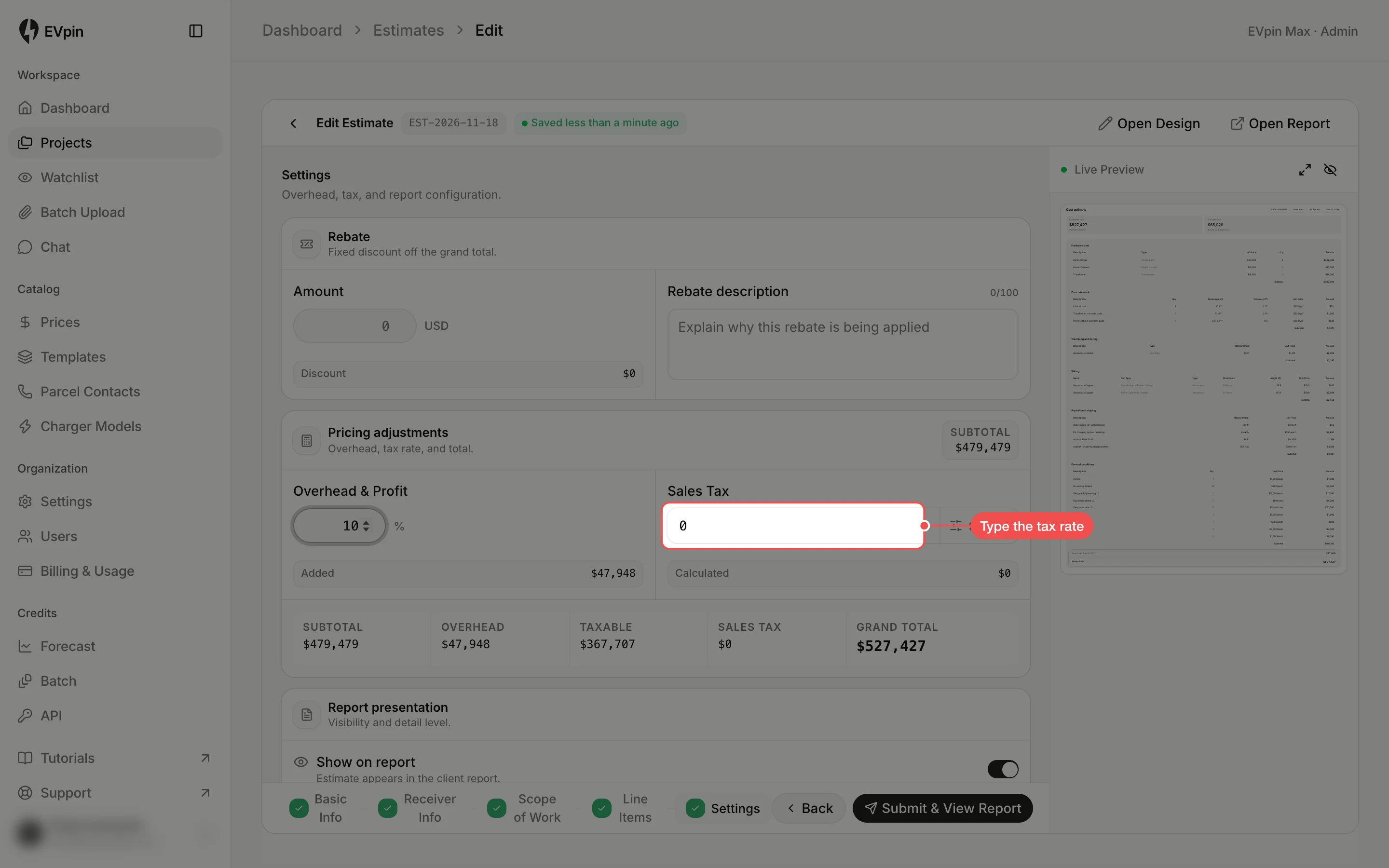
Open the taxable items
The button beside the rate shows how many lines are taxed, such as 9 items. Click it.
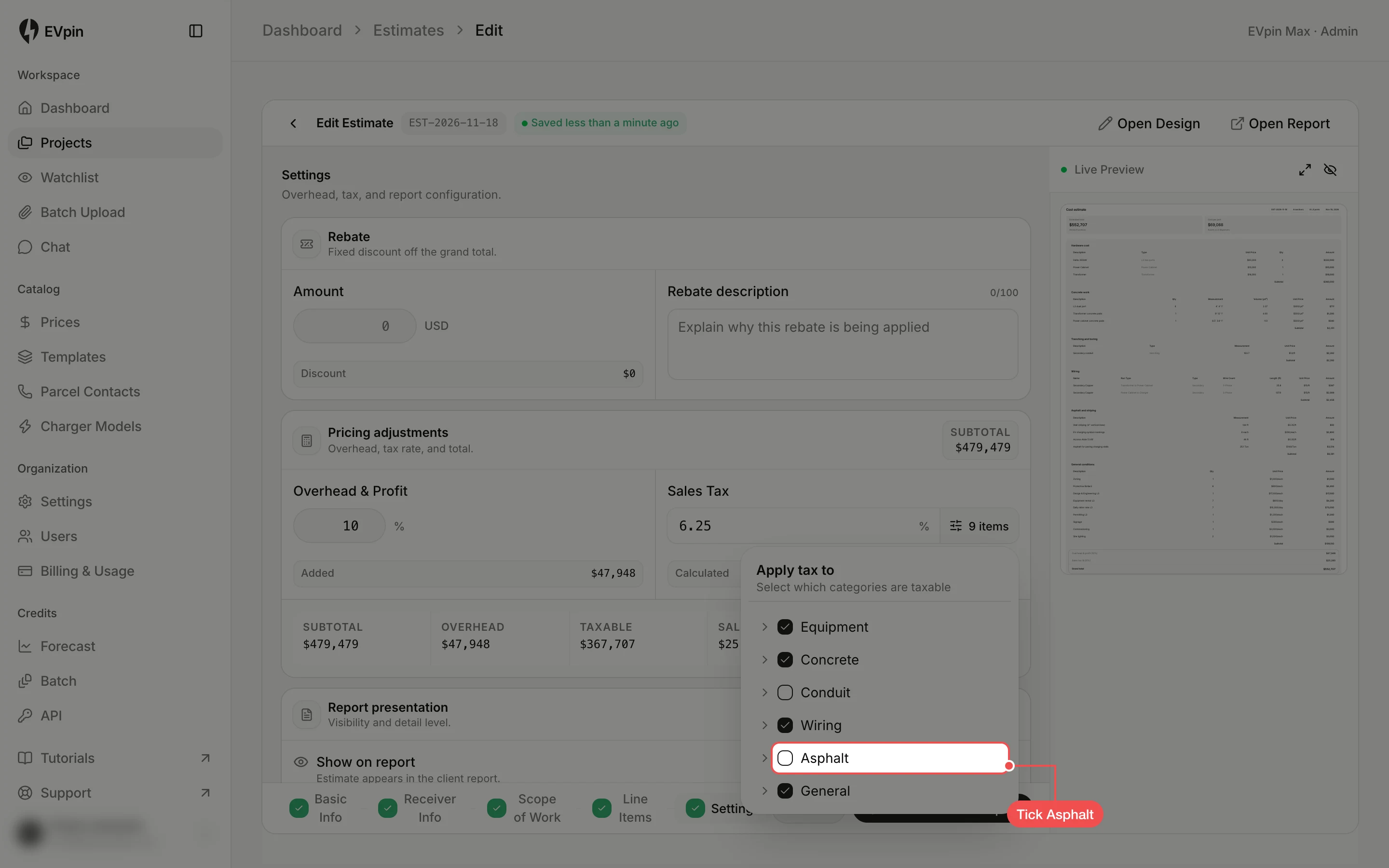
Tick the taxable sections
Under Apply tax to, tick each section that is taxable and untick the ones that are not. Click the arrow beside a section to tax single lines in it.
Check the grand total
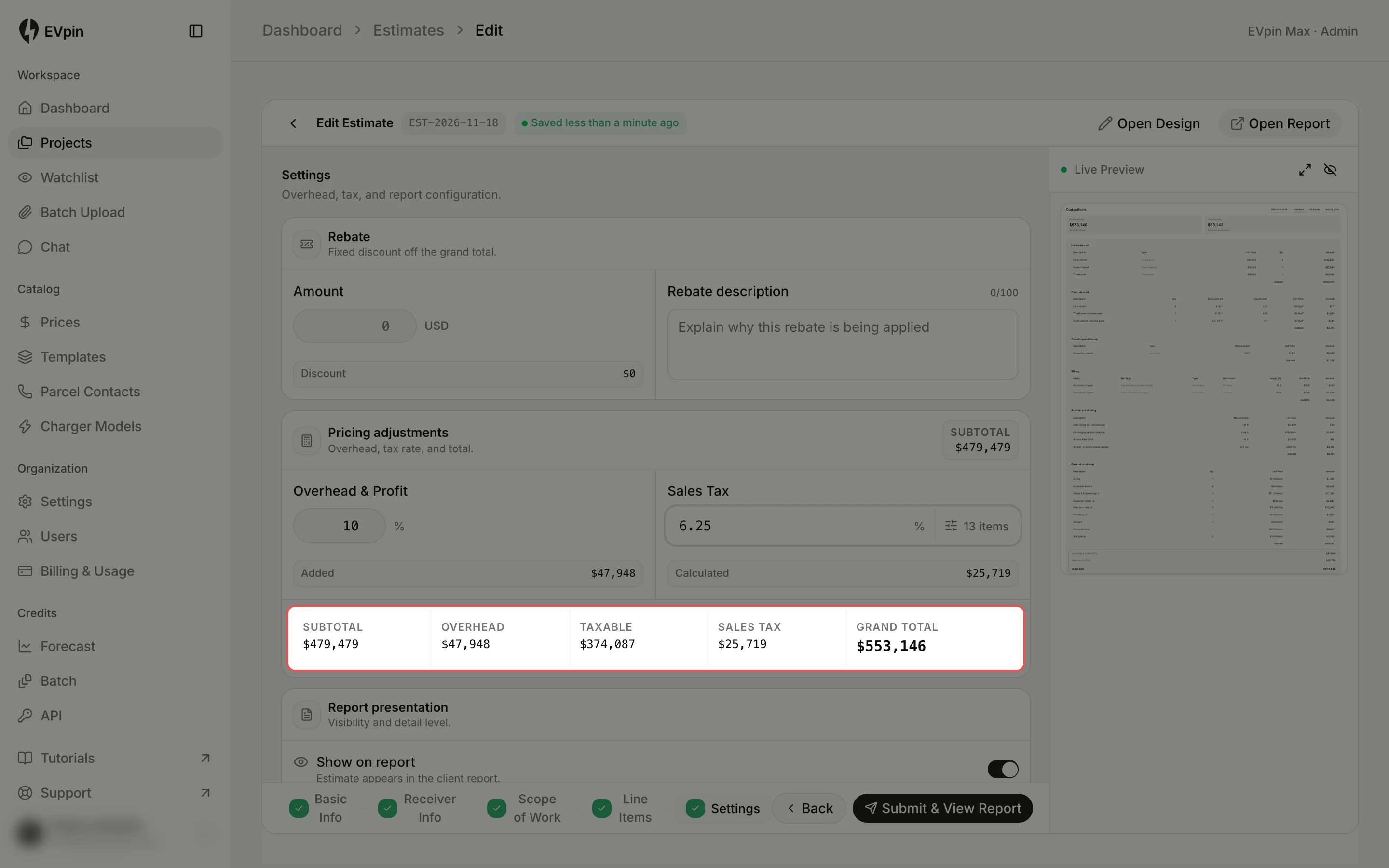
Click outside the list to close it. The row under the fields adds it up: Subtotal, Overhead, Taxable, Sales tax and Grand Total.
What's next
- How to apply a rebate to an estimate to take an incentive off the total.