How to apply a rebate to an estimate
Take a fixed rebate, such as a utility or state incentive, off an estimate's grand total and say what it is for.
By the end your estimate will show the rebate and the total after it. You need an estimate open on its Settings page, as in How to add overhead and sales tax to an estimate.
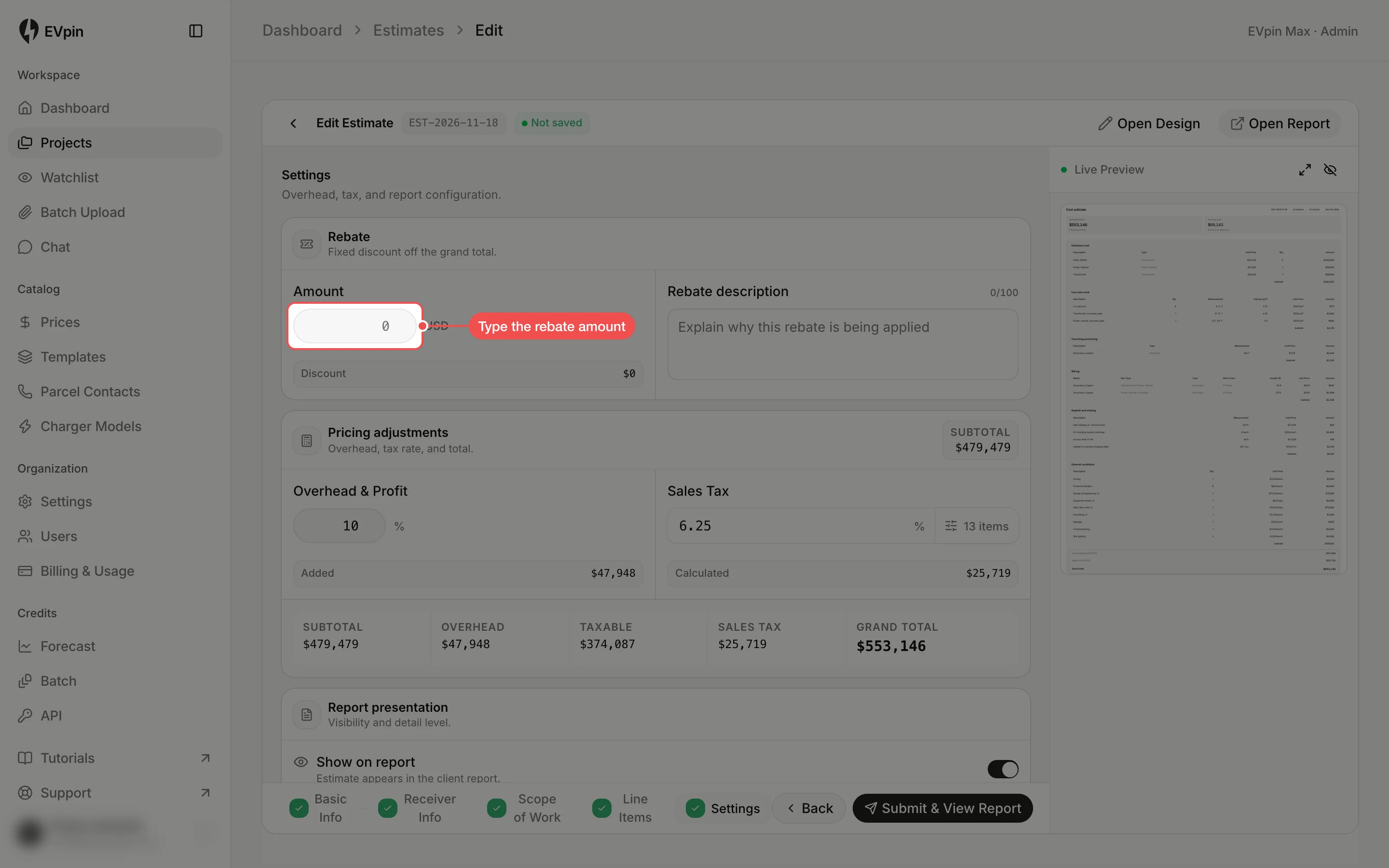
Type the rebate amount
Under Rebate at the top of Settings, type the amount into Amount. It is a fixed amount in the estimate's currency, not a percentage.
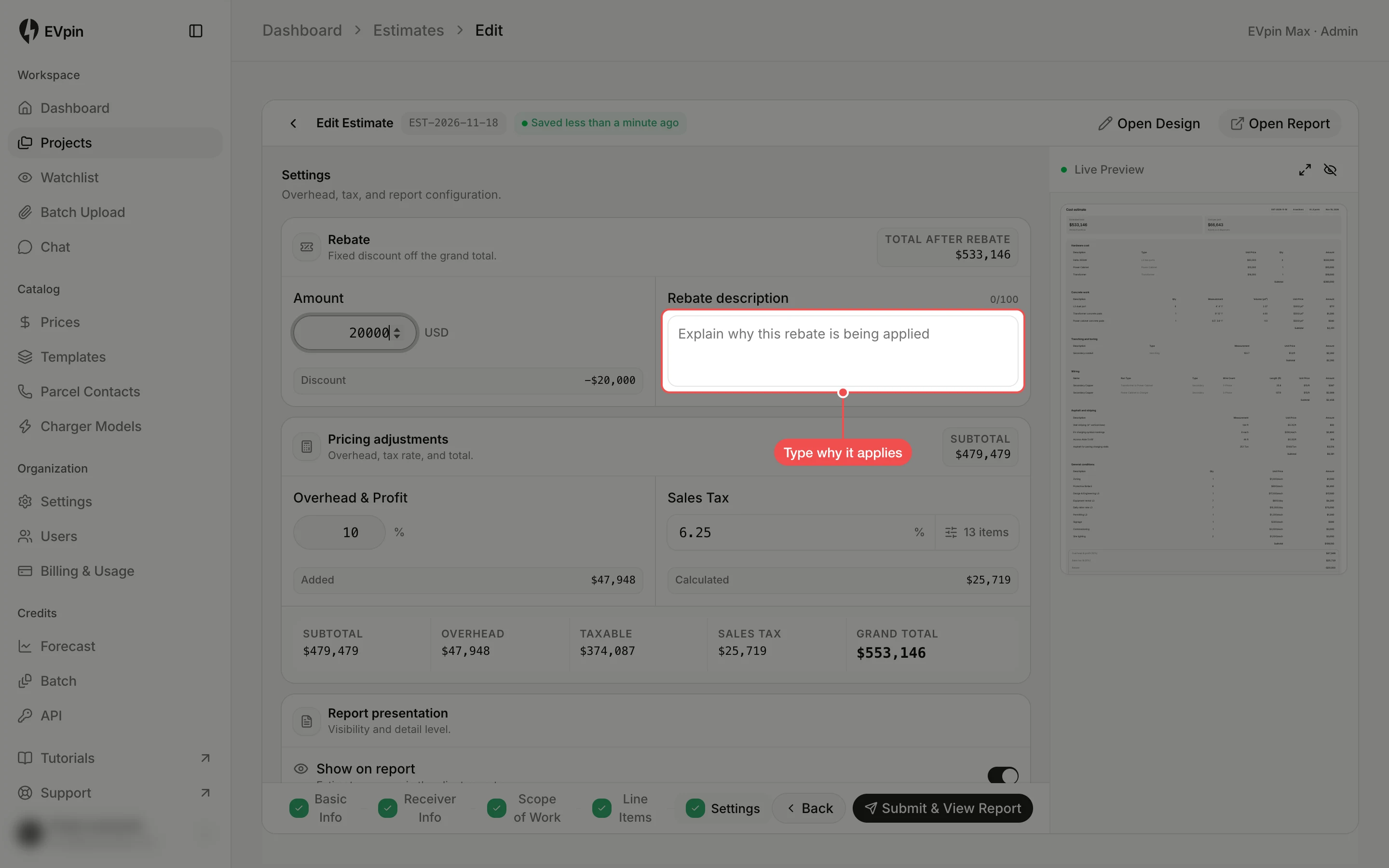
Say what it is for
Type a short reason into Rebate description, such as the incentive's name. The client sees it next to the rebate.
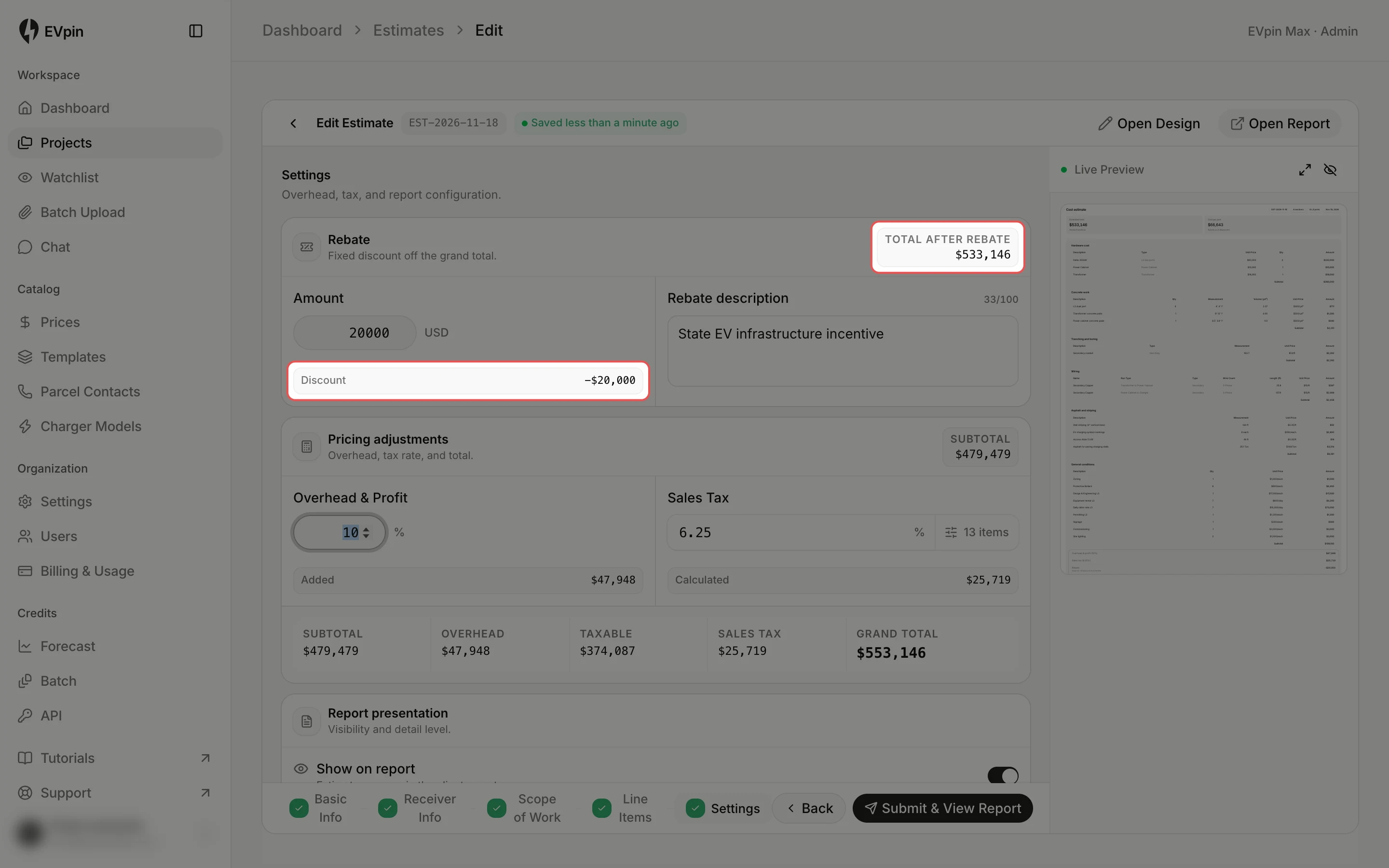
Check the total after the rebate
Discount shows the amount taken off and Total after rebate shows what the client pays. The estimate saves on its own.
What's next
- How to show a client a summary of an estimate to hide the line-item detail.