How to change a design's electrical settings
Set the conductor material, system voltage, load cap, fault current and diagram options the electrical plan uses.
By the end the electrical plan will use the settings for your site. You need a design with electrical design turned on, as in How to turn on electrical design.

Open the settings
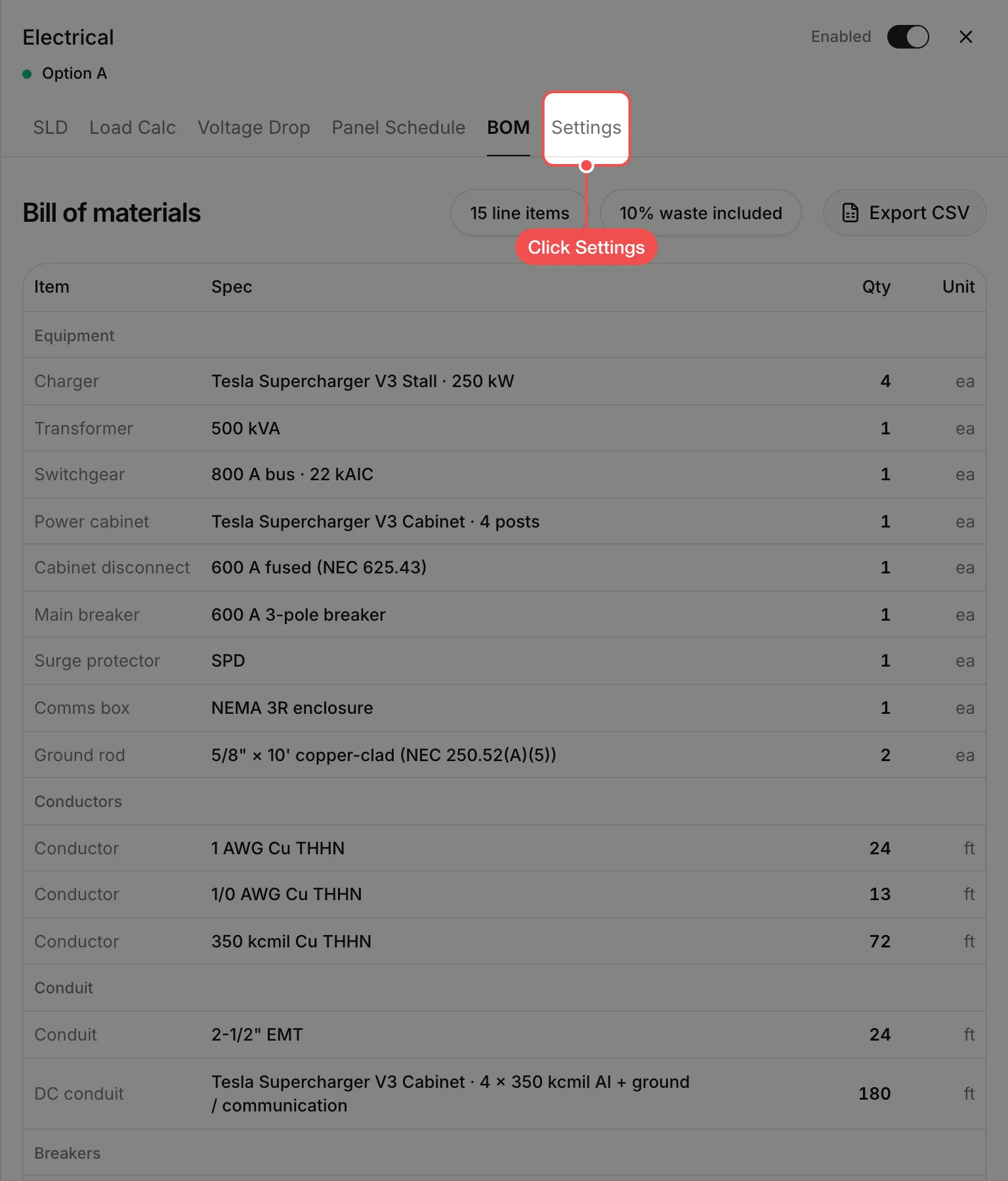
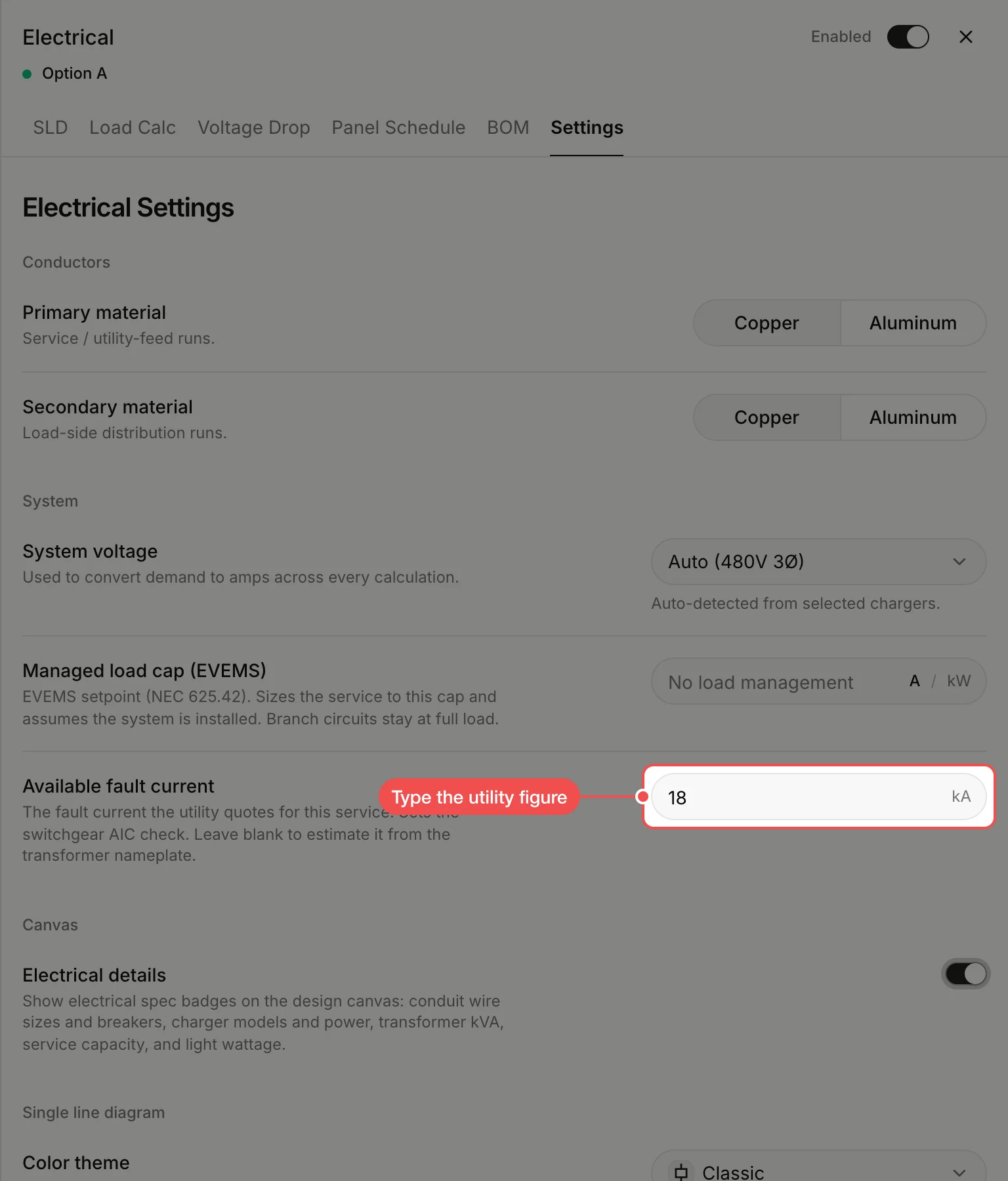
Click Settings at the top of the panel. It holds the conductor material, system voltage, managed load cap, available fault current, what the map shows and what the single line diagram includes.
Type the fault current
Under Available fault current, type the figure the utility quotes for the service, in kA. Changes save as you make them, and the other tabs pick them up; the switchgear's AIC rating is checked against this figure.
What's next
- How to set a switchgear's ratings to match the fault current.