How to add a line item to an estimate
Add your own line to an estimate, such as site lighting or an extra fee, with its quantity and unit cost.
By the end your estimate will have a line the design did not create, priced the way you want. You need an estimate open on its Line Items page, as in How to turn a cost preview into an editable estimate.
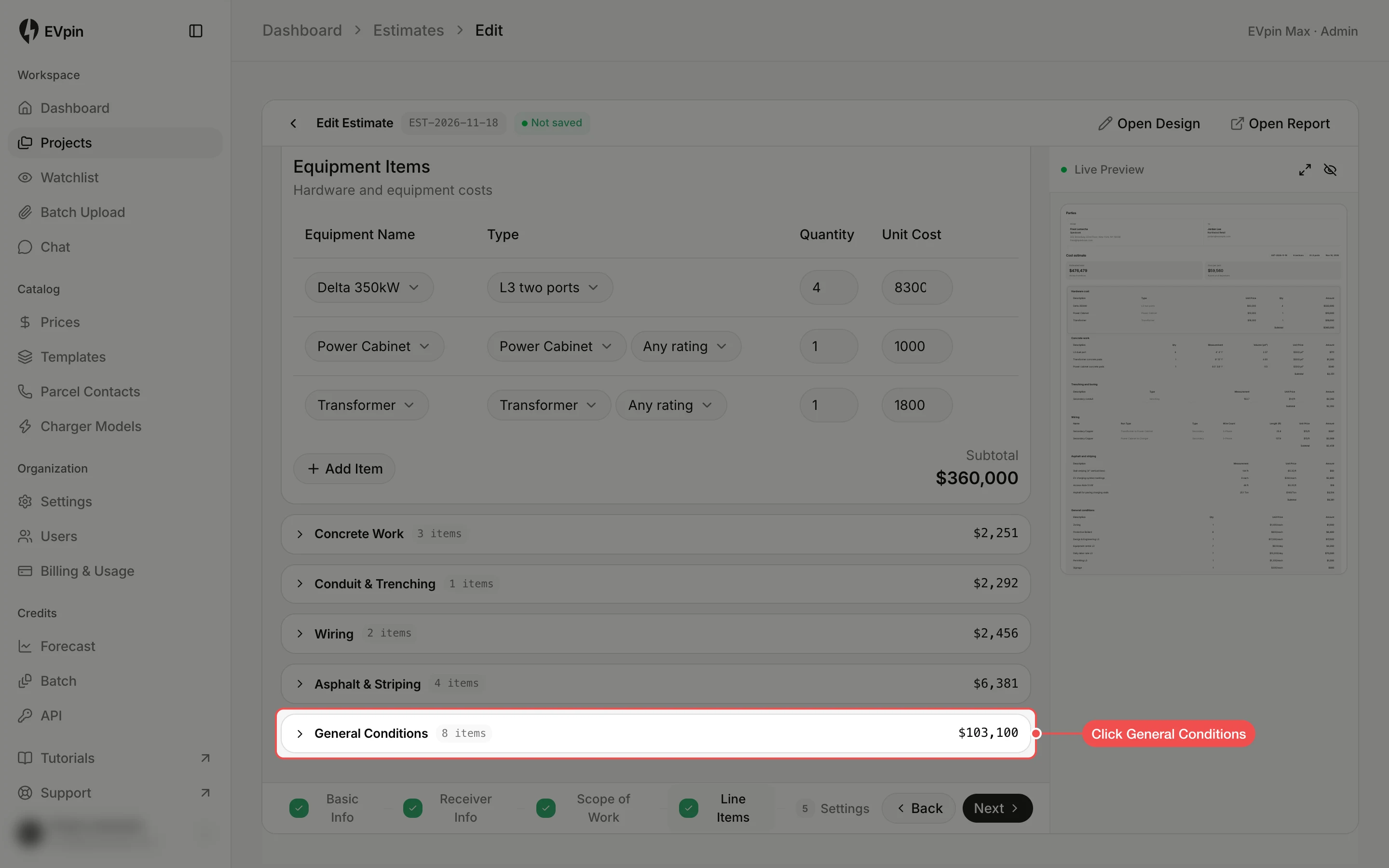
Open the section
Each section of the estimate is a card on the Line Items page. Click the one the line belongs in, such as General Conditions, to open it.
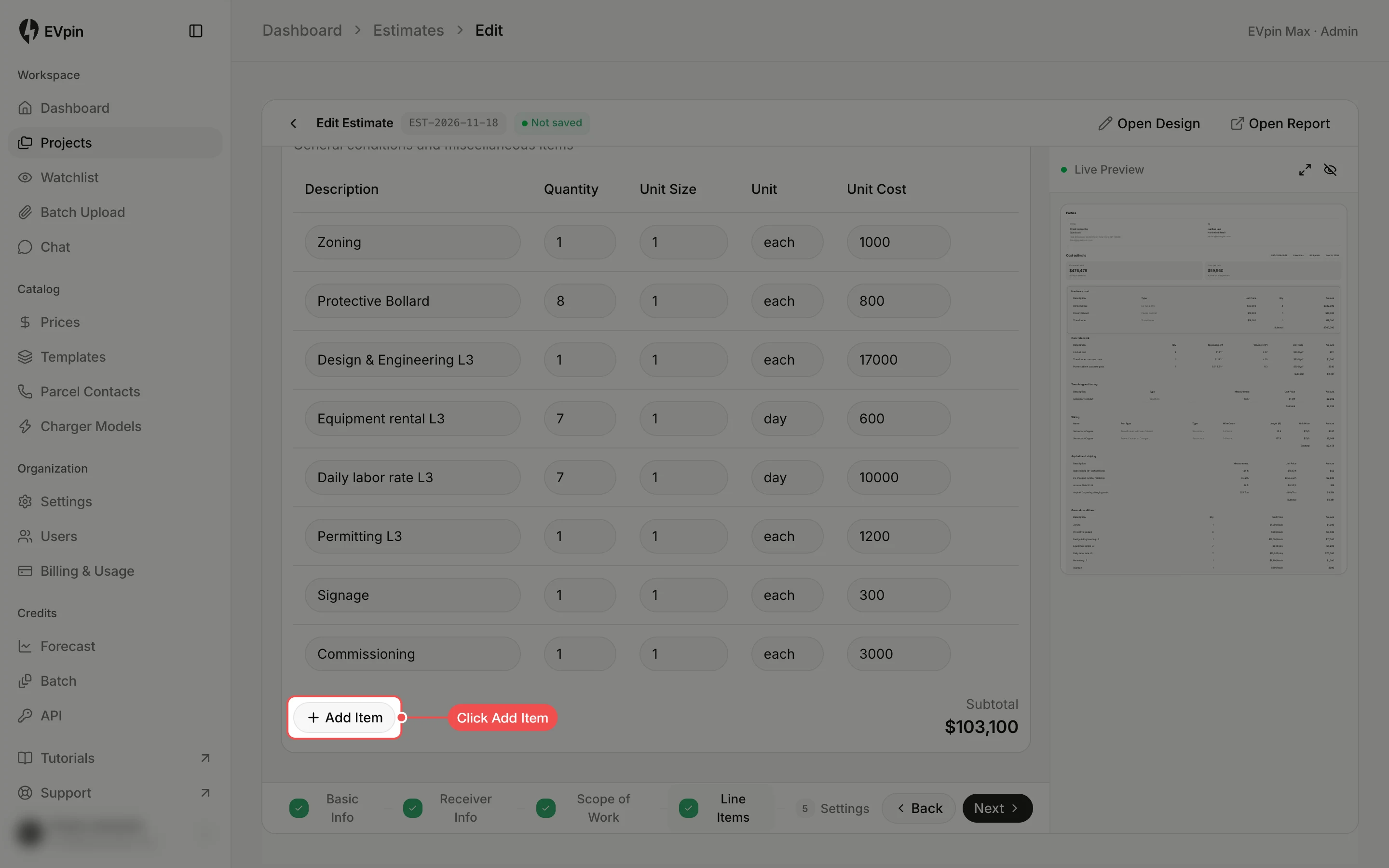
Click Add Item
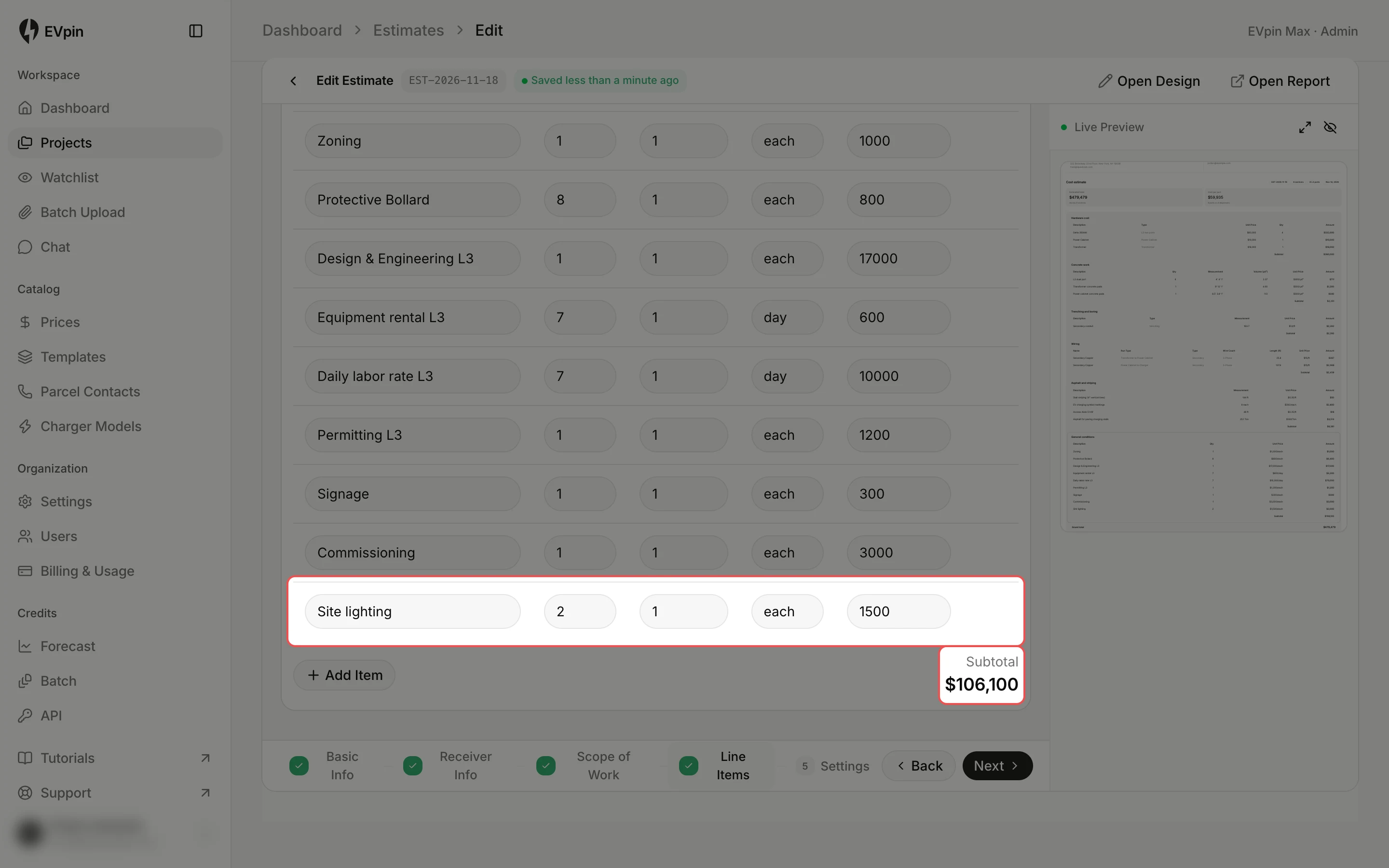
Below the section's lines, click Add Item. An empty line appears at the bottom of the table.
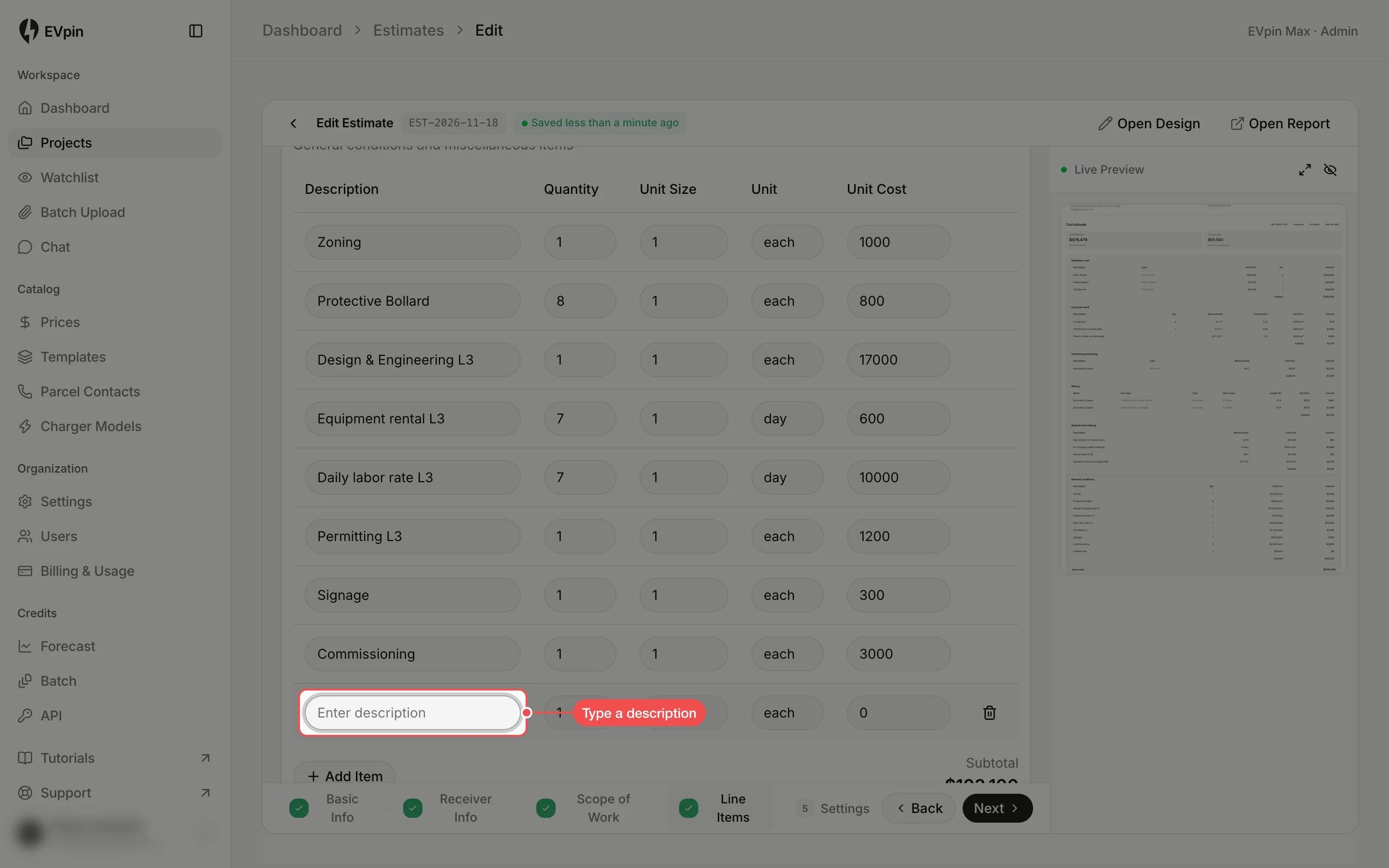
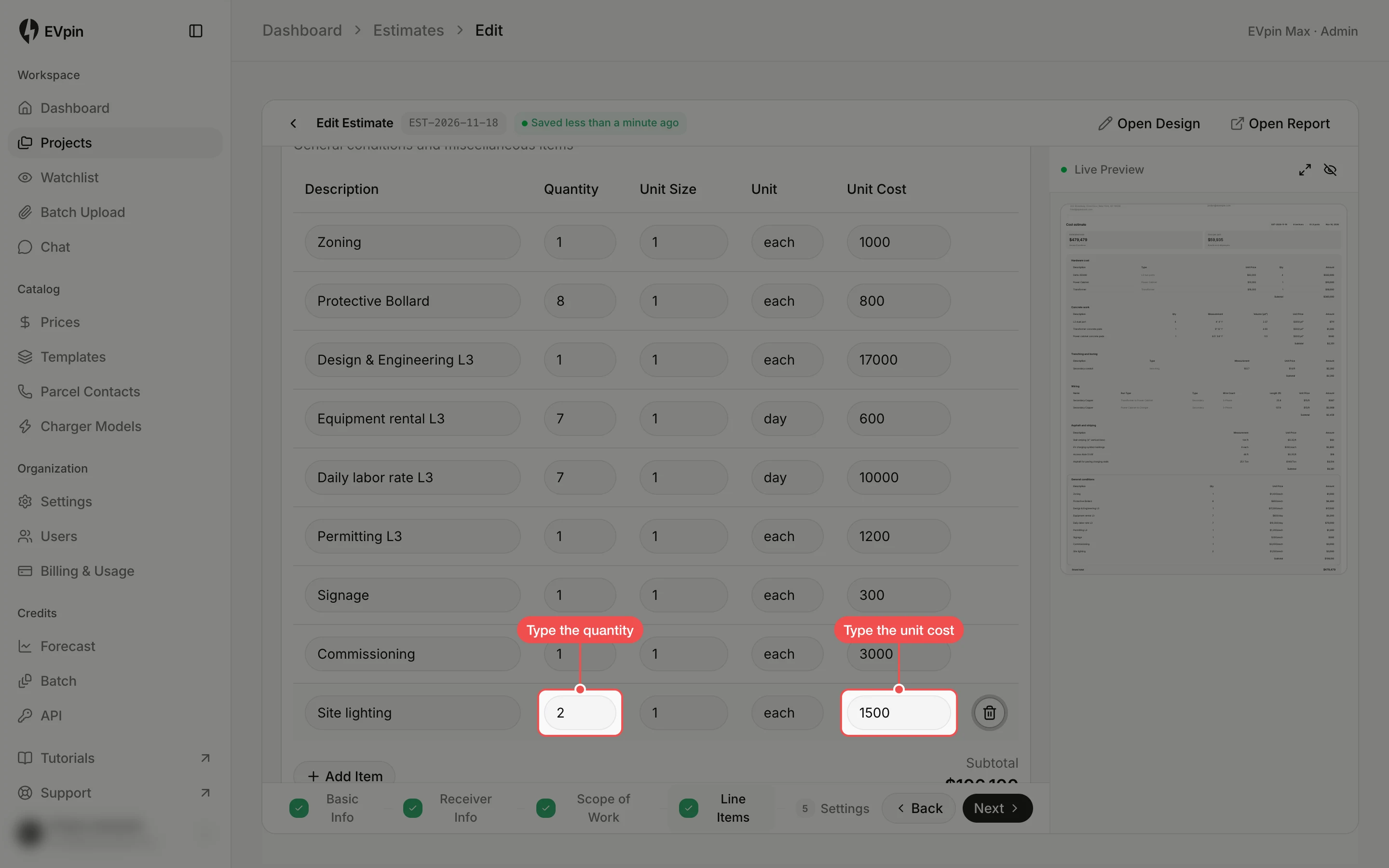
Type the quantity and unit cost
Type the Quantity and the Unit Cost. Change Unit too if the line is not priced per each.
Check the subtotal
The section's Subtotal and the live preview update straight away, and the estimate saves on its own.
What's next
- How to add overhead and sales tax to an estimate to finish the total.