How to undo a change on a design
Take back a change on the Design page with Undo, and bring it back again with Redo.
Deleted or moved the wrong thing? By the end you will have stepped your design back to how it was before the change. Undo works on anything you have done since you opened the design, and each click takes back one change.
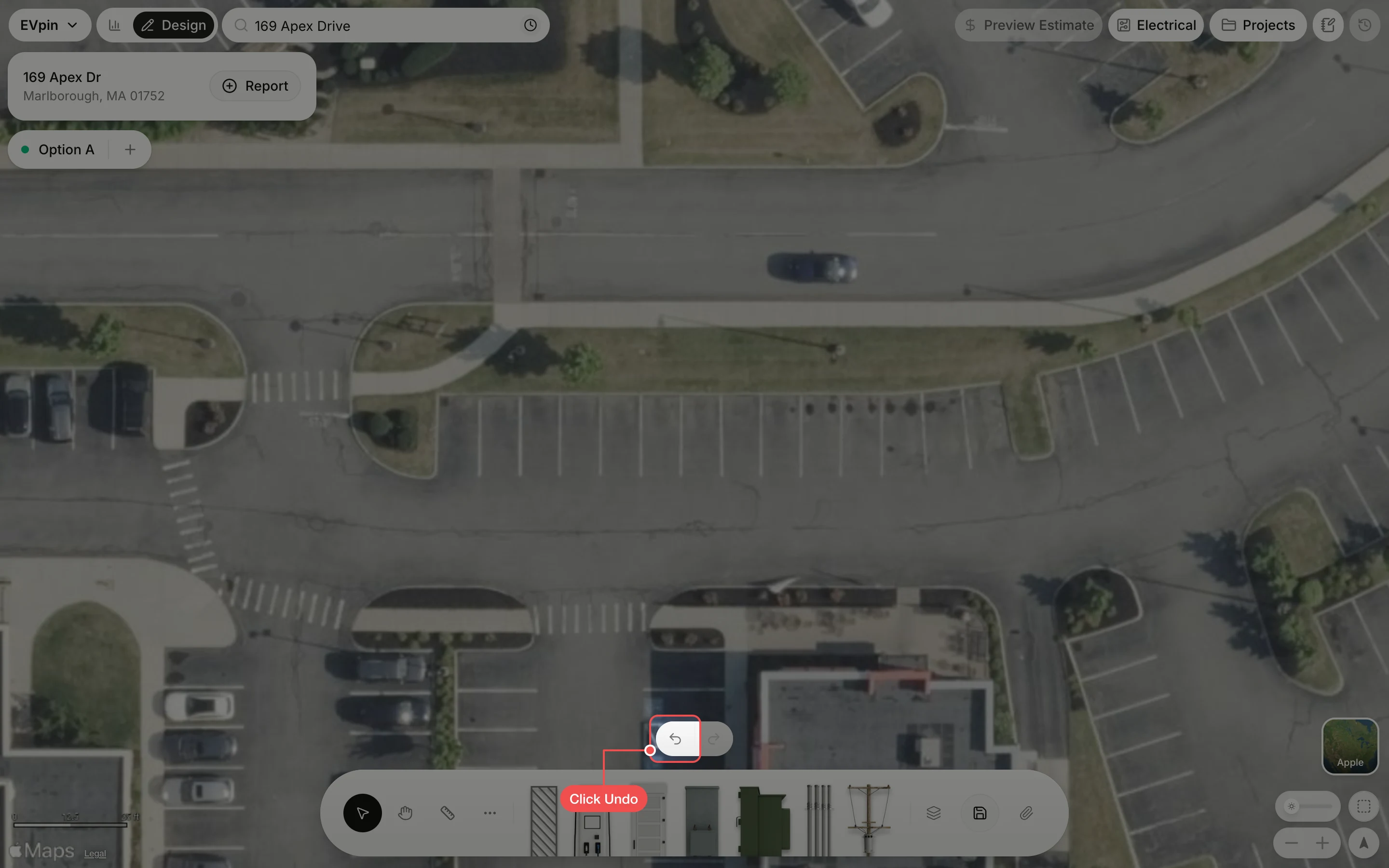
Click Undo
Click Undo, the left arrow just above the dock. The buttons are faint until you move the pointer near them. Here the row of stalls was deleted by mistake.
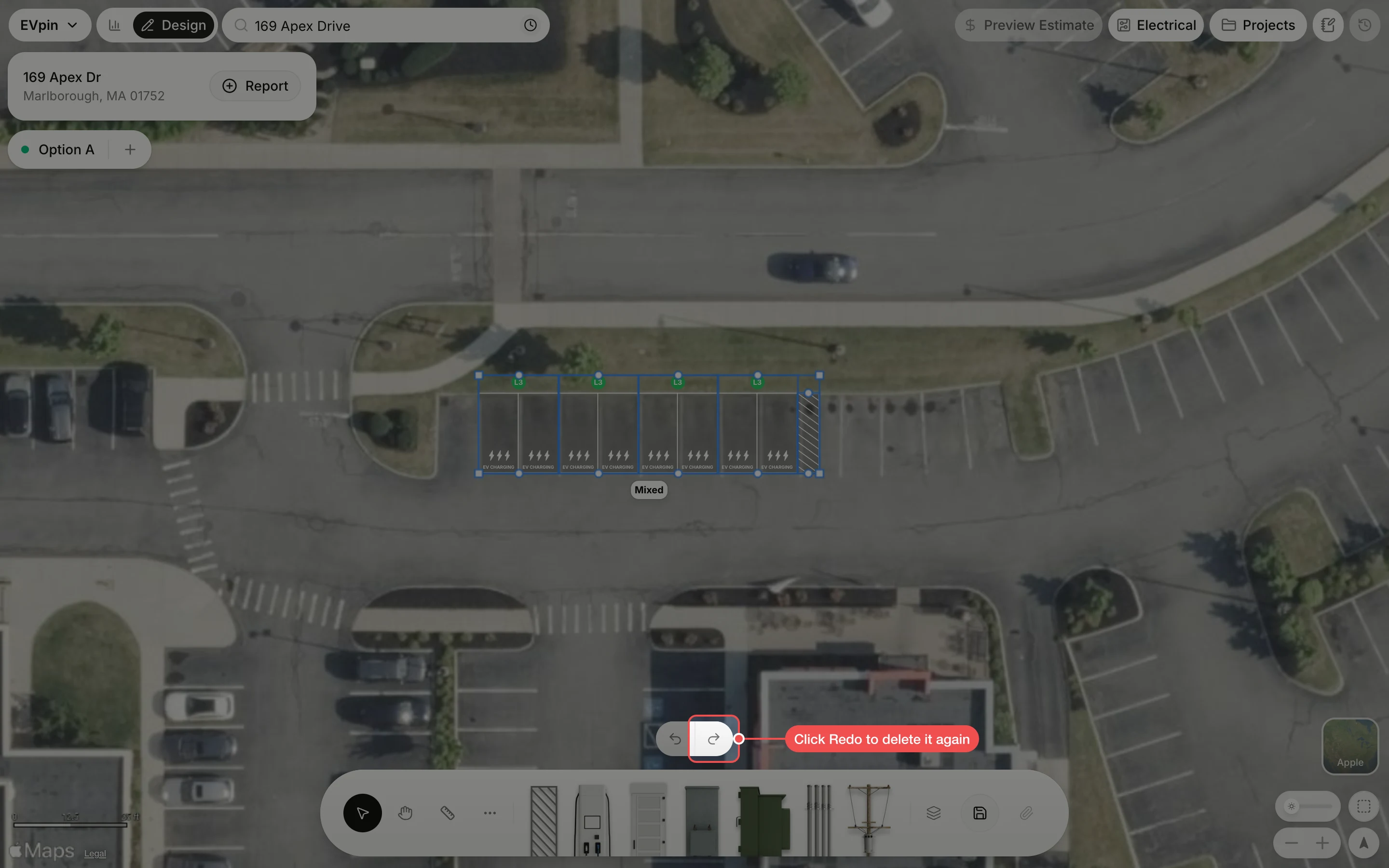
Click Redo if you change your mind
The change is taken back: the stalls are on the map again. Click Undo again to step further back. Click Redo, next to it, to make the change again.
What's next
- How to go back to an earlier version of a design for changes that are already saved.
- How to erase shapes from a design